주요 콘텐츠로 건너뛰기
수리 커뮤니티 가입 - 계정 만들기

HP Pavilion ze5000 Screen Replacement

필요한 것

  1. HP Pavilion ze5000 Screen Replacement, Screen: 1 단계, 이미지 3개 중 1개 HP Pavilion ze5000 Screen Replacement, Screen: 1 단계, 이미지 3개 중 2개 HP Pavilion ze5000 Screen Replacement, Screen: 1 단계, 이미지 3개 중 3개
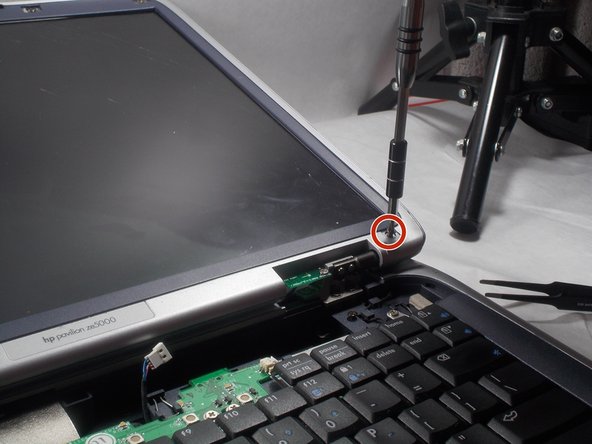
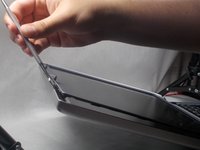
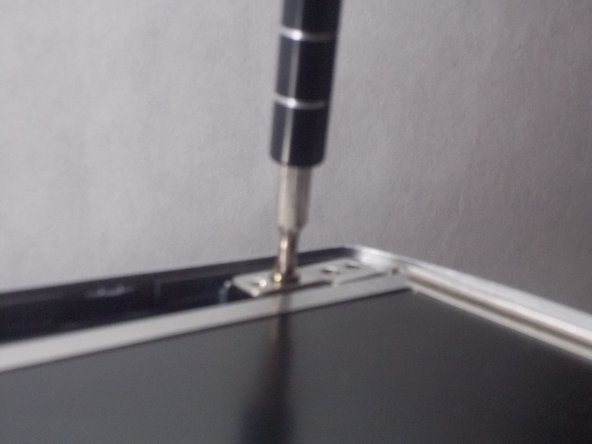
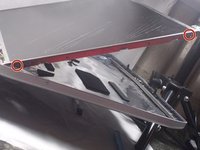
    • Remove two 5.0 mm Philips #0 screws on the hinge of the device

    댓글 쓰기

  2. HP Pavilion ze5000 Screen Replacement: 2 단계, 이미지 2개 중 1개 HP Pavilion ze5000 Screen Replacement: 2 단계, 이미지 2개 중 2개
    이 단계에 사용된 도구:
    Tweezers
    $4.99
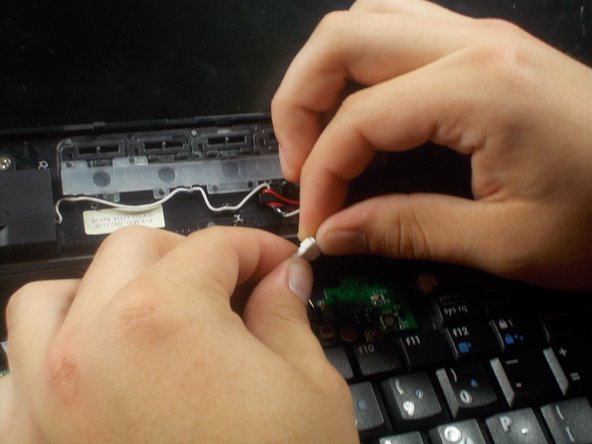
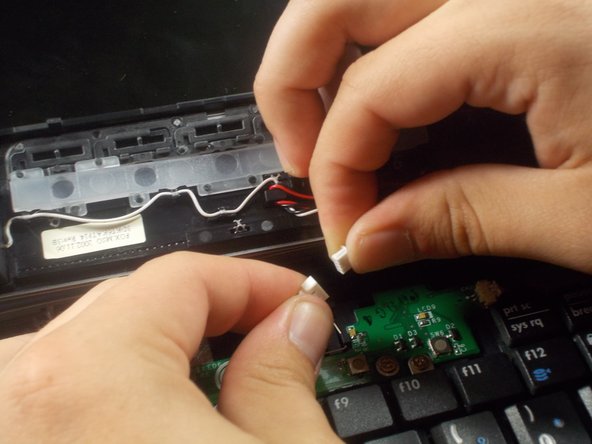
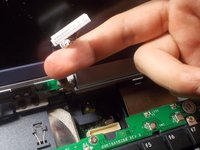
    • Using tweezers, gently pull on the hinges to remove the plastic case connected to the hinges

    댓글 쓰기

  3. HP Pavilion ze5000 Screen Replacement: 3 단계, 이미지 3개 중 1개 HP Pavilion ze5000 Screen Replacement: 3 단계, 이미지 3개 중 2개 HP Pavilion ze5000 Screen Replacement: 3 단계, 이미지 3개 중 3개
    • Remove the connection between the plastic case and interior of the device

    댓글 쓰기

  4. HP Pavilion ze5000 Screen Replacement: 4 단계, 이미지 3개 중 1개 HP Pavilion ze5000 Screen Replacement: 4 단계, 이미지 3개 중 2개 HP Pavilion ze5000 Screen Replacement: 4 단계, 이미지 3개 중 3개
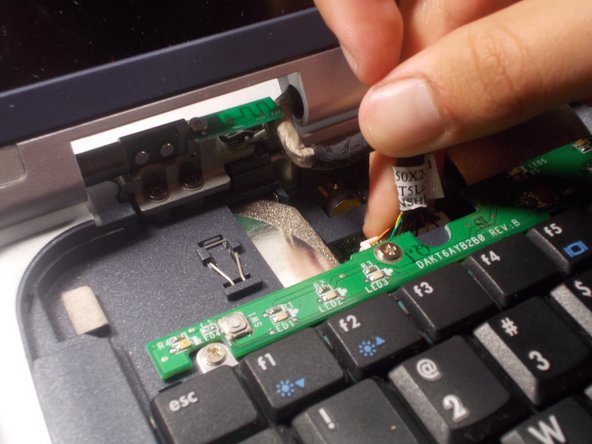
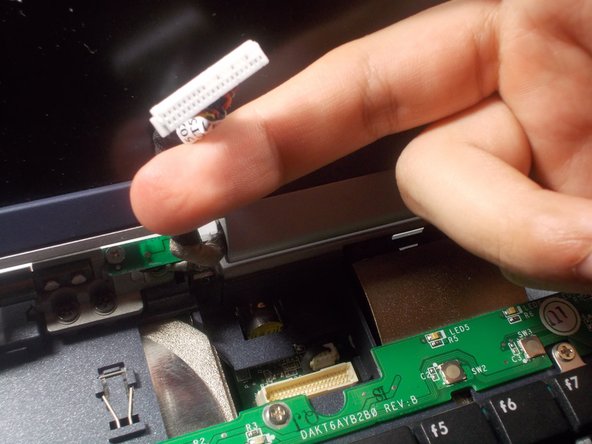
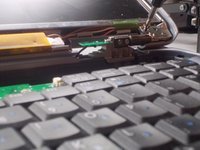
    • Remove the connection from the exposed hinge and interior of the device

    댓글 쓰기

  5. HP Pavilion ze5000 Screen Replacement: 5 단계, 이미지 2개 중 1개 HP Pavilion ze5000 Screen Replacement: 5 단계, 이미지 2개 중 2개
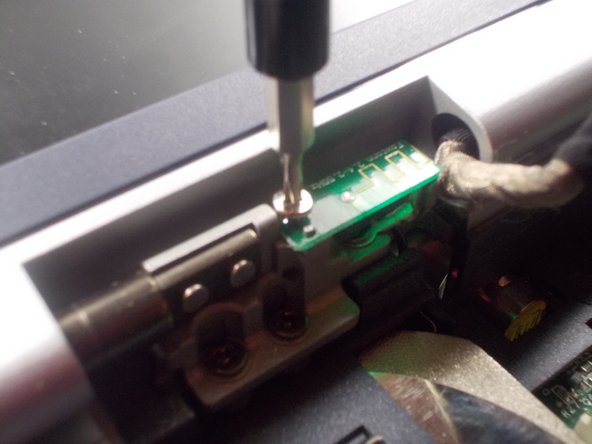
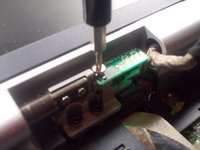
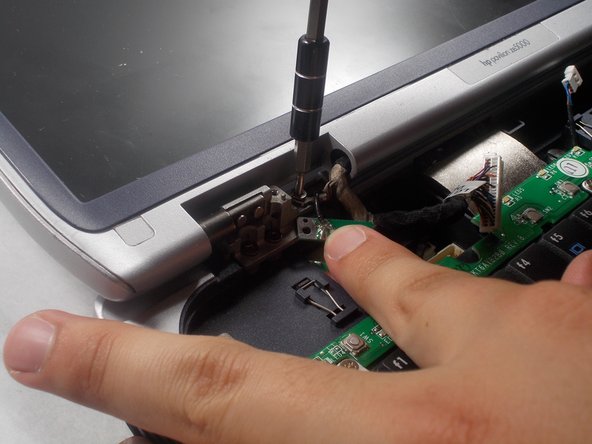
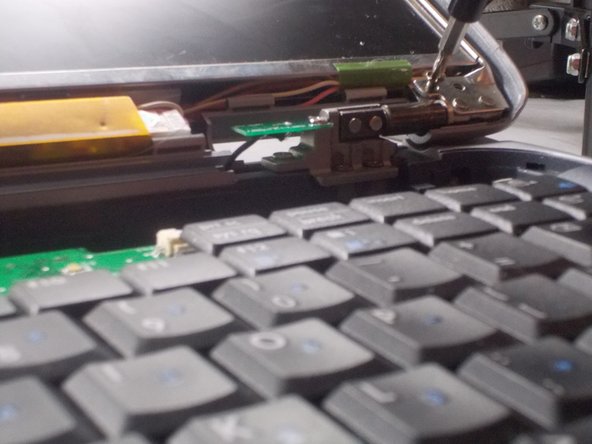
    • Remove the 3.5 mm philips #00 screw on the small circuit board on the hinge

    댓글 쓰기

  6. HP Pavilion ze5000 Screen Replacement: 6 단계, 이미지 2개 중 1개 HP Pavilion ze5000 Screen Replacement: 6 단계, 이미지 2개 중 2개
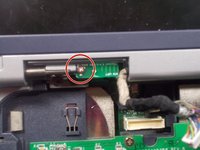
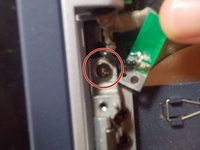
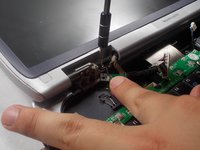
    • Remove the 5.0 mm philips #0 screw that was hidden underneath the small circuit board

    댓글 쓰기

  7. HP Pavilion ze5000 Screen Replacement: 7 단계, 이미지 1개 중 1개
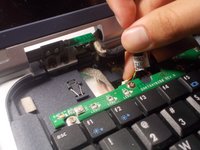
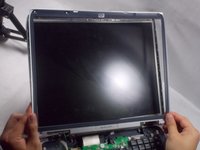
    • Remove the 6 plastic caps located in the four corners of the screen and the top of the screen

    • It may be easier to use tweezers for this part

    댓글 쓰기

  8. HP Pavilion ze5000 Screen Replacement: 8 단계, 이미지 3개 중 1개 HP Pavilion ze5000 Screen Replacement: 8 단계, 이미지 3개 중 2개 HP Pavilion ze5000 Screen Replacement: 8 단계, 이미지 3개 중 3개
    • Unscrew the six 5.0 mm Philips #0 screws underneath the caps

    댓글 쓰기

  9. HP Pavilion ze5000 Screen Replacement: 9 단계, 이미지 3개 중 1개 HP Pavilion ze5000 Screen Replacement: 9 단계, 이미지 3개 중 2개 HP Pavilion ze5000 Screen Replacement: 9 단계, 이미지 3개 중 3개
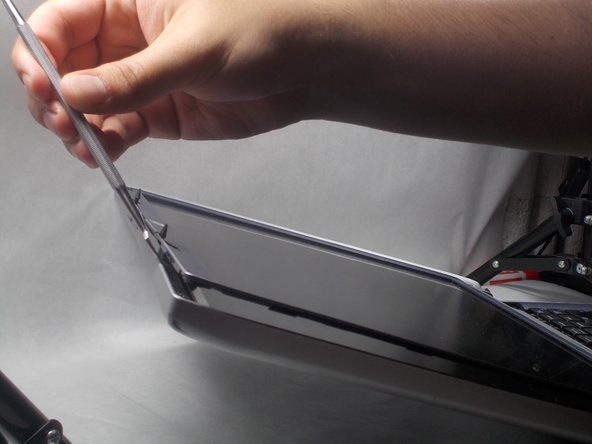
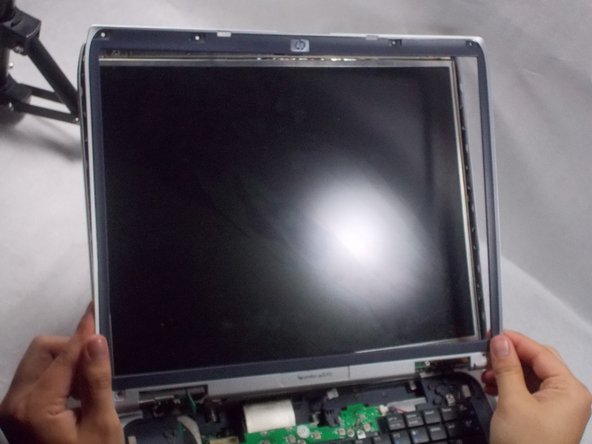
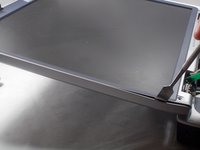
    • Using a spudger, pry the plastic casing off of the screen.

    댓글 쓰기

  10. HP Pavilion ze5000 Screen Replacement: 10 단계, 이미지 3개 중 1개 HP Pavilion ze5000 Screen Replacement: 10 단계, 이미지 3개 중 2개 HP Pavilion ze5000 Screen Replacement: 10 단계, 이미지 3개 중 3개
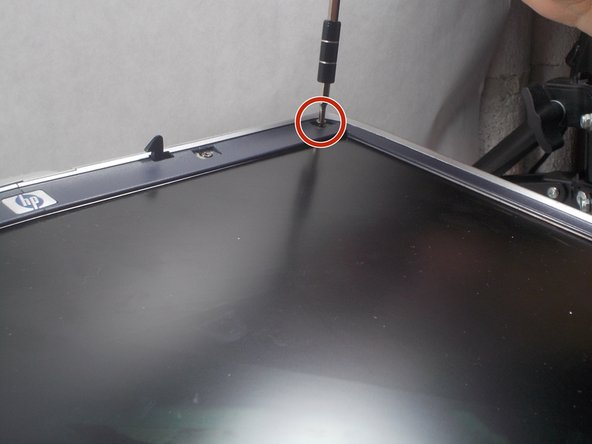
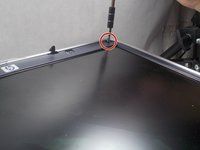
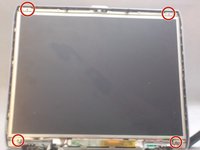
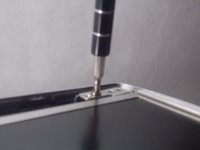
    • Remove four 5.0 mm Philips #0 screws located in the corners of the screen

    • These screws locations will be close to the screws locations in step 2.

    • During reassembly, make sure you do not confuse the proper screw placements from this step and step 4.

    댓글 쓰기

  11. HP Pavilion ze5000 Screen Replacement: 11 단계, 이미지 2개 중 1개 HP Pavilion ze5000 Screen Replacement: 11 단계, 이미지 2개 중 2개
    • Remove the four 3.5 mm Philips #00 screws from the sides of the aluminum casing.

    • There will be two 3.5 mm Philips screws on each side

    댓글 쓰기

결론

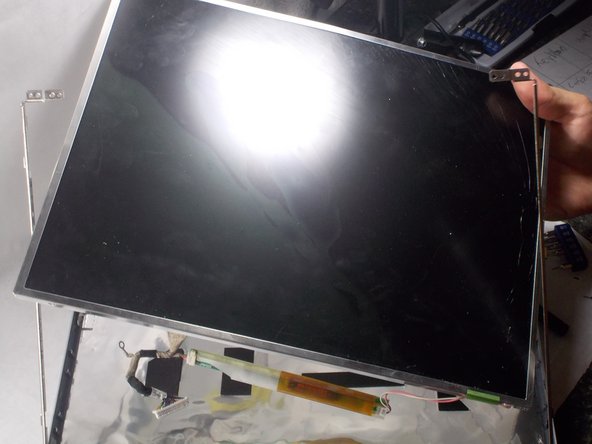
To reassemble your device, follow these instructions in reverse order.

취소: 해당 안내서를 완성하지 않았습니다.

작성자

2다른 기여자 명과 함께

Eric Beaudry

회원 가입일: 03/06/18

823 평판

안내서 3개를 작성함

UMass Dartmouth, Team S2-G7, Bernier Spring 2018 UMass Dartmouth, Team S2-G7, Bernier Spring 2018 회원

UMASSD-BERNIER-S18S2G7

2 회원들

안내서 4개를 작성함

0가이드 댓글

댓글 쓰기

조회 통계:

지난 24시간: 1

지난 7일: 1

지난 30일: 24

전체 시간: 424