주요 콘텐츠로 건너뛰기
수리 커뮤니티 가입 - 계정 만들기

HP ProBook 440 G1 Optical Drive Replacement

필요한 것

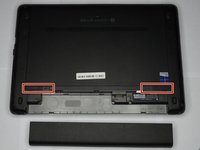
  1. HP ProBook 440 G1 Optical Drive Replacement, Battery: 1 단계, 이미지 2개 중 1개 HP ProBook 440 G1 Optical Drive Replacement, Battery: 1 단계, 이미지 2개 중 2개
    • Make sure the laptop is turned off before you start.

    • Push and hold the release tab on the right and left toward the center.

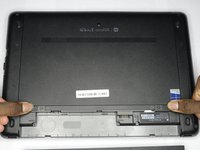
  2. HP ProBook 440 G1 Optical Drive Replacement: 2 단계, 이미지 2개 중 1개 HP ProBook 440 G1 Optical Drive Replacement: 2 단계, 이미지 2개 중 2개
    • Pull the battery out.

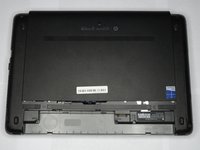
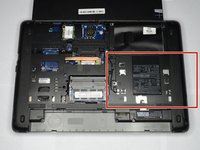
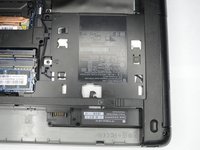
  3. HP ProBook 440 G1 Optical Drive Replacement, Backplate: 3 단계, 이미지 3개 중 1개 HP ProBook 440 G1 Optical Drive Replacement, Backplate: 3 단계, 이미지 3개 중 2개 HP ProBook 440 G1 Optical Drive Replacement, Backplate: 3 단계, 이미지 3개 중 3개
    • Push and hold the release tabs on the right and left toward the center again.

  4. HP ProBook 440 G1 Optical Drive Replacement: 4 단계, 이미지 1개 중 1개
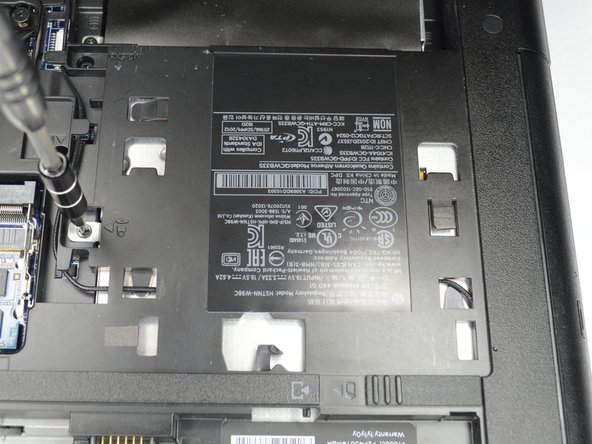
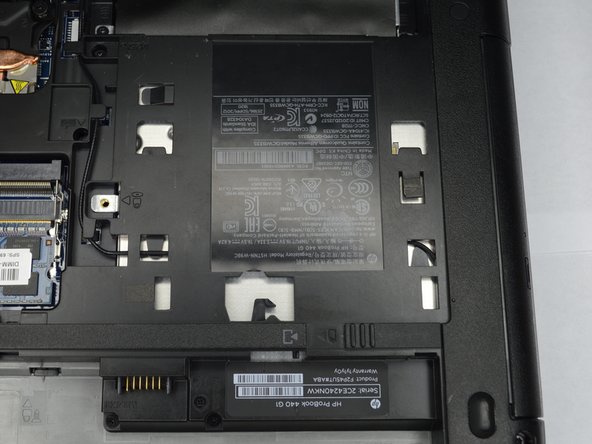
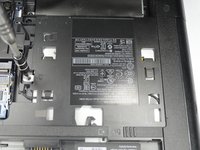
    • Slide the backplate off.

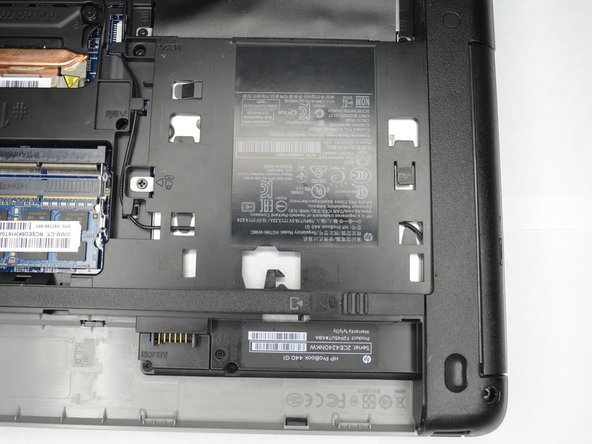
  5. HP ProBook 440 G1 Optical Drive Replacement, Optical Drive: 5 단계, 이미지 2개 중 1개 HP ProBook 440 G1 Optical Drive Replacement, Optical Drive: 5 단계, 이미지 2개 중 2개
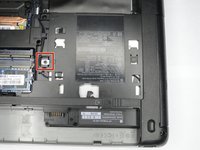
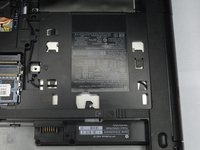
    • Locate the optical drive, near the battery on the right side.

  6. HP ProBook 440 G1 Optical Drive Replacement: 6 단계, 이미지 3개 중 1개 HP ProBook 440 G1 Optical Drive Replacement: 6 단계, 이미지 3개 중 2개 HP ProBook 440 G1 Optical Drive Replacement: 6 단계, 이미지 3개 중 3개
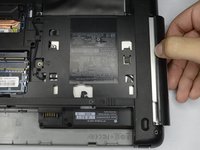
    • Remove the Philips PM2.5x6.0 screw that attaches the optical drive to the computer.

  7. HP ProBook 440 G1 Optical Drive Replacement: 7 단계, 이미지 2개 중 1개 HP ProBook 440 G1 Optical Drive Replacement: 7 단계, 이미지 2개 중 2개
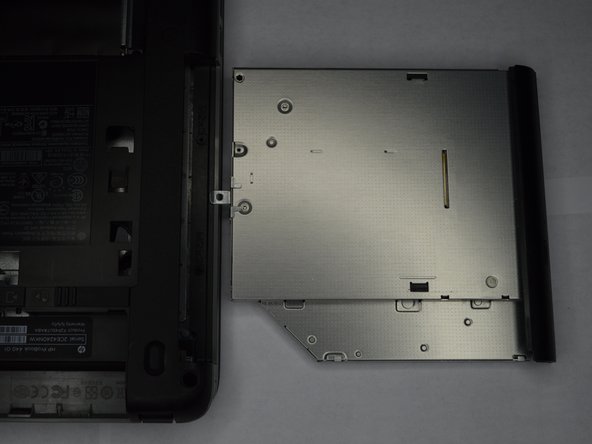
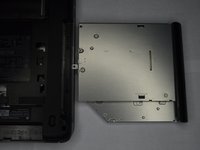
    • Slowly remove the optical drive, by pulling it straight out of the slot.

결론

To reassemble your device, follow these instructions in reverse order.

다른 한 분이 해당 안내서를 완성하였습니다.

작성자

1다른 기여자 명과 함께

Ethan A Courtney

회원 가입일: 10/24/18

875 평판

안내서 7개를 작성함

0가이드 댓글

댓글 쓰기

조회 통계:

지난 24시간: 1

지난 7일: 5

지난 30일: 35

전체 시간: 836