소개
The SIM card in your HTC Fortress stores important information including your contacts and personal settings. It is designed to be removed relatively easily.
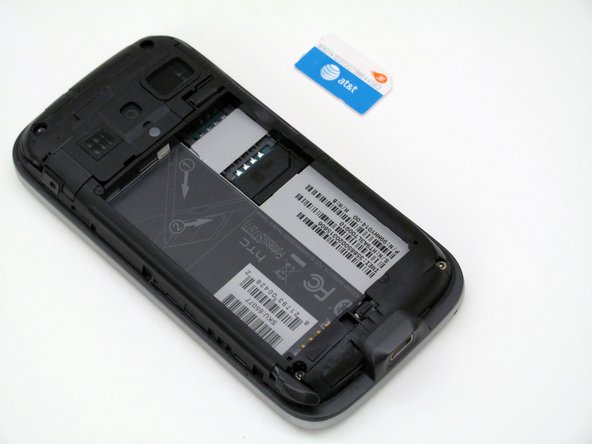
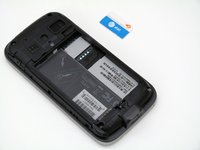
In this guide, you will learn how to replace the SIM Card in the HTC Fortress. No tools are required for this guide.
-
-
-
Insert the stylus into the small slot.
-
Use the stylus as a lever to push the sim card out of its fitting.
-
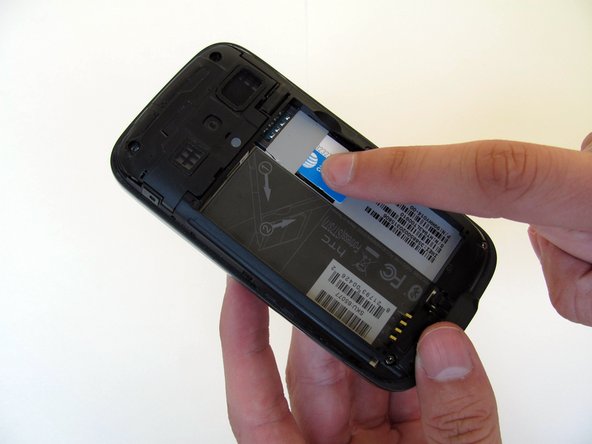
Use your finger to slide the card out the rest of the way.
-


 FixBot에 문의하기


결론
To reassemble your device, follow these instructions in reverse order.

팀

Cal Poly, Team 4-13, Maness Spring 2013 Cal Poly, Team 4-13, Maness Spring 2013 회원
CPSU-MANESS-S13S4G13
4 회원들
안내서 36개를 작성함
