소개
You may need to replace your screen if it is broken or cracked.
필요한 것
-
-
Power off your device.
-
Insert a pin, paper clip, or very small piece of metal in the hole next to the micro sim card holder to remove it.
 FixBot에 문의하기
-
-
-
Using plastic opening tools, pry open the bottom of the device first.
-
Once both sides are detached, use the suction cup tool to remove the screen completely from the black encasing.
-
-
-
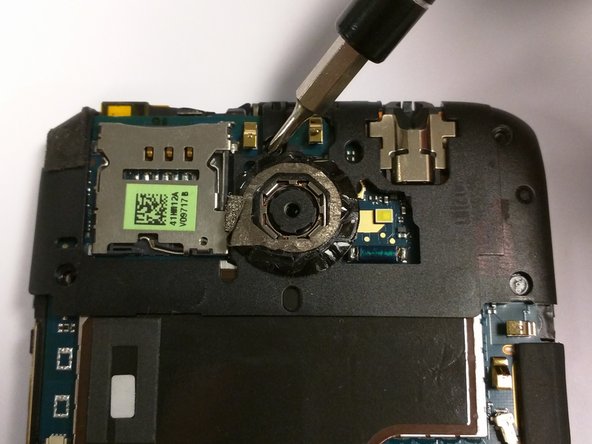
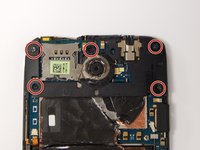
Remove the five 2.4 mm screws using a Phillips #000 screwdriver.
-
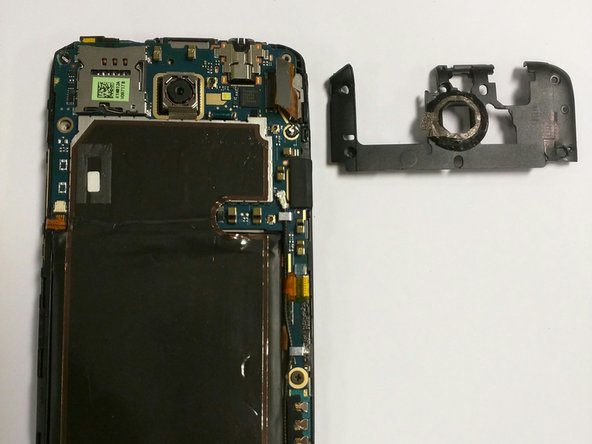
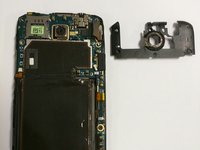
Remove the plastic cover.
-
-
-
-
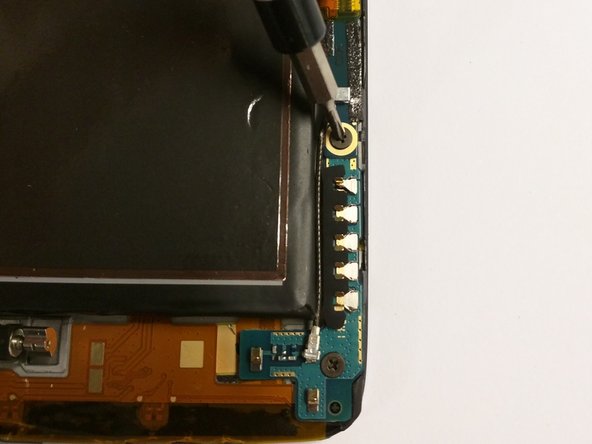
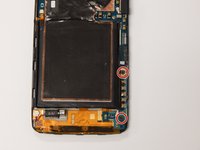
Use a Phillips #000 screwdriver to remove the two 3.4 mm screws.
-
Remove the PCB board and antenna.
-
-
이 단계에 사용된 도구:Tweezers$4.99
-
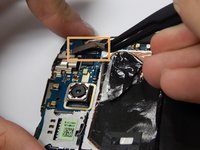
Use tweezers to disconnect the power button flex cable.
-
-
-
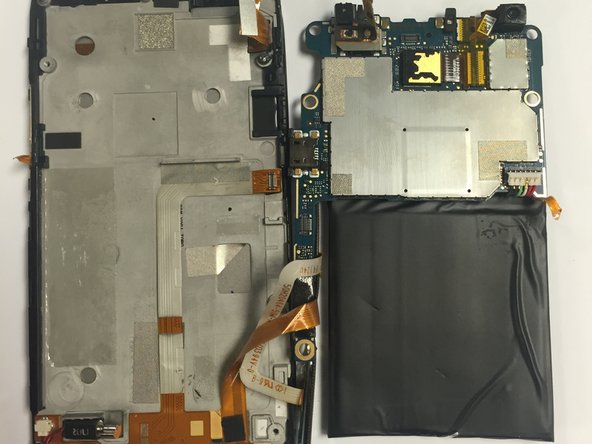
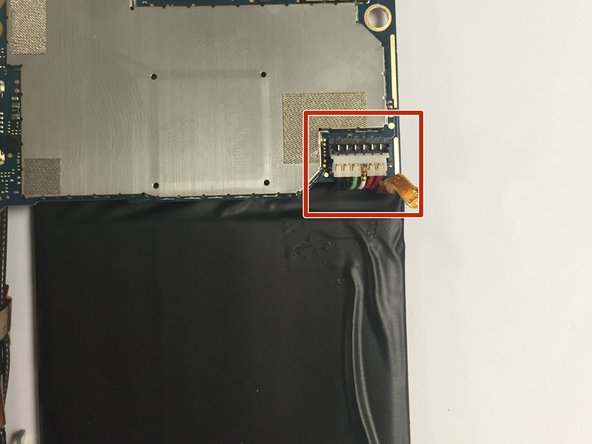
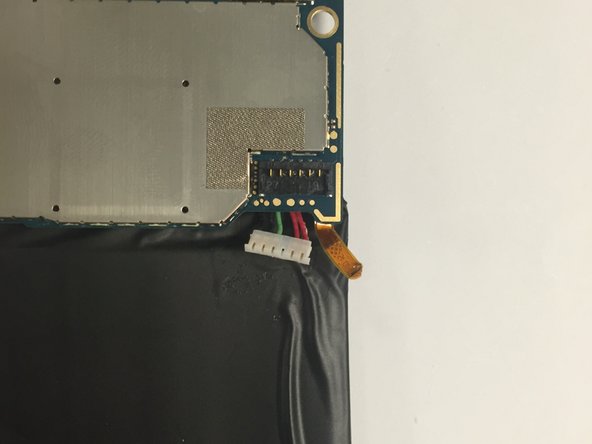
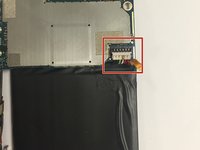
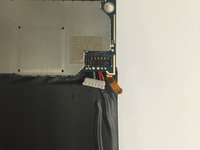
Disconnect the battery's six pin connector from the motherboard.
-
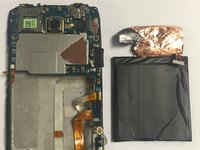
Remove the battery by pulling it upwards.
-
-
-
Disconnect the screen from the digitizer.
-
Use a plastic opening tool to gently disconnect the screen from the digitizer.
-



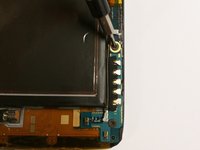
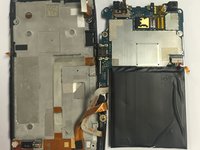

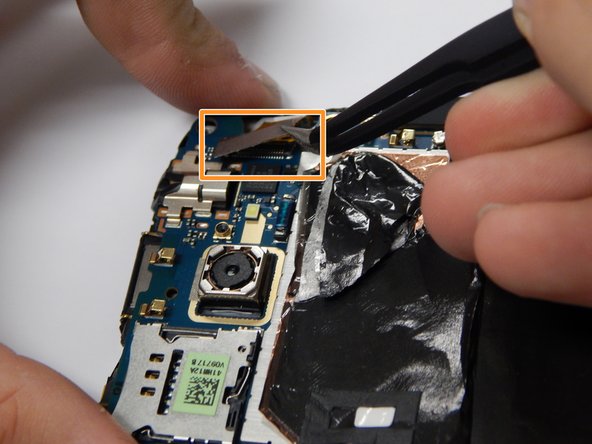

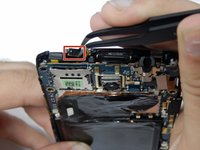


To reassemble your device, follow these instructions in reverse order.

팀

USF Tampa, Team 3-3, Eyestone Fall 2015 USF Tampa, Team 3-3, Eyestone Fall 2015 회원
USFT-EYESTONE-F15S3G3
3 회원들
안내서 15개를 작성함
1가이드 댓글
Man, this did nothing but break my International One X+. There were so many instructions missing.
