주요 콘텐츠로 건너뛰기
수리 커뮤니티 가입 - 계정 만들기

HTC Ozone Keyboard Replacement

필요한 것

    1. HTC Ozone Keyboard Replacement, Rear Battery Cover: 1 단계, 이미지 1개 중 1개
      • Flip the phone over to have the rear cover facing up.

      • The camera lens should be towards the top of the phone.

      댓글 쓰기

    2. HTC Ozone Keyboard Replacement: 2 단계, 이미지 2개 중 1개 HTC Ozone Keyboard Replacement: 2 단계, 이미지 2개 중 2개
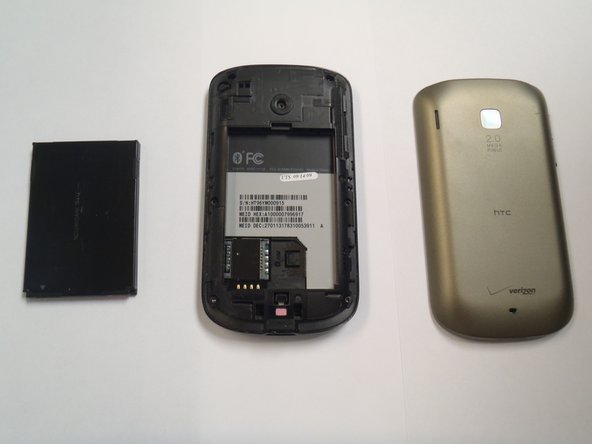
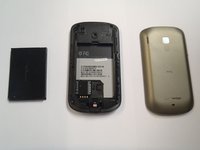
      • Slide the cover up, towards the top of phone, to unlock the battery cover.

      • Lift the cover off phone and remove it.

      댓글 쓰기

    1. HTC Ozone Keyboard Replacement, Battery: 3 단계, 이미지 3개 중 1개 HTC Ozone Keyboard Replacement, Battery: 3 단계, 이미지 3개 중 2개 HTC Ozone Keyboard Replacement, Battery: 3 단계, 이미지 3개 중 3개
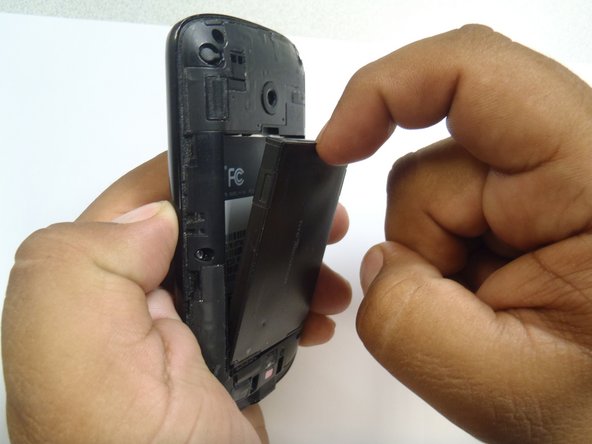
      • Use your finger to push the top of the battery downwards and lift the battery out of the phone.

      댓글 쓰기

    1. HTC Ozone Keyboard Replacement, Frame: 4 단계, 이미지 2개 중 1개 HTC Ozone Keyboard Replacement, Frame: 4 단계, 이미지 2개 중 2개
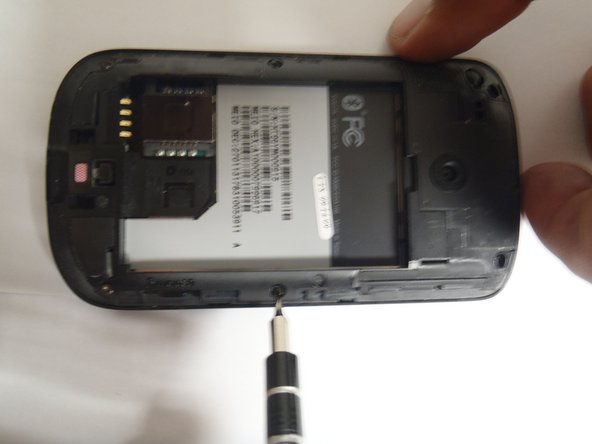
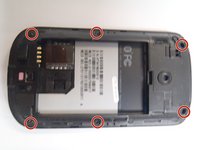
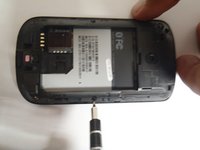
      • Remove the six Torx #5 screws that are securing the rear frame.

      댓글 쓰기

    2. HTC Ozone Keyboard Replacement: 5 단계, 이미지 3개 중 1개 HTC Ozone Keyboard Replacement: 5 단계, 이미지 3개 중 2개 HTC Ozone Keyboard Replacement: 5 단계, 이미지 3개 중 3개
      이 단계에 사용된 도구:
      Plastic Cards
      $2.99
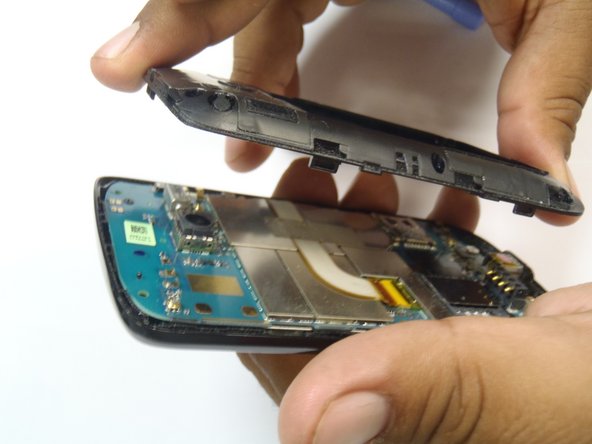
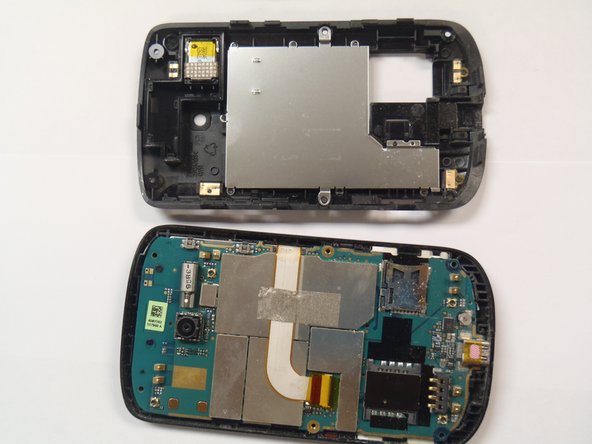
      • Pry the frame open, releasing the eight plastic tabs around the edge of the frame, using the plastic opening tool.

      • A plastic card can be used instead of the plastic opening tool.

      댓글 쓰기

    1. HTC Ozone Keyboard Replacement, Motherboard: 6 단계, 이미지 2개 중 1개 HTC Ozone Keyboard Replacement, Motherboard: 6 단계, 이미지 2개 중 2개
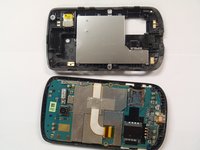
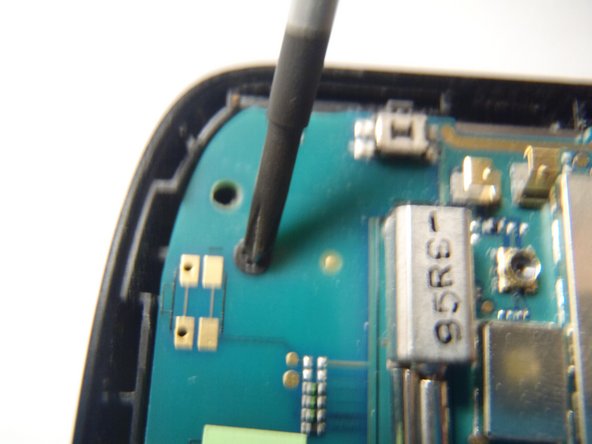
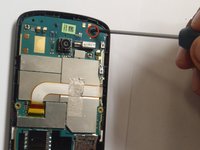
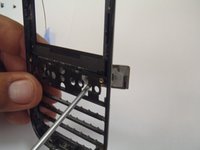
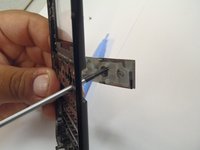
      • Remove the single Phillips #0 screw that is securing the motherboard to the front case of the phone.

      댓글 쓰기

    2. HTC Ozone Keyboard Replacement: 7 단계, 이미지 2개 중 1개 HTC Ozone Keyboard Replacement: 7 단계, 이미지 2개 중 2개
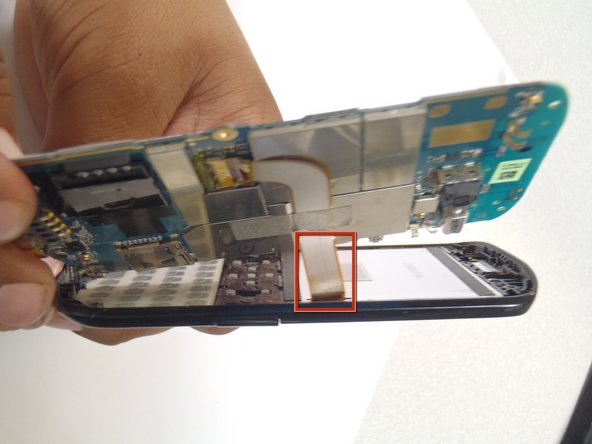
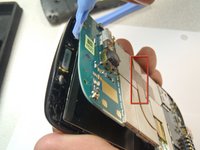
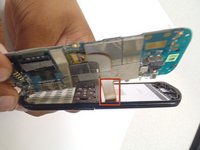
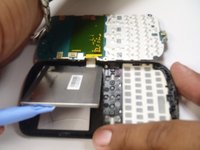
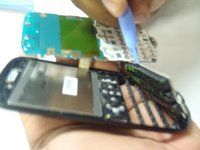
      • Pry the motherboard away from the front of the plastic case using a plastic opening tool.

      • Be careful not to break the ribbon cable when prying away the motherboard.

      댓글 쓰기

    3. HTC Ozone Keyboard Replacement: 8 단계, 이미지 3개 중 1개 HTC Ozone Keyboard Replacement: 8 단계, 이미지 3개 중 2개 HTC Ozone Keyboard Replacement: 8 단계, 이미지 3개 중 3개
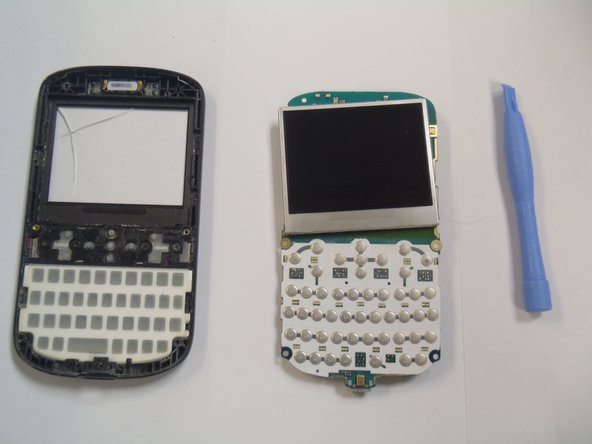
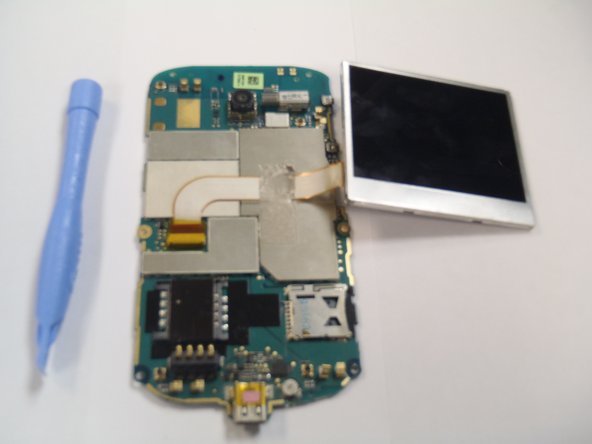
      • Remove the plastic cover from the LCD display and the motherboard.

      • The Motherboard and the LCD are still attached together.

      댓글 쓰기

    1. HTC Ozone Keyboard Replacement, LCD Display: 9 단계, 이미지 2개 중 1개 HTC Ozone Keyboard Replacement, LCD Display: 9 단계, 이미지 2개 중 2개
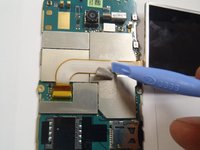
      • Remove the gray tape securing the ribbon cable.

      댓글 쓰기

    2. HTC Ozone Keyboard Replacement: 10 단계, 이미지 1개 중 1개
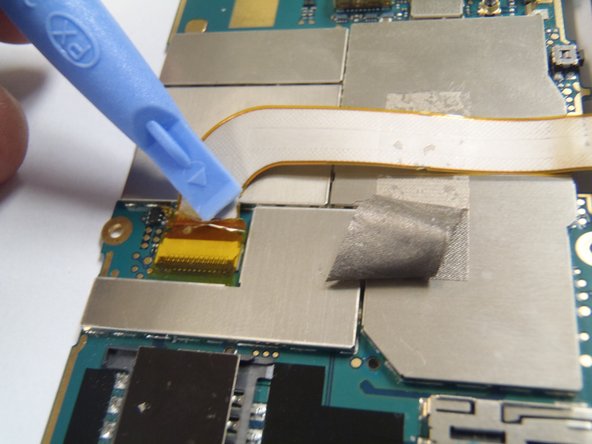
      • Remove the yellow tape securing the connector lock.

      댓글 쓰기

    3. HTC Ozone Keyboard Replacement: 11 단계, 이미지 2개 중 1개 HTC Ozone Keyboard Replacement: 11 단계, 이미지 2개 중 2개
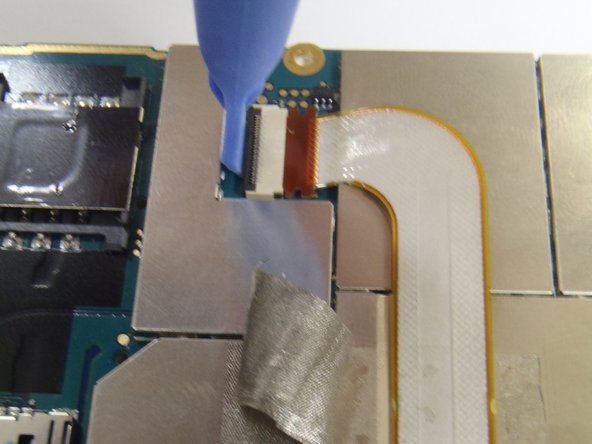
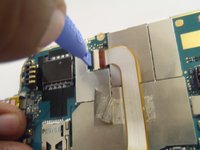
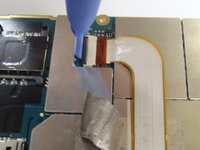
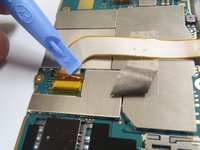
      • Carefully lift the black lock to release the ribbon cable, using the plastic opening tool.

      댓글 쓰기

    4. HTC Ozone Keyboard Replacement: 12 단계, 이미지 1개 중 1개
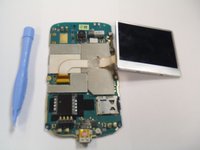
      • Pull the ribbon cable upwards, disconnecting it from the Motherboard.

      댓글 쓰기

    5. HTC Ozone Keyboard Replacement: 13 단계, 이미지 1개 중 1개
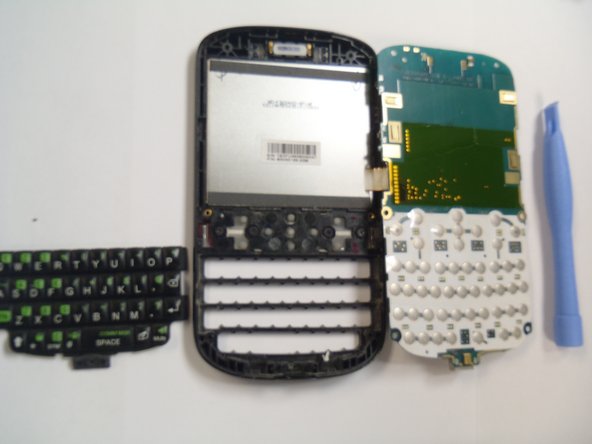
      • Lift the Motherboard away from the LCD display.

      댓글 쓰기

    1. HTC Ozone Keyboard Replacement, Keyboard: 14 단계, 이미지 2개 중 1개 HTC Ozone Keyboard Replacement, Keyboard: 14 단계, 이미지 2개 중 2개
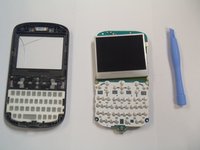
      • Lift off main keyboard from front plastic case using plastic opening tool.

      댓글 쓰기

    2. HTC Ozone Keyboard Replacement: 15 단계, 이미지 2개 중 1개 HTC Ozone Keyboard Replacement: 15 단계, 이미지 2개 중 2개
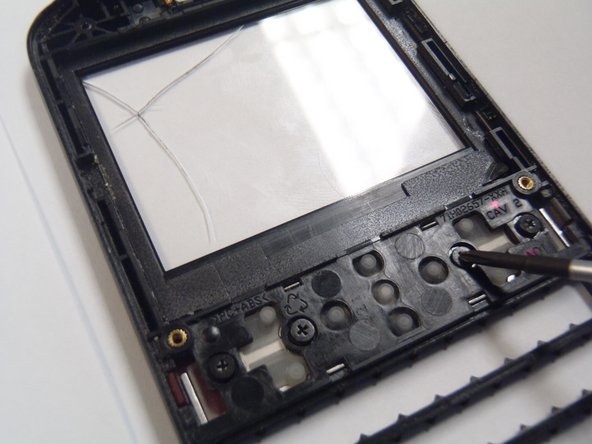
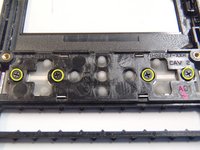
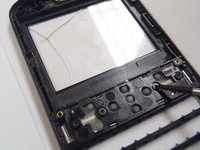
      • Remove four Phillips #00 screws securing function keys.

      댓글 쓰기

    3. HTC Ozone Keyboard Replacement: 16 단계, 이미지 2개 중 1개 HTC Ozone Keyboard Replacement: 16 단계, 이미지 2개 중 2개
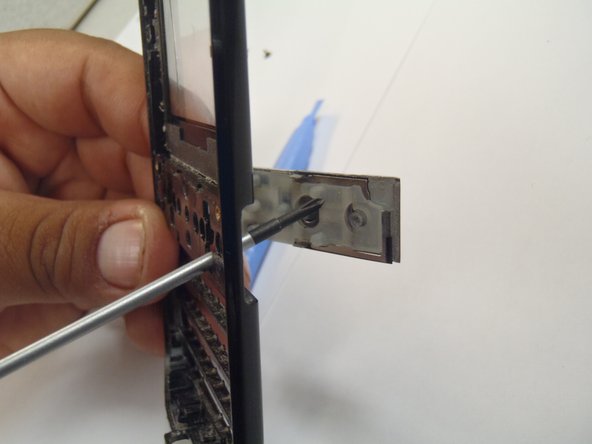
      • Pop keys out by pushing keys from back of the phone.

      댓글 쓰기

결론

To reassemble your device, follow these instructions in reverse order.

취소: 해당 안내서를 완성하지 않았습니다.

다른 한 분이 해당 안내서를 완성하였습니다.

작성자

3다른 기여자 명과 함께

Marco Jokada

회원 가입일: 04/28/11

247 평판

안내서 6개를 작성함

CSU Los Angeles, Team 1-2, Nelson Spring 2011 CSU Los Angeles, Team 1-2, Nelson Spring 2011 회원

CSULA-NELSON-S11S1G2

5 회원들

안내서 42개를 작성함

0가이드 댓글

댓글 쓰기

조회 통계:

지난 24시간: 0

지난 7일: 4

지난 30일: 22

전체 시간: 2,077