소개
This guide shows you how to replace your HTC Radar 4G’s touch digitizer.
If your phone isn’t properly registering your touch, you might need to replace the touch digitizer, which turns your finger actions into digital actions.
The digitizer is a thin layer of plastic film that is capable of converting analog touch comments into digital signals.
Before using this guide, please determine whether the LCD screen or the digitizer doesn't work, because a broken LCD screen may also perform the infectiveness of touching. As well as it, be sure to check the version of your HTC device since other versions can have the outermost glass of the screen glued to the digitizer, making it impossible to replace it amateurly.
필요한 것
-
-
-
Slide the lower plastic panel off of the phone.
-
Remove the four screws from the white plastic cover of the phone using the T5 Torx screwdriver.
-
Remove the two black screws from the silver frame.
 FixBot에 문의하기
-
-
-
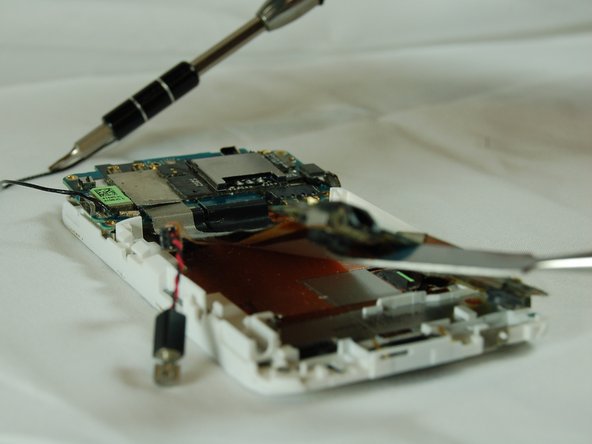
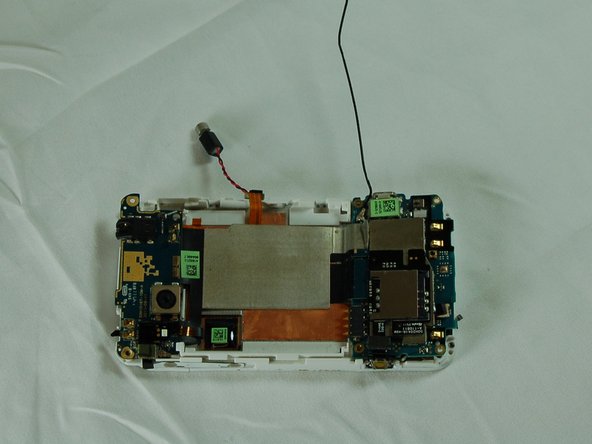
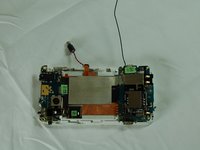
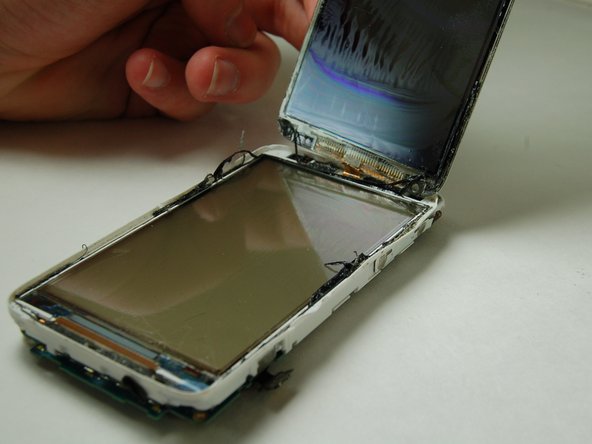
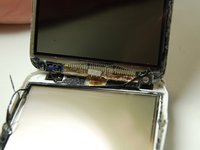
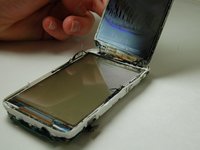
Remove the back cover by pressing on the back of the motherboard lightly and pulling the screen out carefully.
-
-
-



To reassemble your device, follow these instructions in reverse order.

팀

Texas Tech, Team 12-5, Bennett Fall 2016 Texas Tech, Team 12-5, Bennett Fall 2016 회원
TTU-BENNETT-F16S12G5
4 회원들
안내서 7개를 작성함
