주요 콘텐츠로 건너뛰기
수리 커뮤니티 가입 - 계정 만들기

HTC Thunderbolt Volume Buttons Replacement

필요한 것

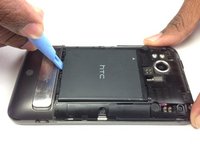
  1. HTC Thunderbolt Volume Buttons Replacement, Rear Panel: 1 단계, 이미지 1개 중 1개
    • Insert the plastic opening tool into the top of the Thunderbolt near the power button.

    • Gently pry up on the rear panel around the edges until it is loose.

    댓글 쓰기

  2. HTC Thunderbolt Volume Buttons Replacement: 2 단계, 이미지 1개 중 1개
    • Lift and remove the rear panel.

    댓글 쓰기

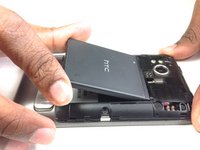
  3. HTC Thunderbolt Volume Buttons Replacement, Battery: 3 단계, 이미지 2개 중 1개 HTC Thunderbolt Volume Buttons Replacement, Battery: 3 단계, 이미지 2개 중 2개
    • Using the plastic opening tool, lift up the battery from the bottom near the kickstand.

    • Remove the battery from the inner frame.

    댓글 쓰기

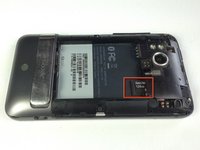
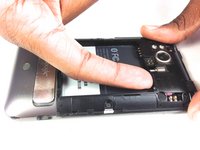
  4. HTC Thunderbolt Volume Buttons Replacement, MicroSD Card: 4 단계, 이미지 2개 중 1개 HTC Thunderbolt Volume Buttons Replacement, MicroSD Card: 4 단계, 이미지 2개 중 2개
    • Use your finger to push the MicroSD card in towards the top of the phone, allowing it to be released from the casing.

    댓글 쓰기

  5. HTC Thunderbolt Volume Buttons Replacement: 5 단계, 이미지 1개 중 1개
    이 단계에 사용된 도구:
    Tweezers
    $4.99
    • Use tweezers to grab onto the MicroSD card and carefully remove it from the casing.

    댓글 쓰기

  6. HTC Thunderbolt Volume Buttons Replacement, Rear Frame: 6 단계, 이미지 1개 중 1개
    • Remove the six Phillips screws from the perimeter of the rear frame.

    • By removing the screw with the "void" sticker on it, your Thunderbolt will no longer be covered under warranty.

    댓글 쓰기

  7. HTC Thunderbolt Volume Buttons Replacement: 7 단계, 이미지 2개 중 1개 HTC Thunderbolt Volume Buttons Replacement: 7 단계, 이미지 2개 중 2개
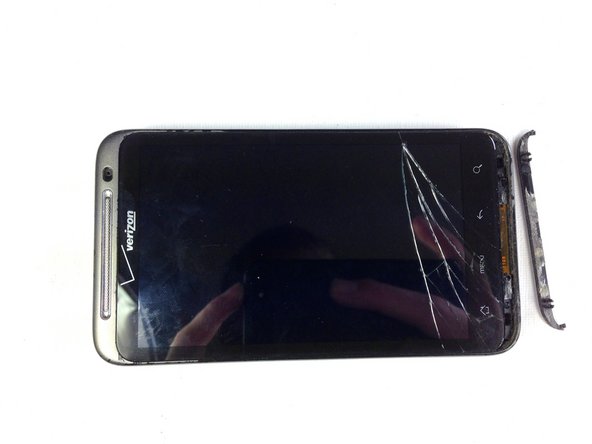
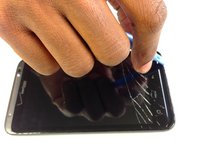
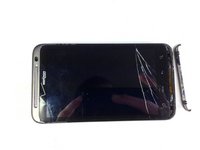
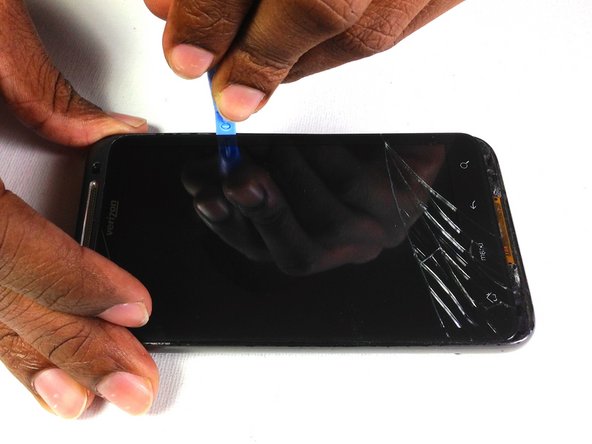
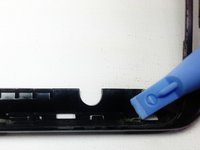
    • Insert the plastic opening tool into the bottom of the phone underneath the soft keys.

    • Gently pry up on the plastic cover by sliding the plastic opening tool across the bottom of the phone.

    • Remove the plastic cover.

    • The plastic cover will have adhesive on it making it difficult to remove.

    댓글 쓰기

  8. HTC Thunderbolt Volume Buttons Replacement: 8 단계, 이미지 1개 중 1개
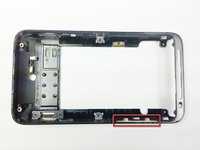
    • Remove the two Phillips screws where the plastic cover was.

    댓글 쓰기

  9. HTC Thunderbolt Volume Buttons Replacement: 9 단계, 이미지 2개 중 1개 HTC Thunderbolt Volume Buttons Replacement: 9 단계, 이미지 2개 중 2개
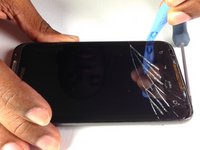
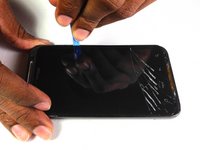
    • Insert the plastic opening tool in between the screen and the frame on the side of the phone.

    • Slowly slide the the plastic opening tool along the side of the phone until the screen begins to separate from the frame.

    • Do the same for the opposite side of the phone.

    댓글 쓰기

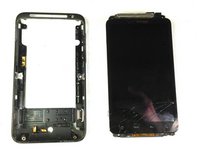
  10. HTC Thunderbolt Volume Buttons Replacement: 10 단계, 이미지 3개 중 1개 HTC Thunderbolt Volume Buttons Replacement: 10 단계, 이미지 3개 중 2개 HTC Thunderbolt Volume Buttons Replacement: 10 단계, 이미지 3개 중 3개
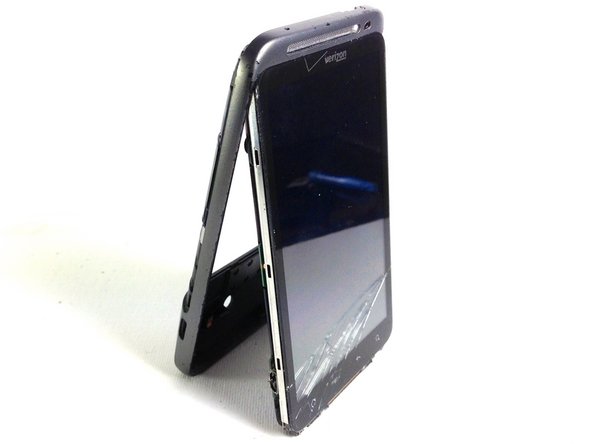
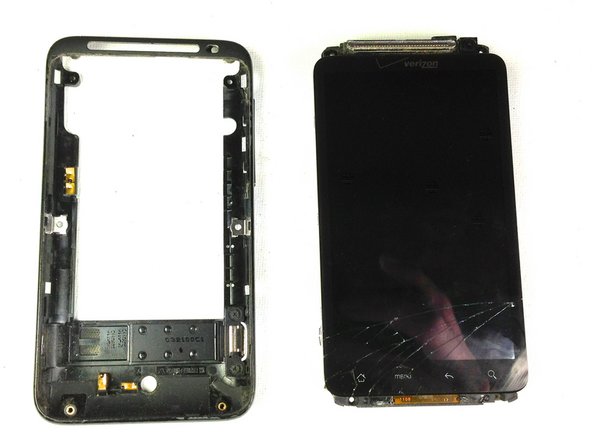
    • Carefully separate the screen and phone from the rear frame, starting from the bottom.

    • Gently pull down on the phone and screen to fully separate it from the rear frame.

    댓글 쓰기

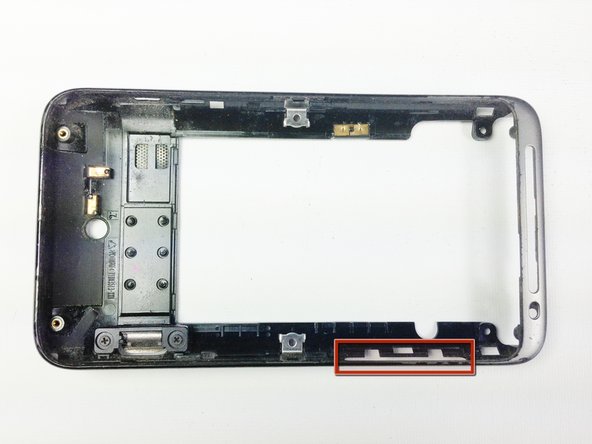
  11. HTC Thunderbolt Volume Buttons Replacement, Volume Buttons: 11 단계, 이미지 1개 중 1개
    • Locate the side volume buttons

    댓글 쓰기

  12. HTC Thunderbolt Volume Buttons Replacement: 12 단계, 이미지 2개 중 1개 HTC Thunderbolt Volume Buttons Replacement: 12 단계, 이미지 2개 중 2개
    • Use a pry tool to lift the buttons out of the case

    댓글 쓰기

결론

To reassemble your device, follow these instructions in reverse order.

취소: 해당 안내서를 완성하지 않았습니다.

작성자

5다른 기여자 명과 함께

Vanessa

회원 가입일: 01/18/13

60 평판

안내서 4개를 작성함

Cal Poly, Team 19-45, Regan Winter 2013 Cal Poly, Team 19-45, Regan Winter 2013 회원

CPSU-REGAN-W13S19G45

4 회원들

안내서 24개를 작성함

0가이드 댓글

댓글 쓰기

조회 통계:

지난 24시간: 2

지난 7일: 9

지난 30일: 55

전체 시간: 902