소개
Use this guide to replace the motherboard for the HTC Trophy Windows 7 device. The motherboard is your devices’ circuit board. Almost every piece within the device interacts with this circuit board. While repairing the motherboard can be done, this guide focuses on replacement when repair is not possible.
A motherboard may become faulty due to heat, water, or physical force. Some symptoms of a malfunctioning motherboard include:
- Burning odor
- Freezing/unresponsive device
- Physical damage to device
- Multiple components not working properly
Tip: In order to replace the motherboard almost all of the devices components will be removed, so if you have multiple issues, replace the other components during this guide.
필요한 것
-
-
-
Power off the phone before starting.
-
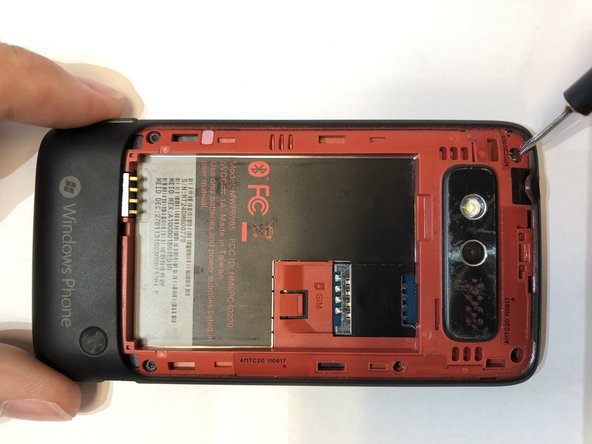
Remove the back panel by inserting the IFixIt opening tool into gap at the top of the rear and prying upward.
 FixBot에 문의하기
-
-
-
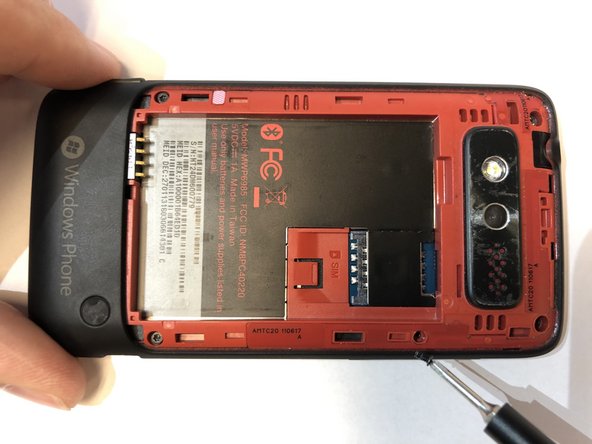
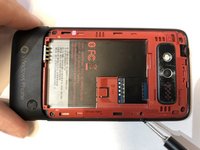
Remove the battery by inserting the IFixIt opening tool into the small gap between the battery and the surrounding plastic.
-
Apply a small force towards the bottom of the phone and lift upwards.
-
-
-
-
-
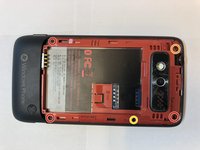
Remove the 5 screws holding the two phone halves together.
-
Three 4mm long T5 Torx screws.
-
Press a T5 Torx screwdriver into the void sticker and remove the 4mm long T5 Torx screw.
-
One 4mm long Philips #000 screw.
-
-
-
-
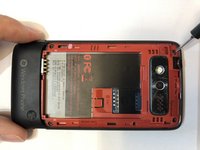
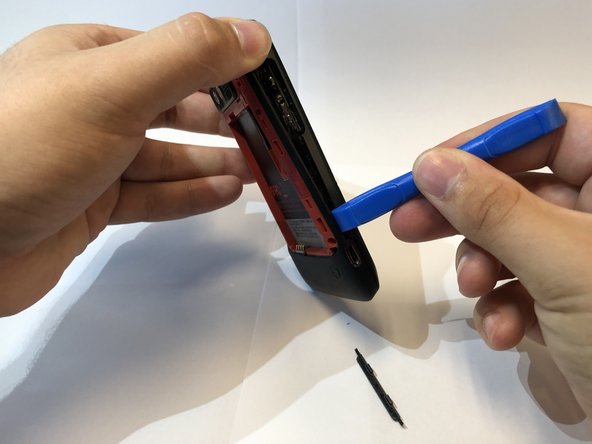
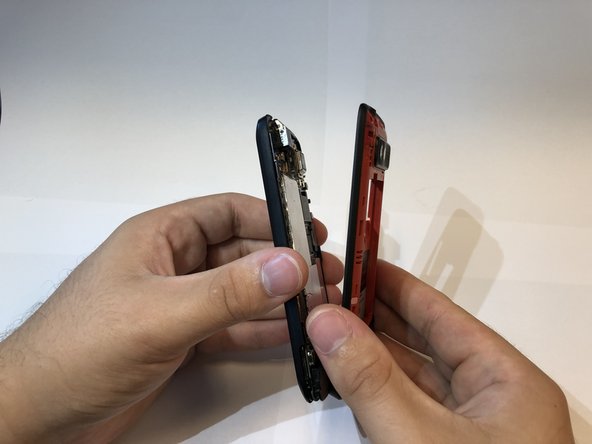
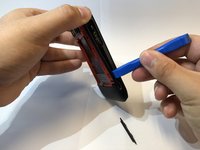
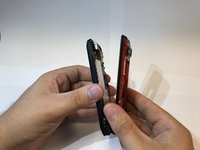
Insert the IFixIt opening tool into the seem of the plastic around the edge of the phone and pry the two halves apart.
-
-
-
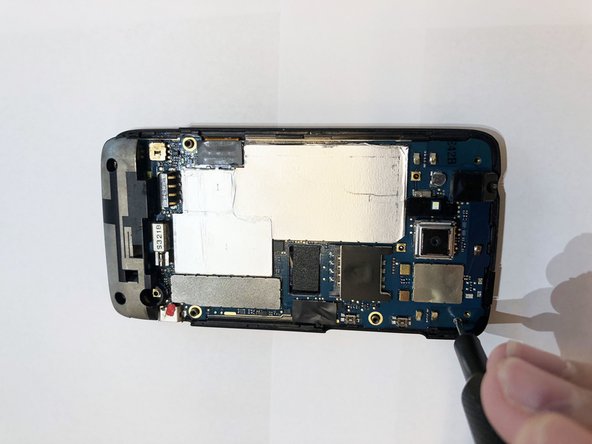
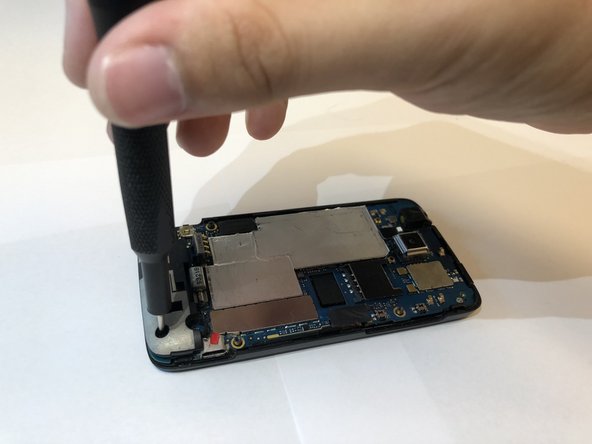
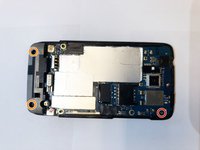
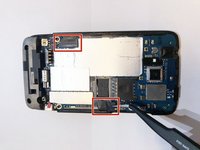
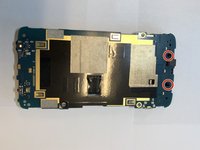
Remove the three screws holding the mother board to the display assembly.
-
One 2mm long Philips #000 screw.
-
Two 4mm long T5 Torx screws in the holes of the plastic.
-
-
이 단계에 사용된 도구:Tweezers$4.99
-
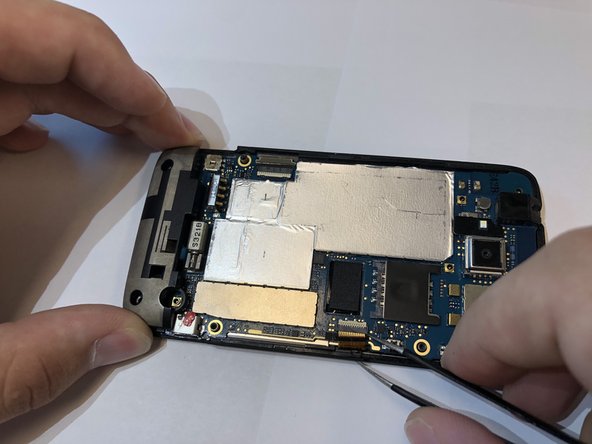
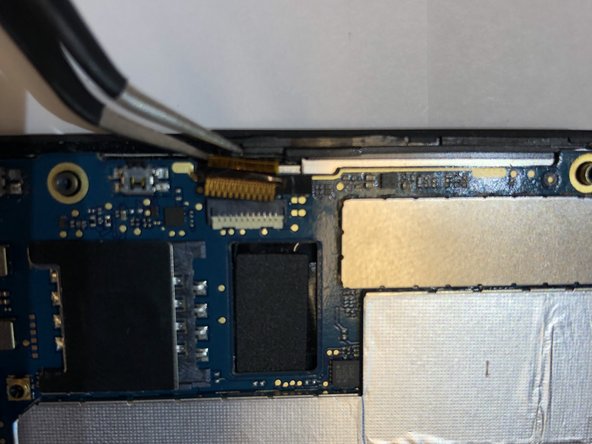
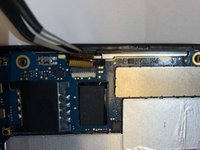
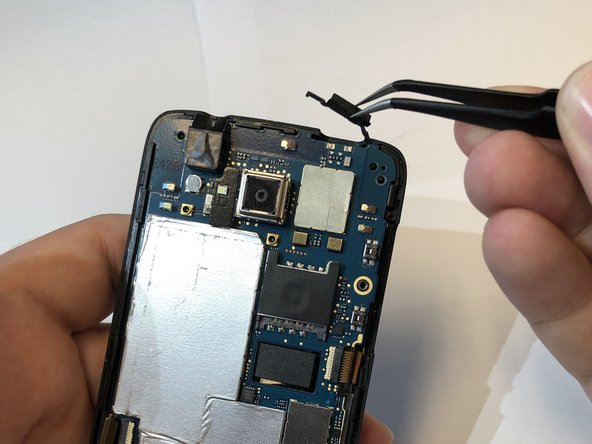
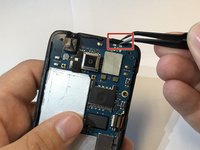
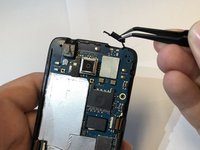
Remove the black tape cover the ribbon cable connectors with tweezers.
-
Disconnect the ribbon cables from the connectors.
-
-
-
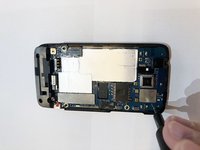
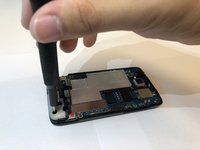
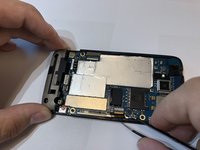
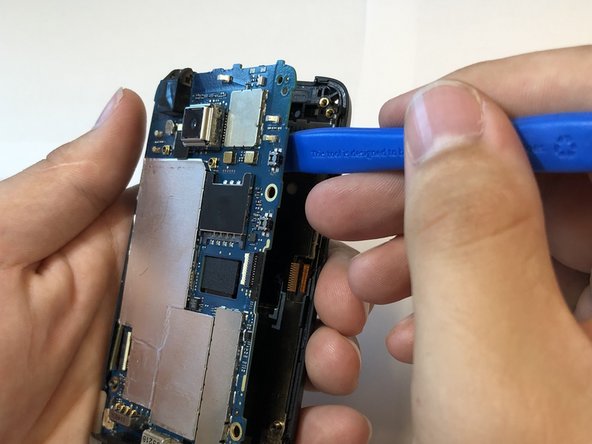
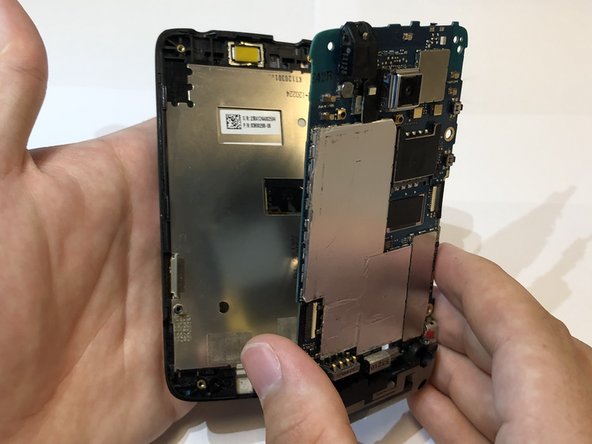
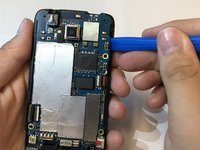
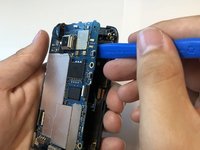
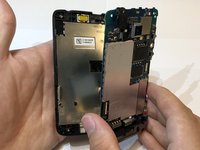
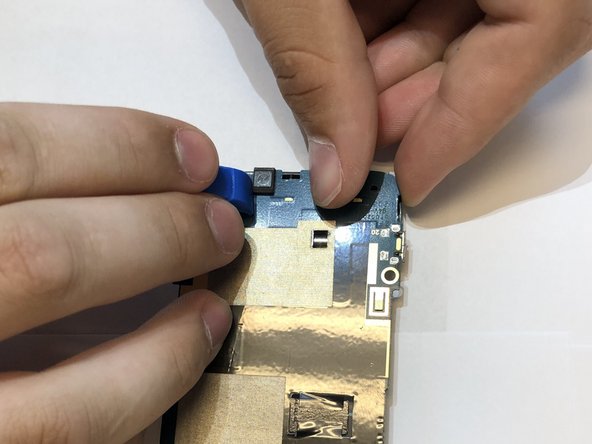
Use the iFixit opening tool to separate the motherboard from the display assembly.
-
-
-
-
-
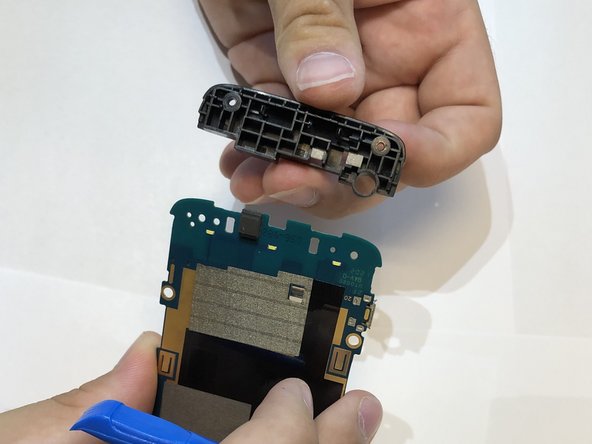
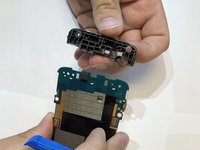
Remove the plastic piece off of the motherboard.
-
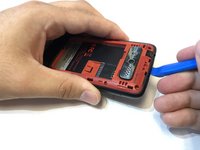
Put pressure outwards to release these clips with the iFixit opening tool and you fingers.
-
-









To reassemble your device, follow these instructions in reverse order.
Always dispose of e-waste properly. Follow this guide on how to dispose of the old motherboard.
다른 한 분이 해당 안내서를 완성하였습니다.

팀

Embry-Riddle Aeronautical University, Team S13-G2, Lamothe Fall 2019 Embry-Riddle Aeronautical University, Team S13-G2, Lamothe Fall 2019 회원
ERAU-LAMOTHE-F19S13G2
3 회원들
안내서 36개를 작성함
