주요 콘텐츠로 건너뛰기

HTC Vive Pro 2 Outer Shell Replacement

필요한 것

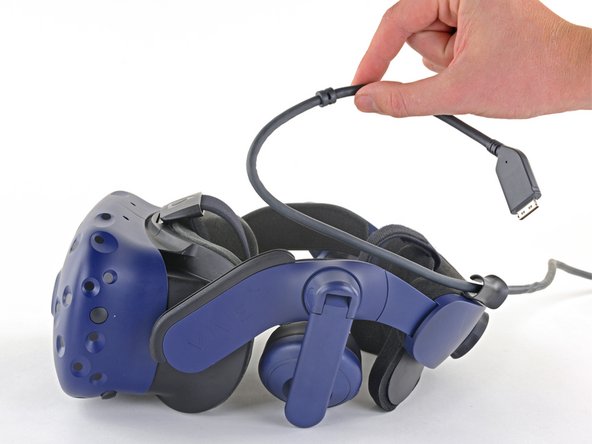
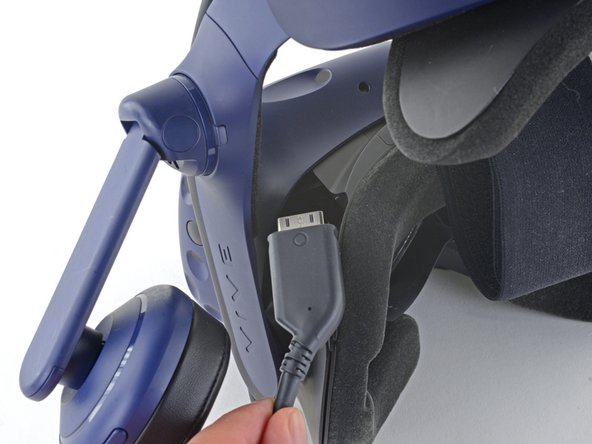
  1. HTC Vive Pro 2 Outer Shell Replacement, Unplug the All-In-One Cable: 1 단계, 이미지 3개 중 1개 HTC Vive Pro 2 Outer Shell Replacement, Unplug the All-In-One Cable: 1 단계, 이미지 3개 중 2개 HTC Vive Pro 2 Outer Shell Replacement, Unplug the All-In-One Cable: 1 단계, 이미지 3개 중 3개
    • Unplug the All-In-One Cable from your headset.

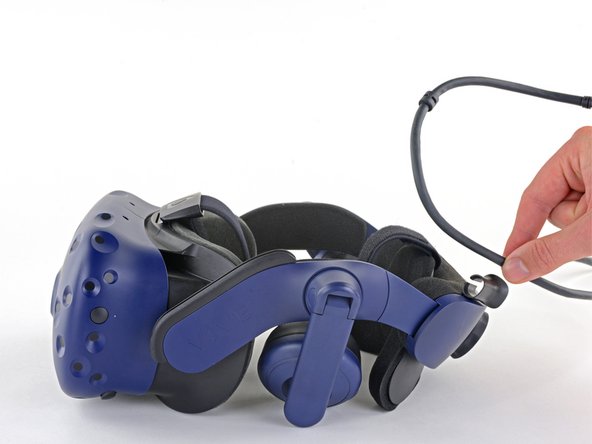
  2. HTC Vive Pro 2 Outer Shell Replacement, Remove the All-In-One Cable: 2 단계, 이미지 2개 중 1개 HTC Vive Pro 2 Outer Shell Replacement, Remove the All-In-One Cable: 2 단계, 이미지 2개 중 2개
    • Remove the All-In-One Cable from the cable guides along the left side of the head strap.

    • During reassembly, connect the All-In-One Cable to the headset before routing it through the cable guides. This will ensure it has the right amount of slack.

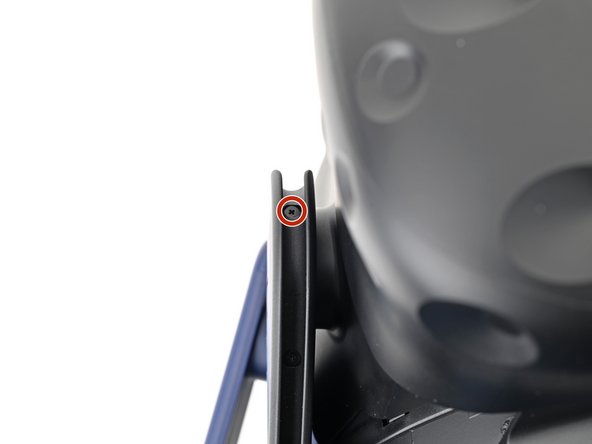
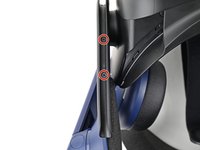
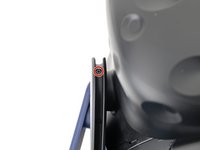
  3. HTC Vive Pro 2 Outer Shell Replacement, Remove the All-in-One cable bracket screws: 3 단계, 이미지 2개 중 1개 HTC Vive Pro 2 Outer Shell Replacement, Remove the All-in-One cable bracket screws: 3 단계, 이미지 2개 중 2개
    • Use a Phillips screwdriver to remove the three 2.4 mm‑long screws securing the All-in-One cable bracket.

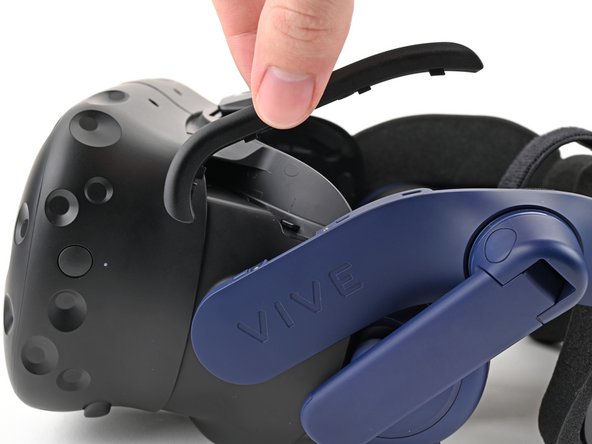
  4. HTC Vive Pro 2 Outer Shell Replacement, Remove the All-in-One cable bracket: 4 단계, 이미지 2개 중 1개 HTC Vive Pro 2 Outer Shell Replacement, Remove the All-in-One cable bracket: 4 단계, 이미지 2개 중 2개
    • Lift the All-in-One cable bracket straight off the headset and remove it.

    • The bracket is aligned on the headset with pegs. During reassembly, make sure the pegs align properly and the bracket sits flush on the headset.

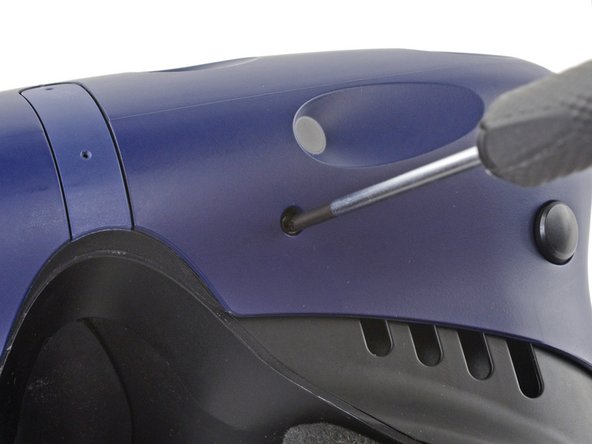
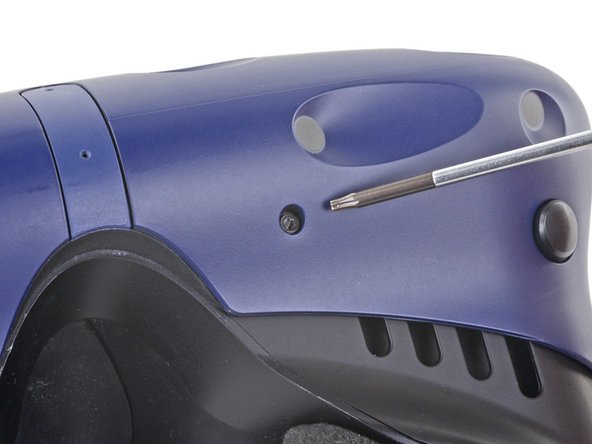
  5. HTC Vive Pro 2 Outer Shell Replacement, Remove the outer shell: 5 단계, 이미지 3개 중 1개 HTC Vive Pro 2 Outer Shell Replacement, Remove the outer shell: 5 단계, 이미지 3개 중 2개 HTC Vive Pro 2 Outer Shell Replacement, Remove the outer shell: 5 단계, 이미지 3개 중 3개
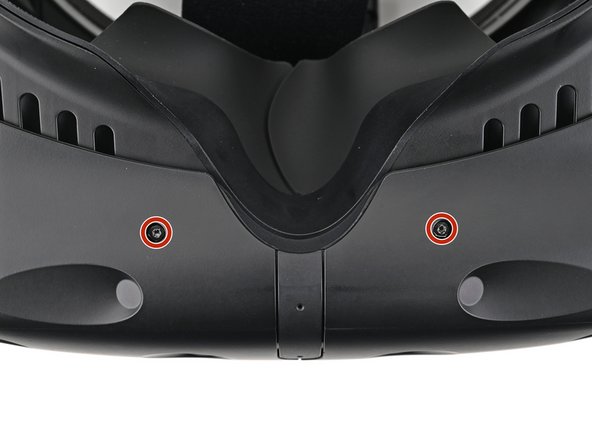
    • The four screws securing the outer shell are covered with black stickers. If the stickers are difficult to remove, simply press your T6 Torx driver through them.

  6. HTC Vive Pro 2 Outer Shell Replacement: 6 단계, 이미지 2개 중 1개 HTC Vive Pro 2 Outer Shell Replacement: 6 단계, 이미지 2개 중 2개
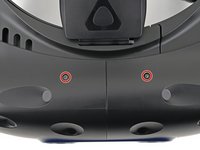
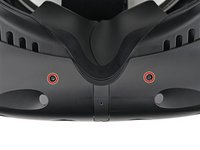
    • Use a T6 Torx screwdriver to remove the four 3.9 mm screws (two on top, two on bottom) securing the outer shell to the headset.

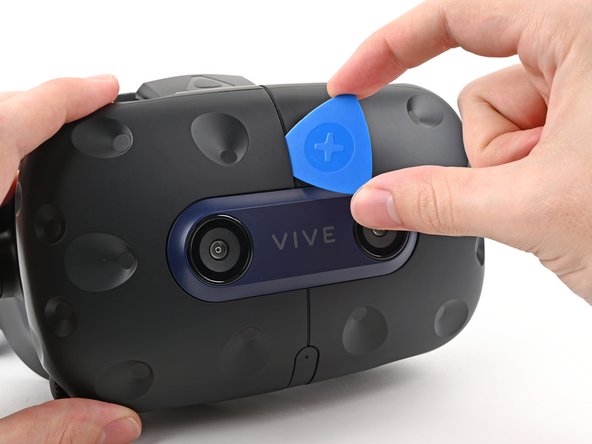
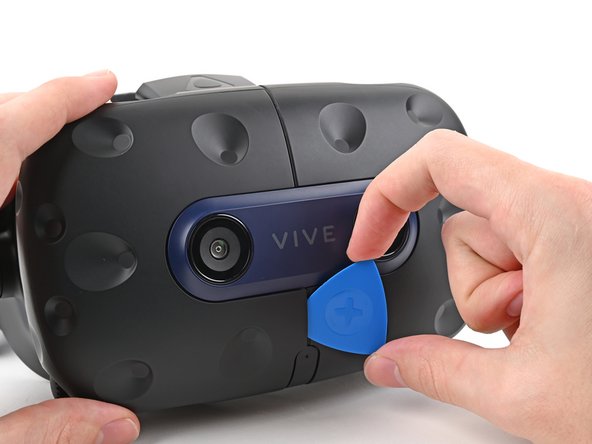
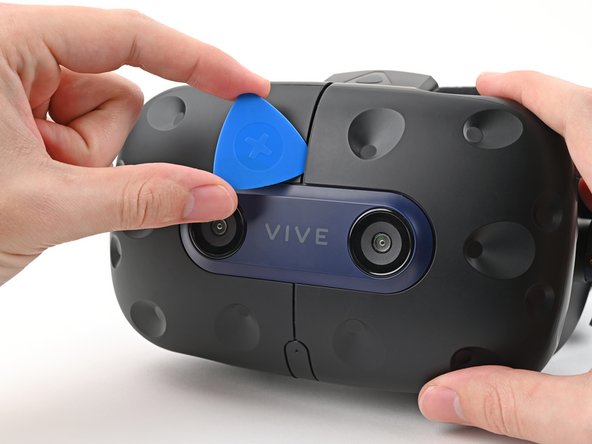
  7. HTC Vive Pro 2 Outer Shell Replacement: 7 단계, 이미지 3개 중 1개 HTC Vive Pro 2 Outer Shell Replacement: 7 단계, 이미지 3개 중 2개 HTC Vive Pro 2 Outer Shell Replacement: 7 단계, 이미지 3개 중 3개
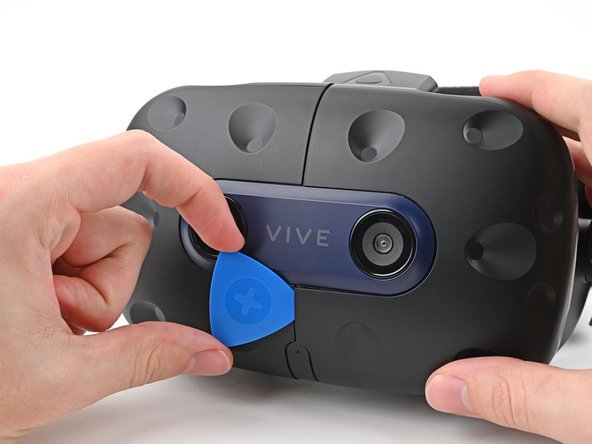
    • Insert an opening pick into the seam between the two halves of the outer shell.

    • Slide the opening pick through the seam to dislodge the clips securing it to the headset.

    • Only insert the opening pick as far as necessary. There are ribbon cables underneath the outer shell.

  8. HTC Vive Pro 2 Outer Shell Replacement: 8 단계, 이미지 3개 중 1개 HTC Vive Pro 2 Outer Shell Replacement: 8 단계, 이미지 3개 중 2개 HTC Vive Pro 2 Outer Shell Replacement: 8 단계, 이미지 3개 중 3개
    • Continue sliding the opening pick through each seam until all clips have been dislodged.

  9. HTC Vive Pro 2 Outer Shell Replacement: 9 단계, 이미지 3개 중 1개 HTC Vive Pro 2 Outer Shell Replacement: 9 단계, 이미지 3개 중 2개 HTC Vive Pro 2 Outer Shell Replacement: 9 단계, 이미지 3개 중 3개
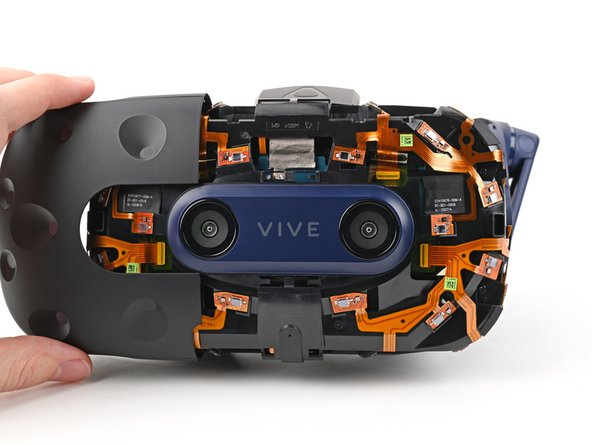
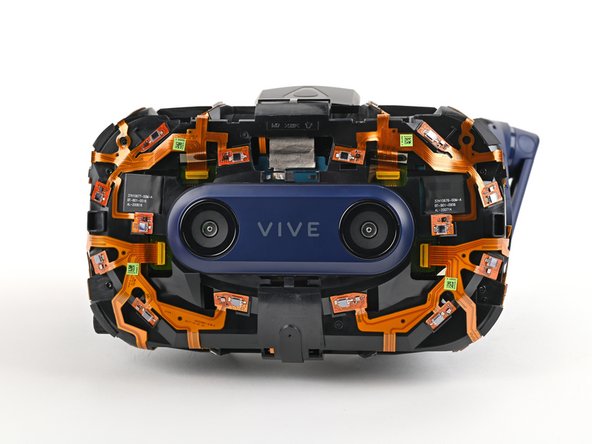
    • Carefully slide each half of the outer shell off of the sensor array.

    • Be careful not to snag any of the ribbon cables underneath.

결론

To reassemble your device, follow the above steps in reverse order.

Repair didn’t go as planned? Try some basic troubleshooting, or ask our Answers community for help.


Alex Diaz-Kokaisl

회원 가입일: 01/16/22

213,515 평판

안내서 1,040개를 작성함

iFixit iFixit 회원

Staff

123 회원들

안내서 23,648개를 작성함

0가이드 댓글

댓글 쓰기

조회 통계:

지난 24시간: 2

지난 7일: 3

지난 30일: 22

전체 시간: 188