주요 콘텐츠로 건너뛰기
수리 커뮤니티 가입 - 계정 만들기

HTC Wizard 200 Back Panel Replacement

필요한 것

  1. HTC Wizard 200 Back Panel Replacement, Battery: 1 단계, 이미지 2개 중 1개 HTC Wizard 200 Back Panel Replacement, Battery: 1 단계, 이미지 2개 중 2개
    • To expose the battery, remove the outer case with your fingernail.

    • Remove the battery by pulling the black tab.

  2. HTC Wizard 200 Back Panel Replacement, Back Panel: 2 단계, 이미지 1개 중 1개
    이 단계에 사용된 도구:
    Spudger
    $3.99
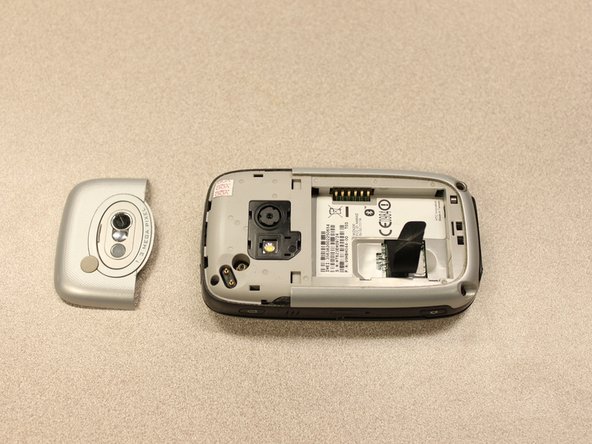
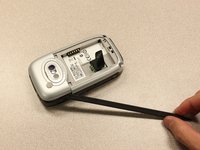
    • Insert the flat end of the spudger into the two notches on the back of the camera cover and pry them up.

  3. HTC Wizard 200 Back Panel Replacement: 3 단계, 이미지 2개 중 1개 HTC Wizard 200 Back Panel Replacement: 3 단계, 이미지 2개 중 2개
    이 단계에 사용된 도구:
    Spudger
    $3.99
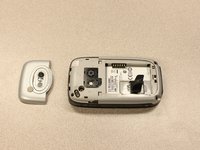
    • Work the spudger around the edges of the camera cover until it comes off.

  4. HTC Wizard 200 Back Panel Replacement: 4 단계, 이미지 2개 중 1개 HTC Wizard 200 Back Panel Replacement: 4 단계, 이미지 2개 중 2개
    이 단계에 사용된 도구:
    T5 Torx Screwdriver
    $5.49
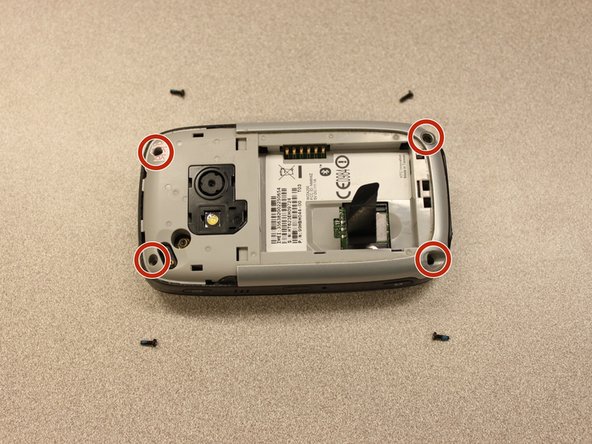
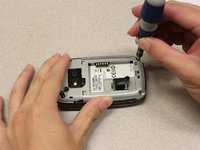
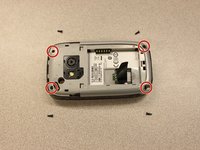
    • Remove the four 6 mm screws with the T5 Torx screwdriver.

    • One of the screws is under the "void" sticker.

  5. HTC Wizard 200 Back Panel Replacement: 5 단계, 이미지 3개 중 1개 HTC Wizard 200 Back Panel Replacement: 5 단계, 이미지 3개 중 2개 HTC Wizard 200 Back Panel Replacement: 5 단계, 이미지 3개 중 3개
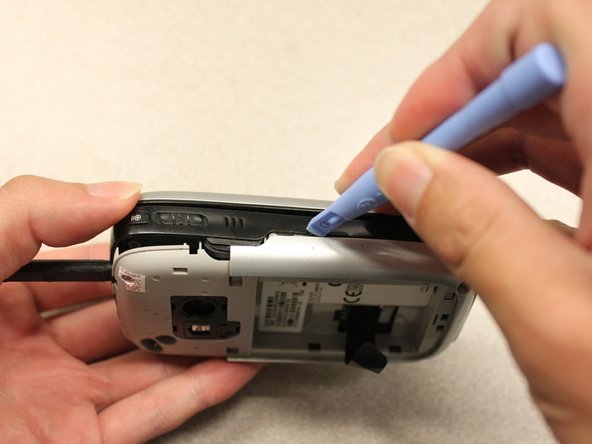
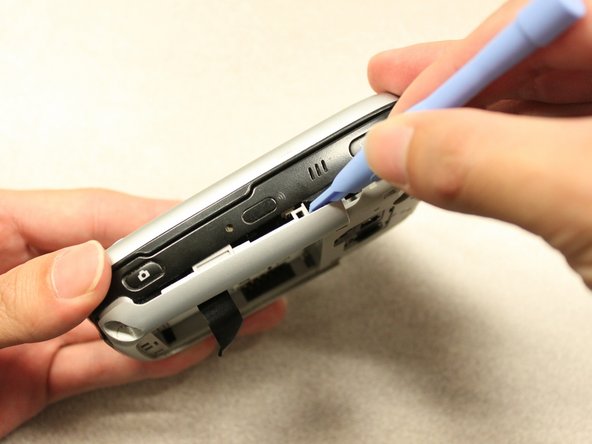
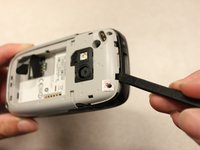
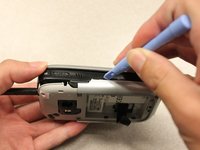
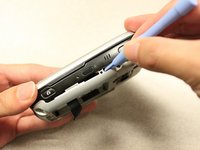
    • Insert the flat end of an iFixit opening tool between the side and inner covers to create a gap.

    • Work the tool around the edges until all the clips release.

  6. HTC Wizard 200 Back Panel Replacement: 6 단계, 이미지 2개 중 1개 HTC Wizard 200 Back Panel Replacement: 6 단계, 이미지 2개 중 2개
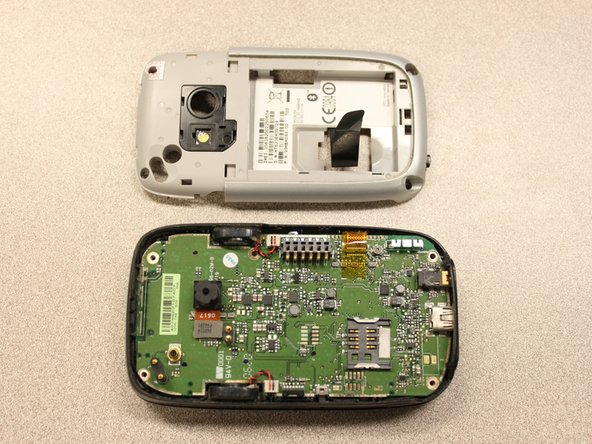
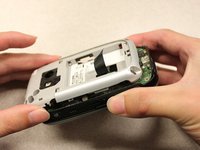
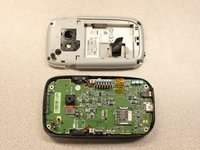
    • Once all the clips are open, remove the inner panel from the phone.

결론

To reassemble your device, follow these instructions in reverse order.

작성자

8다른 기여자 명과 함께

Kyle Champ

회원 가입일: 10/03/11

225 평판

안내서 12개를 작성함

Cal Poly, Team 20-27, Maness Fall 2011 Cal Poly, Team 20-27, Maness Fall 2011 회원

CPSU-MANESS-F11S20G27

4 회원들

안내서 24개를 작성함

0가이드 댓글

댓글 쓰기

조회 통계:

지난 24시간: 1

지난 7일: 13

지난 30일: 50

전체 시간: 1,389