소개
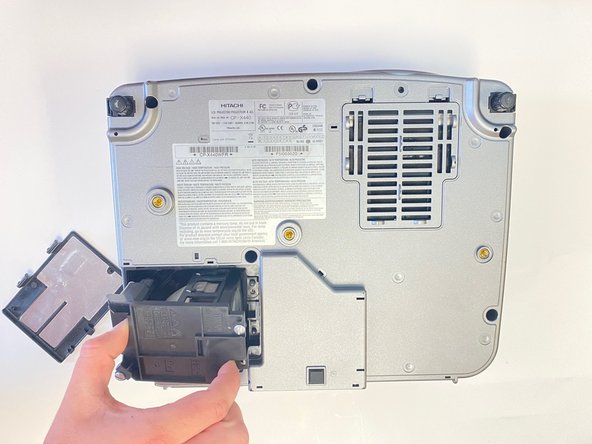
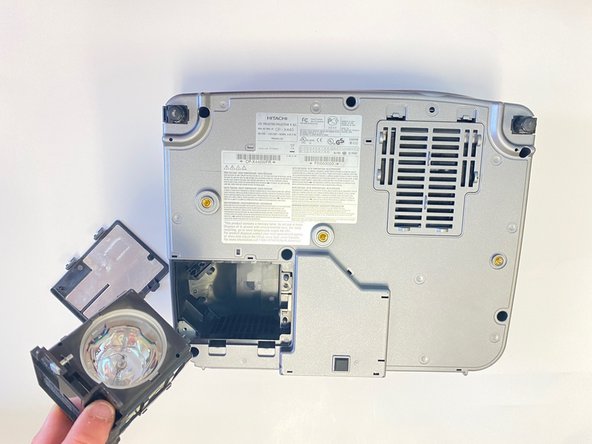
In this guide, users will learn how to replace the lamp in the Hitachi CP-X440 Projector. If the Projector is not displaying an image when turned on, the lamp may need replacing.
필요한 것
-
-
-
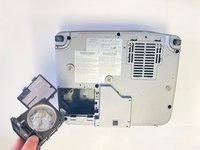
Use a Flathead #4 screwdriver to remove the two 1.0 cm silver screws from the back of the lamp piece.
-


 FixBot에 문의하기


결론
To reassemble your device, follow these instructions in reverse order.

팀

University of Alabama, Team 2-2, Bedsole Spring 2022 University of Alabama, Team 2-2, Bedsole Spring 2022 회원
UA-BEDSOLE-S22S2G2
4 회원들
안내서 12개를 작성함
