주요 콘텐츠로 건너뛰기
수리 커뮤니티 가입 - 계정 만들기

Hoover Rogue 970 Sensor Replacement

필요한 것

  1. Hoover Rogue 970 Sensor Replacement, Wall Brush: 1 단계, 이미지 3개 중 1개 Hoover Rogue 970 Sensor Replacement, Wall Brush: 1 단계, 이미지 3개 중 2개 Hoover Rogue 970 Sensor Replacement, Wall Brush: 1 단계, 이미지 3개 중 3개
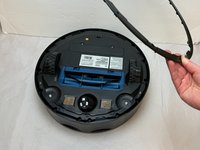
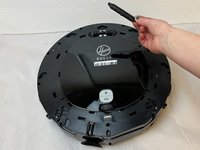
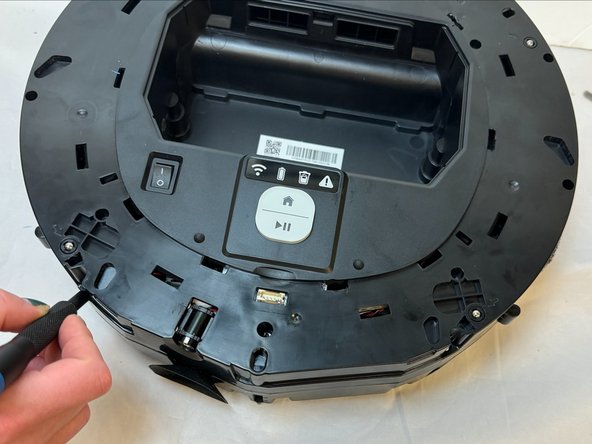
    • Flip the vacuum over so the wall brushes are facing up.

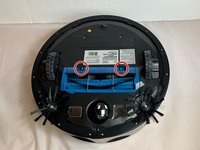
  2. Hoover Rogue 970 Sensor Replacement: 2 단계, 이미지 3개 중 1개 Hoover Rogue 970 Sensor Replacement: 2 단계, 이미지 3개 중 2개 Hoover Rogue 970 Sensor Replacement: 2 단계, 이미지 3개 중 3개
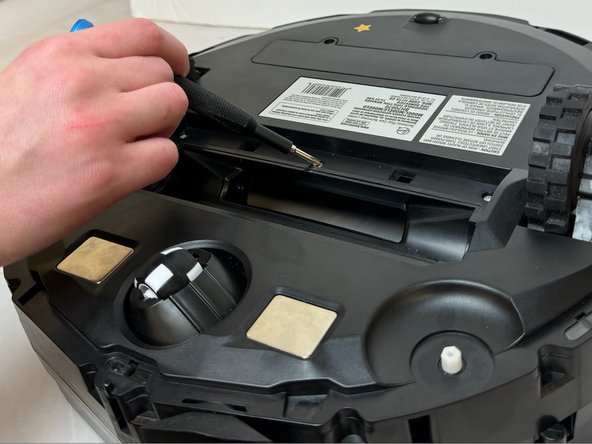
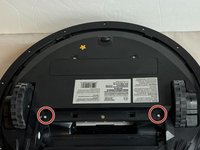
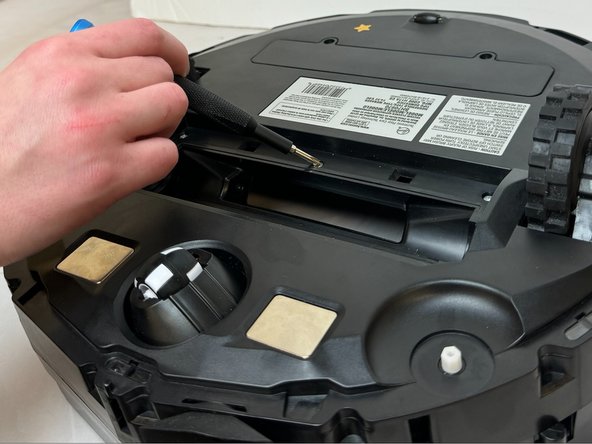
    • Remove the two 8.2 mm screws using a Phillips #2 screwdriver.

  3. Hoover Rogue 970 Sensor Replacement: 3 단계, 이미지 1개 중 1개
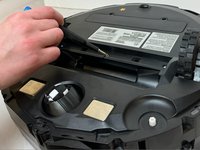
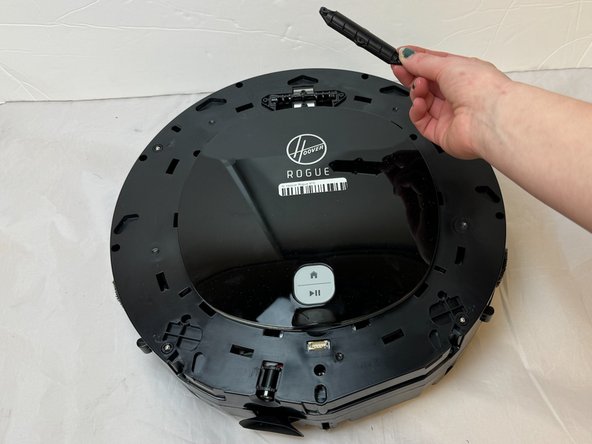
    • Gently lift up on the wall brushes to remove them from the vacuum.

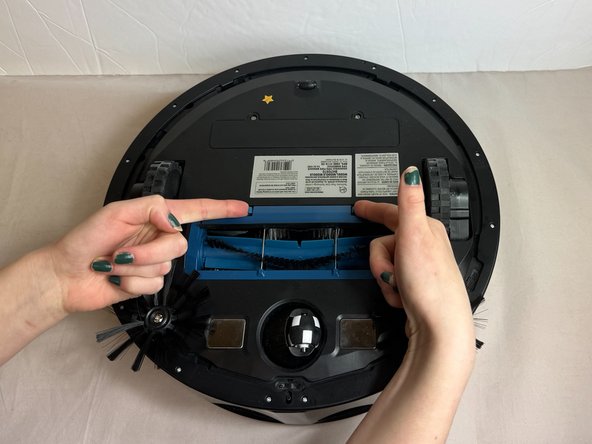
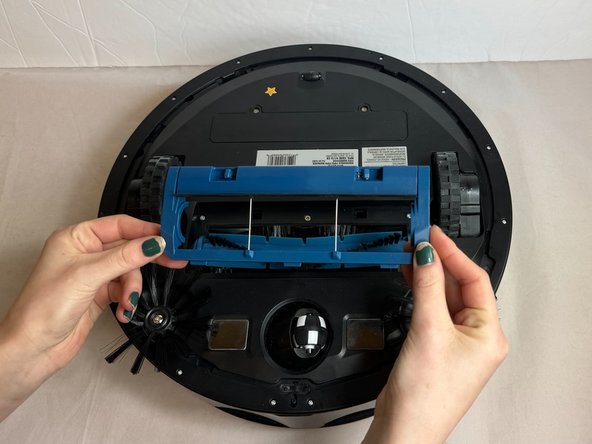
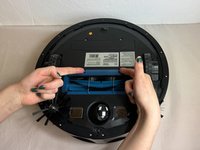
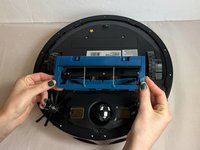
  4. Hoover Rogue 970 Sensor Replacement, Base: 4 단계, 이미지 3개 중 1개 Hoover Rogue 970 Sensor Replacement, Base: 4 단계, 이미지 3개 중 2개 Hoover Rogue 970 Sensor Replacement, Base: 4 단계, 이미지 3개 중 3개
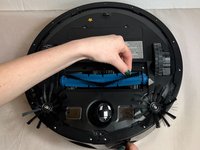
    • Press the buttons on the brush roll cover inward.

    • Gently pull the brush roll cover away from the vacuum.

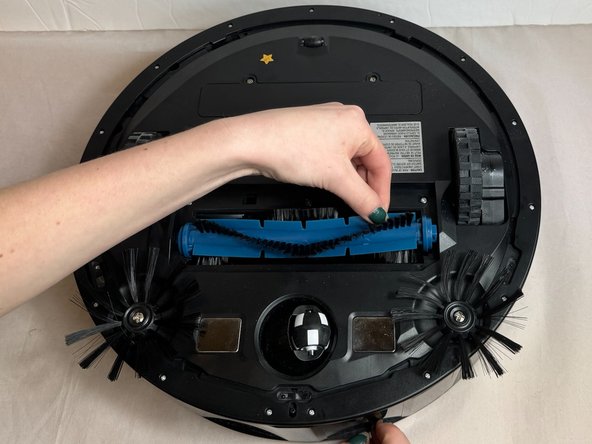
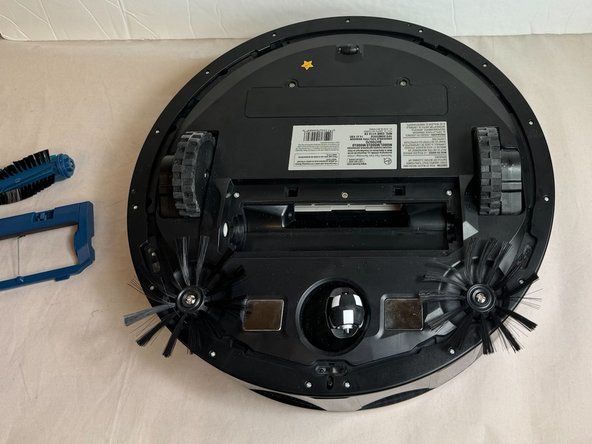
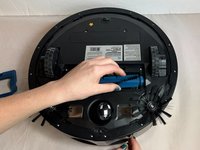
  5. Hoover Rogue 970 Sensor Replacement: 5 단계, 이미지 3개 중 1개 Hoover Rogue 970 Sensor Replacement: 5 단계, 이미지 3개 중 2개 Hoover Rogue 970 Sensor Replacement: 5 단계, 이미지 3개 중 3개
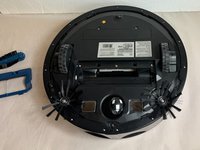
    • Pull the brush roll straight out of the vacuum.

  6. Hoover Rogue 970 Sensor Replacement: 6 단계, 이미지 2개 중 1개 Hoover Rogue 970 Sensor Replacement: 6 단계, 이미지 2개 중 2개
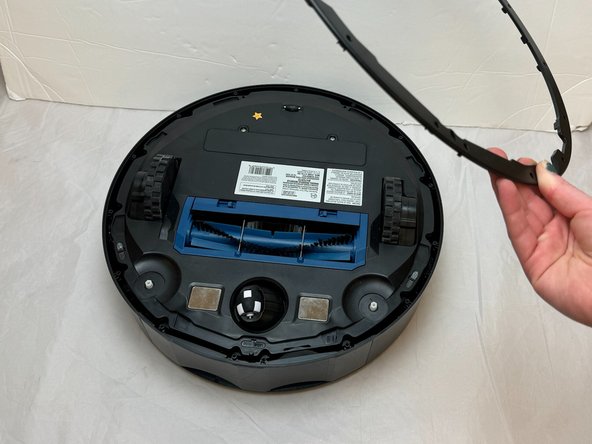
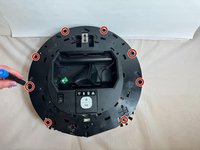
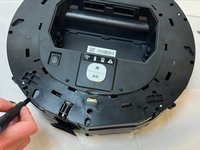
    • Flip the vacuum over so that the underside is facing up.

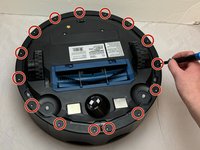
    • Remove the fifteen 9.3 mm screws from the bottom frame with a Phillips #0 screwdriver.

    • Lift the bottom frame away from the vacuum.

  7. Hoover Rogue 970 Sensor Replacement: 7 단계, 이미지 2개 중 1개 Hoover Rogue 970 Sensor Replacement: 7 단계, 이미지 2개 중 2개
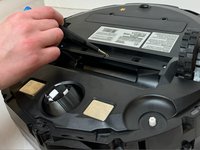
    • Remove the two 11.9 mm screws using a Phillips #0 screwdriver.

  8. Hoover Rogue 970 Sensor Replacement: 8 단계, 이미지 2개 중 1개 Hoover Rogue 970 Sensor Replacement: 8 단계, 이미지 2개 중 2개
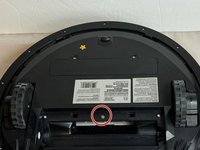
    • Remove the single 5.9 mm screw using a Phillips #0 screwdriver.

  9. Hoover Rogue 970 Sensor Replacement: 9 단계, 이미지 2개 중 1개 Hoover Rogue 970 Sensor Replacement: 9 단계, 이미지 2개 중 2개
    • Flip the device over so that the top side of the vacuum is facing up.

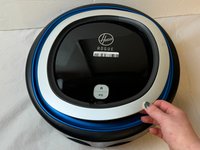
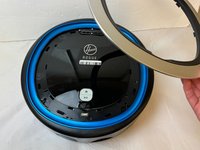
    • Firmly pull the silver face-plate away from the vacuum.

  10. Hoover Rogue 970 Sensor Replacement: 10 단계, 이미지 3개 중 1개 Hoover Rogue 970 Sensor Replacement: 10 단계, 이미지 3개 중 2개 Hoover Rogue 970 Sensor Replacement: 10 단계, 이미지 3개 중 3개
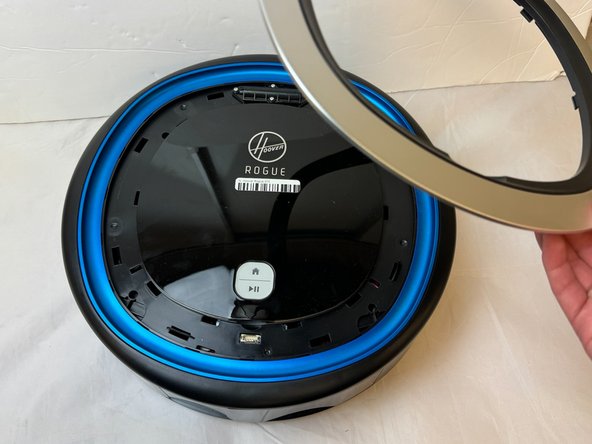
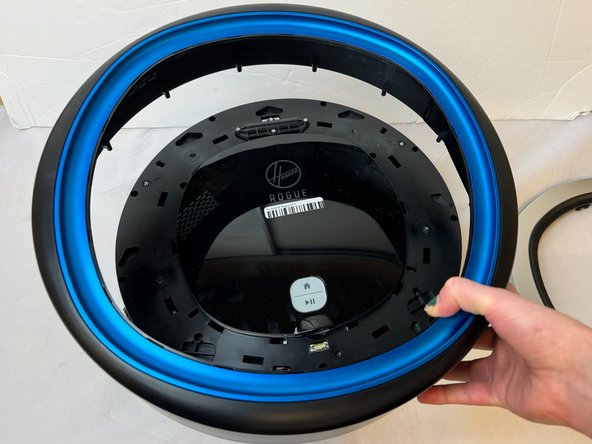
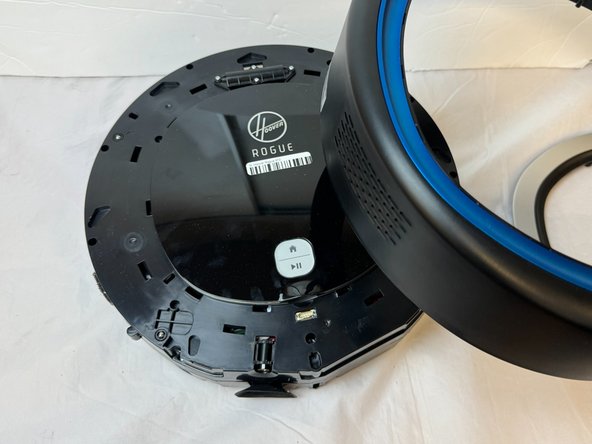
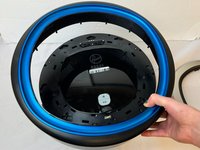
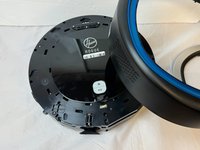
    • Firmly pull the surrounding black and blue cover away from the vacuum.

    • You may need to clasp the vacuum with both hands on opposite sides of the device. Place both thumbs exerting pressure on the center of the device while firmly wrapping your remaining fingers around the edges of the surrounding cover.

  11. Hoover Rogue 970 Sensor Replacement: 11 단계, 이미지 2개 중 1개 Hoover Rogue 970 Sensor Replacement: 11 단계, 이미지 2개 중 2개
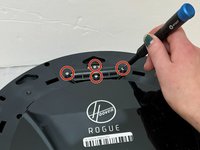
    • Remove four 8.7 mm screws using a Phillips #0 screwdriver.

    • Pull the top cover with the 'Hoover Rogue' markings away from the vacuum.

  12. Hoover Rogue 970 Sensor Replacement: 12 단계, 이미지 2개 중 1개 Hoover Rogue 970 Sensor Replacement: 12 단계, 이미지 2개 중 2개
    • Remove the eight 15.8 mm screws from the vacuum using a Phillips #0 screwdriver.

    • Gently pry along seam with an iFixit opening tool in order to break the glue seals.

  13. Hoover Rogue 970 Sensor Replacement: 13 단계, 이미지 3개 중 1개 Hoover Rogue 970 Sensor Replacement: 13 단계, 이미지 3개 중 2개 Hoover Rogue 970 Sensor Replacement: 13 단계, 이미지 3개 중 3개
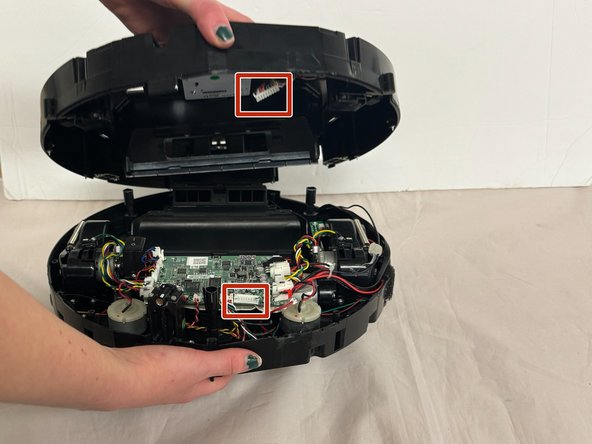
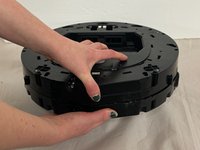
    • Firmly grasp the top and bottom portions of the vacuum with each thumb exerting pressure in opposite directions.

    • The device may be glued together making it difficult to pull the vacuum apart. Use of an opening tool may be appropriate to avoid injury to yourself or the vacuum.

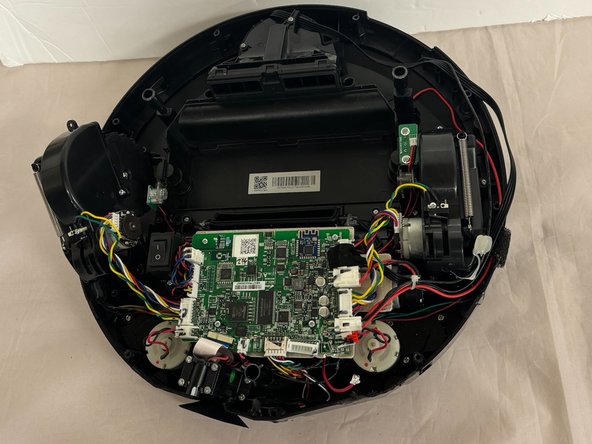
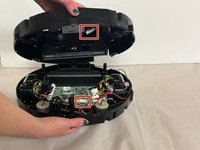
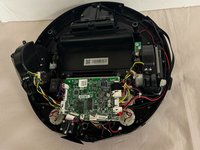
    • Disconnect the motherboard from the base assembly.

  14. Hoover Rogue 970 Sensor Replacement, Sensor: 14 단계, 이미지 3개 중 1개 Hoover Rogue 970 Sensor Replacement, Sensor: 14 단계, 이미지 3개 중 2개 Hoover Rogue 970 Sensor Replacement, Sensor: 14 단계, 이미지 3개 중 3개
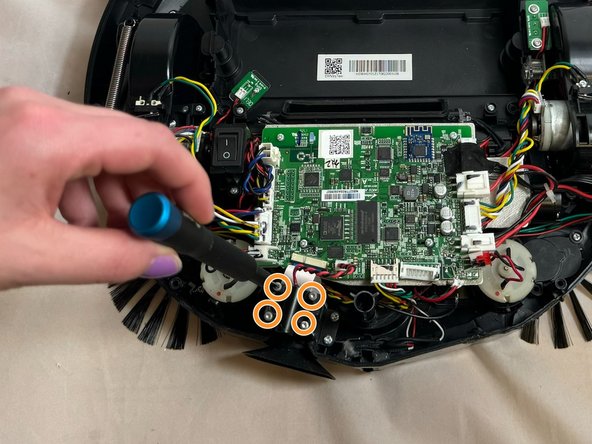
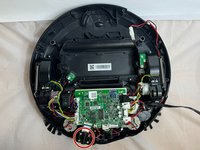
    • Locate the sensor.

    • Remove the four 12.5 mm screws with a Torx TR7 screwdriver.

    • Lift the sensor up and away from the device to access the white power cable connecting the sensor to the circuit board.

  15. Hoover Rogue 970 Sensor Replacement: 15 단계, 이미지 3개 중 1개 Hoover Rogue 970 Sensor Replacement: 15 단계, 이미지 3개 중 2개 Hoover Rogue 970 Sensor Replacement: 15 단계, 이미지 3개 중 3개
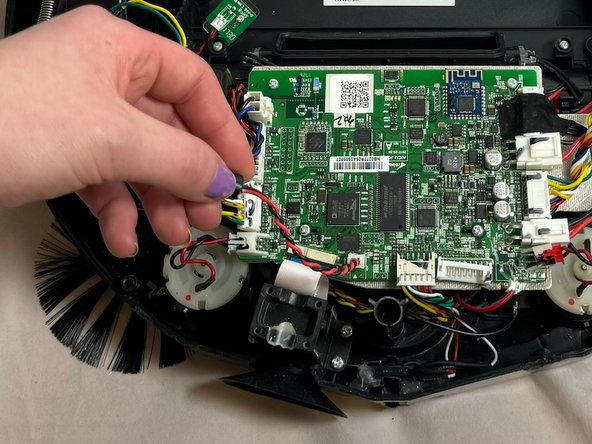
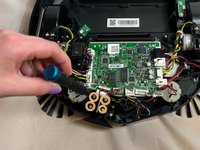
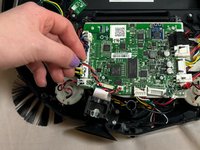
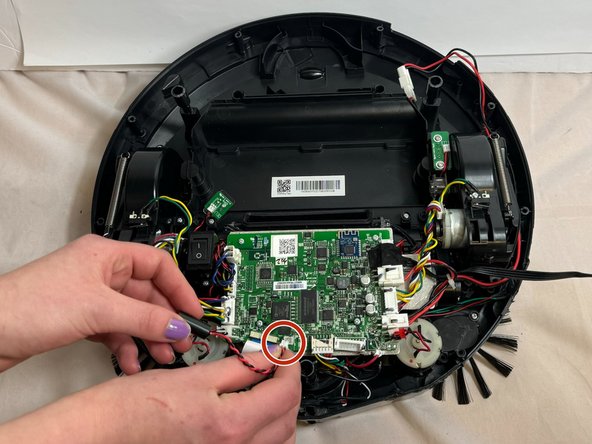
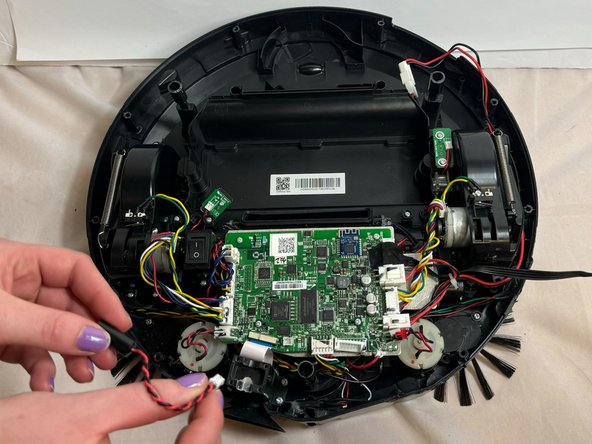
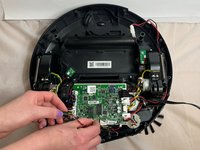
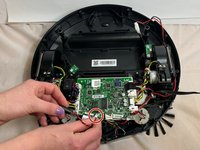
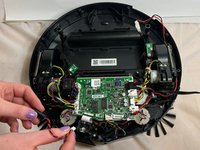
    • Disconnect the white power cable that connects the sensor to the circuit board.

    • You may find it helpful to place your other hand's index finger and thumb firmly on the white tab to secure it, avoiding injury or damage to the vacuum.

    • Lift the disconnected sensor away from the vacuum.

결론

To reassemble your device, follow these instructions in reverse order.

작성자

3다른 기여자 명과 함께

Austin Killstrom

회원 가입일: 09/25/23

135 평판

안내서 1개를 작성함

0가이드 댓글

댓글 쓰기

조회 통계:

지난 24시간: 0

지난 7일: 2

지난 30일: 15

전체 시간: 226