주요 콘텐츠로 건너뛰기
수리 커뮤니티 가입 - 계정 만들기

Hover-1 Horizon Left Balancing Sensor Replacement

필요한 것

  1. Hover-1 Horizon Left Balancing Sensor Replacement, Base Plate: 1 단계, 이미지 2개 중 1개 Hover-1 Horizon Left Balancing Sensor Replacement, Base Plate: 1 단계, 이미지 2개 중 2개
    • Remove the six 12mm Phillips #2 screws holding the base plate.

  2. Hover-1 Horizon Left Balancing Sensor Replacement: 2 단계, 이미지 2개 중 1개 Hover-1 Horizon Left Balancing Sensor Replacement: 2 단계, 이미지 2개 중 2개
    • Remove the two 11mm Phillips #1 screws that hold the base plate to the body.

  3. Hover-1 Horizon Left Balancing Sensor Replacement: 3 단계, 이미지 3개 중 1개 Hover-1 Horizon Left Balancing Sensor Replacement: 3 단계, 이미지 3개 중 2개 Hover-1 Horizon Left Balancing Sensor Replacement: 3 단계, 이미지 3개 중 3개
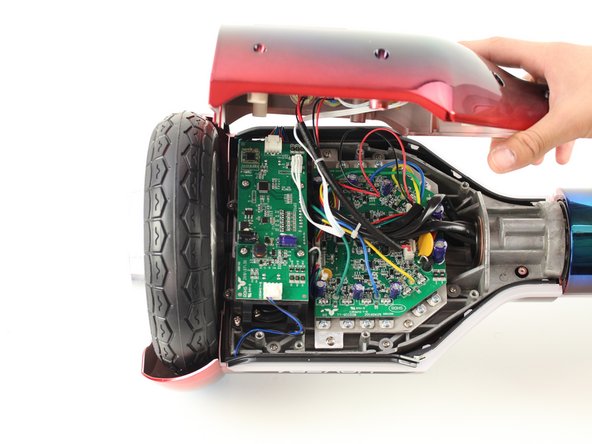
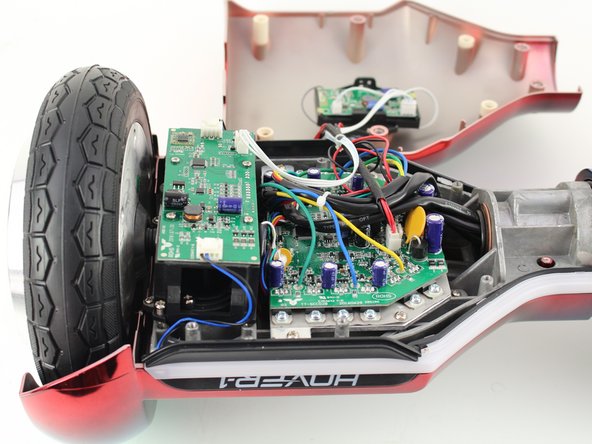
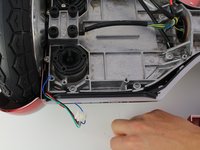
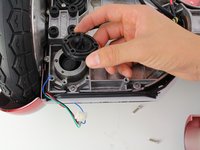
    • Remove the base plate by lifting it up.

    • The base plate is connected to the body with wires. The wires are long enough to set the base plate to the side.

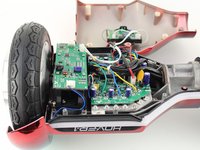
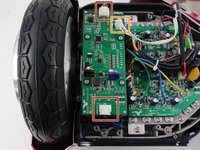
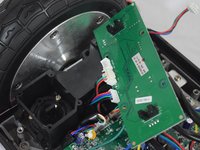
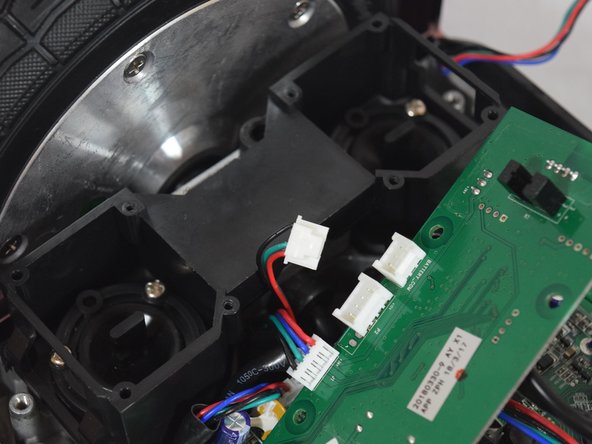
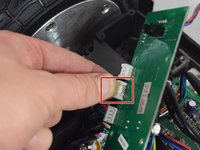
  4. Hover-1 Horizon Left Balancing Sensor Replacement, Left Gyroscope Sensor Board: 4 단계, 이미지 3개 중 1개 Hover-1 Horizon Left Balancing Sensor Replacement, Left Gyroscope Sensor Board: 4 단계, 이미지 3개 중 2개 Hover-1 Horizon Left Balancing Sensor Replacement, Left Gyroscope Sensor Board: 4 단계, 이미지 3개 중 3개
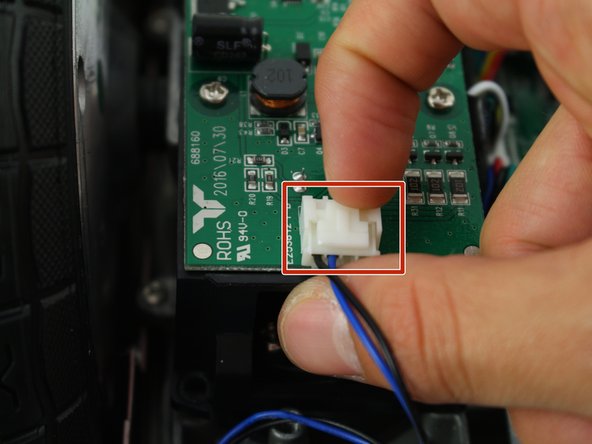
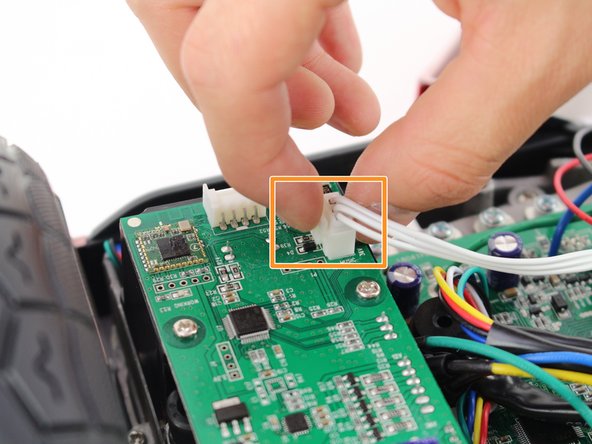
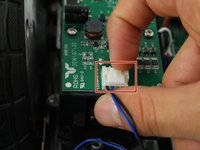
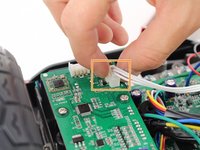
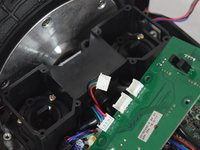
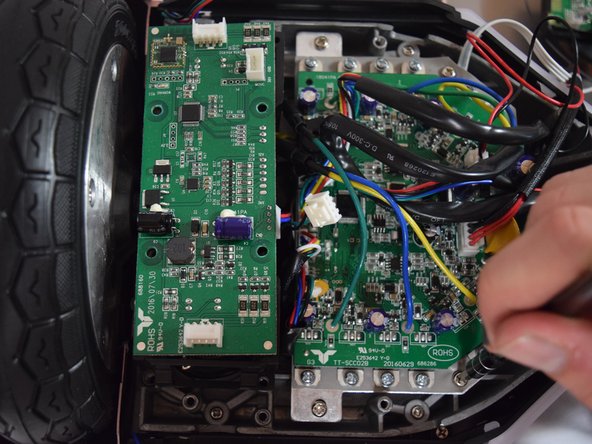
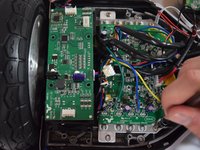
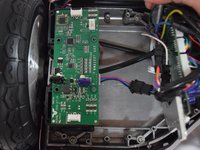
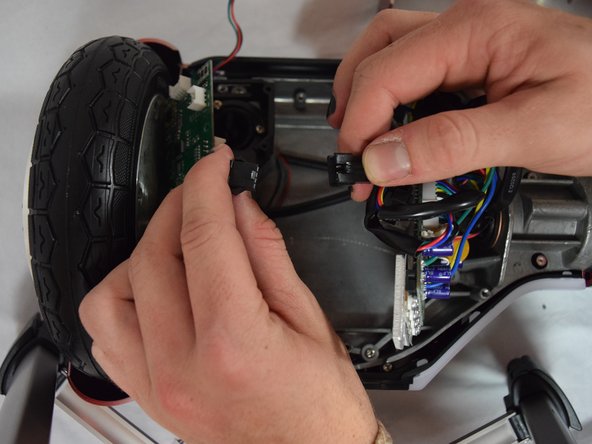
    • Remove the two connectors on either side of the board by lifting the tab and pulling out.

    • Remove the connector in the middle of the board by squeezing the tab and pulling up.

  5. Hover-1 Horizon Left Balancing Sensor Replacement: 5 단계, 이미지 2개 중 1개 Hover-1 Horizon Left Balancing Sensor Replacement: 5 단계, 이미지 2개 중 2개
    • Remove the four 11mm Phillips #1 screws that hold the cover on.

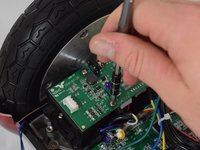
  6. Hover-1 Horizon Left Balancing Sensor Replacement: 6 단계, 이미지 3개 중 1개 Hover-1 Horizon Left Balancing Sensor Replacement: 6 단계, 이미지 3개 중 2개 Hover-1 Horizon Left Balancing Sensor Replacement: 6 단계, 이미지 3개 중 3개
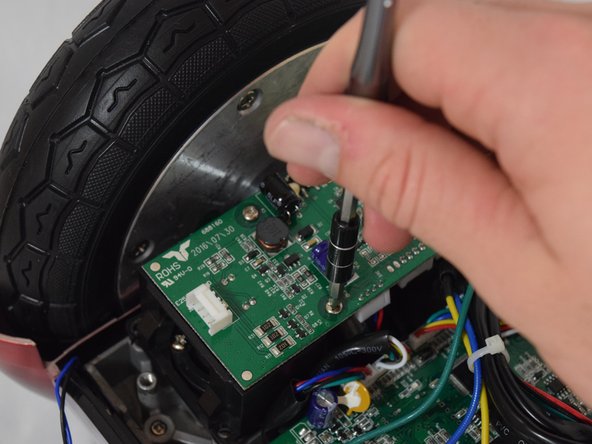
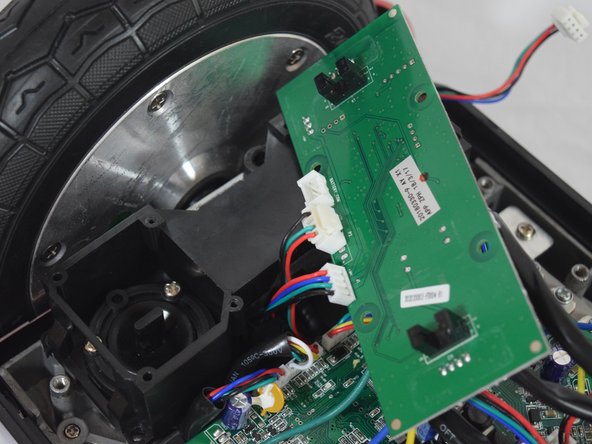
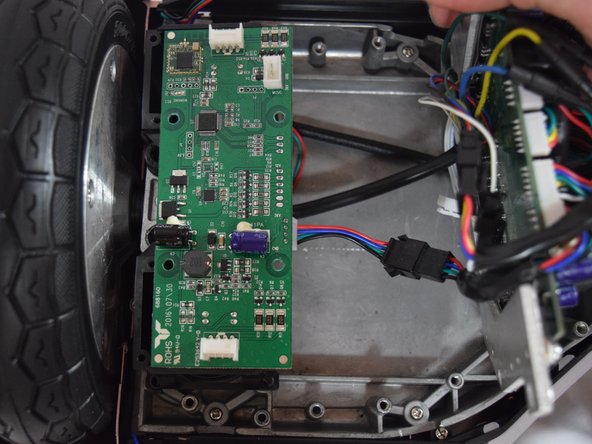
    • Remove the four 11mm Phillips #1 screws that attach the gyroscope board to the mount.

    • Lift the board to reveal the connections on the bottom.

  7. Hover-1 Horizon Left Balancing Sensor Replacement: 7 단계, 이미지 2개 중 1개 Hover-1 Horizon Left Balancing Sensor Replacement: 7 단계, 이미지 2개 중 2개
    • Remove the middle connector by squeezing the top of the tab and pulling up.

  8. Hover-1 Horizon Left Balancing Sensor Replacement: 8 단계, 이미지 3개 중 1개 Hover-1 Horizon Left Balancing Sensor Replacement: 8 단계, 이미지 3개 중 2개 Hover-1 Horizon Left Balancing Sensor Replacement: 8 단계, 이미지 3개 중 3개
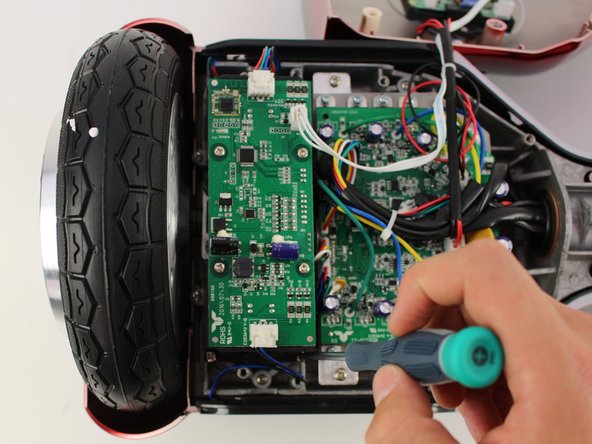
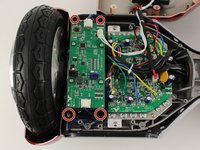
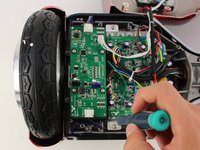
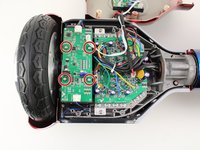
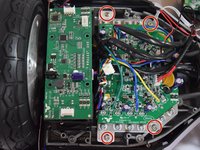
    • Remove the four 12mm Phillips #2 screws that hold the motherboard to the base.

    • Pull the motherboard away from the gyroscope by grabbing it with two hands and pulling it to the right .

  9. Hover-1 Horizon Left Balancing Sensor Replacement: 9 단계, 이미지 3개 중 1개 Hover-1 Horizon Left Balancing Sensor Replacement: 9 단계, 이미지 3개 중 2개 Hover-1 Horizon Left Balancing Sensor Replacement: 9 단계, 이미지 3개 중 3개
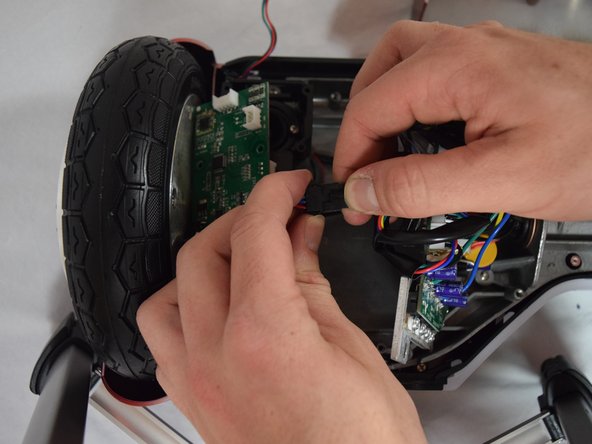
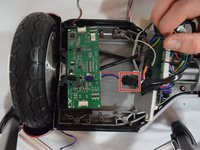
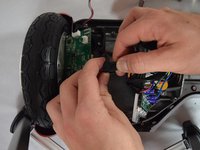
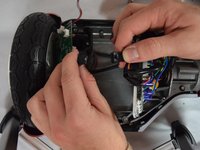
    • Unclip the black connector by squeezing both sides and pulling them apart.

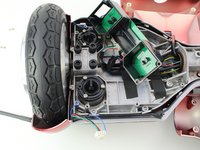
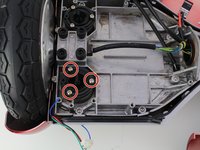
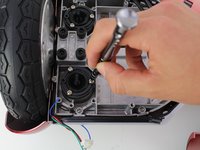
  10. Hover-1 Horizon Left Balancing Sensor Replacement, Left Balancing Sensors: 10 단계, 이미지 3개 중 1개 Hover-1 Horizon Left Balancing Sensor Replacement, Left Balancing Sensors: 10 단계, 이미지 3개 중 2개 Hover-1 Horizon Left Balancing Sensor Replacement, Left Balancing Sensors: 10 단계, 이미지 3개 중 3개
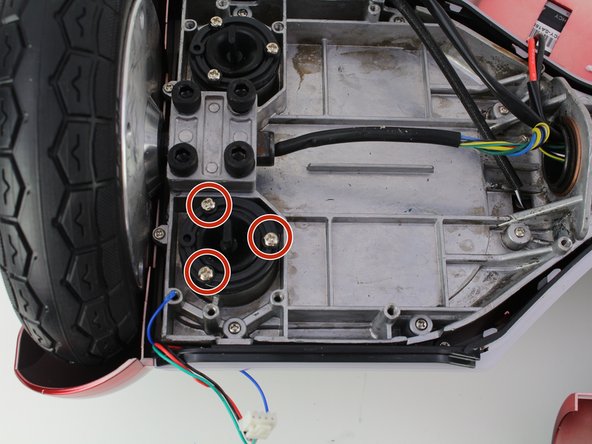
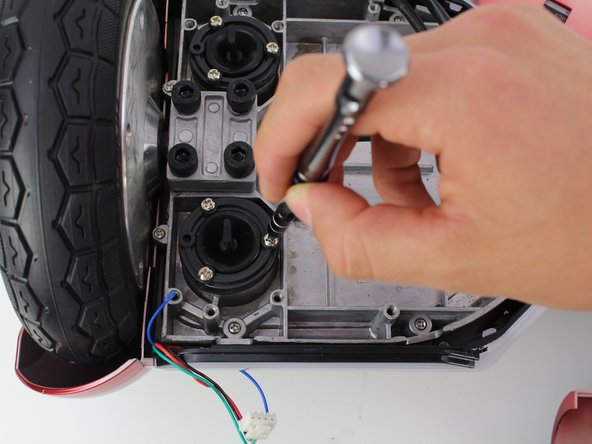
    • Remove the three 10 mm Phillips #1 screws connecting the balance sensor to the hoverboard.

    • The balance sensor tabs are made of sensitive rubber. Screw them back on slowly, and do not over-tighten.

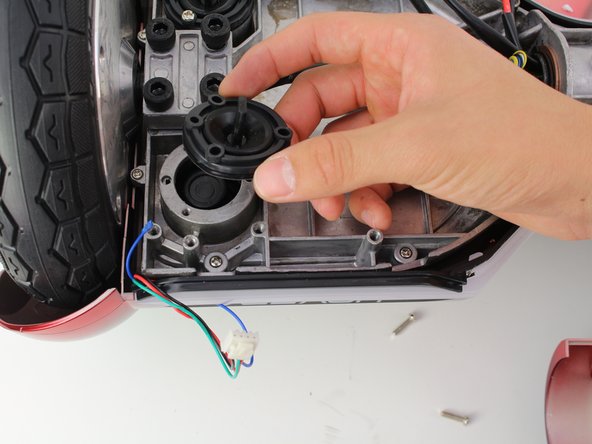
  11. Hover-1 Horizon Left Balancing Sensor Replacement: 11 단계, 이미지 2개 중 1개 Hover-1 Horizon Left Balancing Sensor Replacement: 11 단계, 이미지 2개 중 2개
    • Remove the sensor tab by carefully lifting it away from the hoverboard.

결론

To reassemble your device, follow these instructions in reverse order.

작성자

4다른 기여자 명과 함께

Jesus

회원 가입일: 10/08/18

85 평판

안내서 1개를 작성함

Cal Poly, Team S13-G6, White Fall 2018 Cal Poly, Team S13-G6, White Fall 2018 회원

CPSU-WHITE-F18S13G6

4 회원들

안내서 6개를 작성함

0가이드 댓글

댓글 쓰기

조회 통계:

지난 24시간: 2

지난 7일: 11

지난 30일: 36

전체 시간: 1,337