주요 콘텐츠로 건너뛰기
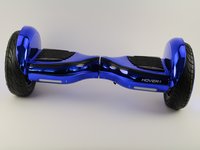
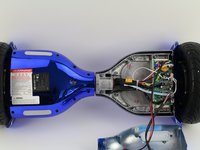
Hover-1 Titan Left Gyroscope Replacement

필요한 것

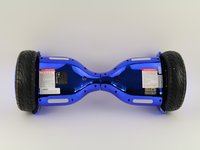
  1. Hover-1 Titan Left Gyroscope Replacement, Bottom Left Panel: 1 단계, 이미지 2개 중 1개 Hover-1 Titan Left Gyroscope Replacement, Bottom Left Panel: 1 단계, 이미지 2개 중 2개
    • Flip the hoverboard so the bottom is facing up.

    • The left side is the side that has the charge port. There is also an "L" on the metal plate underneath the wires.

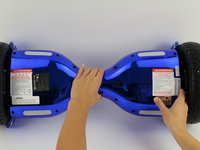
  2. Hover-1 Titan Left Gyroscope Replacement: 2 단계, 이미지 2개 중 1개 Hover-1 Titan Left Gyroscope Replacement: 2 단계, 이미지 2개 중 2개
    • Using a Phillips #1 screwdriver, remove the two 14 mm screws located closest to the center of the hoverboard.

    • Using a Phillips #1 screwdriver, remove the four 12 mm screws located in the middle of the panel.

    • Using a Phillips #1 screwdriver, remove two 15 mm screws located closest to the wheel.

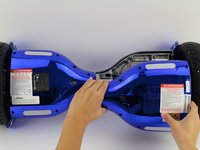
  3. Hover-1 Titan Left Gyroscope Replacement: 3 단계, 이미지 3개 중 1개 Hover-1 Titan Left Gyroscope Replacement: 3 단계, 이미지 3개 중 2개 Hover-1 Titan Left Gyroscope Replacement: 3 단계, 이미지 3개 중 3개
    • Grip the bottom left panel and lift up to remove.

  4. Hover-1 Titan Left Gyroscope Replacement, Left Gyroscope and Motherboard: 4 단계, 이미지 2개 중 1개 Hover-1 Titan Left Gyroscope Replacement, Left Gyroscope and Motherboard: 4 단계, 이미지 2개 중 2개
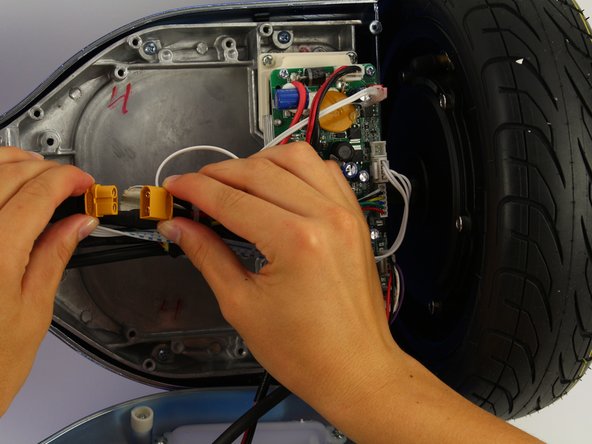
    • Unplug the battery from the gyroscope by holding the yellow connector and pulling apart.

  5. Hover-1 Titan Left Gyroscope Replacement: 5 단계, 이미지 3개 중 1개 Hover-1 Titan Left Gyroscope Replacement: 5 단계, 이미지 3개 중 2개 Hover-1 Titan Left Gyroscope Replacement: 5 단계, 이미지 3개 중 3개
    • Remove four 12 mm Phillips #1 head screws from the corners of the green gyroscope/motherboard.

  6. Hover-1 Titan Left Gyroscope Replacement: 6 단계, 이미지 2개 중 1개 Hover-1 Titan Left Gyroscope Replacement: 6 단계, 이미지 2개 중 2개
    • Unplug the bottom right connector by squeezing it and pulling it away from the board.

  7. Hover-1 Titan Left Gyroscope Replacement: 7 단계, 이미지 2개 중 1개 Hover-1 Titan Left Gyroscope Replacement: 7 단계, 이미지 2개 중 2개
    • Unplug the light connector by squeezing it and pulling away from the board.

  8. Hover-1 Titan Left Gyroscope Replacement: 8 단계, 이미지 2개 중 1개 Hover-1 Titan Left Gyroscope Replacement: 8 단계, 이미지 2개 중 2개
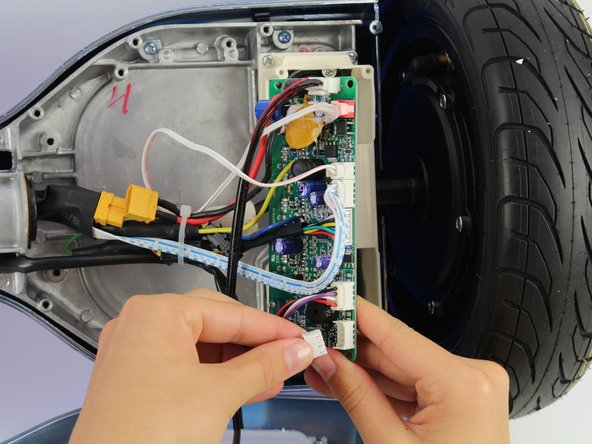
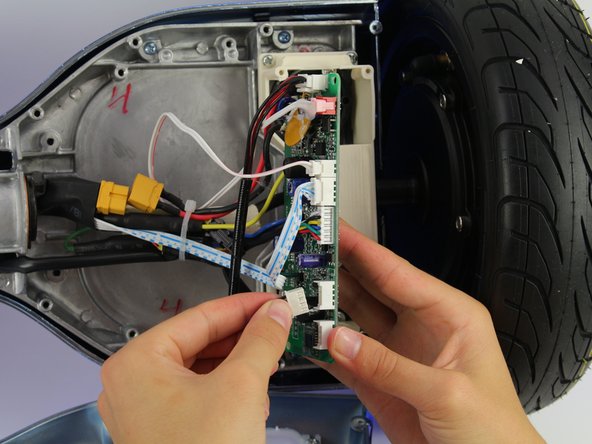
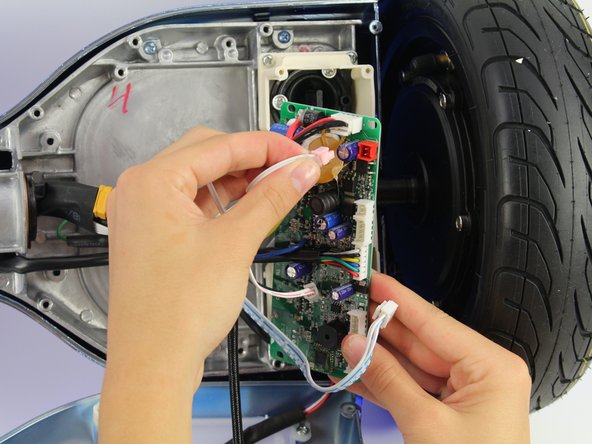
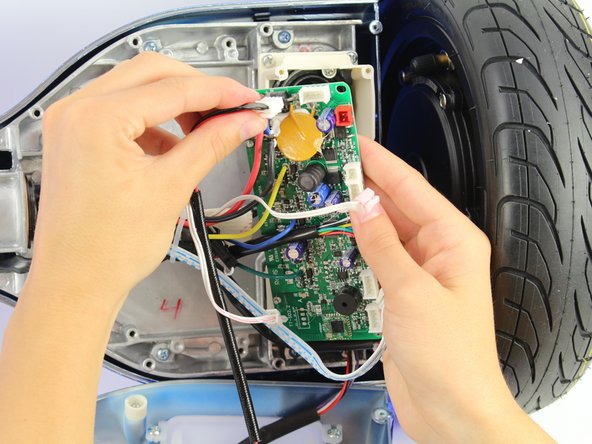
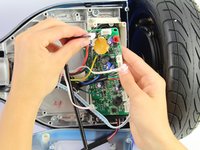
    • Unplug the blue and white wires by squeezing the connector and pulling away from the board.

  9. Hover-1 Titan Left Gyroscope Replacement: 9 단계, 이미지 2개 중 1개 Hover-1 Titan Left Gyroscope Replacement: 9 단계, 이미지 2개 중 2개
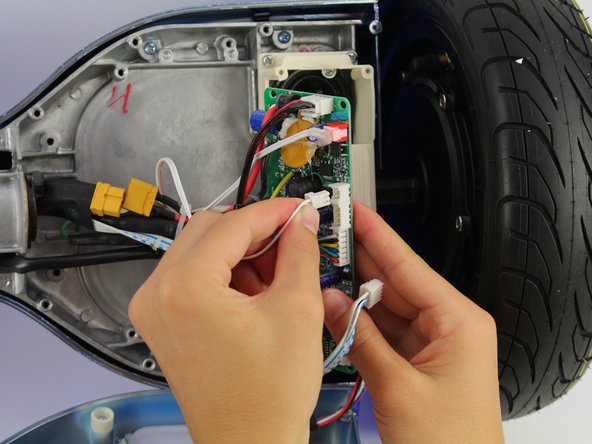
    • Unplug the small white connector by squeezing it and pulling away from the board.

  10. Hover-1 Titan Left Gyroscope Replacement: 10 단계, 이미지 2개 중 1개 Hover-1 Titan Left Gyroscope Replacement: 10 단계, 이미지 2개 중 2개
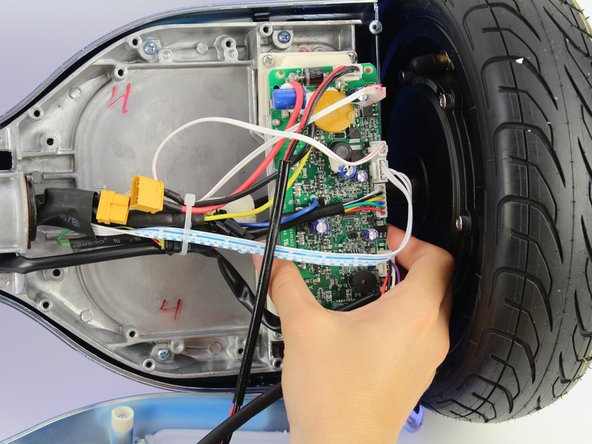
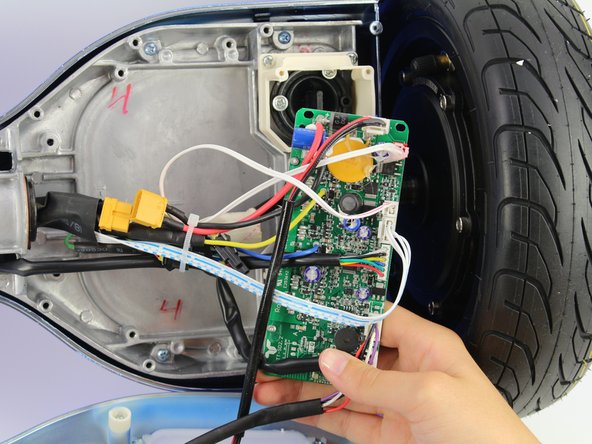
    • Unplug the plug in the red connector.

    • The red plug is glued to the board, so this step will require extra force.

  11. Hover-1 Titan Left Gyroscope Replacement: 11 단계, 이미지 2개 중 1개 Hover-1 Titan Left Gyroscope Replacement: 11 단계, 이미지 2개 중 2개
    • Unplug the charging cable connector by squeezing it and pulling it away from the board.

  12. Hover-1 Titan Left Gyroscope Replacement: 12 단계, 이미지 1개 중 1개
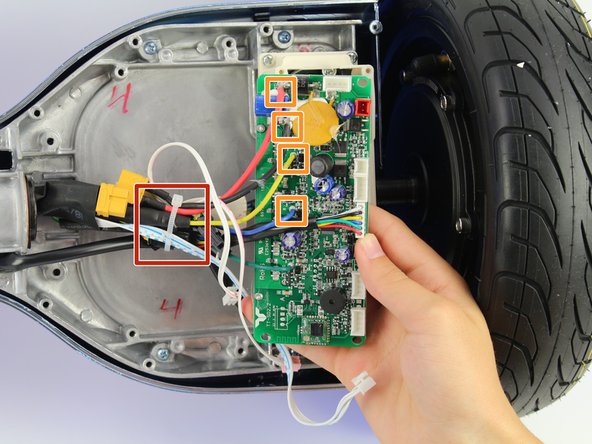
    • Cut the cable tie.

    • Unplug the remaining wires.

    • The connectors for the remaining wires are in the rubber covers.

결론

To reassemble your device, follow these instructions in reverse order.

작성자

4다른 기여자 명과 함께

Jessica Ouyang

회원 가입일: 10/08/18

634 평판

안내서 4개를 작성함

Cal Poly, Team S15-G4, White Fall 2018 Cal Poly, Team S15-G4, White Fall 2018 회원

CPSU-WHITE-F18S15G4

4 회원들

안내서 10개를 작성함

2가이드 댓글

I’ve got an active broken on the cover not the one to to speaker the other one. Does anyone know where is terminates. I can’t see where it came from. It can only reach the circuit board or the active of the speaker.

Mark - 답글

Where do you buy the board?

eden11 - 답글

댓글 쓰기

조회 통계:

지난 24시간: 1

지난 7일: 8

지난 30일: 28

전체 시간: 1,400