주요 콘텐츠로 건너뛰기
수리 커뮤니티 가입 - 계정 만들기

How to clean Microtek ScanMaker 5900 glass

필요한 것

  1. How to clean Microtek ScanMaker 5900 glass, Remove serial port connection: 1 단계, 이미지 3개 중 1개 How to clean Microtek ScanMaker 5900 glass, Remove serial port connection: 1 단계, 이미지 3개 중 2개 How to clean Microtek ScanMaker 5900 glass, Remove serial port connection: 1 단계, 이미지 3개 중 3개
    • Loosen the screws on the serial port by turning them counter clockwise by hand.

    • After loosening the screws, pull the serial port out.

    댓글 쓰기

  2. How to clean Microtek ScanMaker 5900 glass, Remove Lid: 2 단계, 이미지 3개 중 1개 How to clean Microtek ScanMaker 5900 glass, Remove Lid: 2 단계, 이미지 3개 중 2개 How to clean Microtek ScanMaker 5900 glass, Remove Lid: 2 단계, 이미지 3개 중 3개
    • Lift lid to its vertical position.

    • Pull lid straight up to remove it from the scanner.

    댓글 쓰기

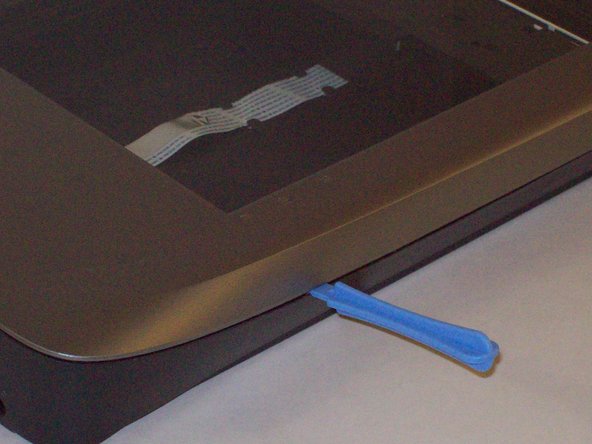
  3. How to clean Microtek ScanMaker 5900 glass, Detach plastic latches: 3 단계, 이미지 3개 중 1개 How to clean Microtek ScanMaker 5900 glass, Detach plastic latches: 3 단계, 이미지 3개 중 2개 How to clean Microtek ScanMaker 5900 glass, Detach plastic latches: 3 단계, 이미지 3개 중 3개
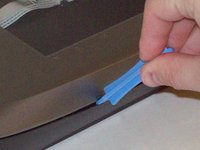
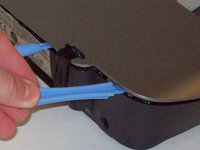
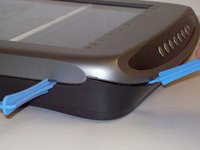
    • Push the plastic opening tools into the crack between the top and the bottom of the chassis.

    댓글 쓰기

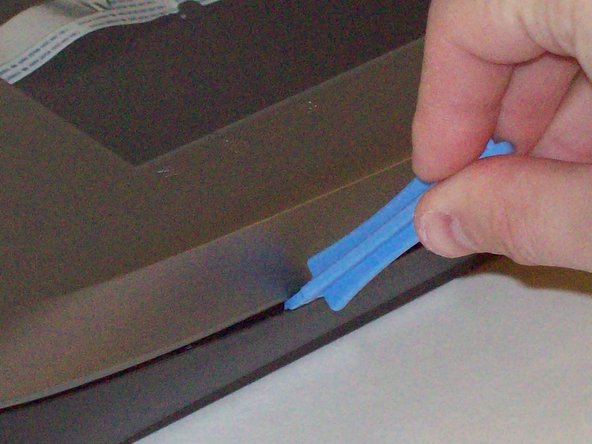
  4. How to clean Microtek ScanMaker 5900 glass, Continue latch detachment: 4 단계, 이미지 3개 중 1개 How to clean Microtek ScanMaker 5900 glass, Continue latch detachment: 4 단계, 이미지 3개 중 2개 How to clean Microtek ScanMaker 5900 glass, Continue latch detachment: 4 단계, 이미지 3개 중 3개
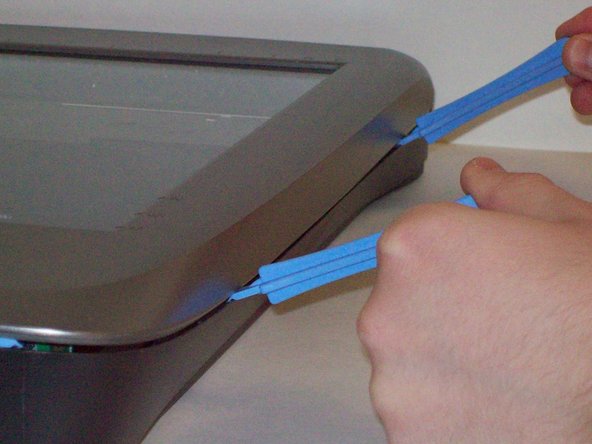
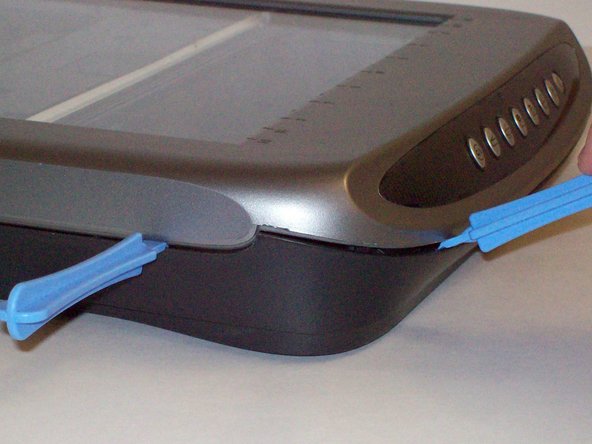
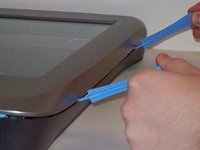
    • After placing one plastic opening tool into the slit, slide other plastic opening tools along the slit to detach the top from the bottom of the chassis.

    • Go all the way along the chassis until you can lift the upper lid.

    댓글 쓰기

  5. How to clean Microtek ScanMaker 5900 glass, Fully remove the upper lid: 5 단계, 이미지 3개 중 1개 How to clean Microtek ScanMaker 5900 glass, Fully remove the upper lid: 5 단계, 이미지 3개 중 2개 How to clean Microtek ScanMaker 5900 glass, Fully remove the upper lid: 5 단계, 이미지 3개 중 3개
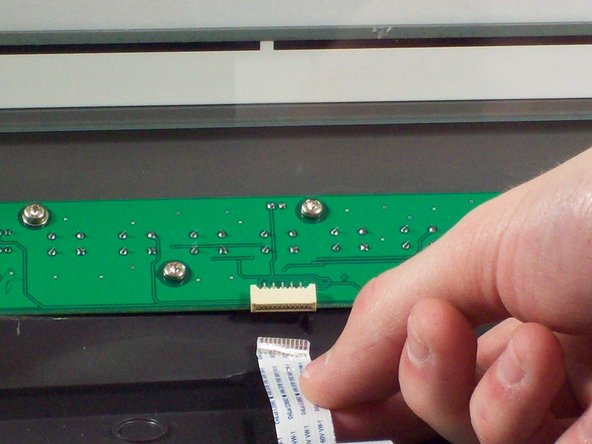
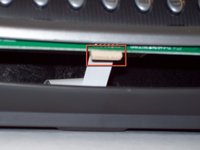
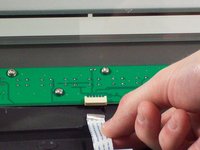
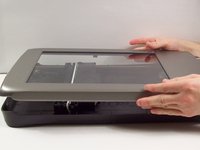
    • Do not fully remove the lid until you remove the ribbon cable attached to the front of the upper lid.

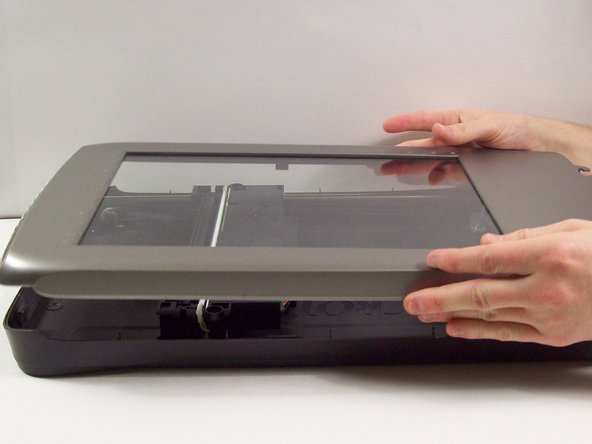
    • Do this by grabbing the upper lid from the sides and rotating it ninety degrees so it is perpendicular to the bottom lid.

    • Grab the ribbon cable and gently pull it out of its slot with your fingers.

    • The upper lid can now safely be removed from the bottom lid.

    댓글 쓰기

  6. How to clean Microtek ScanMaker 5900 glass, How to clean Microtek ScanMaker 5900 glass: 6 단계, 이미지 1개 중 1개
    • Using a soft lint-free cloth clean the surface glass of dust, finger prints and other debris.

    댓글 쓰기

결론

To reassemble your device, follow these instructions in reverse order.

취소: 해당 안내서를 완성하지 않았습니다.

작성자

4다른 기여자 명과 함께

Steven Shaginyan

회원 가입일: 10/12/11

39 평판

안내서 4개를 작성함

Cal Poly, Team 6-9, Regan Fall 2011 Cal Poly, Team 6-9, Regan Fall 2011 회원

CPSU-REGAN-F11S6G9

2 회원들

안내서 22개를 작성함

0가이드 댓글

댓글 쓰기

조회 통계:

지난 24시간: 1

지난 7일: 7

지난 30일: 38

전체 시간: 2,972