소개
Use this guide if the Huawei Union’s camera will not work properly.
필요한 것
-
-
-
Wedge your thumb nail, or the flat end of a spudger, into the bottom left corner and pry off.
 FixBot에 문의하기
-
-
-
Use the flat end of a spudger, or fingernail, to lift up the battery and pull out.
-
-
-
-
-
-
Remove the thirteen 3mm Phillips #00 screws from the back panel.
-
-
-
-
-
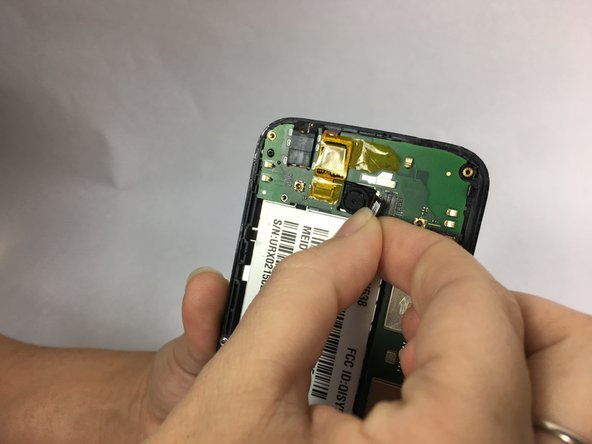
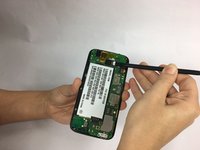
Use the flat end of a spudger to disconnect the camera from the motherboard.
-
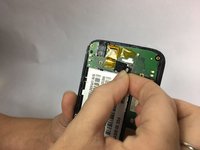
Pull the camera out to remove.
-
-


결론
To reassemble your device, follow these instructions in reverse order.

팀

USF Tampa, Team S1-G1, Nance Spring 2018 USF Tampa, Team S1-G1, Nance Spring 2018 회원
USFT-NANCE-S18S1G1
4 회원들
안내서 42개를 작성함
