소개
If your InFocus IN3104 has fuzzy or distorted color, this guide is for you. The fuzzy or distorted color most likely means that your color wheel is broken or defective. If your color wheel is broken it will need to be replaced. The color wheel provides color to the projection and is needed for display.
필요한 것
-
-
-
Turn the projector so that the lens is facing you.
-
Use a Phillips #1 screwdriver to remove the 6 mm screw that secures top cover.
-
Remove the service cover.
 FixBot에 문의하기
-
-
-
Use a Phillips #1 screwdriver to remove the seven 6 mm screws.
-
Use a Phillips #1 screwdriver to remove the two 5 mm screws.
-
Remove the top cover.
-
-
-
-
-
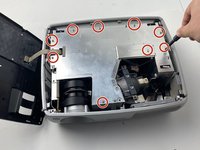
Use a Phillips #1 screwdriver to remove the nine 6 mm screws.
-
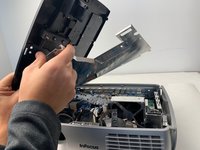
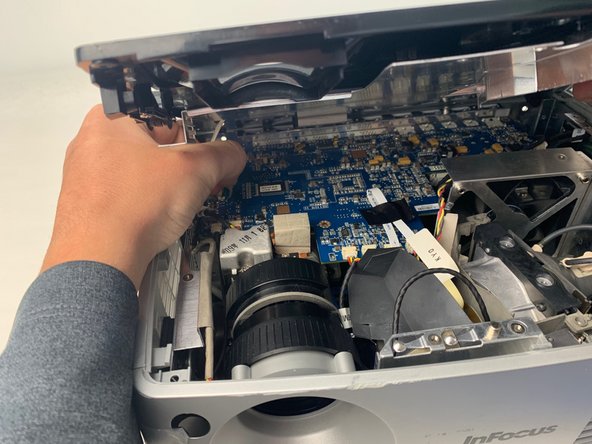
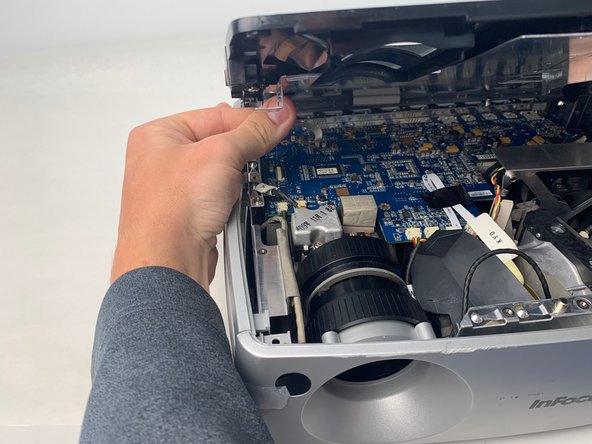
Lift up the metal cover and set it aside to reveal the motherboard.
-
-
-
-
Carefully pry up the black plastic locking bar of the ZIF connector on the motherboard with a plastic spudger.
-
Pull out the blue-tipped, white ribbon cable from the connector.
-
Remove the metal cover.
-
-
-
-
-
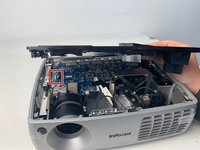
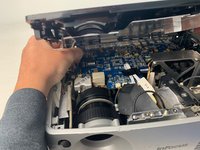
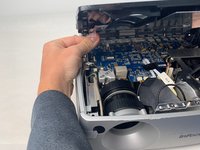
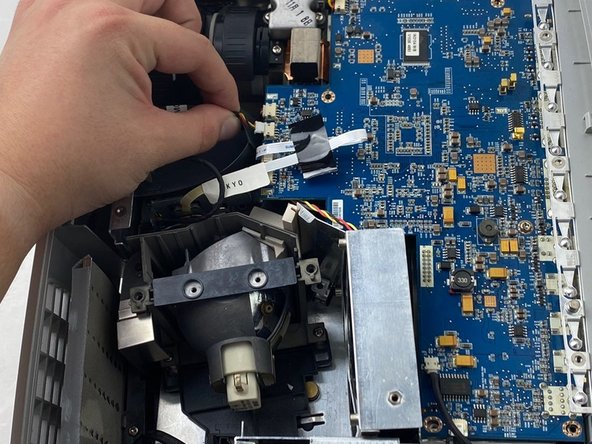
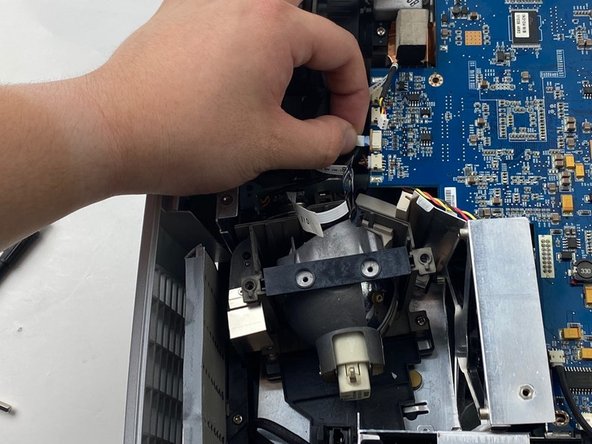
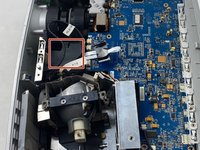
Unplug two cables from the edge of the motherboard labeled 80.87 MO and KYO.
-
-
-
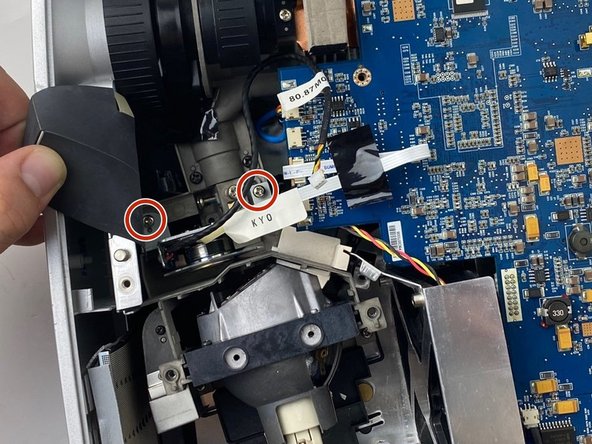
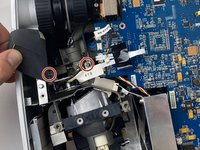
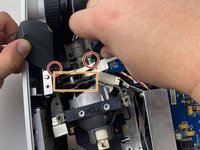
Use a Phillips #1 screwdriver to remove the two 6mm screws.
-
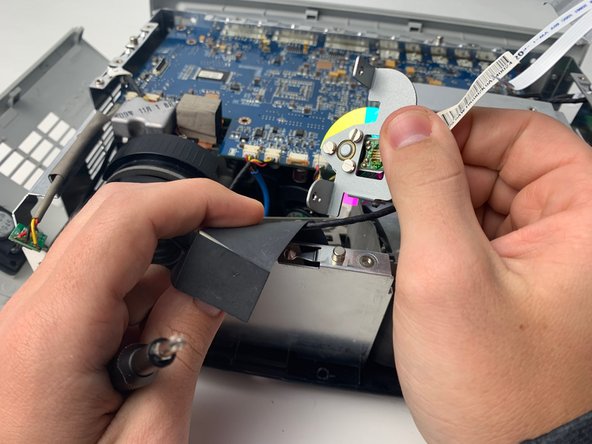
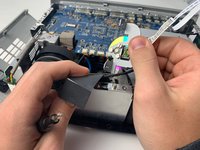
Remove the color wheel from the device by lifting it out of the projector.
-
-






To reassemble your device, follow these instructions in reverse order.

팀

Embry-Riddle Aeronautical University, Team S5-G5, Watkins Spring 2020 Embry-Riddle Aeronautical University, Team S5-G5, Watkins Spring 2020 회원
ERAU-WATKINS-S20S5G5
4 회원들
안내서 21개를 작성함
