소개
If your InFocus IN3104 device is overheating very easily the cooling fan may need to be replaced. This may be caused by a buildup of dust on the fan, or the fan just not turning properly. The cooling fan keeps the device at a cool and regulated temperature.
필요한 것
-
-
-
Turn the projector so that the lens is facing you.
-
Use a Phillips #1 screwdriver to remove the 6 mm screw that secures top cover.
-
Remove the service cover.
 FixBot에 문의하기
-
-
-
Use a Phillips #1 screwdriver to remove the seven 6 mm screws.
-
Use a Phillips #1 screwdriver to remove the two 5 mm screws.
-
Remove the top cover.
-
-
-
-
-
-
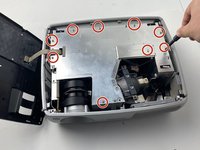
Use a Phillips #1 screwdriver to remove the nine 6 mm screws.
-
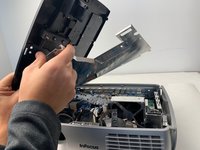
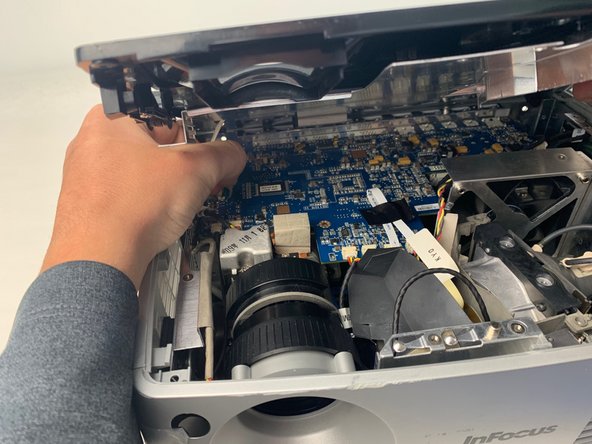
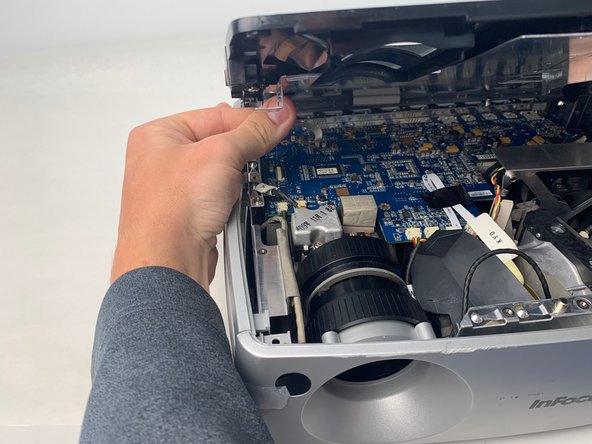
Lift up the metal cover and set it aside to reveal the motherboard.
-
-
-
Carefully pry up the black plastic locking bar of the ZIF connector on the motherboard with a plastic spudger.
-
Pull out the blue-tipped, white ribbon cable from the connector.
-
Remove the metal cover.
-
-
-
-
-
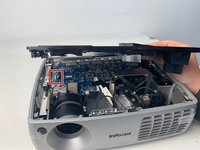
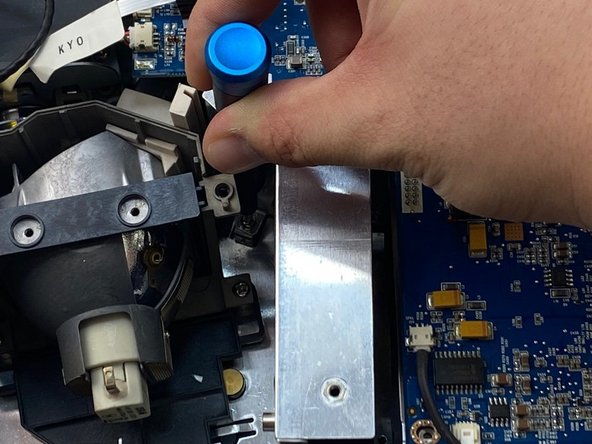
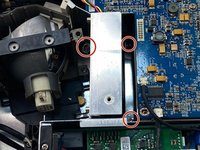
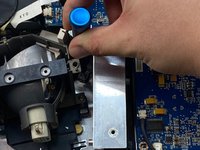
Use a Phillips #1 screwdriver to remove the three 6 mm screws on the metal cover beside the lamp.
-
-
-
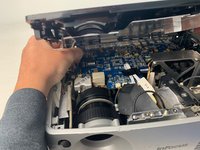
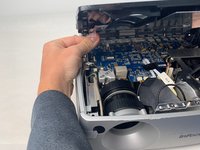
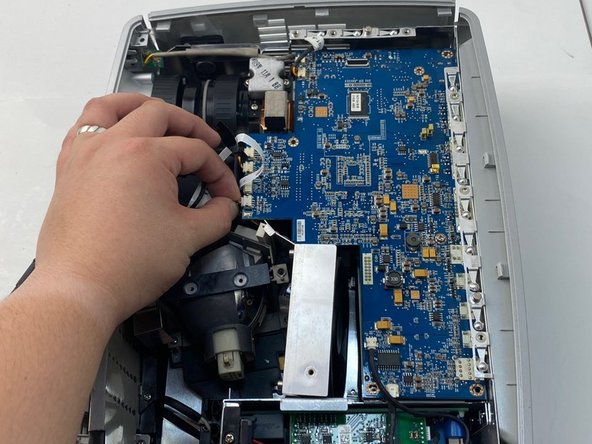
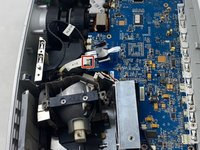
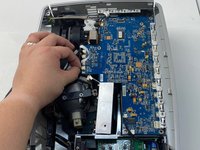
Unplug the yellow, red, and black colored cable bundle from the motherboard.
-
Remove the cooling fan from the device by lifting it out.
-
-






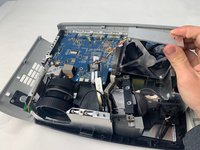
To reassemble your device, follow these instructions in reverse order.

팀

Embry-Riddle Aeronautical University, Team S5-G5, Watkins Spring 2020 Embry-Riddle Aeronautical University, Team S5-G5, Watkins Spring 2020 회원
ERAU-WATKINS-S20S5G5
4 회원들
안내서 21개를 작성함
