소개
The Infocus IN3104 has two speakers installed. If you can’t hear any sound playing from the device or sound is only coming from one side, you will have to replace one or both of the speakers. For this guide, you need a Philips # 1 screwdriver head. This task does not need any special skills to complete.
필요한 것
-
-
-
Turn the projector so that the lens is facing you.
-
Use a Phillips #1 screwdriver to remove the 6 mm screw that secures top cover.
-
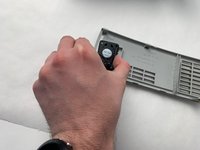
Remove the service cover.
 FixBot에 문의하기
-
-
-
Use a Phillips #1 screwdriver to remove the seven 6 mm screws.
-
Use a Phillips #1 screwdriver to remove the two 5 mm screws.
-
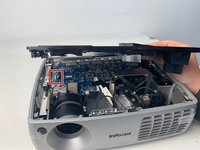
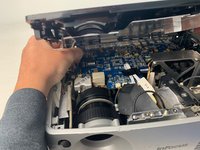
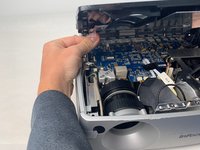
Remove the top cover.
-
-
-
-
-
-
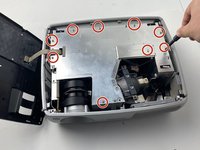
Use a Phillips #1 screwdriver to remove the nine 6 mm screws.
-
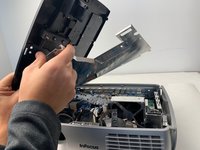
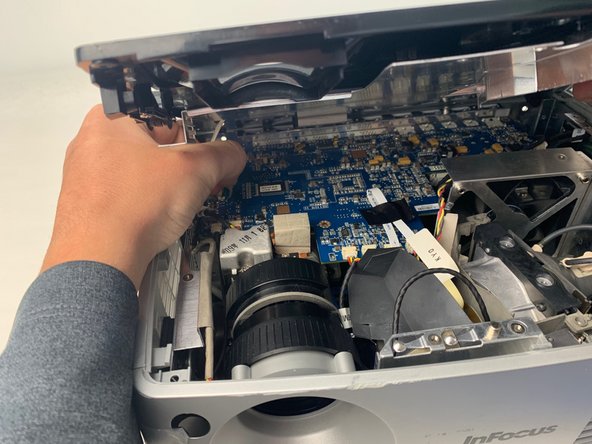
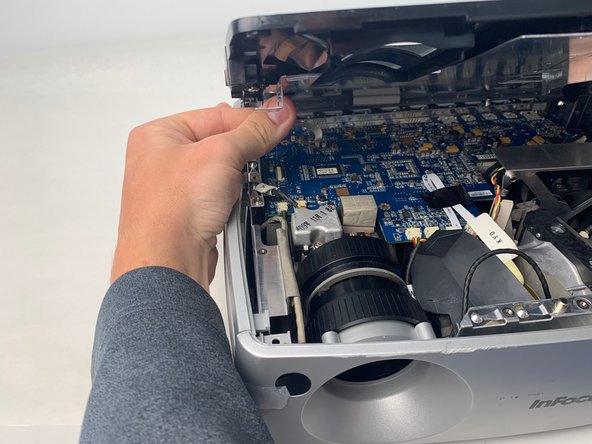
Lift up the metal cover and set it aside to reveal the motherboard.
-
-
-
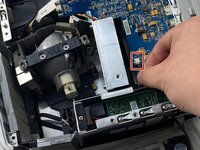
Carefully pry up the black plastic locking bar of the ZIF connector on the motherboard with a plastic spudger.
-
Pull out the blue-tipped, white ribbon cable from the connector.
-
Remove the metal cover.
-
-
-
-
-
Unplug the speaker wire that is located right behind the cooling fan.
-
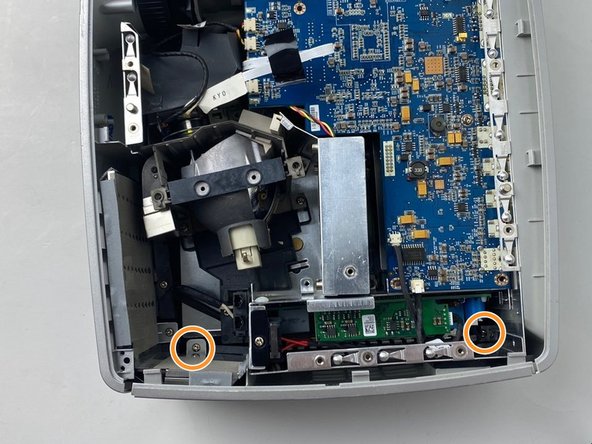
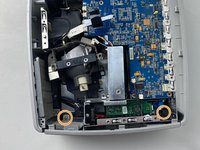
Use a Phillips #1 screwdriver to remove the two 6 mm screws on the frame brackets.
-
-
-
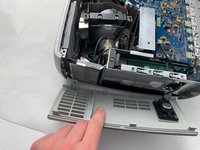
Remove the side panel.
-
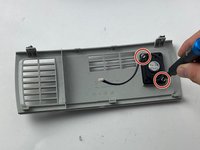
Use a Phillips #1 screwdriver to remove the two 6 mm screws.
-
Remove the speaker by pulling it straight out.
-
-






To reassemble your device, follow these instructions in reverse order.

팀

Embry-Riddle Aeronautical University, Team S5-G5, Watkins Spring 2020 Embry-Riddle Aeronautical University, Team S5-G5, Watkins Spring 2020 회원
ERAU-WATKINS-S20S5G5
4 회원들
안내서 21개를 작성함
