소개
The fan is an important part of the InFocus IN35W projector, and if it fails to work, your device could overheat and break. If you do not hear the fan running in your projector, this guide will help you access it to figure out the problem.
필요한 것
-
-
Use the plastic opening tool to remove the front plastic casing surrounding the lens.
-
Pry apart the clips securing the top and bottom of the device using the plastic opening tool.
 FixBot에 문의하기
-
-
-
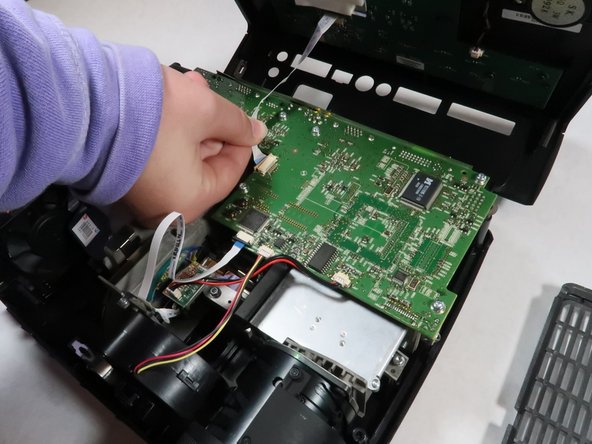
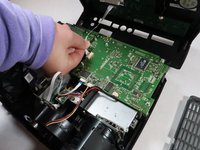
Detach the white speaker wire that connects the motherboard to the top piece.
-
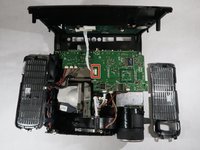
Remove the top cover from the device.
-
-
-
-
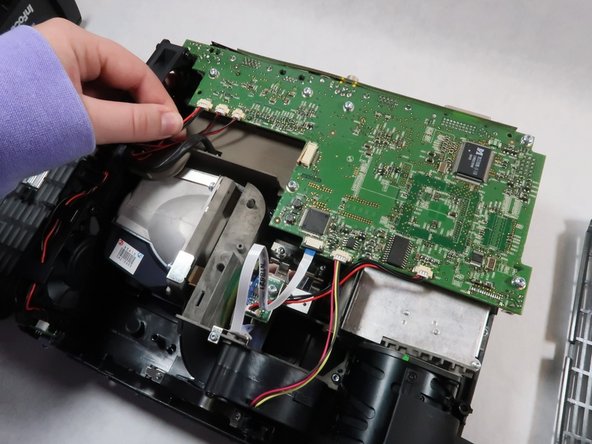
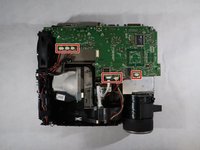
Detach all six of the cables and speaker wires from the white connectors on the motherboard.
-
-
-
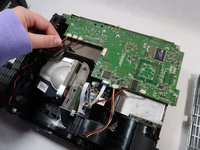
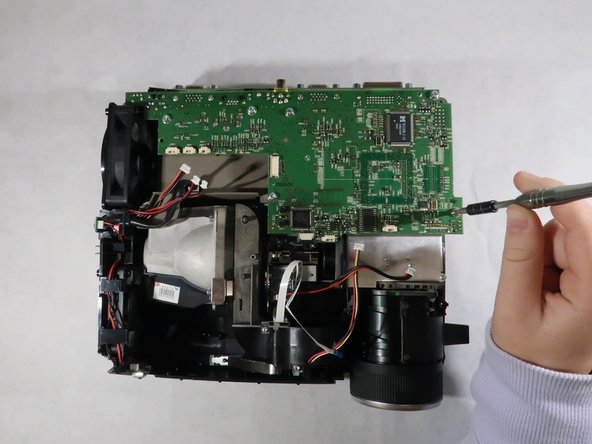
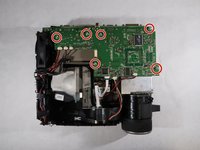
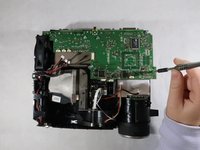
Carefully grasp the outsides of the motherboard and pull it up to remove it from the device.
-






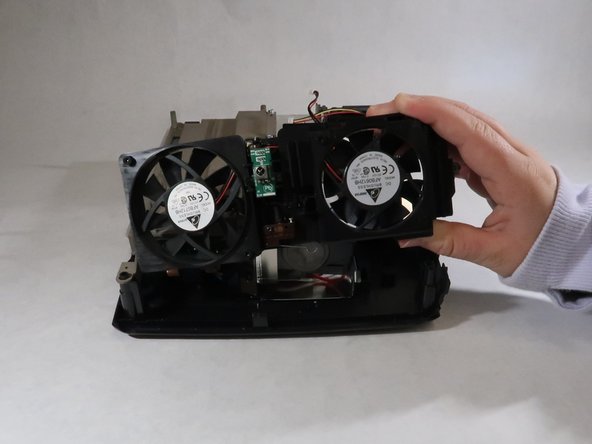
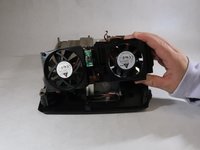
To reassemble your device, follow these instructions in reverse order.

팀

UMass Dartmouth, Team 1-2, Simcock Fall 2021 UMass Dartmouth, Team 1-2, Simcock Fall 2021 회원
UMASSD-SIMCOCK-F21S1G2
4 회원들
안내서 8개를 작성함
