소개
If your JBL Go is producing distorted audio, the foam surrounding the woofer may be damaged. Use this guide to remove and replace the foam surround.
Removing the foam surround requires sharp tweezers so perform this step delicately to avoid cutting yourself.
필요한 것
-
-
-
Use an opening tool to scrape around the outside of the front cover to remove the glue attaching it to the surrounding rubber layer.
 FixBot에 문의하기
-
-
-
Once you have scraped off all of the glue, use the opening tool to pry up the front cover.
-
-
-
-
-
-
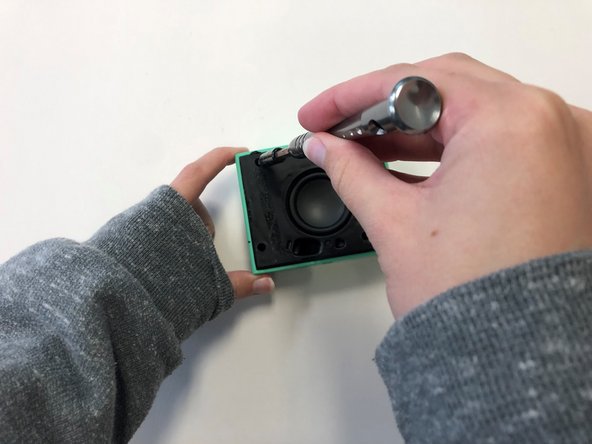
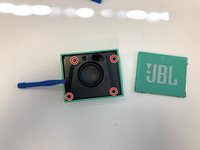
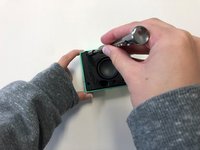
Once the front cover is removed, use a T6 screwdriver head to remove the four 9 mm screws on the black cover.
-
-
-
After removing the screws, use the plastic opening tool to carefully pry around the edges of the black cover to loosen and lift the cover off of the device.
-
-
-
Once the black cover is fully detached from the speaker, unscrew the woofer from the back of the black cover using a T6 screwdriver head.
-
-
-
-
이 단계에 사용된 도구:Tweezers$4.99
-
Once the woofer is removed, use sharp tweezers to carefully remove the foam surround from the woofer.
-
-




To reassemble your device, follow these instructions in reverse order.
다른 4명이 해당 안내서를 완성하였습니다.

팀

University of Alabama, Team 2-4, Bedsole Spring 2022 University of Alabama, Team 2-4, Bedsole Spring 2022 회원
UA-BEDSOLE-S22S2G4
3 회원들
안내서 8개를 작성함
