소개
If your JBL Go isn't producing quality sound, the woofer may be damaged. Use this guide to carefully remove and replace the faulty woofer.
필요한 것
-
-
Use an opening tool to scrape around the outside of the front cover to remove the glue attaching it to the surrounding rubber layer.
 FixBot에 문의하기
-
-
-
Once you have scraped off all of the glue, use the opening tool to pry up the front cover.
-
-
-
-
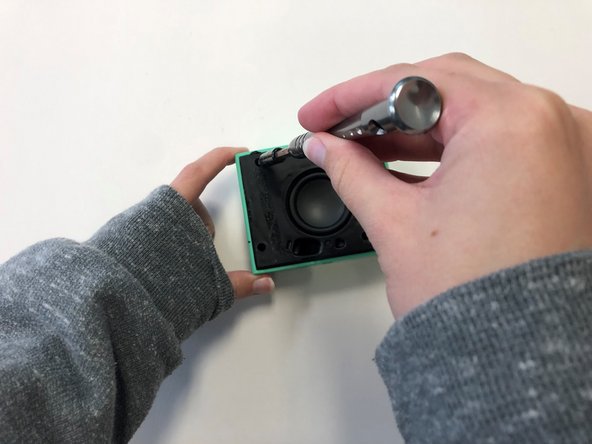
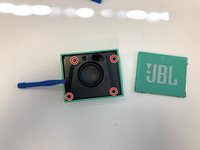
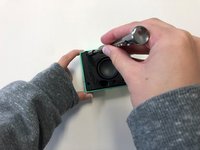
Once the front cover is removed, use a T6 screwdriver head to remove the four 9 mm screws on the black cover.
-
-
-
After removing the screws, use the plastic opening tool to carefully pry around the edges of the black cover to loosen and lift the cover off of the device.
-
-
-
Once the black cover is fully detached from the speaker, unscrew the woofer from the back of the black cover using a T6 screwdriver head.
-




To reassemble your device, follow these instructions in reverse order.
다른 4명이 해당 안내서를 완성하였습니다.

팀

University of Alabama, Team 2-4, Bedsole Spring 2022 University of Alabama, Team 2-4, Bedsole Spring 2022 회원
UA-BEDSOLE-S22S2G4
3 회원들
안내서 8개를 작성함
