주요 콘텐츠로 건너뛰기
수리 커뮤니티 가입 - 계정 만들기

JBL Pulse Motherboard Replacement

필요한 것

  1. JBL Pulse Motherboard Replacement, Button Board: 1 단계, 이미지 1개 중 1개
    • Use a plastic opening tool to pry around the edges of the circular rubber panel.

    댓글 쓰기

  2. JBL Pulse Motherboard Replacement: 2 단계, 이미지 1개 중 1개
    • Once the edges are loose, pull off the rubber button panel completely.

    • New adhesive will have to be applied when reassembling.

    댓글 쓰기

  3. JBL Pulse Motherboard Replacement: 3 단계, 이미지 1개 중 1개
    • Use your plastic opening tool to pry the button board loose by lifting the edges.

    댓글 쓰기

  4. JBL Pulse Motherboard Replacement: 4 단계, 이미지 1개 중 1개
    • Lift the button board, exposing the attached cable.

    • New adhesive will have to be applied when reassembling.

    댓글 쓰기

  5. JBL Pulse Motherboard Replacement: 5 단계, 이미지 1개 중 1개
    • Pull black piece on top of socket away from board to loosen, then detach the cable.

    댓글 쓰기

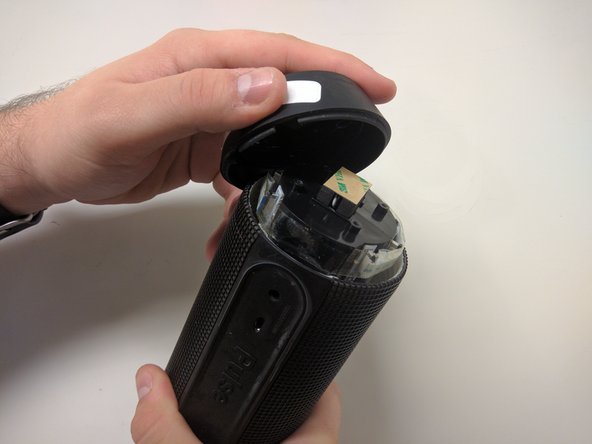
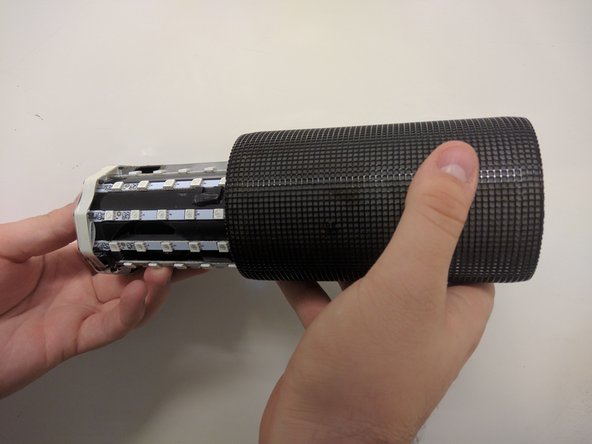
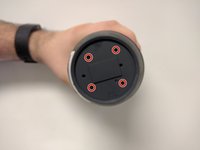
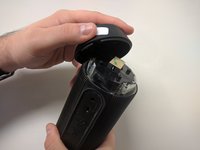
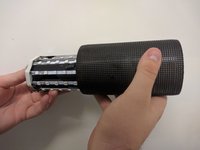
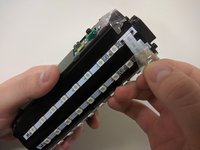
  6. JBL Pulse Motherboard Replacement, Outer Casing: 6 단계, 이미지 3개 중 1개 JBL Pulse Motherboard Replacement, Outer Casing: 6 단계, 이미지 3개 중 2개 JBL Pulse Motherboard Replacement, Outer Casing: 6 단계, 이미지 3개 중 3개
    • Take out the four 9mm black PH0 screws from the top and bottom of the device.

    • Pull off cap by hand.

    • The outer casing can now be removed.

    댓글 쓰기

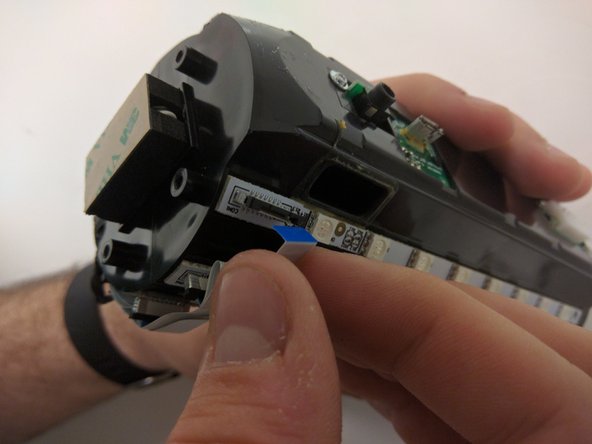
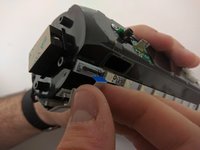
  7. JBL Pulse Motherboard Replacement, JBL Pulse LED Lights Disassembly: 7 단계, 이미지 2개 중 1개 JBL Pulse Motherboard Replacement, JBL Pulse LED Lights Disassembly: 7 단계, 이미지 2개 중 2개
    • Remove the tape around the cables on the top of the device.

    • Remove the cables by lifting up on the black bracket and then pulling the cable out.

    댓글 쓰기

  8. JBL Pulse Motherboard Replacement, JBL Pulse Disassembly: 8 단계, 이미지 1개 중 1개
    • Remove two black 9mm PH0 screws from outside of inner casing on each side.

    댓글 쓰기

  9. JBL Pulse Motherboard Replacement: 9 단계, 이미지 3개 중 1개 JBL Pulse Motherboard Replacement: 9 단계, 이미지 3개 중 2개 JBL Pulse Motherboard Replacement: 9 단계, 이미지 3개 중 3개
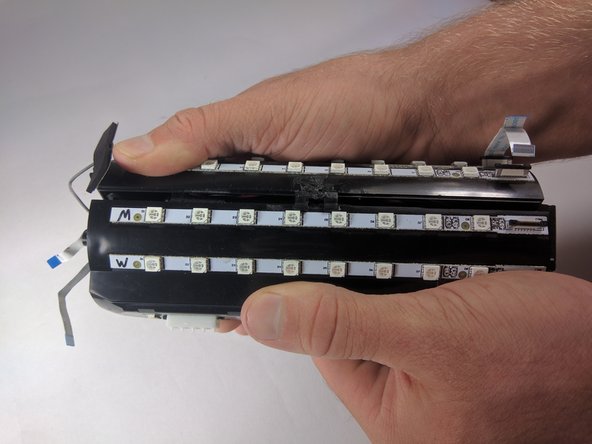
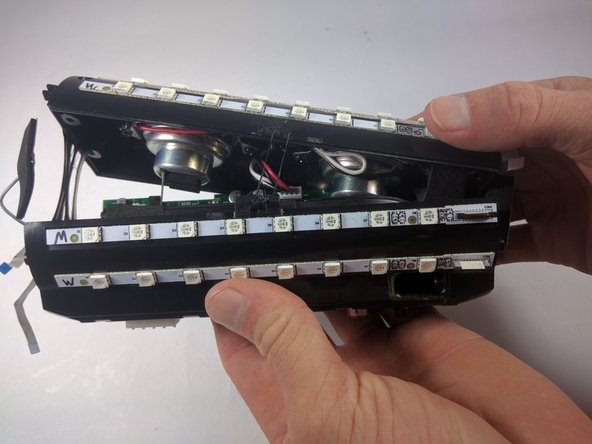
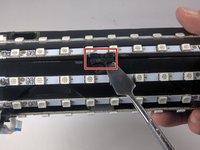
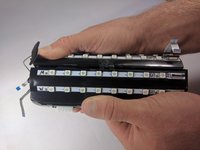
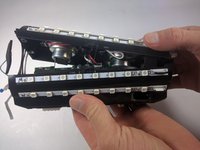
    • Use your metal spudger to unhook the bracket holding the case together.

    • Pull apart the casing with your hands.

    댓글 쓰기

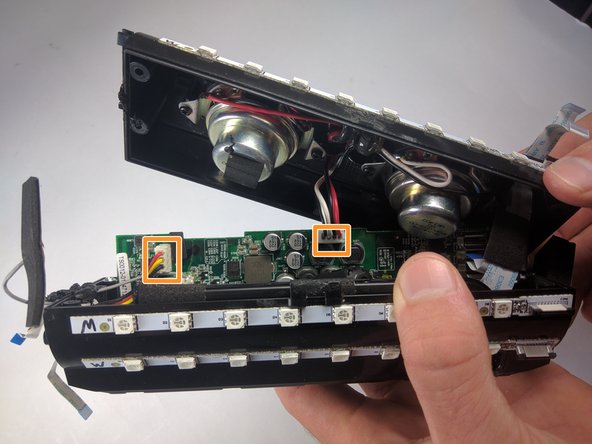
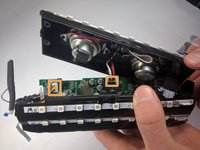
  10. JBL Pulse Motherboard Replacement: 10 단계, 이미지 2개 중 1개 JBL Pulse Motherboard Replacement: 10 단계, 이미지 2개 중 2개
    • Remove the cables by lifting up on the black bracket and then pulling the cable out.

    • Remove cables by pulling firmly.

    댓글 쓰기

  11. JBL Pulse Motherboard Replacement, Motherboard: 11 단계, 이미지 1개 중 1개
    • Once all of the cables are removed, grip the motherboard and slide it out.

    댓글 쓰기

결론

To reassemble your device, follow these instructions in reverse order.

취소: 해당 안내서를 완성하지 않았습니다.

다른 3명이 해당 안내서를 완성하였습니다.

작성자

2다른 기여자 명과 함께

Maxwell Busenbarrick

회원 가입일: 09/15/16

1,401 평판

안내서 7개를 작성함

USF Tampa, Team 18-6, Blackwell Fall 2016 USF Tampa, Team 18-6, Blackwell Fall 2016 회원

USFT-BLACKWELL-F16S18G6

3 회원들

안내서 13개를 작성함

3가이드 댓글

Excelente, funcionó perfectamente la guia. Compré la bateria y el armado funcionó perfecto. Muchas gracias.

Angel Pérez - 답글 공유

my usb port is damaged. Do I have to replace the whole motherboarD?

dinosdabi - 답글 공유

Hey I need JBL pulse motherboard Where can I buy. Please help

kashyapvikas228vk1070301 - 답글 공유

댓글 쓰기

조회 통계:

지난 24시간: 3

지난 7일: 19

지난 30일: 60

전체 시간: 10,153