소개
This guide shows how to replace the speaker inside of the device. Replacing the speakers is only necessary if the device is playing distorted or no audio.
필요한 것
-
-
-
Use a plastic opening tool to pry around the edges of the circular rubber panel.
 FixBot에 문의하기
-
-
-
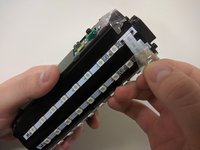
Use your plastic opening tool to pry the button board loose by lifting the edges.
-
-
-
-
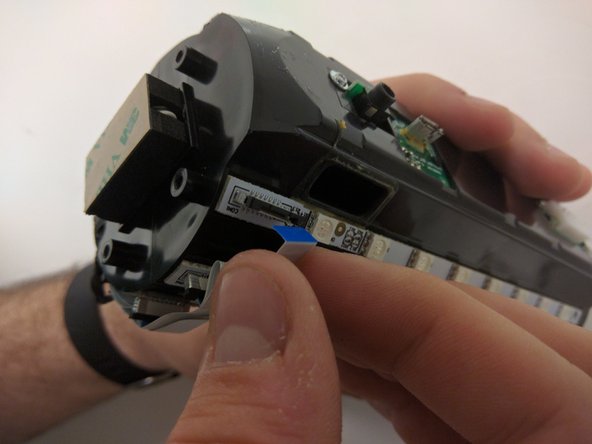
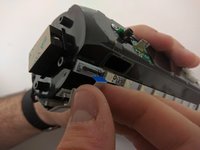
Pull black piece on top of socket away from board to loosen, then detach the cable.
-
-
-
-
-
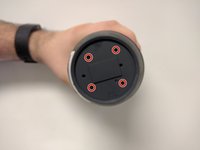
Take out the four 9mm black PH0 screws from the top and bottom of the device.
-
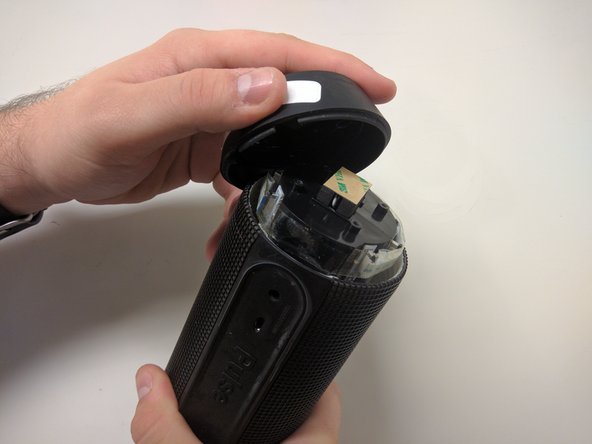
Pull off cap by hand.
-
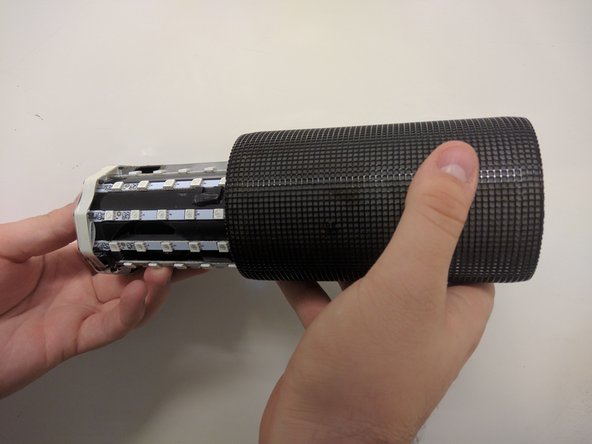
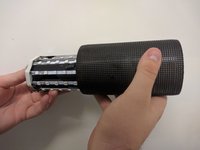
The outer casing can now be removed.
-
-
-
-
-
Remove the tape around the cables on the top of the device.
-
Remove the cables by lifting up on the black bracket and then pulling the cable out.
-
-
-
-
-
Remove two black 9mm PH0 screws from outside of inner casing on each side.
-
-
-
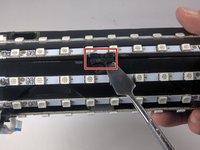
Use your metal spudger to unhook the bracket holding the case together.
-
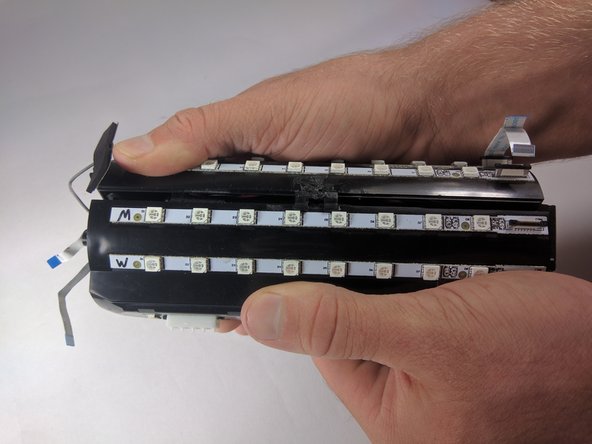
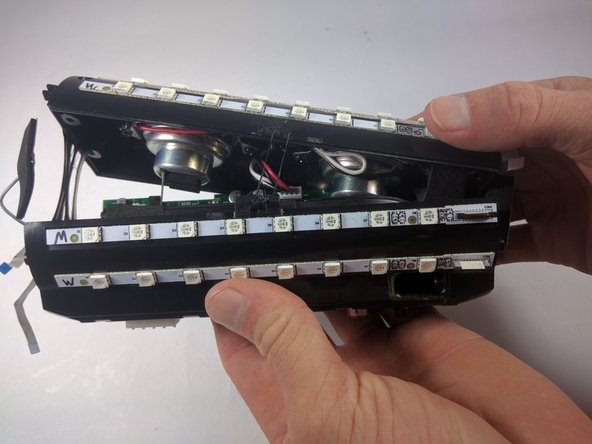
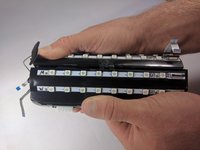
Pull apart the casing with your hands.
-
-
-
Remove the cables by lifting up on the black bracket and then pulling the cable out.
-
Remove cables by pulling firmly.
-
-
-
-
-
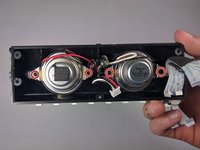
Remove four black PH0 9mm screws.
-
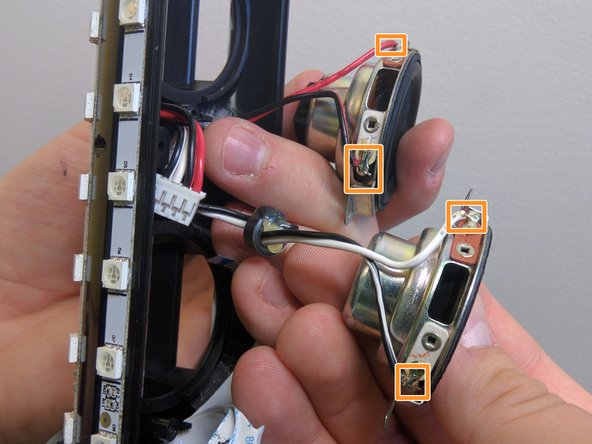
The only thing still attaching the speakers is the wires to the soldering points. Cut wires at soldering points.
-
-





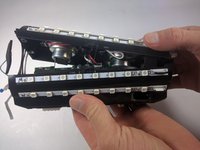

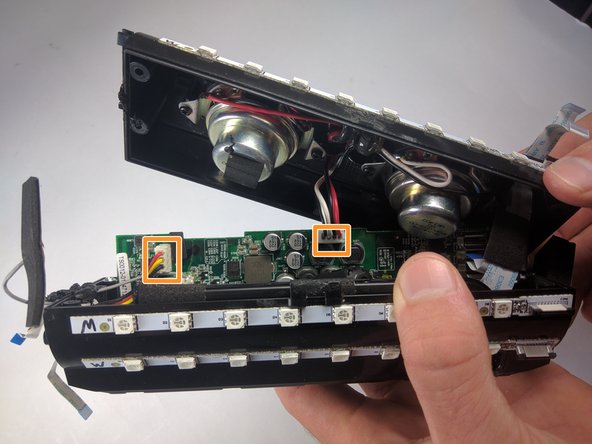
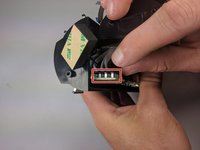
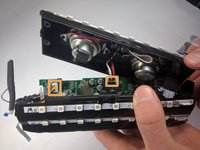

To reassemble your device, follow these instructions in reverse order.
다른 7명이 해당 안내서를 완성하였습니다.

팀

USF Tampa, Team 18-6, Blackwell Fall 2016 USF Tampa, Team 18-6, Blackwell Fall 2016 회원
USFT-BLACKWELL-F16S18G6
3 회원들
안내서 49개를 작성함
9가이드 댓글
Hi,
Thanks for your guide. Where did you obtain replacement speakers?
Hi. Even I would like to know a good replacement/ substitute speaker for this. Thanks
Vishakh A V - 답글 공유
Hi.
Even I would like to know where I can find a replacement or an alternate speaker..
Vishakh A V - 답글 공유
Could you please share any links to buy these spare speakers ..Thanks in advance ☺️
deepak gupta - 답글 공유
