주요 콘텐츠로 건너뛰기
JVC Adixxion GC-XA1BU LCD Screen Replacement

필요한 것

  1. JVC Adixxion GC-XA1BU LCD Screen Replacement, Battery: 1 단계, 이미지 1개 중 1개
    • Find the side of the camera with the black switch shown.

  2. JVC Adixxion GC-XA1BU LCD Screen Replacement: 2 단계, 이미지 1개 중 1개
    • Push down on the black switch.

  3. JVC Adixxion GC-XA1BU LCD Screen Replacement: 3 단계, 이미지 1개 중 1개
    • Slide the battery cover back while pushing down on the black switch.

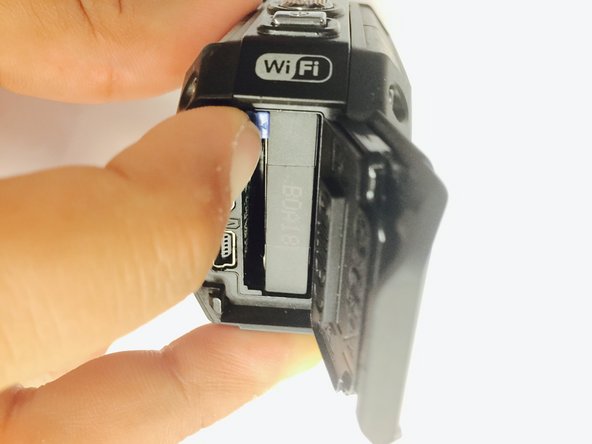
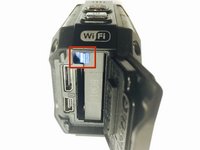
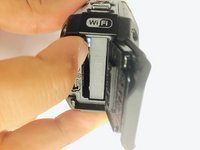
  4. JVC Adixxion GC-XA1BU LCD Screen Replacement: 4 단계, 이미지 2개 중 1개 JVC Adixxion GC-XA1BU LCD Screen Replacement: 4 단계, 이미지 2개 중 2개
    • Open the battery compartment and push the blue battery release switch.

  5. JVC Adixxion GC-XA1BU LCD Screen Replacement: 5 단계, 이미지 1개 중 1개
    • Remove the battery from the camera.

  6. JVC Adixxion GC-XA1BU LCD Screen Replacement, Battery Cover: 6 단계, 이미지 1개 중 1개
    • Remove the two Phillips screws (4mm x 3mm) using the Phillips #00 screwdriver.

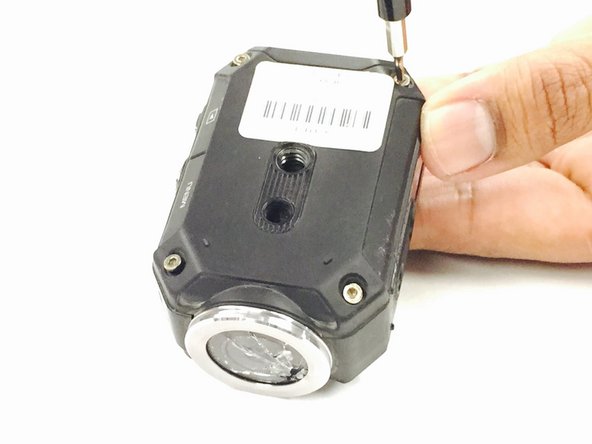
  7. JVC Adixxion GC-XA1BU LCD Screen Replacement, LCD Cover: 7 단계, 이미지 2개 중 1개 JVC Adixxion GC-XA1BU LCD Screen Replacement, LCD Cover: 7 단계, 이미지 2개 중 2개
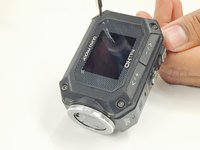
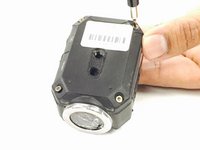
    • Remove the 8 screws (5mm x 4mm) from the corners of both the front and back of the camera (4 screws on each side) using the T6 Torx screwdriver.

  8. JVC Adixxion GC-XA1BU LCD Screen Replacement: 8 단계, 이미지 1개 중 1개
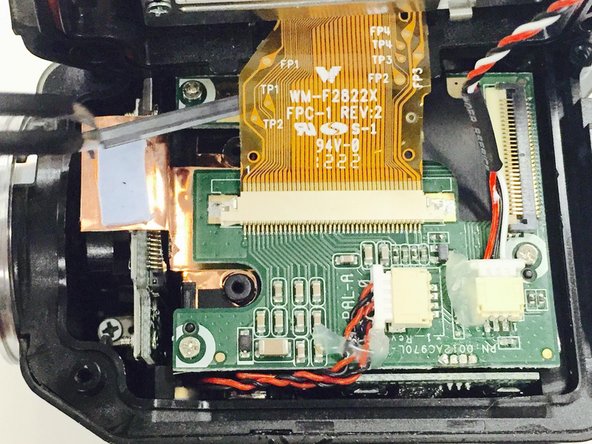
    • Carefully open the camera as shown and gently peel off the black cover tape.

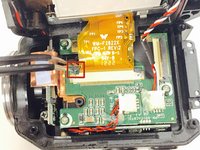
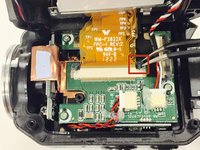
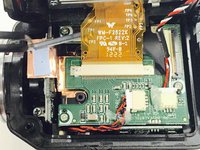
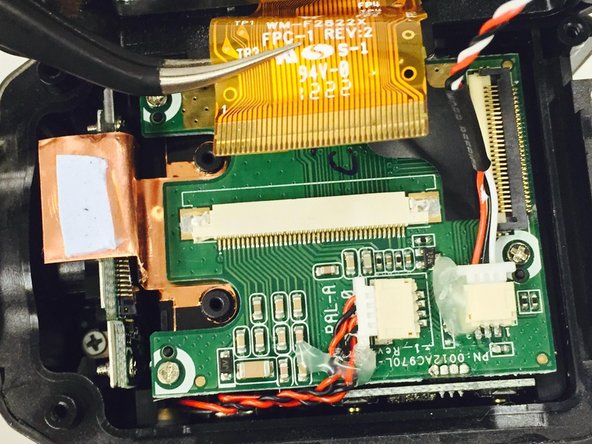
  9. JVC Adixxion GC-XA1BU LCD Screen Replacement: 9 단계, 이미지 3개 중 1개 JVC Adixxion GC-XA1BU LCD Screen Replacement: 9 단계, 이미지 3개 중 2개 JVC Adixxion GC-XA1BU LCD Screen Replacement: 9 단계, 이미지 3개 중 3개
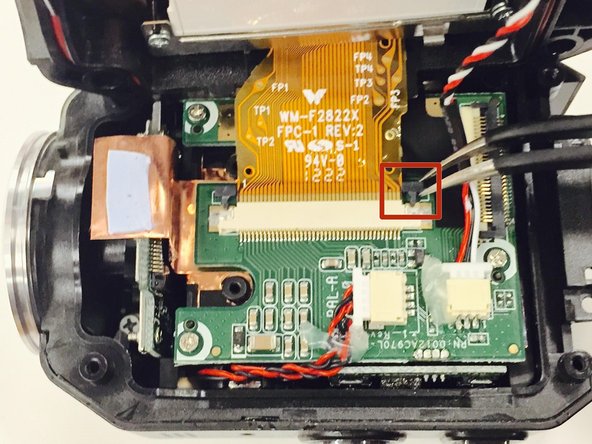
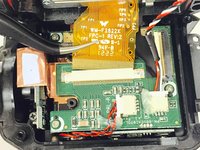
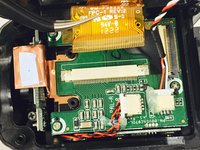
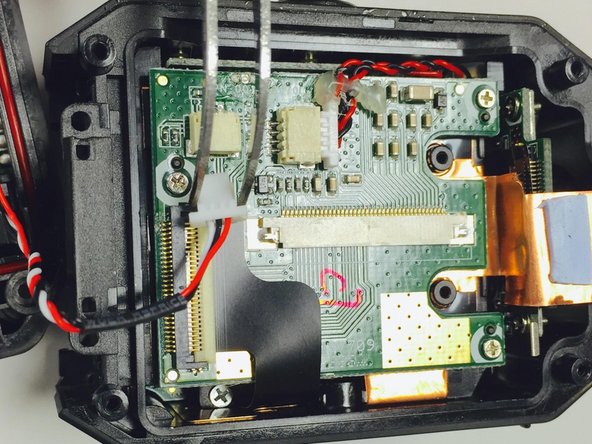
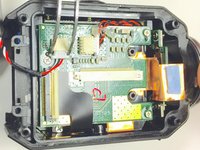
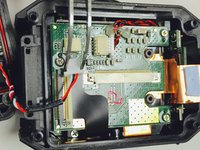
    • Carefully lift up and remove the cable ribbon clip using the tweezers.

  10. JVC Adixxion GC-XA1BU LCD Screen Replacement: 10 단계, 이미지 2개 중 1개 JVC Adixxion GC-XA1BU LCD Screen Replacement: 10 단계, 이미지 2개 중 2개
    • Carefully grasp and remove the ribbon cable using the tweezers.

  11. JVC Adixxion GC-XA1BU LCD Screen Replacement: 11 단계, 이미지 1개 중 1개
    • Turn the camera as shown and carefully remove the glue from the connector.

  12. JVC Adixxion GC-XA1BU LCD Screen Replacement: 12 단계, 이미지 2개 중 1개 JVC Adixxion GC-XA1BU LCD Screen Replacement: 12 단계, 이미지 2개 중 2개
    • Carefully pull the white clip out of the casing using the tweezers.

  13. JVC Adixxion GC-XA1BU LCD Screen Replacement, Zoom (+/-) Buttons: 13 단계, 이미지 2개 중 1개 JVC Adixxion GC-XA1BU LCD Screen Replacement, Zoom (+/-) Buttons: 13 단계, 이미지 2개 중 2개
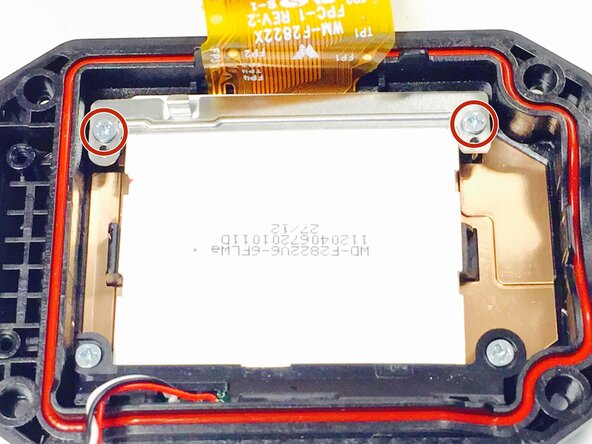
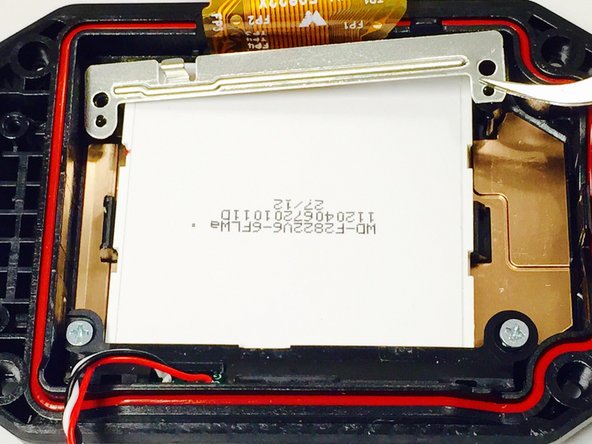
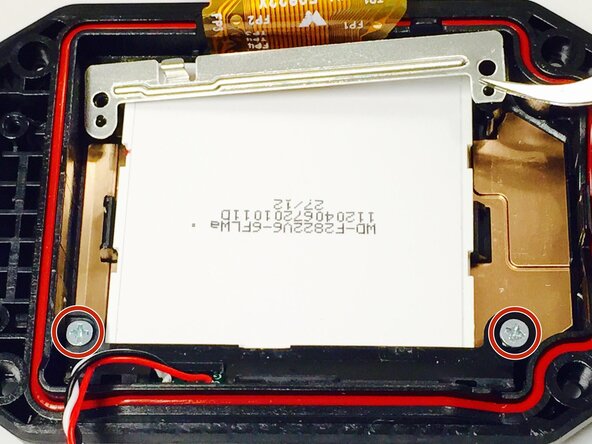
    • Use a Phillips #00 screwdriver to remove the two top screws (4mmx x 3mm). Once the screws are removed, carefully lift off the silver plate using Tweezers.

  14. JVC Adixxion GC-XA1BU LCD Screen Replacement: 14 단계, 이미지 1개 중 1개
    • Once you have lifted and removed the silver plate, use a Phillips #00 screwdriver to remove the two bottom screws (4mm x 3mm).

  15. JVC Adixxion GC-XA1BU LCD Screen Replacement: 15 단계, 이미지 2개 중 1개 JVC Adixxion GC-XA1BU LCD Screen Replacement: 15 단계, 이미지 2개 중 2개
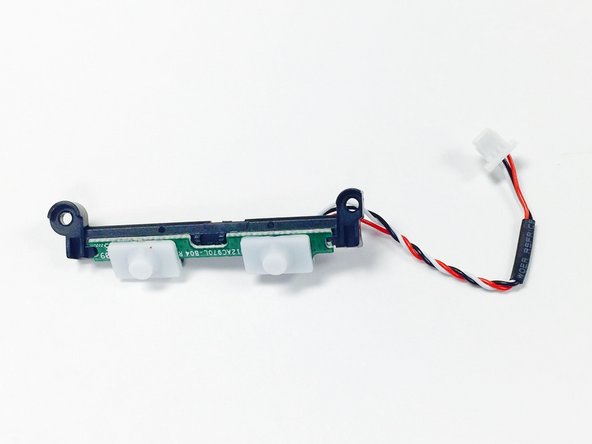
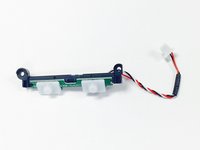
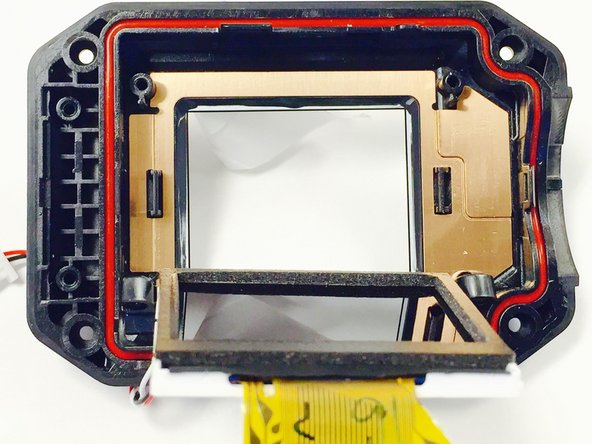
    • Using Tweezers, gently pull the red, black, and white threaded wire to disconnect it, then remove the attached panel as shown.

  16. JVC Adixxion GC-XA1BU LCD Screen Replacement, LCD Screen: 16 단계, 이미지 2개 중 1개 JVC Adixxion GC-XA1BU LCD Screen Replacement, LCD Screen: 16 단계, 이미지 2개 중 2개
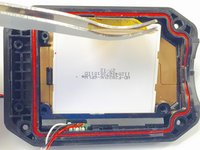
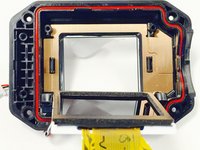
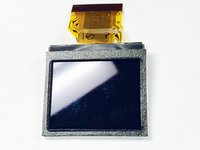
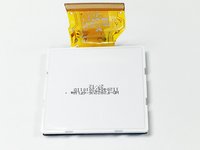
    • Carefully lift up and remove the LCD screen using the tweezers.

  17. JVC Adixxion GC-XA1BU LCD Screen Replacement: 17 단계, 이미지 2개 중 1개 JVC Adixxion GC-XA1BU LCD Screen Replacement: 17 단계, 이미지 2개 중 2개
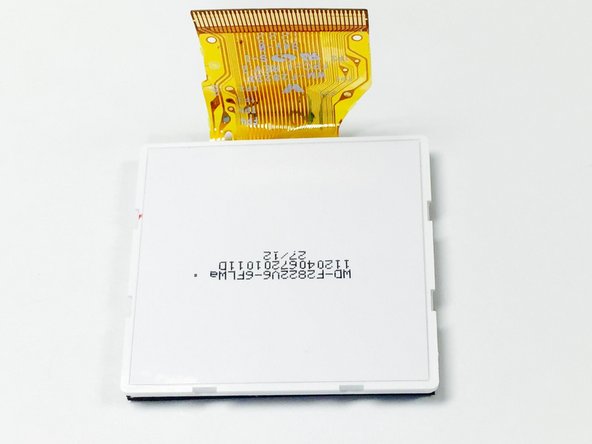
    • The screen as shown if removed properly.

결론

Follow these steps in reverse order with the new LCD screen in order to complete the replacement.

다른 한 분이 해당 안내서를 완성하였습니다.

작성자

5다른 기여자 명과 함께

Christina Michelle Johnson

회원 가입일: 01/15/15

1,047 평판

안내서 8개를 작성함

USF Tampa, Team 1-2, Tanski Winter 2015 USF Tampa, Team 1-2, Tanski Winter 2015 회원

USFT-TANSKI-W15S1G2

4 회원들

안내서 8개를 작성함

0가이드 댓글

댓글 쓰기

조회 통계:

지난 24시간: 3

지난 7일: 7

지난 30일: 12

전체 시간: 784