소개
If your computer continuously gives off a burning odor or it keeps crashing after bugs have supposedly been fixed, chances are you need to replace your Display driver. This guide will show you exactly how to do that through simple, easy to follow steps with pictures to help you along. The only tool you will be needing is a Phillips #1 Screwdriver for the four 8.5mm screws to complete this guide.
필요한 것
-
-
-
Take off the clear backing of the computer and set it aside.
-
The Display board is located in the top right corner of the case.
 FixBot에 문의하기
-
-
-
Always disconnect the battery before performing repairs.
-
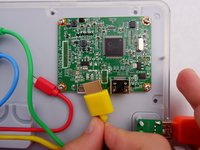
Remove the power cable (Circled in red) from the board.
-
-
-


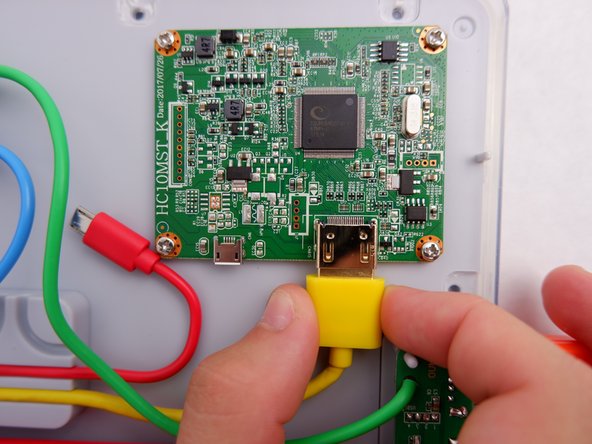
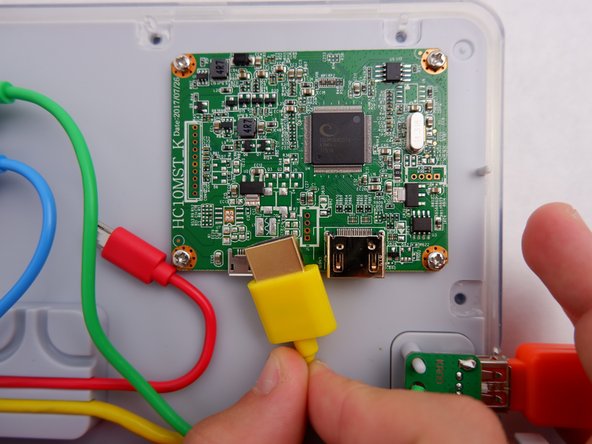


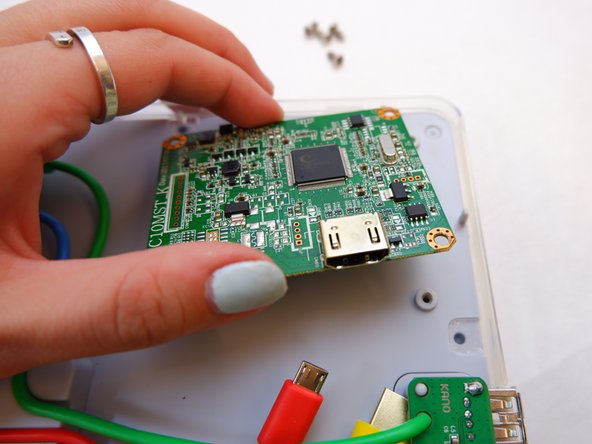

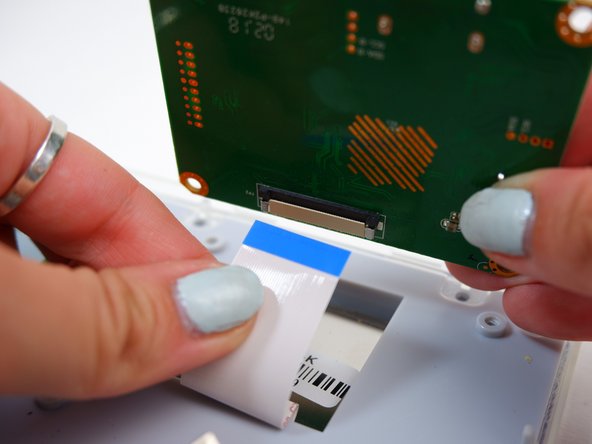
To reassemble your device, follow these instructions in reverse order.
다른 한 분이 해당 안내서를 완성하였습니다.

팀

Embry-Riddle Aeronautical University, Team S1-G4, Watkins Fall 2019 Embry-Riddle Aeronautical University, Team S1-G4, Watkins Fall 2019 회원
ERAU-WATKINS-F19S1G4
4 회원들
안내서 10개를 작성함
