필요한 것
-
-
-
Find a sliding button on the lower back side of the device and with your finger, slide it to the left firmly.
 FixBot에 문의하기
-
-
-
-
-
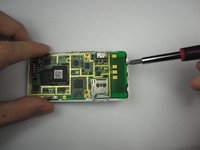
You will need to use a Phillips #00 screwdriver.
-
Remove the four screws located at the corners beneath the battery.
-
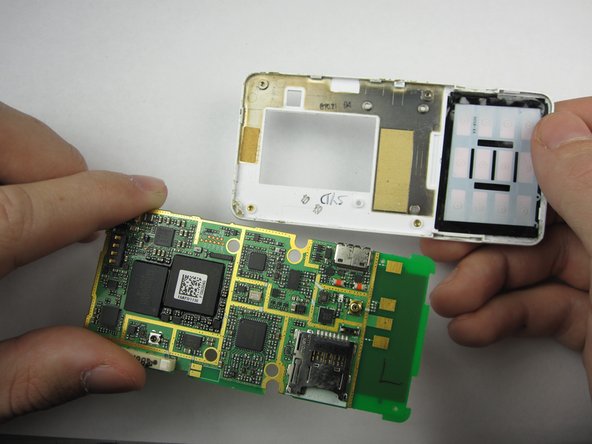
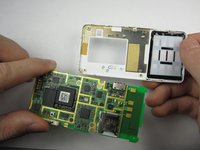
Detach the back case from the phone.
-
-
-
-
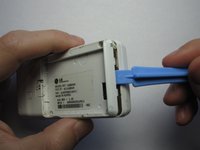
Take the case off by using a plastic opening tool.
-
Continue using the plastic opening tool around the sides of the device.
-
Unhook the eight tabs securing the back cover to the rest of the phone as seen in the second photo.
-
The back speaker will be connected to the motherboard.
-
This must be disconnected in order to remove the case.
-
-
-




To reassemble your device, follow these instructions in reverse order.

팀

Cal Poly, Team 19-46, Regan Winter 2013 Cal Poly, Team 19-46, Regan Winter 2013 회원
CPSU-REGAN-W13S19G46
4 회원들
안내서 44개를 작성함
1가이드 댓글
is there any way to get information off of a motherboard with a chargeport that is broken?
