주요 콘텐츠로 건너뛰기
수리 커뮤니티 가입 - 계정 만들기

LG Dare Logic Board Replacement

필요한 것

  1. LG Dare Logic Board Replacement, Battery: 1 단계, 이미지 2개 중 1개 LG Dare Logic Board Replacement, Battery: 1 단계, 이미지 2개 중 2개
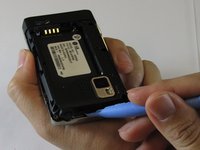
    • Remove the back cover by firmly pressing against the raised lip on the back panel. Slide the cover towards the top of the phone.

  2. LG Dare Logic Board Replacement: 2 단계, 이미지 3개 중 1개 LG Dare Logic Board Replacement: 2 단계, 이미지 3개 중 2개 LG Dare Logic Board Replacement: 2 단계, 이미지 3개 중 3개
    • Remove the battery by placing your fingernail or a opening tool in the recessed edge and lift the battery out.

  3. LG Dare Logic Board Replacement, Logic Board: 3 단계, 이미지 2개 중 1개 LG Dare Logic Board Replacement, Logic Board: 3 단계, 이미지 2개 중 2개
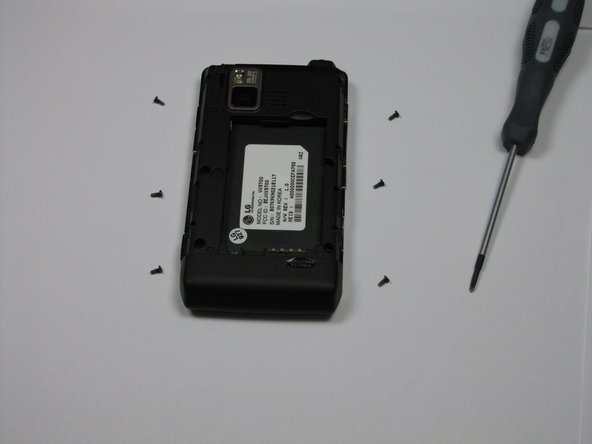
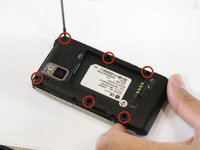
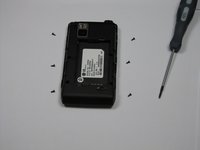
    • Use the #00 screwdriver to remove the six 4mm phillips screws located around the edges of the phone.

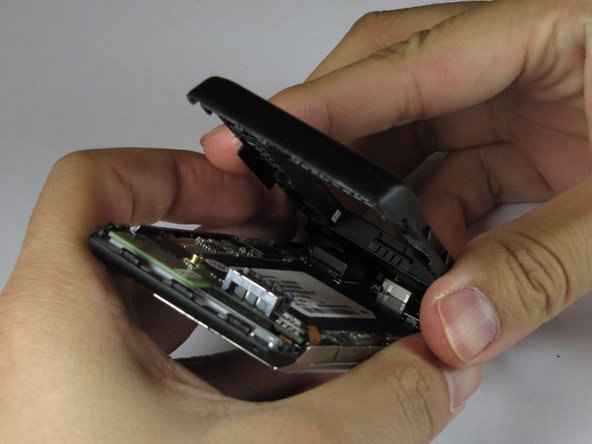
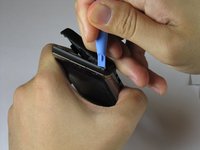
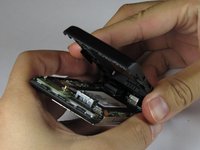
  4. LG Dare Logic Board Replacement: 4 단계, 이미지 3개 중 1개 LG Dare Logic Board Replacement: 4 단계, 이미지 3개 중 2개 LG Dare Logic Board Replacement: 4 단계, 이미지 3개 중 3개
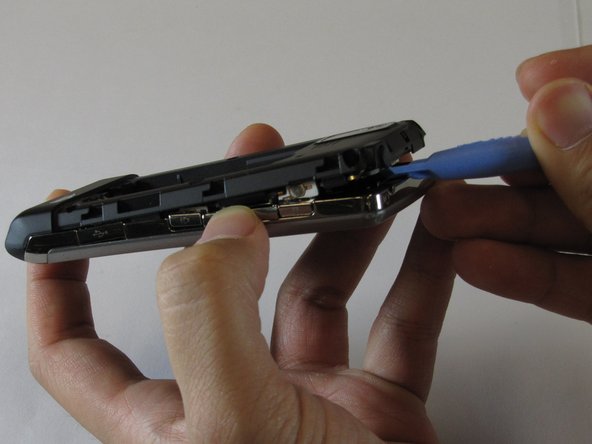
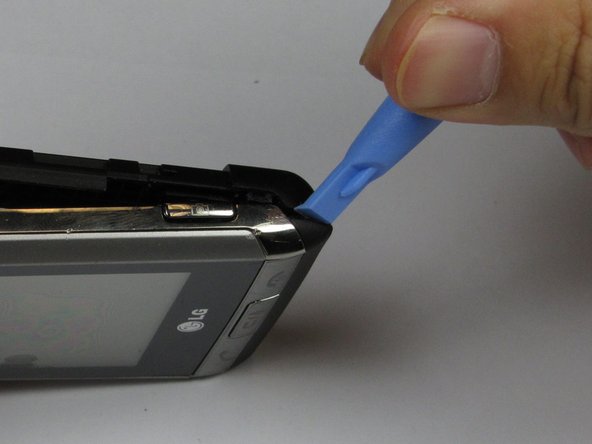
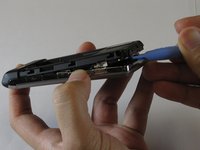
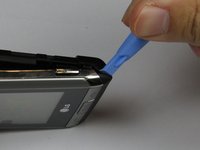
    • Lift the back plastic cover off by moving the opening tool around the edges of the phone.

    • Wedging the opening tool in several places on the bottom of the phone will help release small tabs that hold the back to the front frame.

    • The side buttons may fall out when removing the back plastic.

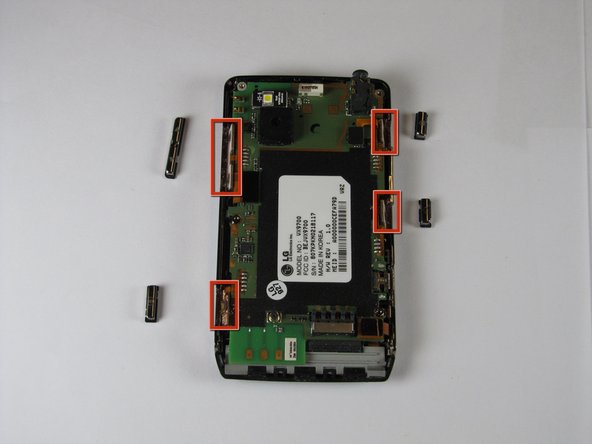
  5. LG Dare Logic Board Replacement: 5 단계, 이미지 3개 중 1개 LG Dare Logic Board Replacement: 5 단계, 이미지 3개 중 2개 LG Dare Logic Board Replacement: 5 단계, 이미지 3개 중 3개
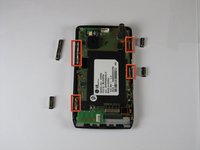
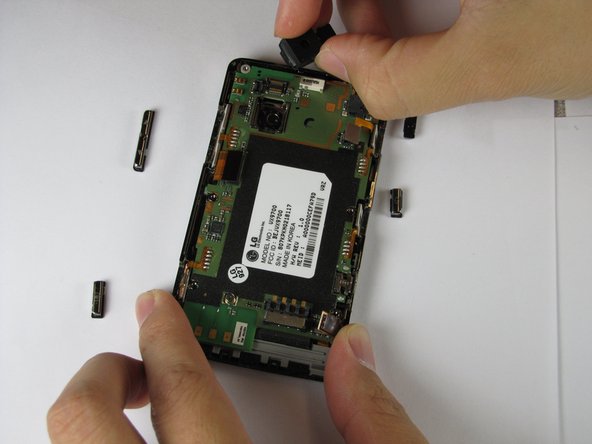
    • Pull off the back plastic panel.

    • Remove the buttons from the edge of the frame. The buttons are [lock], [volume control], [speaker], and [camera].

  6. LG Dare Logic Board Replacement: 6 단계, 이미지 1개 중 1개
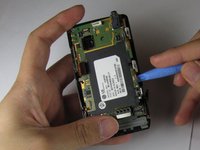
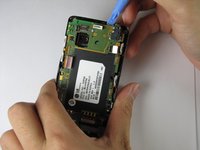
    • Disconnect the three ribbon connectors from the motherboard.

  7. LG Dare Logic Board Replacement: 7 단계, 이미지 3개 중 1개 LG Dare Logic Board Replacement: 7 단계, 이미지 3개 중 2개 LG Dare Logic Board Replacement: 7 단계, 이미지 3개 중 3개
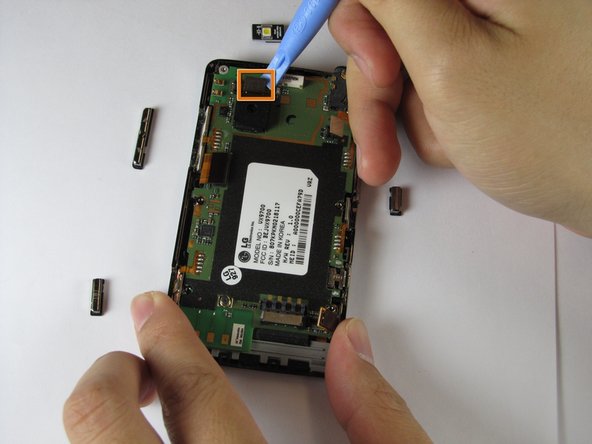
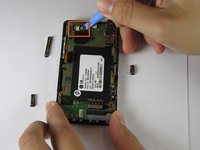
    • Remove the LED.

    • Remove the camera connector.

    • Remove the camera sensor from the logic board. Squeeze the sides of the camera sensor firmly and pull straight up.

  8. LG Dare Logic Board Replacement: 8 단계, 이미지 1개 중 1개
    • Open the USB port cover.

  9. LG Dare Logic Board Replacement: 9 단계, 이미지 3개 중 1개 LG Dare Logic Board Replacement: 9 단계, 이미지 3개 중 2개 LG Dare Logic Board Replacement: 9 단계, 이미지 3개 중 3개
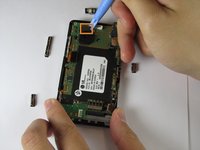
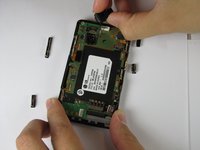
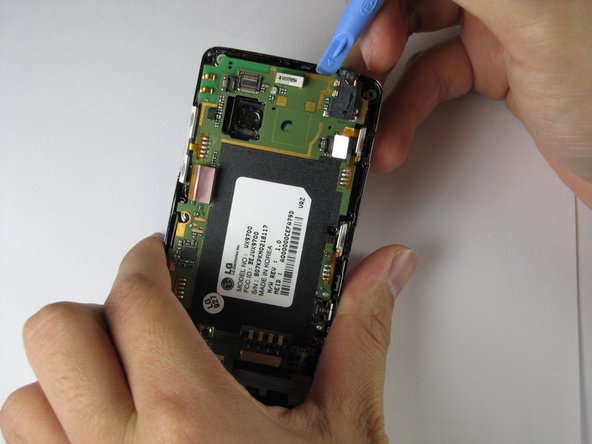
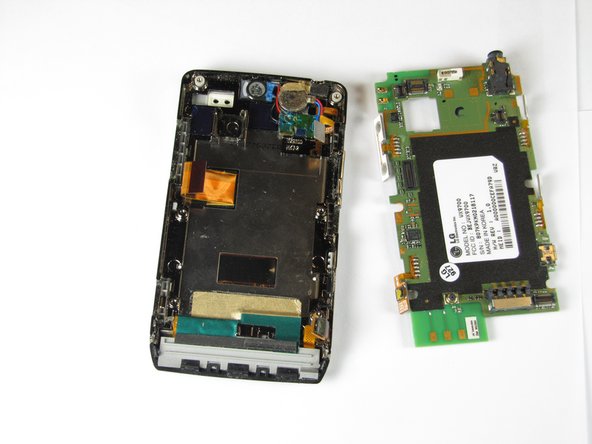
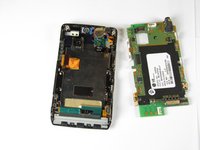
    • Use the opening tool to lift up the green logic board in all areas and remove it.

    • The logic board may require some force to remove because it is taped to the plastic frame.

    • When removing the logic board, be careful not to tear any of the ribbon cables or side buttons.

결론

To re-assemble your device, follow these instructions in reverse order.

다른 2명이 해당 안내서를 완성하였습니다.

작성자

7다른 기여자 명과 함께

Haoyan Huang

회원 가입일: 01/26/12

151 평판

안내서 4개를 작성함

Cal Poly, Team 9-4, Regan Winter 2012 Cal Poly, Team 9-4, Regan Winter 2012 회원

CPSU-REGAN-W12S9G4

5 회원들

안내서 10개를 작성함

0가이드 댓글

댓글 쓰기

조회 통계:

지난 24시간: 2

지난 7일: 7

지난 30일: 19

전체 시간: 2,340