주요 콘텐츠로 건너뛰기
수리 커뮤니티 가입 - 계정 만들기

LG GW910 Camera Replacement

필요한 것

  1. LG GW910 Camera Replacement, Motherboard: 1 단계, 이미지 2개 중 1개 LG GW910 Camera Replacement, Motherboard: 1 단계, 이미지 2개 중 2개
    • Remove the back cover by firmly pressing the triangle and push upwards.

    • Lift the bottom section to remove the cover.

  2. LG GW910 Camera Replacement: 2 단계, 이미지 2개 중 1개 LG GW910 Camera Replacement: 2 단계, 이미지 2개 중 2개
    • Remove the battery by lifting from the bottom.

  3. LG GW910 Camera Replacement: 3 단계, 이미지 1개 중 1개
    • Remove six 3mm PH000 screws.

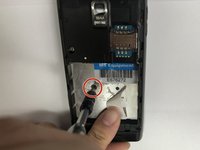
  4. LG GW910 Camera Replacement: 4 단계, 이미지 3개 중 1개 LG GW910 Camera Replacement: 4 단계, 이미지 3개 중 2개 LG GW910 Camera Replacement: 4 단계, 이미지 3개 중 3개
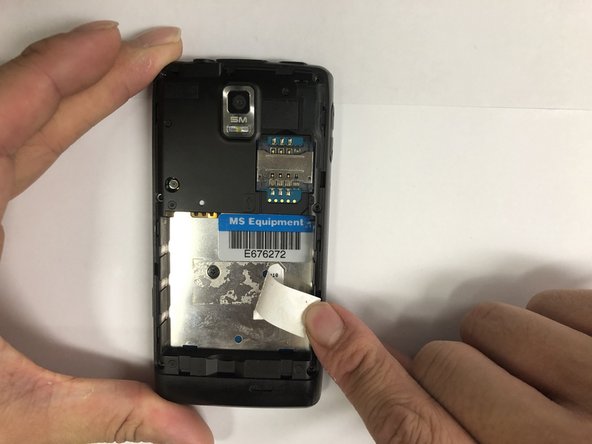
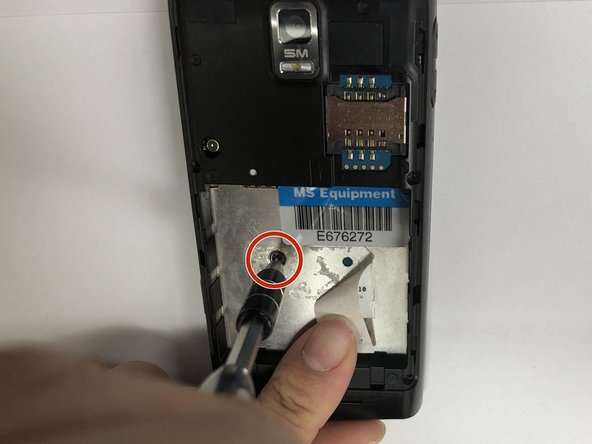
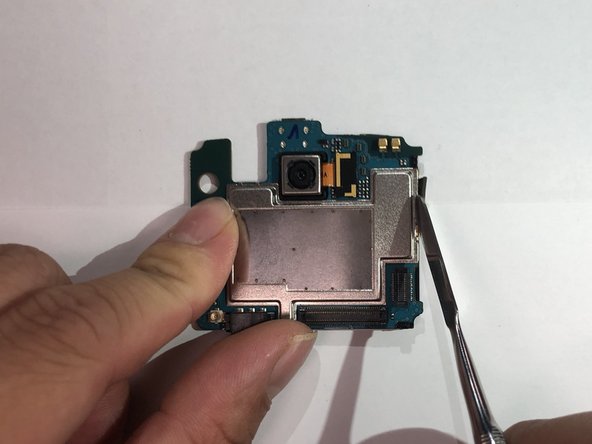
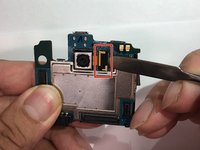
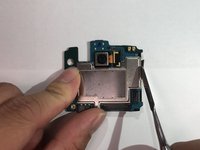
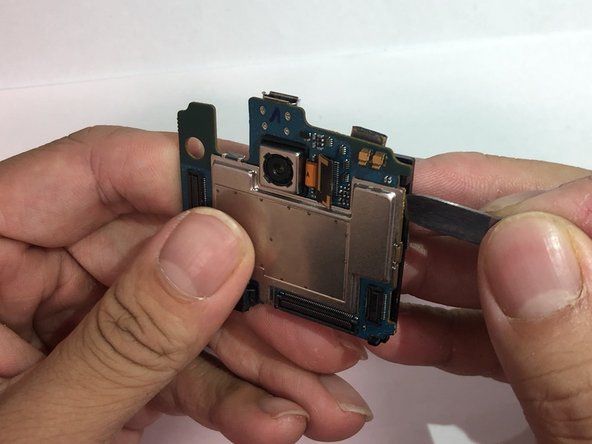
    • Peel off the sticker with the metal spudger.

    • Remove one 1mm PH000 screw.

  5. LG GW910 Camera Replacement: 5 단계, 이미지 1개 중 1개
    • Pry open all four sides of the back-frame gently, using the metal spudger.

    • The back-frame should come out easily.

    • Volume button and shutter button may fall out during the process.

  6. LG GW910 Camera Replacement: 6 단계, 이미지 1개 중 1개
    • Pry off the connector using the iFixit opening tool to remove the communication board.

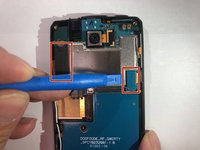
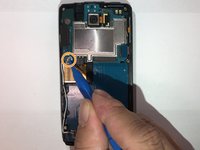
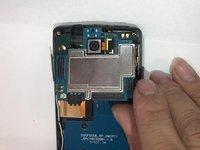
  7. LG GW910 Camera Replacement: 7 단계, 이미지 3개 중 1개 LG GW910 Camera Replacement: 7 단계, 이미지 3개 중 2개 LG GW910 Camera Replacement: 7 단계, 이미지 3개 중 3개
    • Pry off the connectors using the iFixit opening tool.

    • Disconnect the antenna using the iFixit opening tool.

    • The motherboard should be able to be removed easily.

  8. LG GW910 Camera Replacement, Camera: 8 단계, 이미지 2개 중 1개 LG GW910 Camera Replacement, Camera: 8 단계, 이미지 2개 중 2개
    • Disconnect the connector using the metal spudger.

    • Peel back the tape on the side.

    • Replacement tape might be needed.

  9. LG GW910 Camera Replacement: 9 단계, 이미지 3개 중 1개 LG GW910 Camera Replacement: 9 단계, 이미지 3개 중 2개 LG GW910 Camera Replacement: 9 단계, 이미지 3개 중 3개
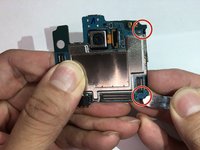
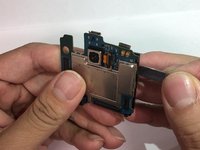
    • Pry open the two plastic hooks using the metal spudger tool.

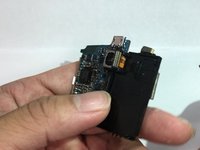
    • Crack open the black plastic cover using the metal spudger tool. The cover should be easily turned over.

    • The connector might get stuck in the opening while turning over the cover. Twist the connector if needed.

  10. LG GW910 Camera Replacement: 10 단계, 이미지 2개 중 1개 LG GW910 Camera Replacement: 10 단계, 이미지 2개 중 2개
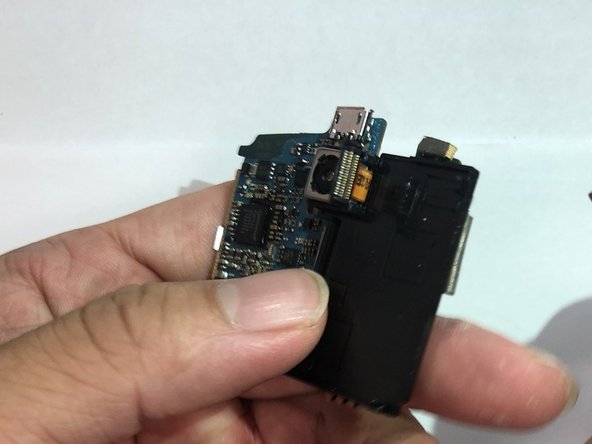
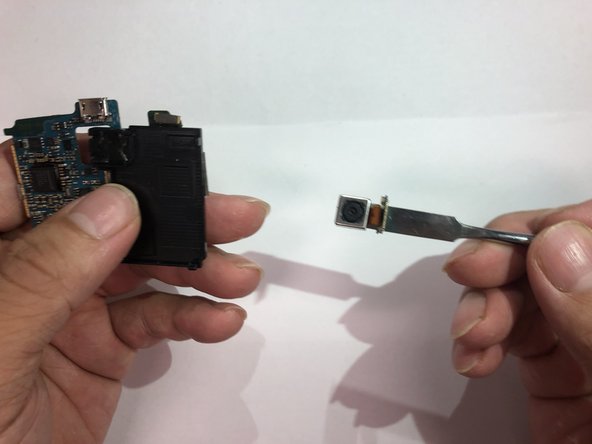
    • Remove the camera unit by prying on it.

    • Adhesive will be needed for reassembly.

결론

To reassemble your device, follow these instructions in reverse order.

다른 2명이 해당 안내서를 완성하였습니다.

작성자

3다른 기여자 명과 함께

Jonas Ke

회원 가입일: 11/06/18

492 평판

안내서 3개를 작성함

IUPUI, Team S1-G6, Hovde Fall 2018 IUPUI, Team S1-G6, Hovde Fall 2018 회원

IUPUI-HOVDE-F18S1G6

3 회원들

안내서 6개를 작성함

0가이드 댓글

댓글 쓰기

조회 통계:

지난 24시간: 2

지난 7일: 21

지난 30일: 57

전체 시간: 387