소개
This guide will take you through the process of replacing the power button in an LG Optimus F60. This task should take about 2-4 minutes to complete.
필요한 것
-
-
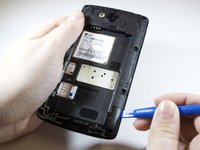
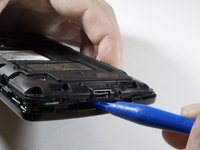
Hold the phone in your hand and position the small plastic opening tool or your finger under the lip of the phone by the USB port.
-
Pry or lift up on the indent with the opening tool.
-
Remove the back panel.
 FixBot에 문의하기
-
-
-
Place the small plastic opening tool or your finger at the indentation at the base of the battery.
-
Pry upwards or lift with your finger and remove battery.
-
-
-
-
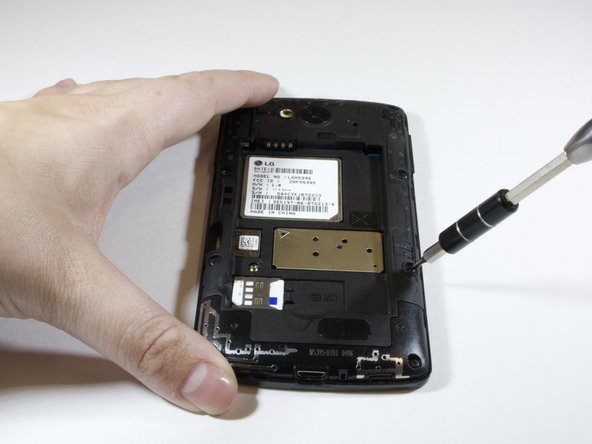
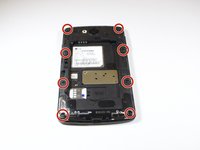
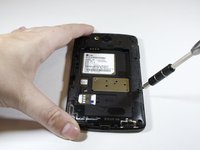
Remove the eight 4 mm screws on the inner panel using the phillips #000 Screwdriver
-
-
-
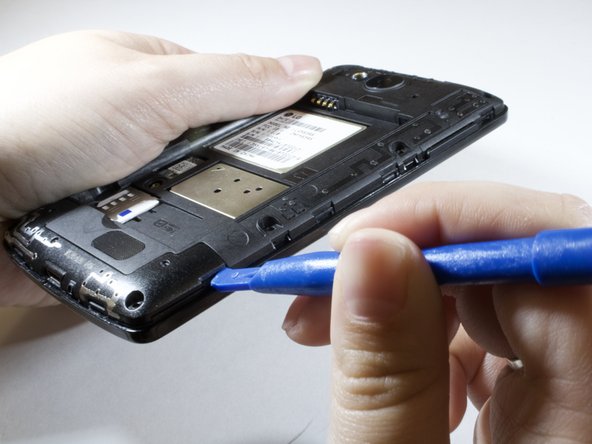
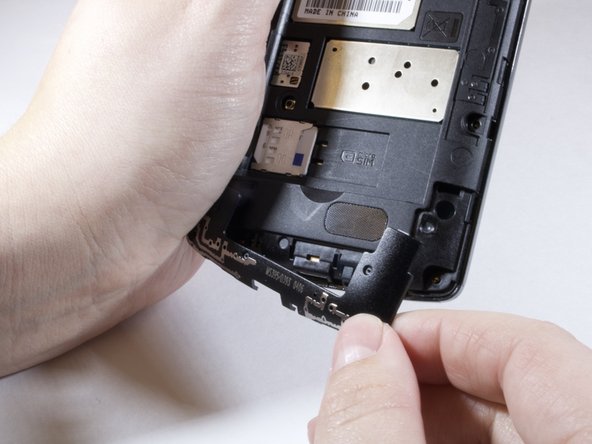
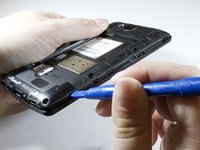
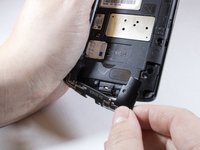
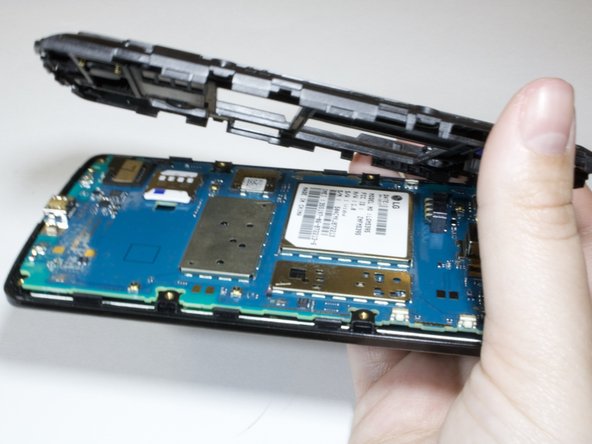
Use plastic opening tool to take off the inner pannel.
-
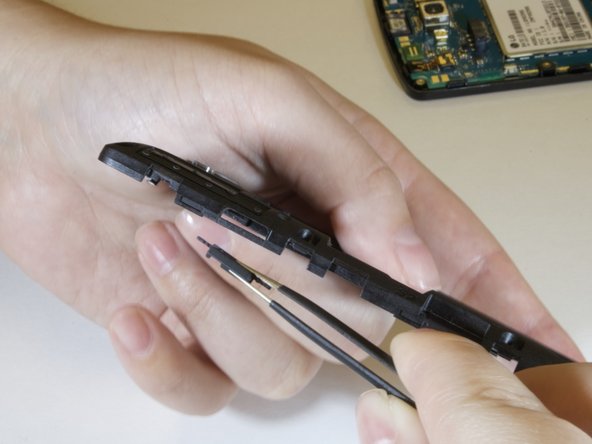
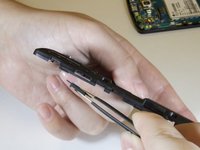
Take out faulty power button replace with new one.
-




To reassemble your device, follow these instructions in reverse order.

팀

Eastern Washington University, Team S3-G3, Rowley Spring 2018 Eastern Washington University, Team S3-G3, Rowley Spring 2018 회원
EWU-ROWLEY-S18S3G3
6 회원들
안내서 10개를 작성함
