주요 콘텐츠로 건너뛰기
수리 커뮤니티 가입 - 계정 만들기

LG Power Screen Replacement

필요한 것

  1. LG Power Screen Replacement, Battery: 1 단계, 이미지 2개 중 1개 LG Power Screen Replacement, Battery: 1 단계, 이미지 2개 중 2개
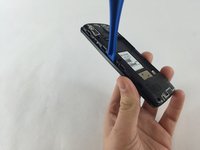
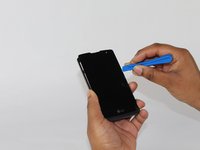
    • Slide a plastic spudger, or guitar pick, between the back and front panel at the bottom .

    • A metal spudger can easily damage your device. A plastic opening tool is always the only option.

    댓글 쓰기

  2. LG Power Screen Replacement: 2 단계, 이미지 2개 중 1개 LG Power Screen Replacement: 2 단계, 이미지 2개 중 2개
    • Carefully pop the back panel off and place it to the side.

    댓글 쓰기

  3. LG Power Screen Replacement: 3 단계, 이미지 2개 중 1개 LG Power Screen Replacement: 3 단계, 이미지 2개 중 2개
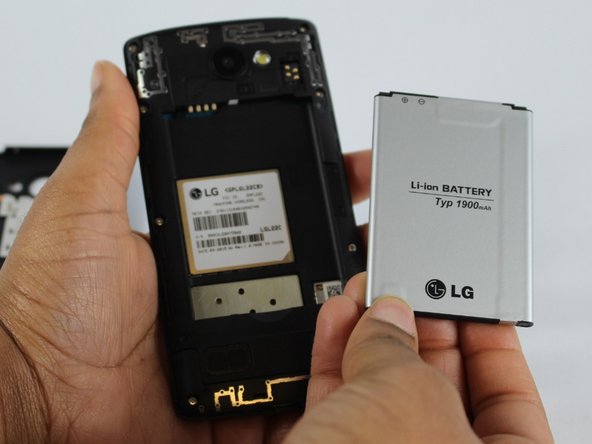
    • Use the thumb tab to remove the battery.

    댓글 쓰기

  4. LG Power Screen Replacement, Motherboard: 4 단계, 이미지 1개 중 1개
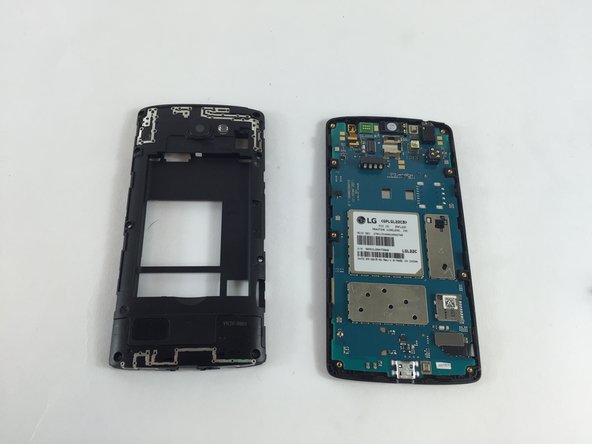
    • Remove the eight 4mm screws along the side of the mid panel using the Phillips #000 screwdriver head.

    댓글 쓰기

  5. LG Power Screen Replacement: 5 단계, 이미지 2개 중 1개 LG Power Screen Replacement: 5 단계, 이미지 2개 중 2개
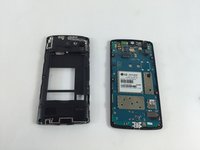
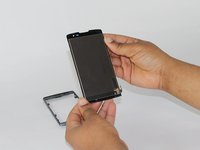
    • Slide a plastic opening tool between the mid and front panel to remove the middle panel.

    • Place the mid panel to the side.

    댓글 쓰기

  6. LG Power Screen Replacement: 6 단계, 이미지 3개 중 1개 LG Power Screen Replacement: 6 단계, 이미지 3개 중 2개 LG Power Screen Replacement: 6 단계, 이미지 3개 중 3개
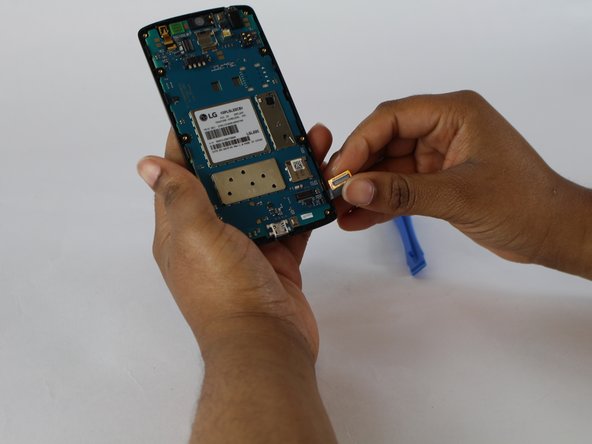
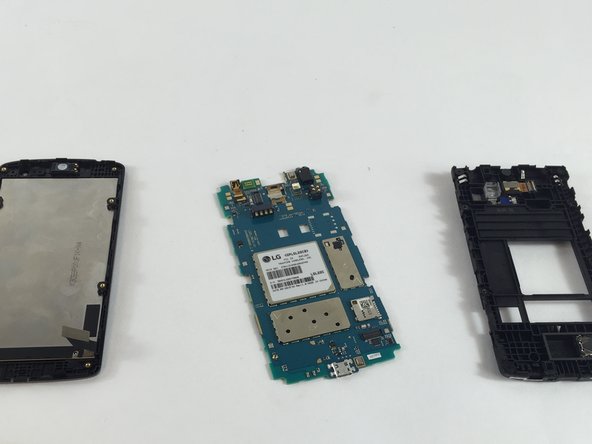
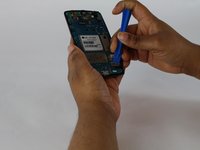
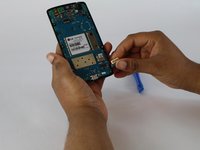
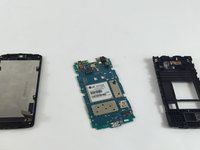
    • Detach the motherboard and touchscreen from each other by using a plastic opening tool.

    • The motherboard will then be free from the phone.

    댓글 쓰기

  7. LG Power Screen Replacement, Screen: 7 단계, 이미지 3개 중 1개 LG Power Screen Replacement, Screen: 7 단계, 이미지 3개 중 2개 LG Power Screen Replacement, Screen: 7 단계, 이미지 3개 중 3개
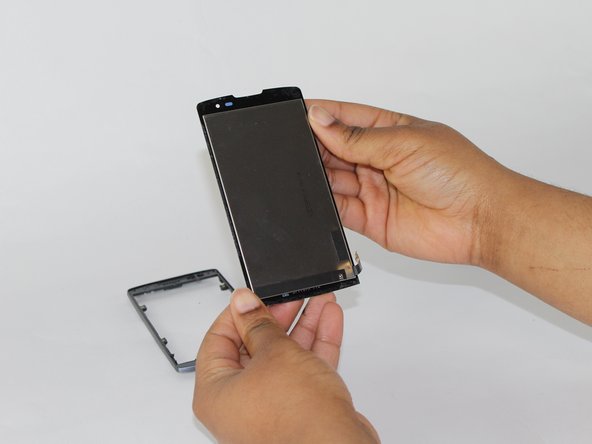
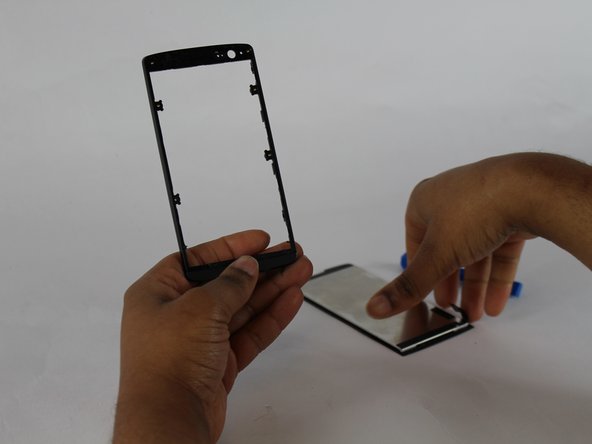
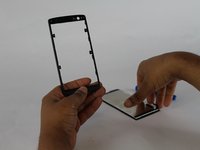
    • After removing the motherboard, slide a thin plastic opening tool between the screen and the frame.

    • This step may take awhile, because of the glue keeping the frame and screen together.

    댓글 쓰기

결론

To reassemble your device, follow these instructions in reverse order.

취소: 해당 안내서를 완성하지 않았습니다.

다른 12명이 해당 안내서를 완성하였습니다.

작성자

3다른 기여자 명과 함께

Nadia Wilson

회원 가입일: 02/09/16

925 평판

안내서 4개를 작성함

USF Tampa, Team 4-6, Lacy Spring 2016 USF Tampa, Team 4-6, Lacy Spring 2016 회원

USFT-LACY-S16S4G6

4 회원들

안내서 10개를 작성함

9가이드 댓글

do i need a replacement screen?

jj - 답글 공유

My screen is shattered otherwise the phone works fine..touch works and screen under glass is good. I want to replace the screen myself but my question is are the screen and digitizer fused (one piece) or can I just replace the glass screen? For an LG power x

Nikki - 답글 공유

Did you ever figure out if there the same or separate. I'm needing to do the same.

sarahelizabeth0526 - 답글 공유

Where do I buy the glass panel?

Liam McBride - 답글 공유

i got the glass screen at amazonbot most digitisers have a ribbon wire to connecttheres doesnt..not sure if its just held on with 2 face tape??

Peter Maggiop - 답글 공유

댓글 쓰기

조회 통계:

지난 24시간: 1

지난 7일: 9

지난 30일: 55

전체 시간: 26,620