소개
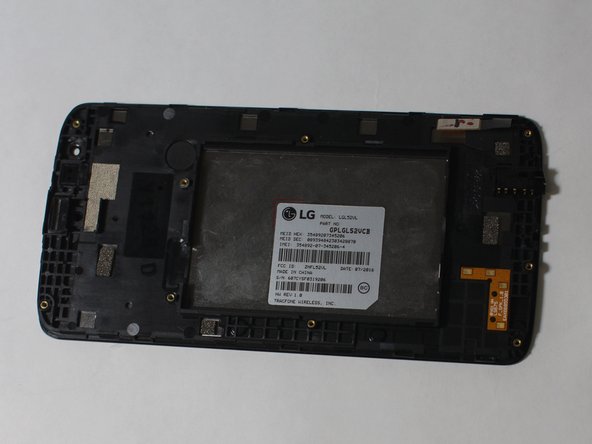
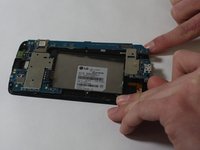
This guide will remove the digitizer and mother board from the display screen, allowing it to be replaced.
필요한 것
-
-
Pull off the back cover from the phone using the groove on the bottom right side.
 FixBot에 문의하기
-
-
-
Remove the battery from the phone by lifting up on the bottom end of the battery.
-
-
-
-
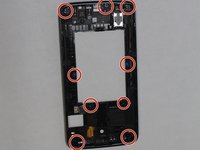
Remove all 9 of the 3mm Phillips #000 screws from the digitizer.
-
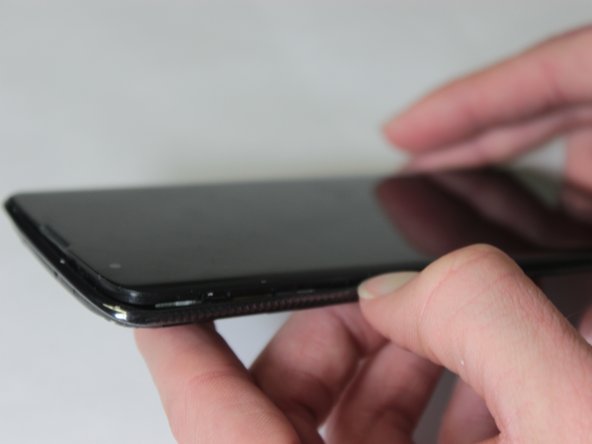
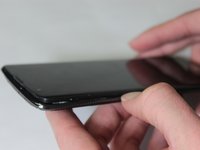
Work your way around the edge of the phone, gently prying the digitizer off the phone.
-
-
이 단계에 사용된 도구:Tweezers$4.99
-
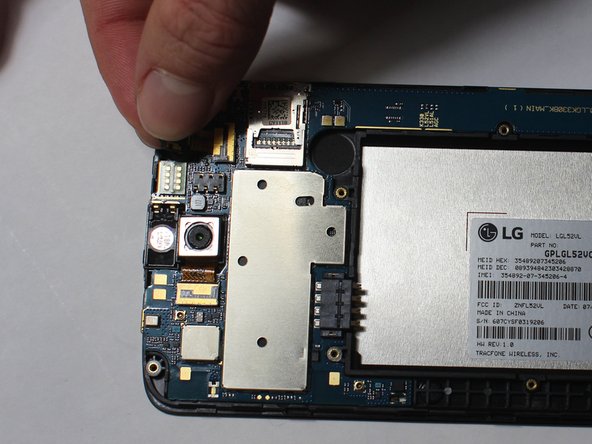
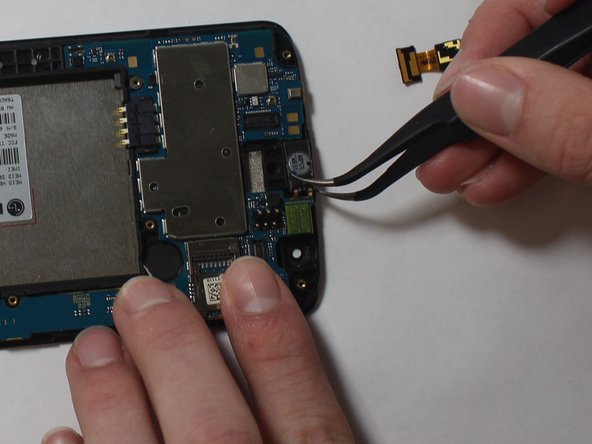
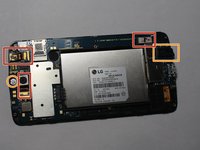
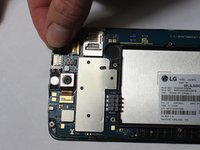
Remove the Front Facing Camera, Rear Facing Camera, and the Display Connector by lifting the gold film-like connectors out of their connections.
-
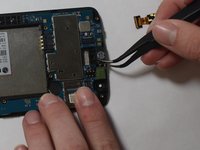
Remove the ear speaker and audio jack by lifting them out of place using the tweezers.
-





To reassemble your device, follow these instructions in reverse order.
다른 5명이 해당 안내서를 완성하였습니다.

팀

UW Stout, Team S8-G5, Ogden Spring 2018 UW Stout, Team S8-G5, Ogden Spring 2018 회원
UWSTOUT-OGDEN-S18S8G5
3 회원들
안내서 15개를 작성함
