소개
This guide will teach you how to properly replace the LCD screen and touch digitizer with frame. Precaution should be taken if handling a cracked screen to avoid cuts from broken glass. This repair may be needed if the screen is unresponsive to touch or the screen has been damaged or cracked.
필요한 것
-
-
Insert a fingernail, or plastic opening tool, into the cutout on the back cover and pry outward to remove.
 FixBot에 문의하기
-
-
-
Pull the battery out of the phone.
-
Remove the SD Card by sliding the card out as shown.
-
-
-
-
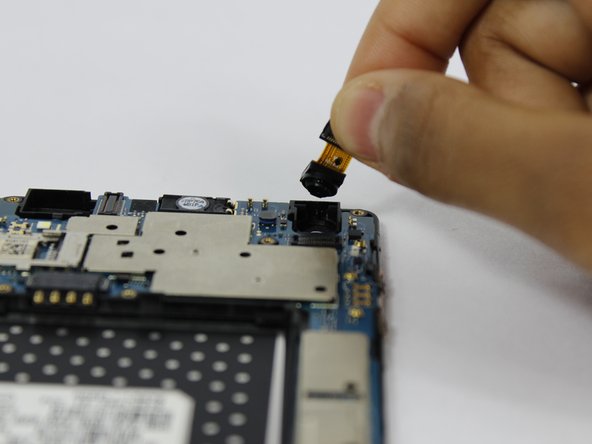
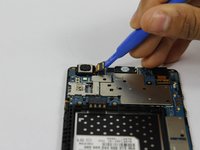
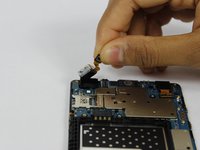
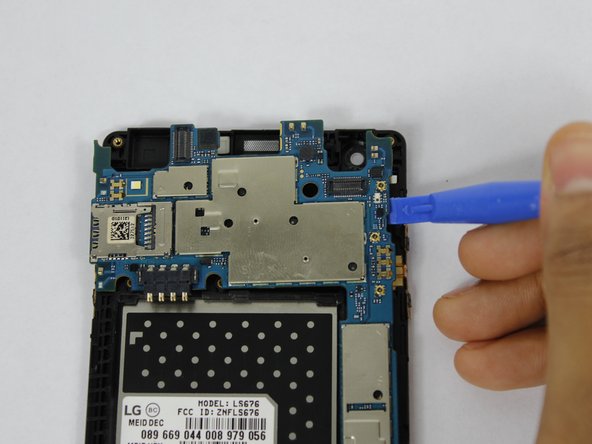
Use a plastic opening tool to disconnect the front and rear cameras from the motherboard.
-
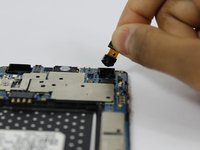
Remove the cameras from the phone.
-
-
-
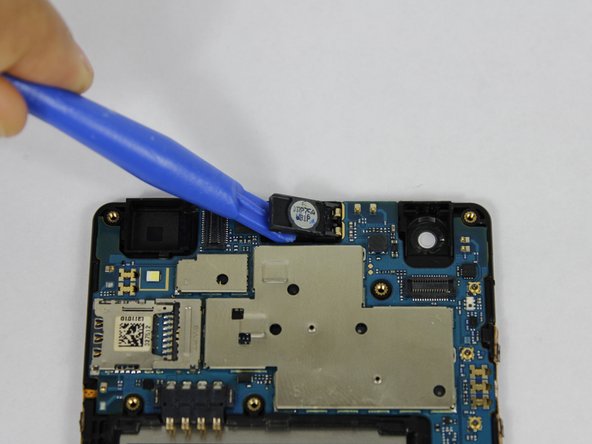
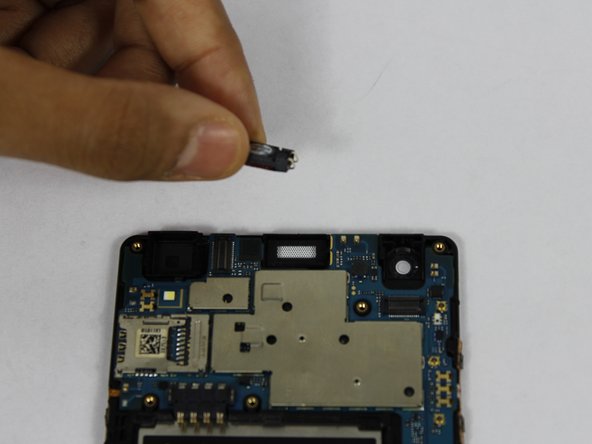
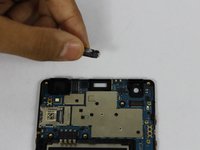
Using a plastic opening tool, pry up the front facing speaker and remove it from the phone.
-
-
-
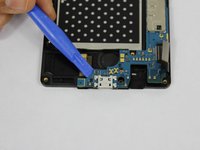
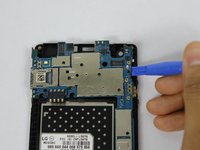
Use a plastic opening tool to pry up the motherboard form the display housing.
-
Remove the motherboard from the phone.
-


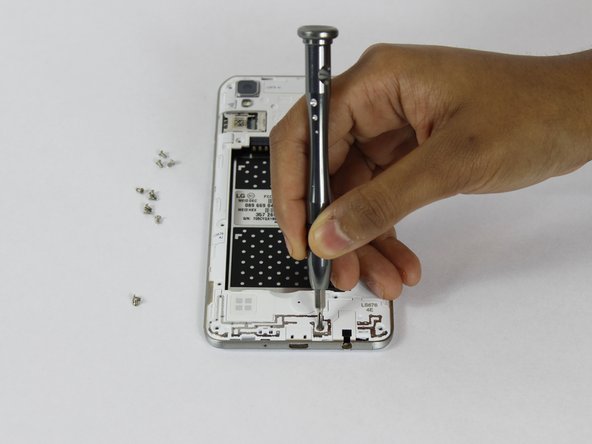
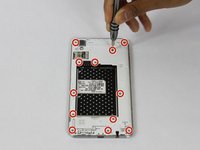

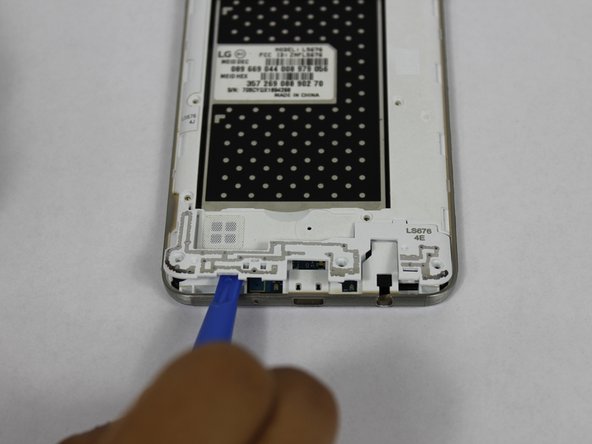
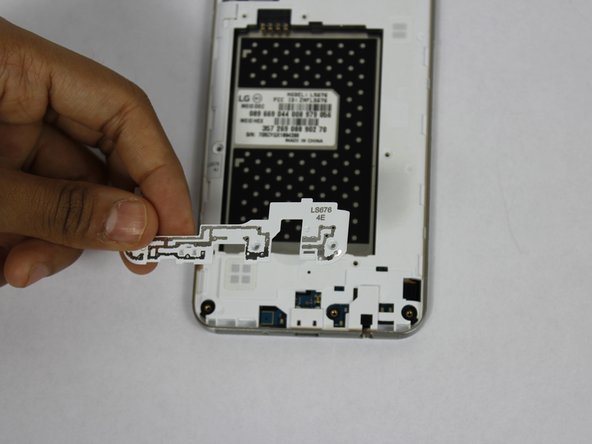
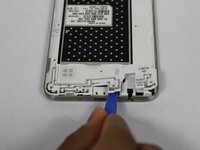
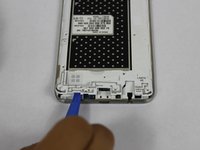
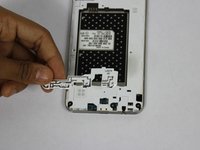

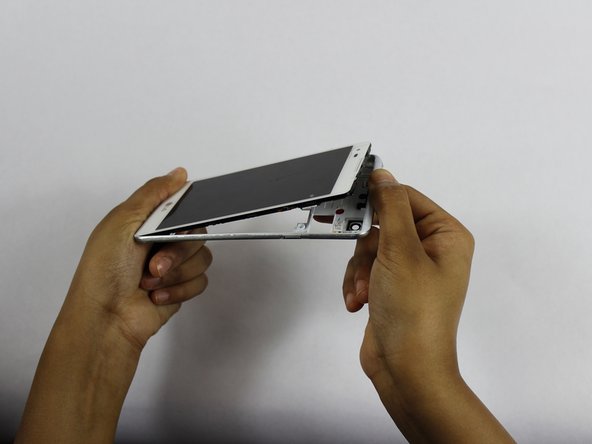

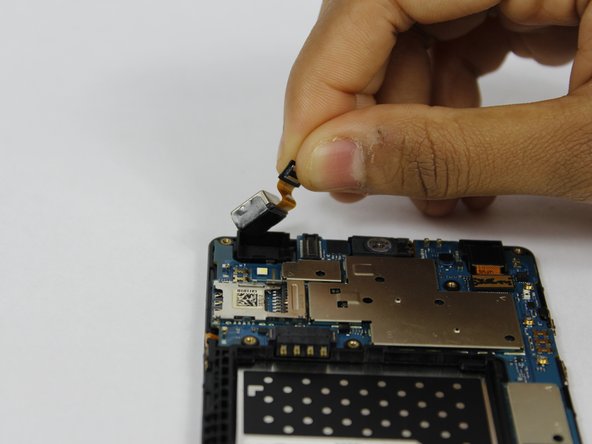




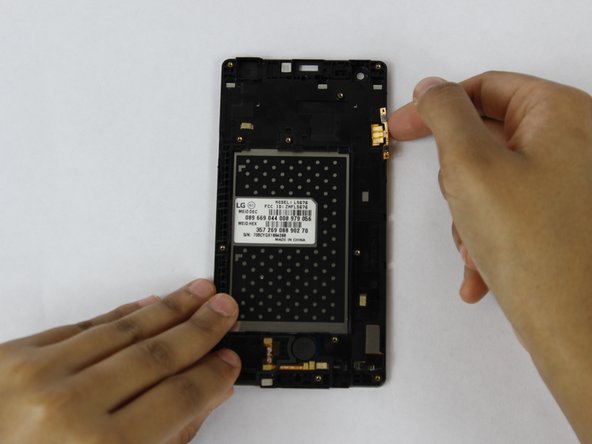
To reassemble your device, follow these instructions in reverse order.
다른 6명이 해당 안내서를 완성하였습니다.

팀

USF Tampa, Team S1-G3, Nance Spring 2018 USF Tampa, Team S1-G3, Nance Spring 2018 회원
USFT-NANCE-S18S1G3
4 회원들
안내서 34개를 작성함
5가이드 댓글
Just a note that the flex cables are stuck pretty well to the case. I didn’t rip them but I used a little heat from a hair dryer to soften the glue a bit.
I somewhat agree with christophergosnell on this one but I did manage to lift up the ribbon cables using both my fingernails and a small, then, flat head screwdriver at just the right points. there is also a ribbon cable near the bottom of the phone that I had to transplant that is shown but you don’t include a picture of you even attempting to remove it. I didn’t pay attention what it connected to but I just made sure it went in the same spot on the new screen assembly. Other then that a pretty decent guide.
Many thanks to the previous comments! The guide is very helpful but could use more detail. I missed the ribbon at the bottom and couldn’t figure out why my speaker wasn’t working. I spent two hours taking the speaker in and out and re-bending the contacts to improve the connection until I checked the comments here and noticed the other ribbon. It was hard to get off so I used a heat gun on low just long enough to soften the glue and then I was finally able to get it off. This solved the speaker problem and all is working well.
I also used a blow dryer for heat , and small jewellers screwdriver to transfer the ribbons. I also used a magnifying glass
I have reassembled my phone, and it works! Success!. Yes, the disassembly was going smooth, until the ribbon transfer. That's when I stopped, read the comments about using a hair dryer for heat etc. It also helps to have the tools shown in the pic, or very small jewellers screwdriver set like in eyeglasses repair kits.
