소개
A guide on how to replace the logic board in the LG VX5400.
필요한 것
-
-
-
Hold the phone case in your palm and slide the back cover towards yourself using your thumb
-
-
-
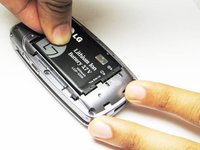
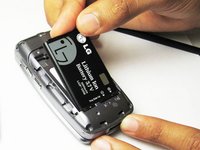
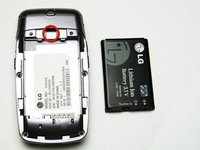
Slide a tool or finger into the notch at the top of the battery to carefully remove it.
-
-
-
-
-
Take the Philips screwdriver and unscrew the four visible screws on the backside of the phone indicated by the four red circles.
-
-
-
Then, take the pointed end of a spudger and pry out the rubber stopper to reveal the last screw at the top indicated with the blue circle.
-
-
-
-
-
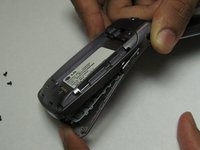
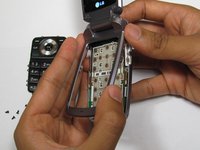
While the phone is open and faced up, carefully insert a tool into the middle to seperate the bottom half of the phone.
-
-
-
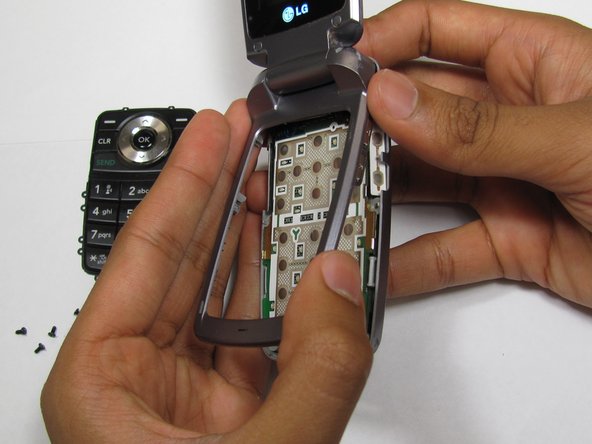
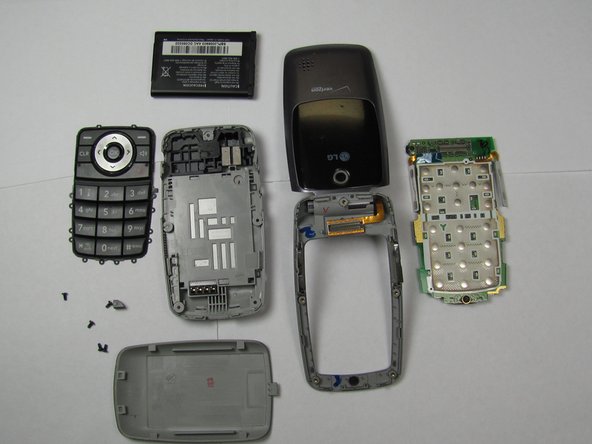
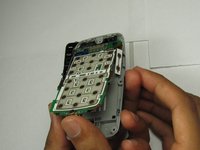
Carefully slide out the keypad and remove the logic board. Then insert new the logic board.
-
-

 FixBot에 문의하기





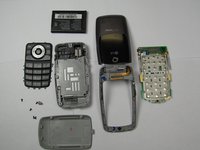
To reassemble your device, follow these instructions in reverse order.
다른 2명이 해당 안내서를 완성하였습니다.

팀

Cal Poly, Team 26-26, Regan Spring 2010 Cal Poly, Team 26-26, Regan Spring 2010 회원
CPSU-REGAN-S10S26G26
4 회원들
안내서 35개를 작성함
