주요 콘텐츠로 건너뛰기
수리 커뮤니티 가입 - 계정 만들기

LG VX5500 Screen Replacement

필요한 것

  1. LG VX5500 Screen Replacement, Battery: 1 단계, 이미지 3개 중 1개 LG VX5500 Screen Replacement, Battery: 1 단계, 이미지 3개 중 2개 LG VX5500 Screen Replacement, Battery: 1 단계, 이미지 3개 중 3개
    • Remove the battery cover by placing your thumb on the small ridge near the top of the phone back and push downward, exposing the battery.

    • Our device did not come with a battery cover so it is not shown here.

    • Remove the battery using your finger to pry it out of the battery housing.

  2. LG VX5500 Screen Replacement, Screen: 2 단계, 이미지 2개 중 1개 LG VX5500 Screen Replacement, Screen: 2 단계, 이미지 2개 중 2개
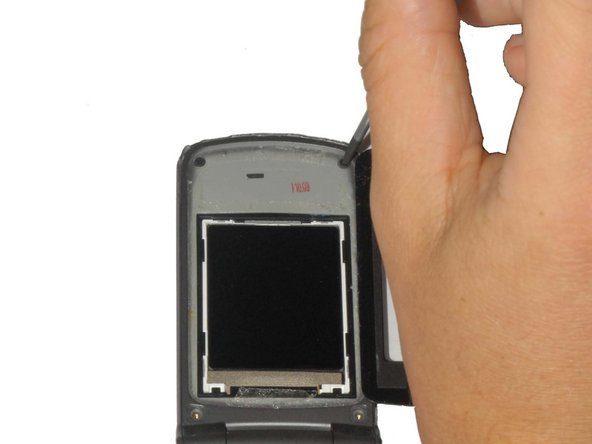
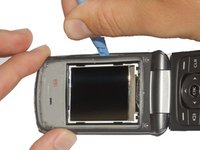
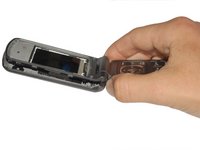
    • Carefully pry off the black plastic screen cover using the iSesamo tool or another thin, flat tool.

    • The screen cover is adhered to the phone and may take some effort to pry off. If it is too difficult to remove, heat the screen with a hair dryer on low for 30 seconds to soften the adhesive.

  3. LG VX5500 Screen Replacement: 3 단계, 이미지 2개 중 1개 LG VX5500 Screen Replacement: 3 단계, 이미지 2개 중 2개
    이 단계에 사용된 도구:
    Tweezers
    $4.99
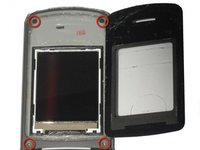
    • Unscrew the (4) 3.6mm screws near each corner of the phone's display panel by using a #00 Phillips head screwdriver.

    • The bottom two screws may have small rubber covers that you can remove using tweezers.

  4. LG VX5500 Screen Replacement: 4 단계, 이미지 3개 중 1개 LG VX5500 Screen Replacement: 4 단계, 이미지 3개 중 2개 LG VX5500 Screen Replacement: 4 단계, 이미지 3개 중 3개
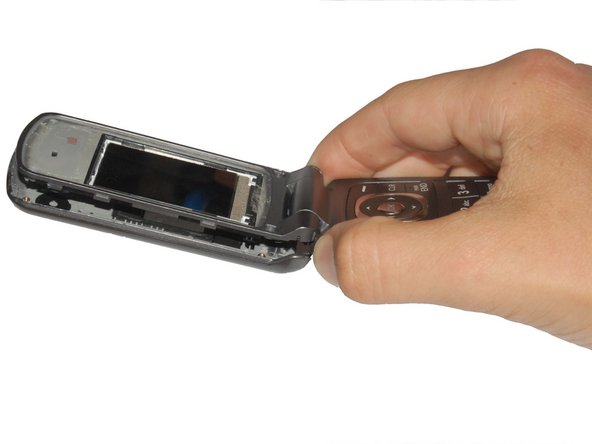
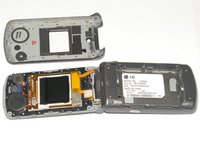
    • Pry off the front panel of the phone using a Plastic Opening Tool.

    • Push the tool into the crack along the side of the phone.

    • Slide the tool along the crack to detach the tabs holding the backing on the phone.

  5. LG VX5500 Screen Replacement: 5 단계, 이미지 2개 중 1개 LG VX5500 Screen Replacement: 5 단계, 이미지 2개 중 2개
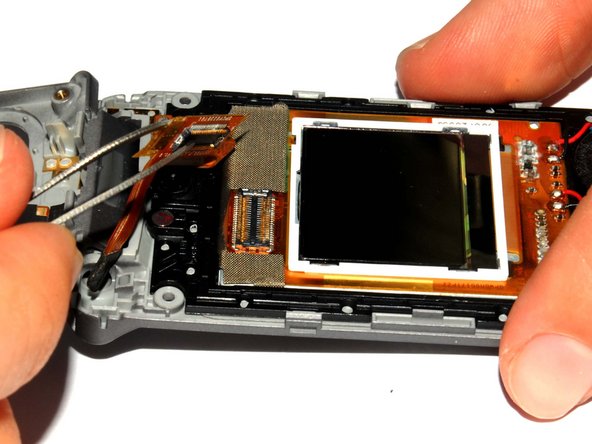
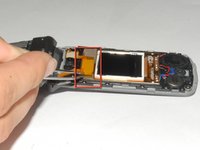
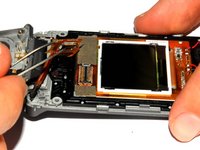
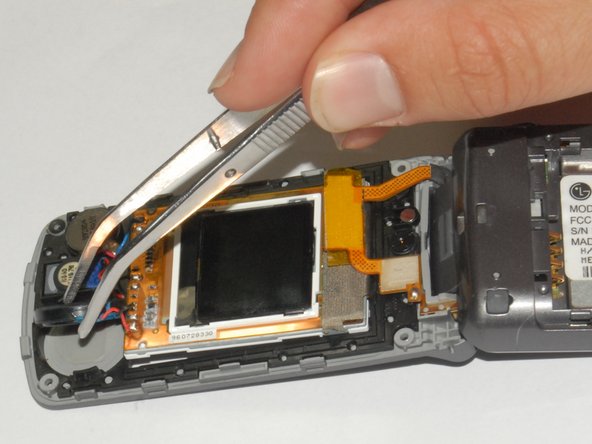
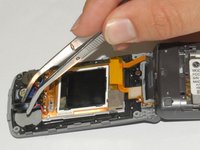
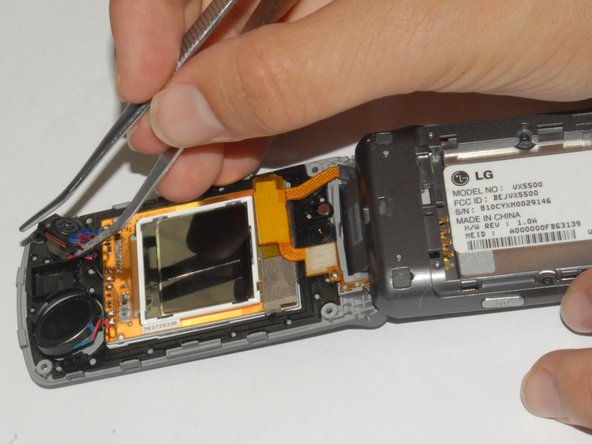
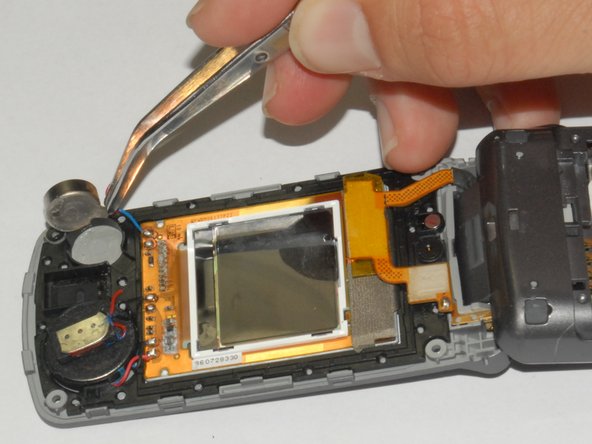
    • Use the tweezers to lift the display adapter off the screen component.

  6. LG VX5500 Screen Replacement: 6 단계, 이미지 2개 중 1개 LG VX5500 Screen Replacement: 6 단계, 이미지 2개 중 2개
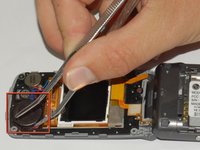
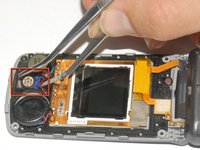
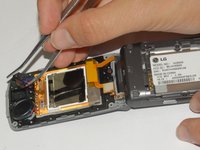
    • Using tweezers remove the speaker from its casing.

    • The speaker is adhered to the phone casing so it will take a small amount of force to remove it.

  7. LG VX5500 Screen Replacement: 7 단계, 이미지 2개 중 1개 LG VX5500 Screen Replacement: 7 단계, 이미지 2개 중 2개
    • Remove the earpiece by lifting it out of the phone casing using tweezers.

    • The earpiece is adhered to the phone casing so it will take a small amount of force to remove it.

  8. LG VX5500 Screen Replacement: 8 단계, 이미지 2개 중 1개 LG VX5500 Screen Replacement: 8 단계, 이미지 2개 중 2개
    • Remove the vibration motor by lifting it out of the phone casing using tweezers.

    • The motor is adhered to the phone casing so it will take a small amount of force to remove it.

  9. LG VX5500 Screen Replacement: 9 단계, 이미지 1개 중 1개
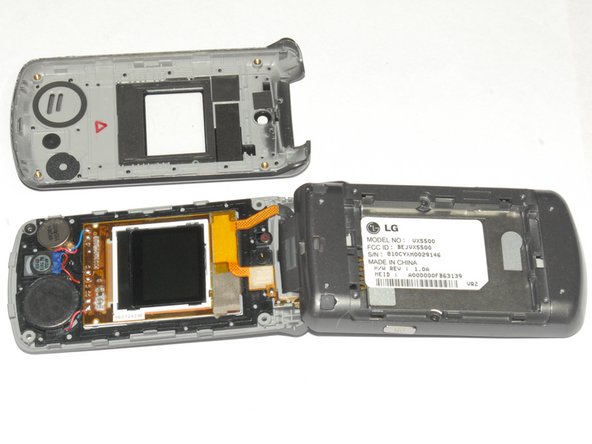
    • Lift the screen components out of the phone.

결론

To reassemble your device, follow these instructions in reverse order.

다른 3명이 해당 안내서를 완성하였습니다.

작성자

7다른 기여자 명과 함께

Henry

회원 가입일: 04/12/12

181 평판

안내서 3개를 작성함

Cal Poly, Team 7-33, Maness Spring 2012 Cal Poly, Team 7-33, Maness Spring 2012 회원

CPSU-MANESS-S12S7G33

4 회원들

안내서 10개를 작성함

2가이드 댓글

I have it apart know need to learn to solder!

Andy Fowler - 답글

where can i purchase a replacement screen?

kalea dean - 답글

댓글 쓰기

조회 통계:

지난 24시간: 1

지난 7일: 6

지난 30일: 26

전체 시간: 4,042