소개
This guide will show you how to safely replace the side key from the LG VX8560. If the side keys of your LG VX8560 are sticky or no longer functioning you may want to replace them. Follow this guide to access the side buttons of your LG VX8560 phone. Use caution when replacing the key to ensure no internal damage on the device.
필요한 것
-
-
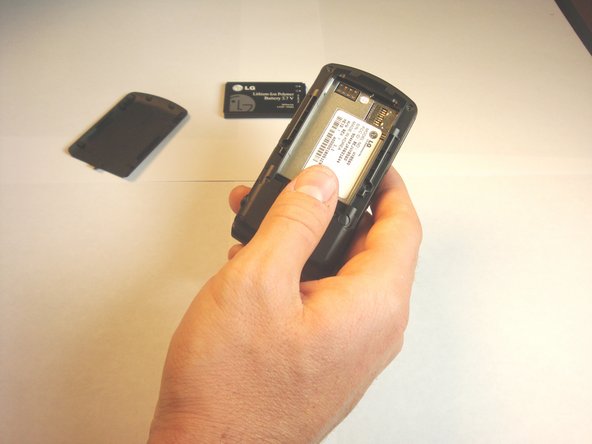
Push the battery cover from the indentation and slide it away from the phone to remove it.
-
-
-
-
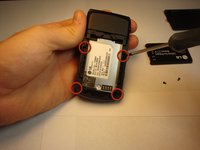
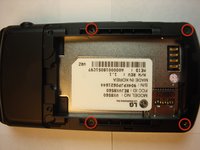
Using a Phillips #00 screwdriver, remove all four screws that are visible along the edge of the phone
-
-
-
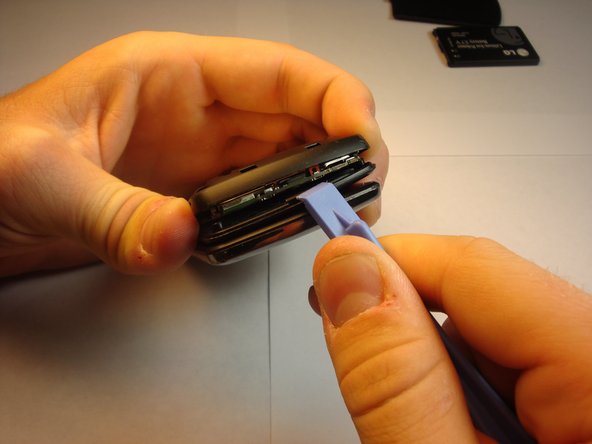
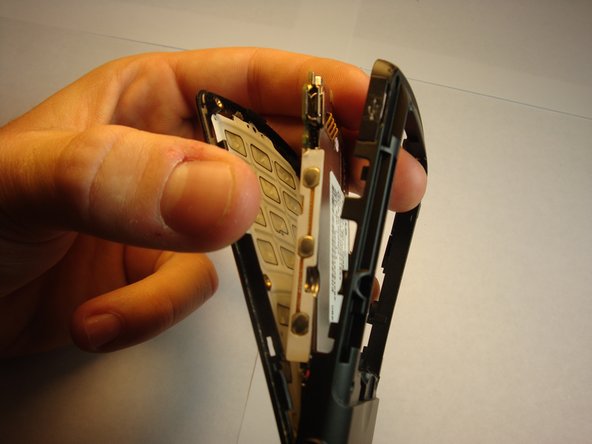
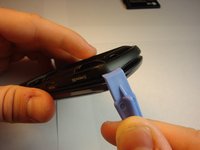
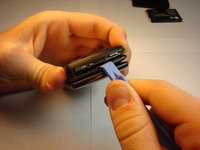
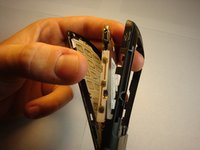
Find the seam between the phone’s keypad cover and back cover, and slide a plastic pry tool along the edge to gently pry the two pieces apart without completely separating them.
-
-
-
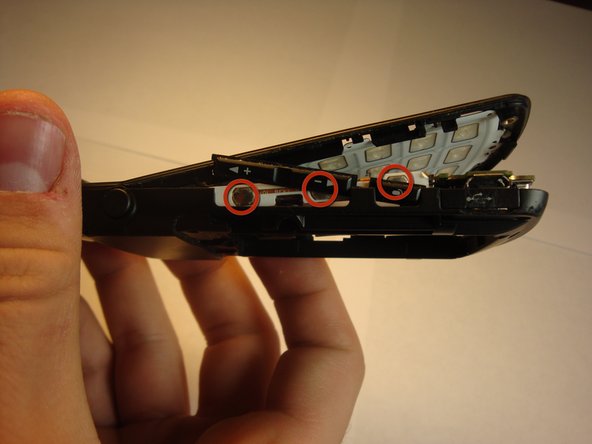
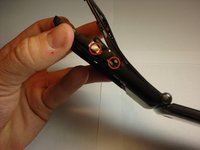
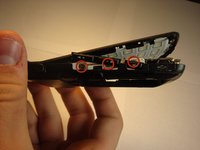
Place the side keys so that they are aligned with the silver circles located on the side of the motherboard.
-

 FixBot에 문의하기






To reassemble your device, follow these instructions in reverse order.
다른 한 분이 해당 안내서를 완성하였습니다.

팀

Cal Poly, Team 13-62, Johann Spring 2013 Cal Poly, Team 13-62, Johann Spring 2013 회원
CPSU-JOHANN-S13S13G62
4 회원들
안내서 24개를 작성함
