소개
Use this guide to replace your LG VX8700 LCD screen if your screen is black after turning the phone on. A black screen may be caused because of a faulty LCD screen. This replacement may also be needed if your screen is cracked.
The LCD screen is used to display information on the phone.
Before using this guide, completely charge the battery. If this does not work, turn the phone off while charging the battery, then turn the phone back on. If this battery charging technique does not work, you may need to replace the screen.
Soldering skills are required to complete this replacement.
For additional information about this device, visit this page: LG VX8700 LCD User Manual.
필요한 것
-
-
Slide the back cover off using the release latch with your fingers to expose the battery.
 FixBot에 문의하기
-
-
-
Lift one side of the battery using a plastic opening tool or your fingers.
-
Carefully remove the battery and set it aside.
-
-
-
Turn your phone around and open the flip phone. The screen is now facing you.
-
Locate the two grey rubber plugs on the bottom corners of the screen. These plugs cover up two screws.
-
Remove the two grey screw-covers.
-
-
-
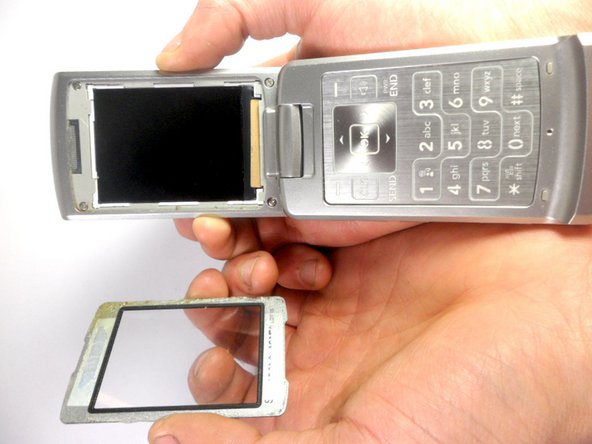
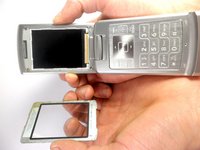
Use the ejection tab at the top to remove the screen.
-
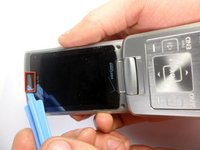
There is a gap between the case and the screen near the ear piece.
-
Insert the plastic opening tool in the gap and pry up the screen.
-
-
-
-
Unscrew the four corners of the screen using 3.21mm screws to separate the top cover of the phone.
-
-
-
Turn your phone around. The battery side will be facing you.
-
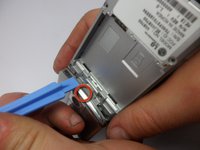
Insert the plastic opening tool into the groove to remove the top cover of the phone.
-
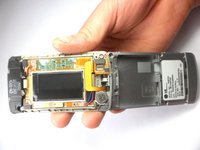
Carefully open the cover.
-
-
-
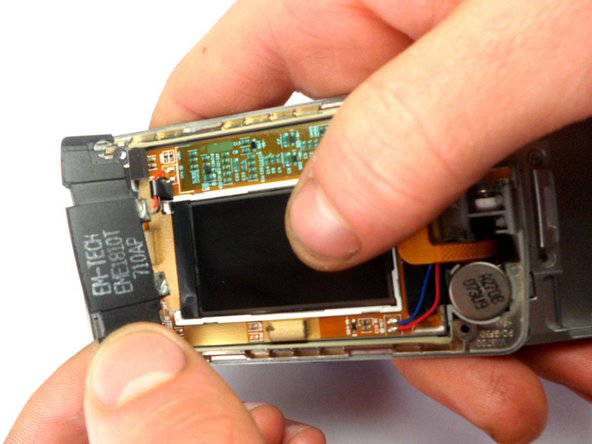
Locate the earpiece, which is the black component at the top with black and red wires.
-
Remove the component. Using a soldering iron, desolder the top ear piece.
-
-
-
Using the plastic opening tool, lift the earpiece to remove it from the phone.
-
-
-
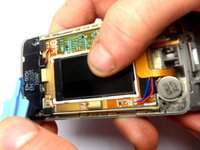
Using a soldering iron, desolder the wires connected to the LCD board.
-
-
-
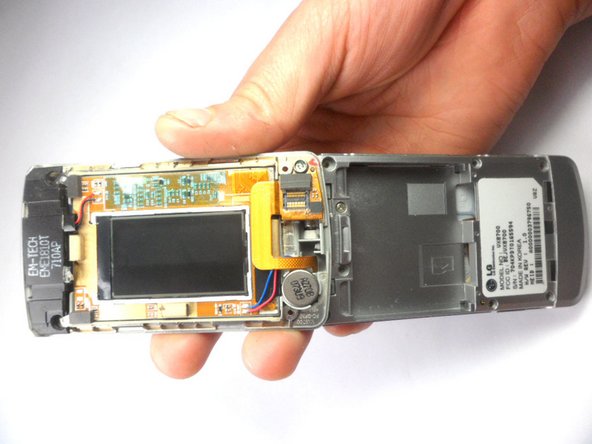
Using the plastic opening tool, carefully disconnect the ribbon connecting the two pieces.
-






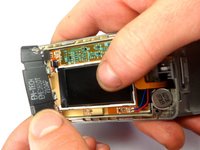


To reassemble your device, follow these instructions in reverse order.
다른 2명이 해당 안내서를 완성하였습니다.

팀

Cal Poly, Team 8-16, Maness Winter 2012 Cal Poly, Team 8-16, Maness Winter 2012 회원
CPSU-MANESS-W12S8G16
4 회원들
안내서 28개를 작성함
