소개
Welcome to the screen replacement guide for the Lenovo Thinkpad T580.
This guide will detail the steps necessary to replace the external screen.
The most common reasons why this component would need to be replaced is because:
- The screen is damaged
- The screen has bright spots or flickering zones
- The screen does not power on
There are no specialized skills required for replacing the screen.
필요한 것
-
이 단계에 사용된 도구:Halberd Spudger$2.99
-
Remove the screen case with a plastic opening pick.
-
Unhook any stubborn clips with the hook part of the Halberd spudger.
 FixBot에 문의하기
-
-
-
-
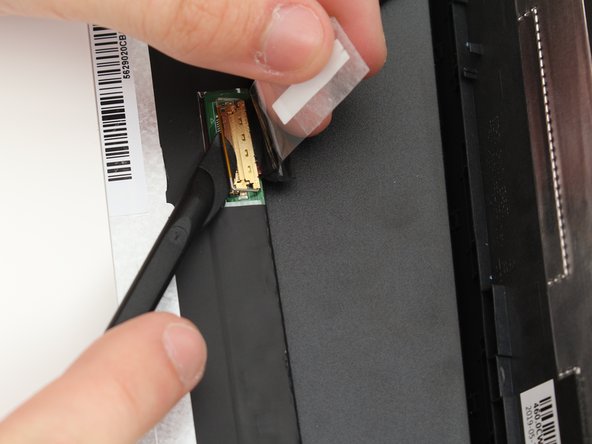
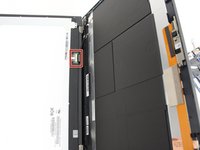
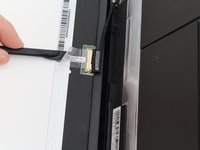
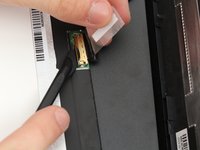
Remove the protective tape from the screens cable with a spudger.
-
Undo the latch holding the cable to the screen with a spudger.
-



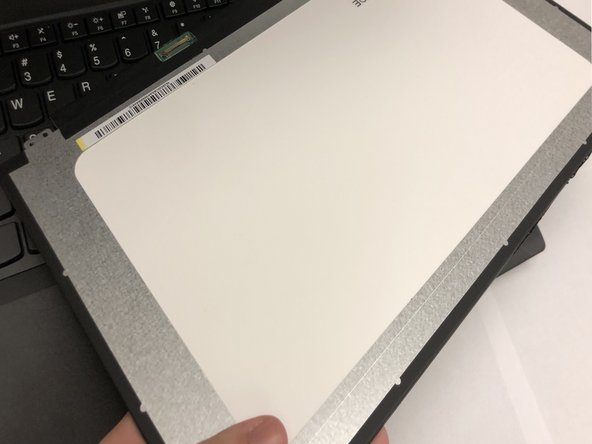

To reassemble your device, follow these instructions in reverse order.
다른 3명이 해당 안내서를 완성하였습니다.

팀

Cal Poly, Team S18-G6, White Winter 2020 Cal Poly, Team S18-G6, White Winter 2020 회원
CPSU-WHITE-W20S18G6
4 회원들
안내서 26개를 작성함
3가이드 댓글
do you have to disable the internal battery
Martin Jones - 답글 공유
That's recommended in the HMM for every Thinkpad that has an internal battery, including the T580/P52 (https://download.lenovo.com/pccbbs/mobil...), so I'd do it.
Phil Lembo - 답글 공유
