소개
This guide will walk you through the process of removing the top cover of the mouse to replace the mouse buttons.
필요한 것
-
-
-
Hold the mouse so that the bottom is facing up.
-
Remove the single Phillips #1 screw from the bottom half of the mouse.
 FixBot에 문의하기
-
-
-
Place the mouse so that the bottom is resting against a hard surface.
-
Lift the top cover of the mouse gently, and remove it.
-
-
-
-
-
-
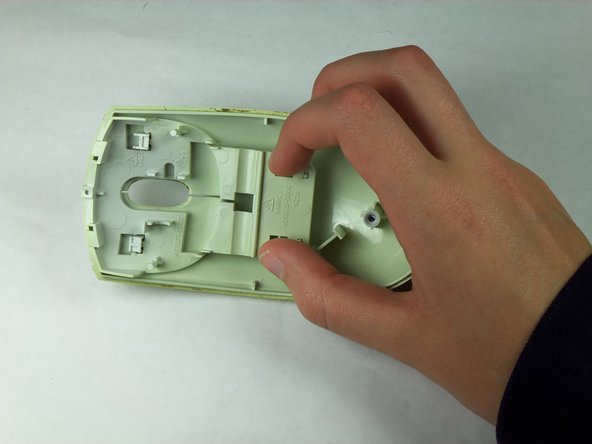
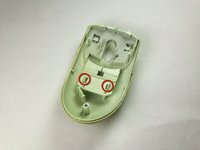
Locate the two tabs that are protruding from the button assembly.
-
Pinch the tabs together to free the buttons.
-
-
-
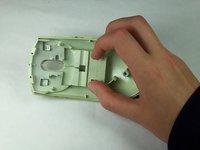
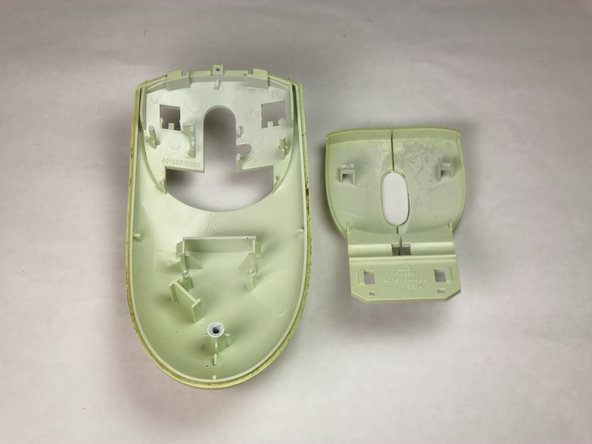
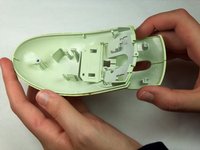
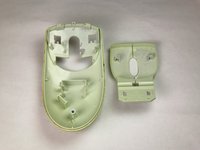
Remove the button assembly from the top cover by flipping the top cover upside down and pulling the button assembly downward and away from the top cover.
-
Slide the button assembly out from the top cover through the opening.
-
-



To reassemble your device, follow these instructions in reverse order.
다른 2명이 해당 안내서를 완성하였습니다.

팀

Cal Poly, Team 5-14, Forte Winter 2013 Cal Poly, Team 5-14, Forte Winter 2013 회원
CPSU-FORTE-W13S5G14
5 회원들
안내서 56개를 작성함
