주요 콘텐츠로 건너뛰기

Makerbot Digitizer stepper bracket Replacement

필요한 것

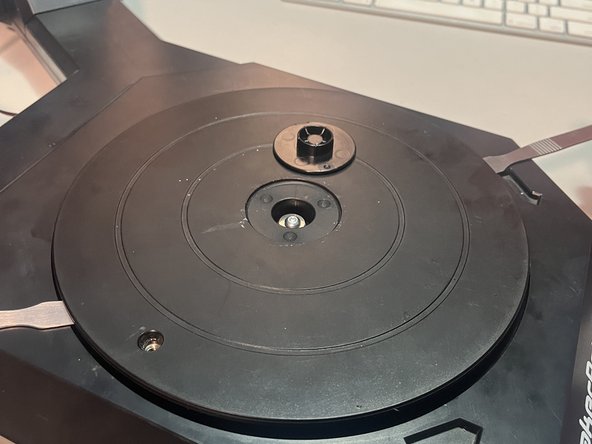
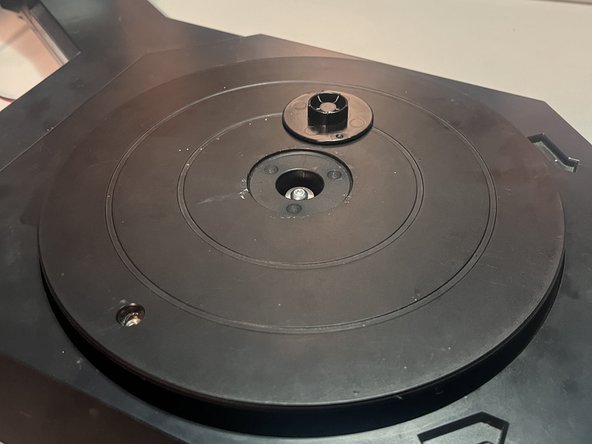
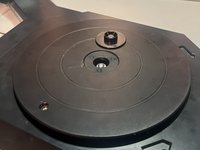
  1. Makerbot Digitizer stepper bracket Replacement, Removing the turntable cap: 1 단계, 이미지 2개 중 1개 Makerbot Digitizer stepper bracket Replacement, Removing the turntable cap: 1 단계, 이미지 2개 중 2개
    • Use a flat spudger or screwdriver to remove the 1-1/2" cap from the turntable center.

    • There is a small indentation on the underside of one side of the cap.

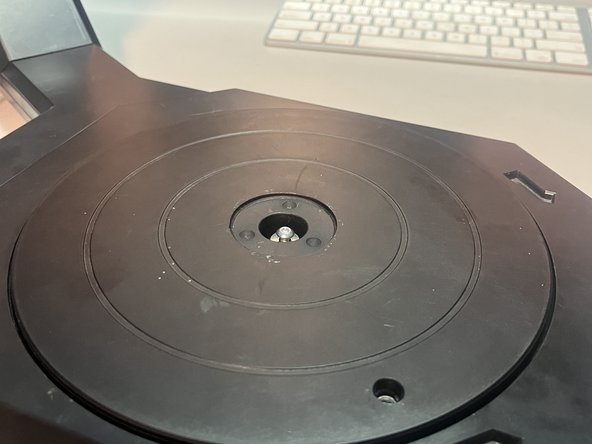
  2. Makerbot Digitizer stepper bracket Replacement, Loosen the turntable screw: 2 단계, 이미지 1개 중 1개
    • Loosen the exposed T15 screw.

    • You do not need to remove it from the turntable, but it must be completely loosened.

    • It has a series of metal-rubber-metal washers, and if you leave the screw in the turntable, you don't need to mess with the washers.

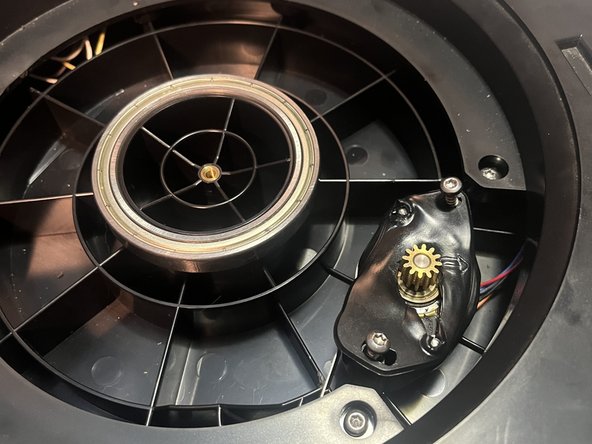
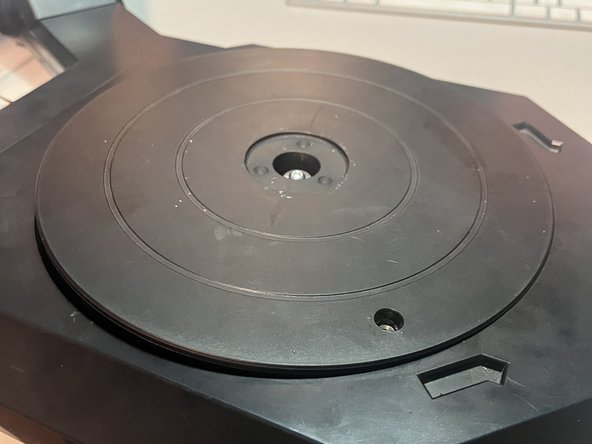
  3. Makerbot Digitizer stepper bracket Replacement, Remove turntable: 3 단계, 이미지 3개 중 1개 Makerbot Digitizer stepper bracket Replacement, Remove turntable: 3 단계, 이미지 3개 중 2개 Makerbot Digitizer stepper bracket Replacement, Remove turntable: 3 단계, 이미지 3개 중 3개
    • Use two flat tools under both sides of the turntable to to pop it out.

    • The turntable slides down onto the bearing with some friction, but I've taken mine on and off 10 times and it still fits snugly.

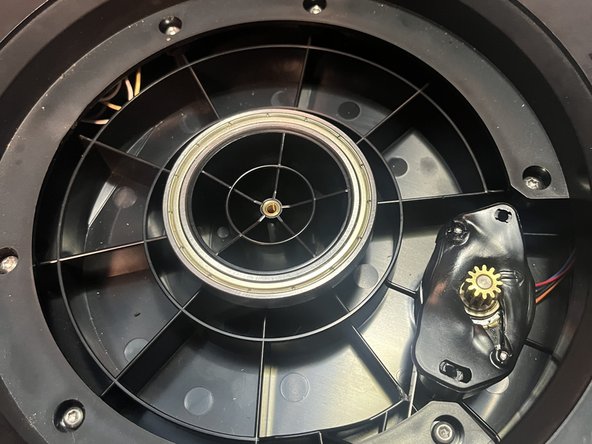
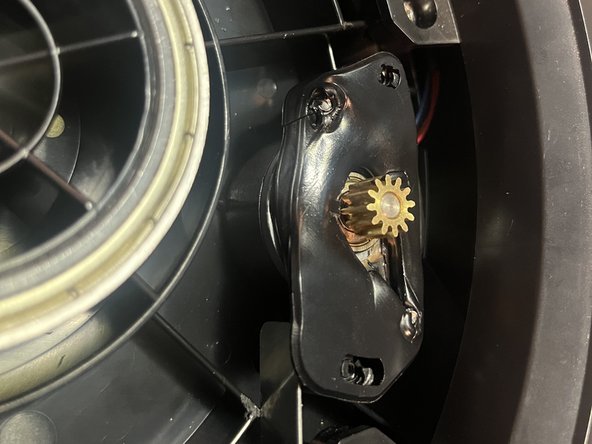
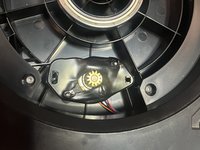
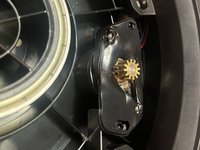
  4. Makerbot Digitizer stepper bracket Replacement, Remove stepper screws: 4 단계, 이미지 3개 중 1개 Makerbot Digitizer stepper bracket Replacement, Remove stepper screws: 4 단계, 이미지 3개 중 2개 Makerbot Digitizer stepper bracket Replacement, Remove stepper screws: 4 단계, 이미지 3개 중 3개
    • Remove two T15 screws that hold the stepper bracket in place.

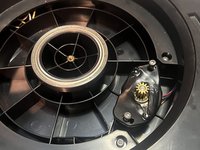
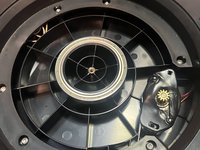
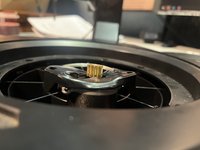
  5. Makerbot Digitizer stepper bracket Replacement, Snap some pictures: 5 단계, 이미지 3개 중 1개 Makerbot Digitizer stepper bracket Replacement, Snap some pictures: 5 단계, 이미지 3개 중 2개 Makerbot Digitizer stepper bracket Replacement, Snap some pictures: 5 단계, 이미지 3개 중 3개
    • That's basically it. My stepper has enough slack to maneuver it around without further disassembly.

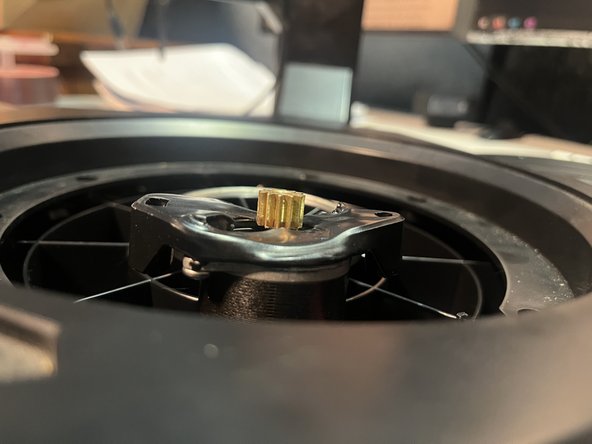
  6. Makerbot Digitizer stepper bracket Replacement, Reinstall the turntable: 6 단계, 이미지 3개 중 1개 Makerbot Digitizer stepper bracket Replacement, Reinstall the turntable: 6 단계, 이미지 3개 중 2개 Makerbot Digitizer stepper bracket Replacement, Reinstall the turntable: 6 단계, 이미지 3개 중 3개
    • To reinstall the turntable, the stepper side must go in first, in order for the turntable gears to align with the stepper gears.

    • Otherwise, the turntable will sit too high and not contact the stepper gear.

결론

To reassemble, just follow these instructions in reverse.

작성자

1다른 기여자 명과 함께

Job McKee

회원 가입일: 10/07/12

241 평판

안내서 2개를 작성함

0가이드 댓글

댓글 쓰기

조회 통계:

지난 24시간: 0

지난 7일: 1

지난 30일: 6

전체 시간: 66