주요 콘텐츠로 건너뛰기
수리 커뮤니티 가입 - 계정 만들기

Motorola C168 Screen Replacement

필요한 것

  1. Motorola C168 Screen Replacement, Battery: 1 단계, 이미지 2개 중 1개 Motorola C168 Screen Replacement, Battery: 1 단계, 이미지 2개 중 2개
    • Turn the phone so its back is facing you.

    • Press the release button on the back cover, while simultaneously pulling the cover down.

    • Remove the back cover.

  2. Motorola C168 Screen Replacement: 2 단계, 이미지 2개 중 1개 Motorola C168 Screen Replacement: 2 단계, 이미지 2개 중 2개
    • Pinch the sides of the bottom of the battery and pull upward.

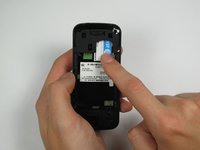
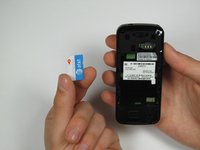
  3. Motorola C168 Screen Replacement, SIM Card: 3 단계, 이미지 2개 중 1개 Motorola C168 Screen Replacement, SIM Card: 3 단계, 이미지 2개 중 2개
    • Press and slide the SIM card down.

    • Remove the SIM card.

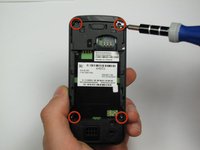
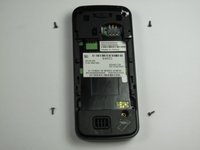
  4. Motorola C168 Screen Replacement, Front Panel: 4 단계, 이미지 2개 중 1개 Motorola C168 Screen Replacement, Front Panel: 4 단계, 이미지 2개 중 2개
    • Orient the phone so its back is facing you.

    • Using a Torx T-4 screwdriver, carefully remove the 4 screws located at the corners of the phone.

    • Note: If you are using iFixit's screwdriver toolkit, look for the smallest T-screwbit.

  5. Motorola C168 Screen Replacement: 5 단계, 이미지 2개 중 1개 Motorola C168 Screen Replacement: 5 단계, 이미지 2개 중 2개
    이 단계에 사용된 도구:
    Spudger
    $3.99
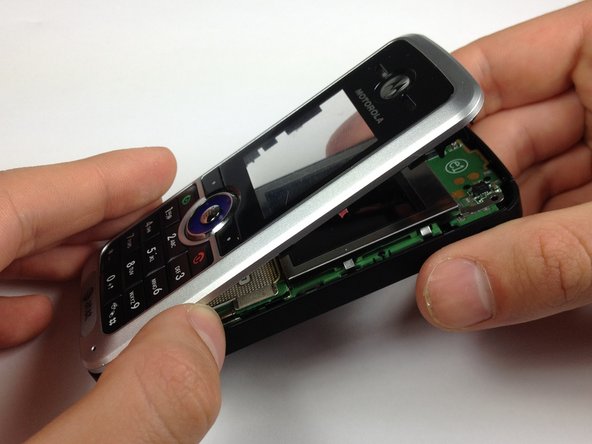
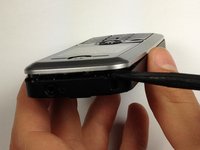
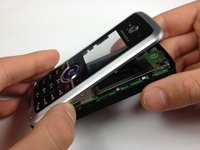
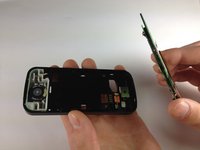
    • Lodge a spudger in between the front panel and the main frame of the phone.

    • Using a good amount of torque, pry the front panel from the phone.

  6. Motorola C168 Screen Replacement, Screen: 6 단계, 이미지 2개 중 1개 Motorola C168 Screen Replacement, Screen: 6 단계, 이미지 2개 중 2개
    이 단계에 사용된 도구:
    Spudger
    $3.99
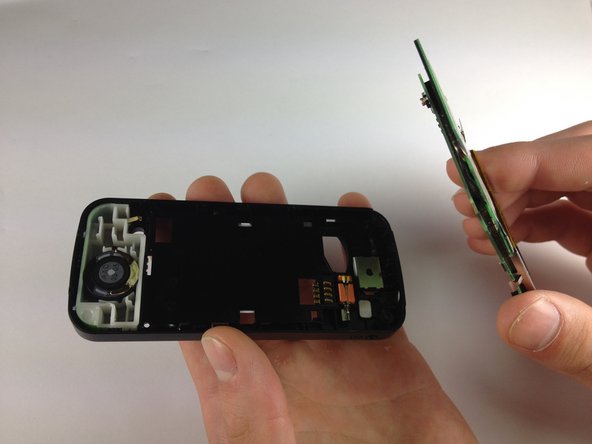
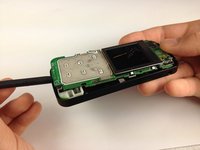
    • Place the phone on its back.

    • Insert the spudger at the bottom of the phone, between the phone's frame and the circuit board.

    • Remove the circuit board from the frame.

    • Removing the board takes more force than you would expect.

  7. Motorola C168 Screen Replacement: 7 단계, 이미지 2개 중 1개 Motorola C168 Screen Replacement: 7 단계, 이미지 2개 중 2개
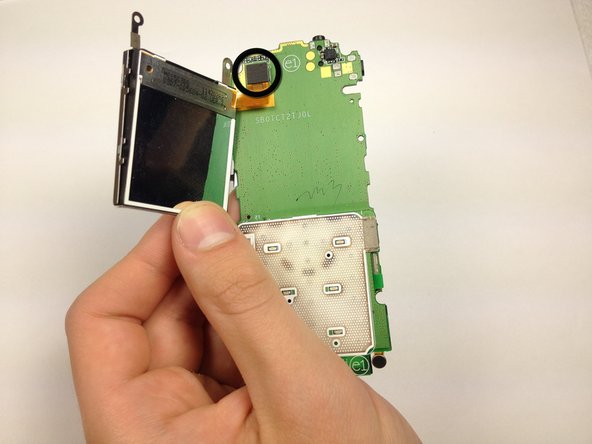
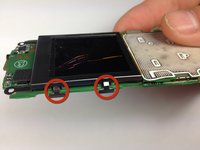
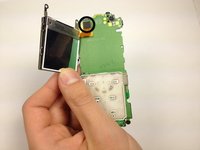
    • Bend the screen clamps outward so they are no longer underneath the circuit board.

    • Pull the screen encasing away from the circuit board.

    • Caution: The screen-to-phone interface will still be connected.

  8. Motorola C168 Screen Replacement: 8 단계, 이미지 2개 중 1개 Motorola C168 Screen Replacement: 8 단계, 이미지 2개 중 2개
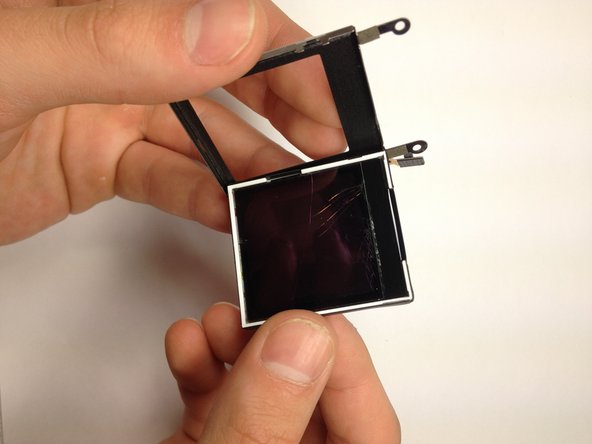
    • Unplug the screen-to-phone interface.

    • Remove the screen from its encasing by pushing it out.

결론

To reassemble your device, follow these instructions in reverse order.

다른 한 분이 해당 안내서를 완성하였습니다.

작성자

7다른 기여자 명과 함께

Christopher Wu

회원 가입일: 04/17/12

37 평판

안내서 3개를 작성함

Cal Poly, Team 12-40, Regan Spring 2012 Cal Poly, Team 12-40, Regan Spring 2012 회원

CPSU-REGAN-S12S12G40

4 회원들

안내서 10개를 작성함

2가이드 댓글

motorola c168 network not working problem. how to repair network problem?

sattar - 답글

댓글 쓰기

조회 통계:

지난 24시간: 0

지난 7일: 10

지난 30일: 35

전체 시간: 1,597