주요 콘텐츠로 건너뛰기
수리 커뮤니티 가입 - 계정 만들기

Motorola C290 Keypad Replacement

필요한 것

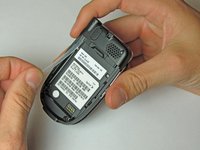
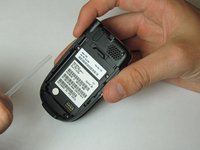
  1. Motorola C290 Keypad Replacement, Battery: 1 단계, 이미지 2개 중 1개 Motorola C290 Keypad Replacement, Battery: 1 단계, 이미지 2개 중 2개
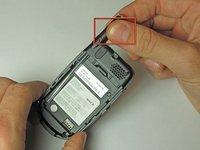
    • Position Motorola C290 so that the back of the phone is facing up.

    • Apply pressure to the back cover while simultaneously sliding it downwards.

    • Note: It may be easiest to apply pressure to the ridges at the top of the back cover.

  2. Motorola C290 Keypad Replacement: 2 단계, 이미지 2개 중 1개 Motorola C290 Keypad Replacement: 2 단계, 이미지 2개 중 2개
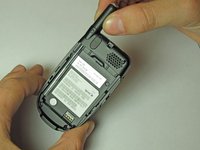
    • Place your finger in the notch at the top of the battery.

    • Gently lift and pull out battery.

  3. Motorola C290 Keypad Replacement, Antenna: 3 단계, 이미지 3개 중 1개 Motorola C290 Keypad Replacement, Antenna: 3 단계, 이미지 3개 중 2개 Motorola C290 Keypad Replacement, Antenna: 3 단계, 이미지 3개 중 3개
    • Unscrew antenna head from top of phone by twisting counterclockwise.

    • Pull the antenna out through the top hole and set aside.

  4. Motorola C290 Keypad Replacement: 4 단계, 이미지 2개 중 1개 Motorola C290 Keypad Replacement: 4 단계, 이미지 2개 중 2개
    • Remove the plastic tube by lifting the bottom and pulling out towards yourself.

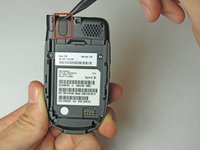
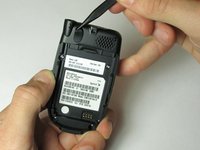
  5. Motorola C290 Keypad Replacement, Logic Board: 5 단계, 이미지 3개 중 1개 Motorola C290 Keypad Replacement, Logic Board: 5 단계, 이미지 3개 중 2개 Motorola C290 Keypad Replacement, Logic Board: 5 단계, 이미지 3개 중 3개
    • Insert a Spudger (or pushpin) into the top notch of the rubber cover, located on the top of the phone.

    • Press down and rotate the Spudger lifting the rubber cover. Remove and set cover aside.

    • Note: This will reveal a screw. Five screws should now be visible.

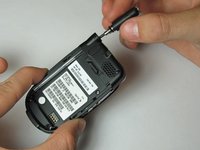
    • Using a T6 Torx screwdriver, unscrew all 5 screws and carefully set them aside.

  6. Motorola C290 Keypad Replacement: 6 단계, 이미지 2개 중 1개 Motorola C290 Keypad Replacement: 6 단계, 이미지 2개 중 2개
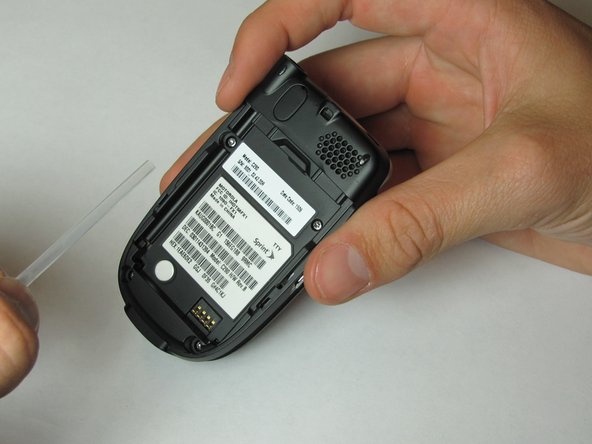
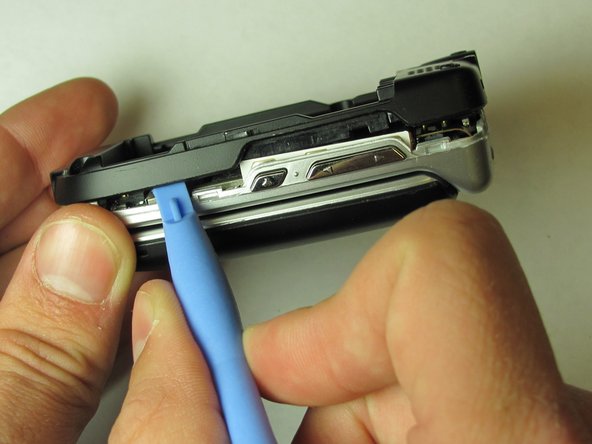
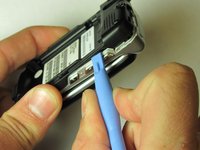
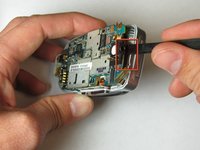
    • Insert the plastic opening tool in the groove at the top of the phone.

    • Rotate the tool to create an opening between the logic board cover and case.

  7. Motorola C290 Keypad Replacement: 7 단계, 이미지 2개 중 1개 Motorola C290 Keypad Replacement: 7 단계, 이미지 2개 중 2개
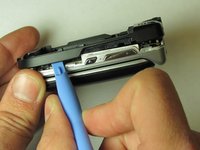
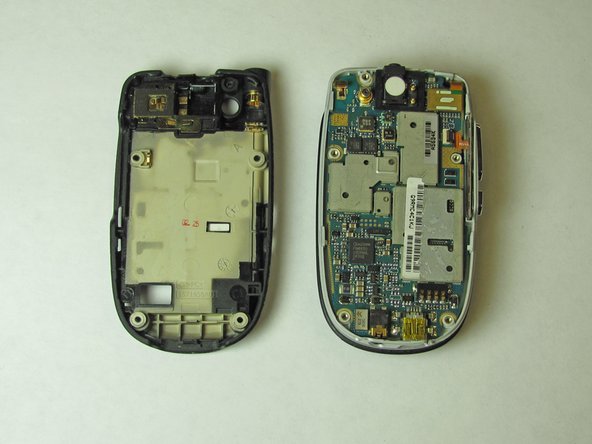
    • Slide the plastic opening tool along the groove, until the entire logic board cover has been opened.

    • Remove logic board cover and set aside.

  8. Motorola C290 Keypad Replacement: 8 단계, 이미지 1개 중 1개
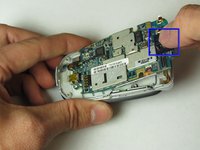
    • Use the Spudger to detach the screen wire from the logic board.

  9. Motorola C290 Keypad Replacement: 9 단계, 이미지 3개 중 1개 Motorola C290 Keypad Replacement: 9 단계, 이미지 3개 중 2개 Motorola C290 Keypad Replacement: 9 단계, 이미지 3개 중 3개
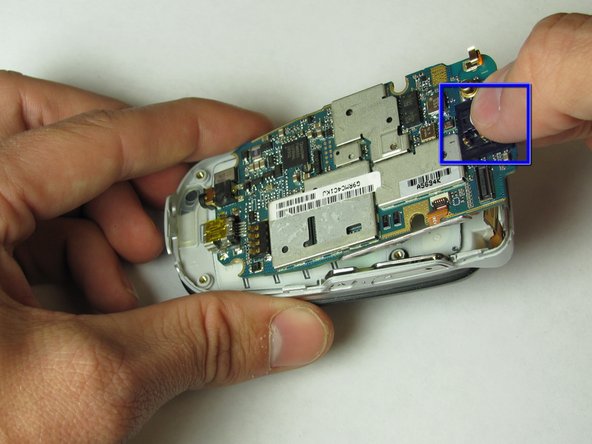
    • Insert the Spudger into the slot on the top of the logic board.

    • Gently pry to loosen the top of the logic board.

    • Note: The logic board may initially seem glued to the phone. It is not glued but does require input of force to remove.

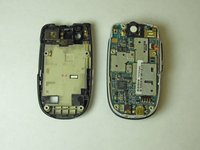
    • Grab the top of the logic board and pull at an angle to remove.

  10. Motorola C290 Keypad Replacement, Keypad: 10 단계, 이미지 1개 중 1개
    • Use your fingers to pull out the keypad.

    • Note: The keys and rubber backing are one piece.

결론

To reassemble your device, follow these instructions in reverse order.

작성자

6다른 기여자 명과 함께

Angelo Ballungay

회원 가입일: 04/15/10

79 평판

안내서 4개를 작성함

Cal Poly, Team 24-28, Regan Spring 2010 Cal Poly, Team 24-28, Regan Spring 2010 회원

CPSU-REGAN-S10S24G28

4 회원들

안내서 10개를 작성함

0가이드 댓글

댓글 쓰기

조회 통계:

지난 24시간: 2

지난 7일: 8

지난 30일: 21

전체 시간: 1,206