주요 콘텐츠로 건너뛰기
수리 커뮤니티 가입 - 계정 만들기

Motorola V60s Button Key Pad Replacement

필요한 것

  1. Motorola V60s Button Key Pad Replacement, Battery: 1 단계, 이미지 3개 중 1개 Motorola V60s Button Key Pad Replacement, Battery: 1 단계, 이미지 3개 중 2개 Motorola V60s Button Key Pad Replacement, Battery: 1 단계, 이미지 3개 중 3개
    • Push in release lever towards top of phone, then use blue spudger to pry case off.

    • After case is removed from the back of the phone, you can simply use your hands to take it the rest of the way off.

    • Set cover aside in a safe location.

  2. Motorola V60s Button Key Pad Replacement: 2 단계, 이미지 2개 중 1개 Motorola V60s Button Key Pad Replacement: 2 단계, 이미지 2개 중 2개
    • Carefully grab battery towards bottom of phone.

    • Lift from bottom and take out of phone, set aside in a safe location.

  3. Motorola V60s Button Key Pad Replacement, Motherboard: 3 단계, 이미지 2개 중 1개 Motorola V60s Button Key Pad Replacement, Motherboard: 3 단계, 이미지 2개 중 2개
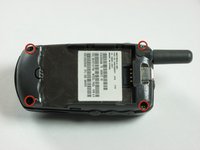
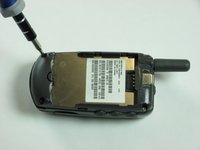
    • Remove the four corner screws with a T6 screwdriver.

    • The two top screws are short and silver. The two bottom screws are black and long.

  4. Motorola V60s Button Key Pad Replacement: 4 단계, 이미지 3개 중 1개 Motorola V60s Button Key Pad Replacement: 4 단계, 이미지 3개 중 2개 Motorola V60s Button Key Pad Replacement: 4 단계, 이미지 3개 중 3개
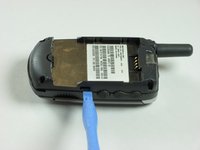
    • Use a spudger to gently pry off back chassis. Wedge the spudger in crevice between back panel and phone and lift.

  5. Motorola V60s Button Key Pad Replacement: 5 단계, 이미지 3개 중 1개 Motorola V60s Button Key Pad Replacement: 5 단계, 이미지 3개 중 2개 Motorola V60s Button Key Pad Replacement: 5 단계, 이미지 3개 중 3개
    • Starting from left side of phone, remove side buttons and place aside.

    • There are three buttons. One on each side, and the top.

    • Return phone to starting orientation when done.

  6. Motorola V60s Button Key Pad Replacement: 6 단계, 이미지 3개 중 1개 Motorola V60s Button Key Pad Replacement: 6 단계, 이미지 3개 중 2개 Motorola V60s Button Key Pad Replacement: 6 단계, 이미지 3개 중 3개
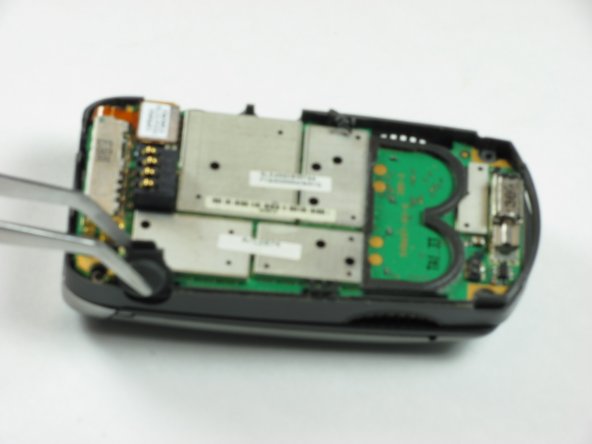
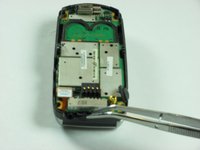
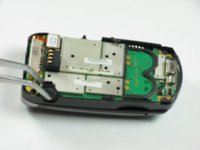
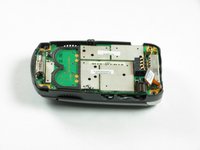
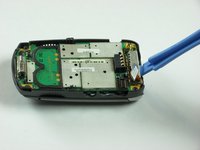
    • Gently remove orange ribbon cable by prying up with spudger.

  7. Motorola V60s Button Key Pad Replacement: 7 단계, 이미지 2개 중 1개 Motorola V60s Button Key Pad Replacement: 7 단계, 이미지 2개 중 2개
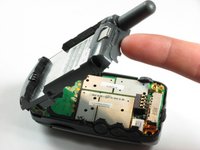
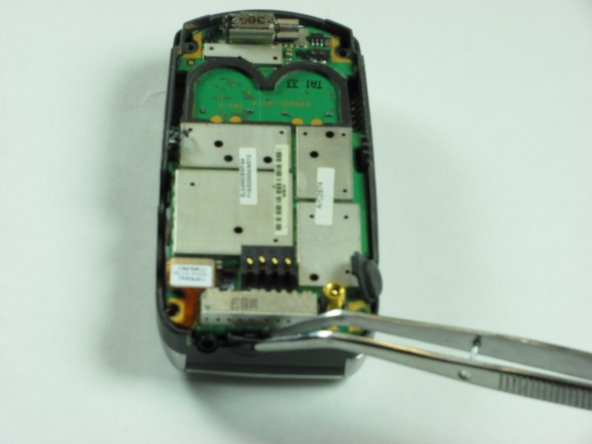
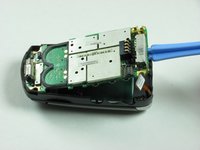
    • Use a spudger to pry up logic board by wedging in between logic board and chassis and lifting.

    • Orange ribbon cable is fragile and can be broken.

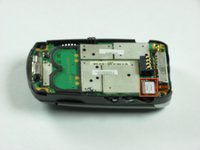
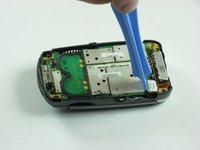
  8. Motorola V60s Button Key Pad Replacement, Button Key Board: 8 단계, 이미지 2개 중 1개 Motorola V60s Button Key Pad Replacement, Button Key Board: 8 단계, 이미지 2개 중 2개
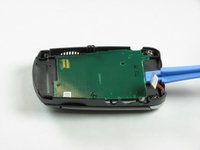
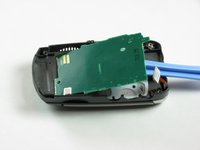
    • Insert an opening tool under the button board and gently lift.

  9. Motorola V60s Button Key Pad Replacement, Button Key Pad: 9 단계, 이미지 2개 중 1개 Motorola V60s Button Key Pad Replacement, Button Key Pad: 9 단계, 이미지 2개 중 2개
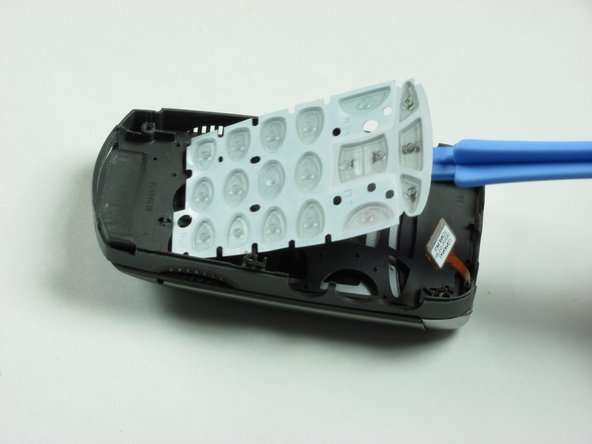
    • Life button keypad with spudger and set aside.

결론

To reassemble your device, follow these instructions in reverse order.

작성자

6다른 기여자 명과 함께

Eric Freeman

회원 가입일: 01/26/10

12 평판

안내서 7개를 작성함

Cal Poly, Team 8-48, Regan Winter 2010 Cal Poly, Team 8-48, Regan Winter 2010 회원

CPSU-REGAN-W10S8G48

4 회원들

안내서 13개를 작성함

0가이드 댓글

댓글 쓰기

조회 통계:

지난 24시간: 0

지난 7일: 2

지난 30일: 14

전체 시간: 3,131