주요 콘텐츠로 건너뛰기
수리 커뮤니티 가입 - 계정 만들기

Motorola V710 Logic Board Replacement

필요한 것

  1. Motorola V710 Logic Board Replacement, Battery: 1 단계, 이미지 3개 중 1개 Motorola V710 Logic Board Replacement, Battery: 1 단계, 이미지 3개 중 2개 Motorola V710 Logic Board Replacement, Battery: 1 단계, 이미지 3개 중 3개
    • Press down on the back button while pulling away from the body of the phone to release the back cover.

  2. Motorola V710 Logic Board Replacement: 2 단계, 이미지 3개 중 1개 Motorola V710 Logic Board Replacement: 2 단계, 이미지 3개 중 2개 Motorola V710 Logic Board Replacement: 2 단계, 이미지 3개 중 3개
    • Remove the battery from the phone by gently pulling upward on the battery with your fingers.

  3. Motorola V710 Logic Board Replacement, Logic Board: 3 단계, 이미지 2개 중 1개 Motorola V710 Logic Board Replacement, Logic Board: 3 단계, 이미지 2개 중 2개
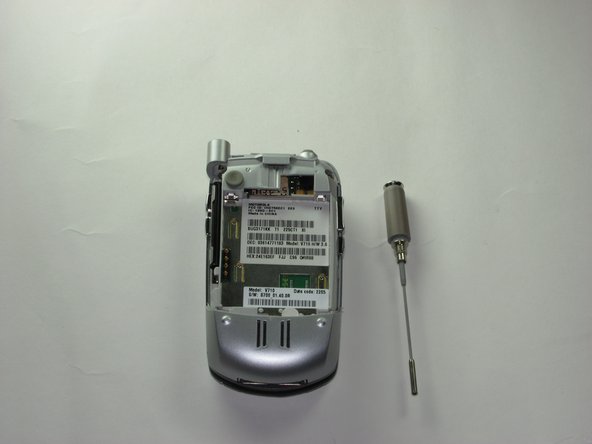
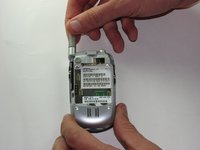
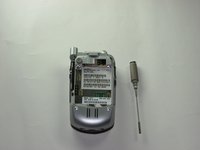
    • Unscrew and remove the antenna by gripping the base and twisting clockwise.

    • Once the antenna has passed the threading, pull out.

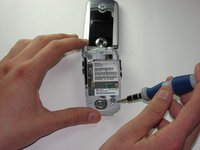
  4. Motorola V710 Logic Board Replacement: 4 단계, 이미지 2개 중 1개 Motorola V710 Logic Board Replacement: 4 단계, 이미지 2개 중 2개
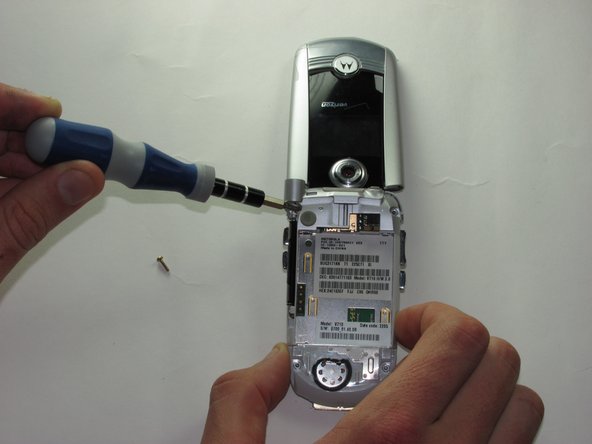
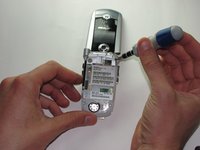
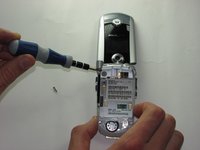
    • Remove the screws from the upper side of the phone with the T6 Torx screwdriver.

    • The first screw is underneath where the antenna was and the other is visible to the right.

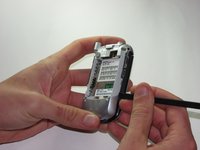
  5. Motorola V710 Logic Board Replacement: 5 단계, 이미지 3개 중 1개 Motorola V710 Logic Board Replacement: 5 단계, 이미지 3개 중 2개 Motorola V710 Logic Board Replacement: 5 단계, 이미지 3개 중 3개
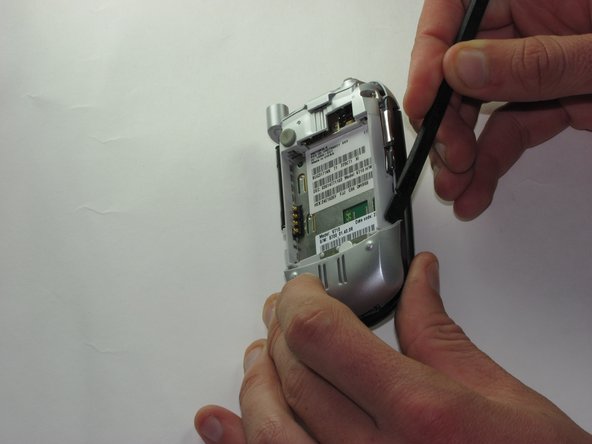
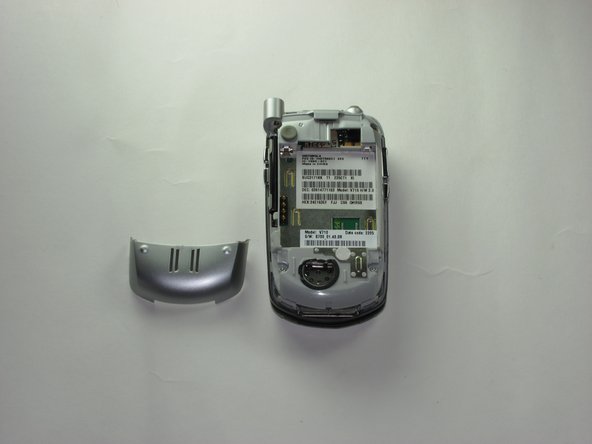
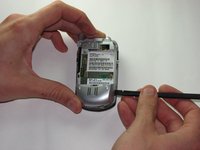
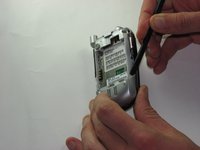
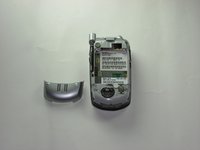
    • Insert the spudger under the left corner of the bottom plate.

    • Using a twist and pry motion seperate the bottom plate and work your way to the right.

    • This can be somewhat difficult and require a good deal of work.

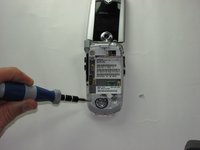
  6. Motorola V710 Logic Board Replacement: 6 단계, 이미지 2개 중 1개 Motorola V710 Logic Board Replacement: 6 단계, 이미지 2개 중 2개
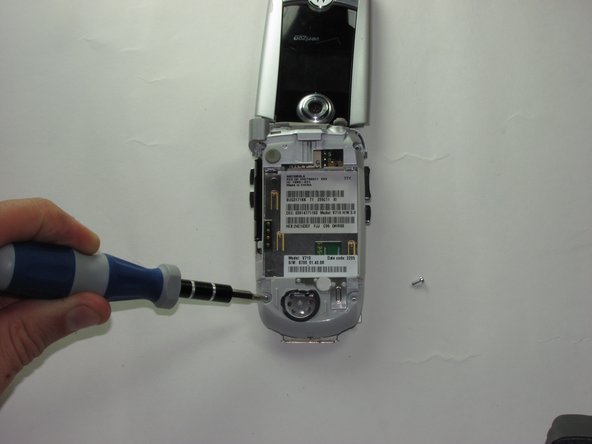
    • Use the T6 Torx screwdriver to remove the bottom two screws.

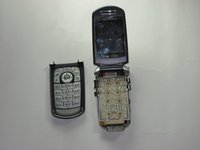
  7. Motorola V710 Logic Board Replacement: 7 단계, 이미지 2개 중 1개 Motorola V710 Logic Board Replacement: 7 단계, 이미지 2개 중 2개
    • Insert the spudger between the key plate and the back of the phone and work your way around the edge of the phone to pop keys off.

    • There is one clasp on either side that needs to be removed before the keys come off.

    • This step is extremely hard and may require time, strength, endurance, and multiple spudgers.

  8. Motorola V710 Logic Board Replacement: 8 단계, 이미지 3개 중 1개 Motorola V710 Logic Board Replacement: 8 단계, 이미지 3개 중 2개 Motorola V710 Logic Board Replacement: 8 단계, 이미지 3개 중 3개
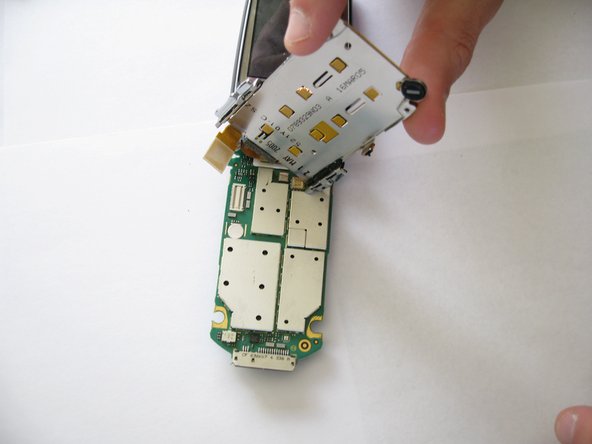
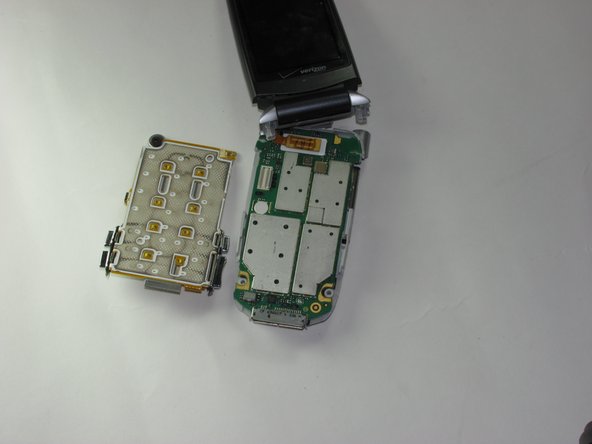
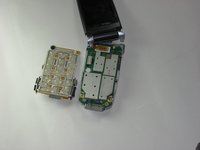
    • Pull the pressure plate forward to expose the logic board.

    • Use the spludger to pry off the plug that connects pressure pad to the logic board.

    • Remove the pressure pad.

  9. Motorola V710 Logic Board Replacement: 9 단계, 이미지 1개 중 1개
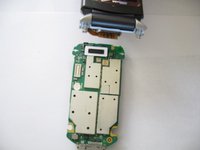
    • Use the spudger to pry off the plug that connects logic board to the screen.

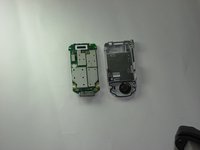
  10. Motorola V710 Logic Board Replacement: 10 단계, 이미지 2개 중 1개 Motorola V710 Logic Board Replacement: 10 단계, 이미지 2개 중 2개
    • Remove the logic board.

결론

To reassemble your device, follow these instructions in reverse order.

다른 한 분이 해당 안내서를 완성하였습니다.

작성자

6다른 기여자 명과 함께

Karl Sanders

회원 가입일: 01/26/10

8 평판

안내서 7개를 작성함

Cal Poly, Team 8-49, Regan Winter 2010 Cal Poly, Team 8-49, Regan Winter 2010 회원

CPSU-REGAN-W10S8G49

5 회원들

안내서 16개를 작성함

0가이드 댓글

댓글 쓰기

조회 통계:

지난 24시간: 2

지난 7일: 11

지난 30일: 43

전체 시간: 2,192