주요 콘텐츠로 건너뛰기
수리 커뮤니티 가입 - 계정 만들기

Motorola W490 Flex Cable Replacement

필요한 것

  1. Motorola W490 Flex Cable Replacement, Phone Casing: 1 단계, 이미지 2개 중 1개 Motorola W490 Flex Cable Replacement, Phone Casing: 1 단계, 이미지 2개 중 2개
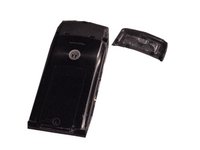
    • Pick up the cell phone with the back facing towards you.

    • Push down on the silver tab located at the top center of the back of the Motorola W490 cellphone.

    • While pushing down on the silver tab, slide the back cover towards the silver tab. Remove the back cover.

  2. Motorola W490 Flex Cable Replacement, Battery: 2 단계, 이미지 2개 중 1개 Motorola W490 Flex Cable Replacement, Battery: 2 단계, 이미지 2개 중 2개
    • Remove the battery by pulling the battery from the top corners labeled "Pull Here" located on either side of the top of the battery.

    • Set the battery aside.

  3. Motorola W490 Flex Cable Replacement, Lower Metal Frame: 3 단계, 이미지 2개 중 1개 Motorola W490 Flex Cable Replacement, Lower Metal Frame: 3 단계, 이미지 2개 중 2개
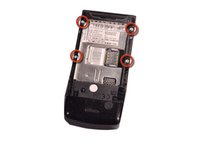
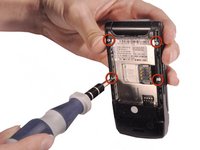
    • After taking out the battery, locate four star-shaped 5.4 mm T6 screws on top and middle of the rear of the phone. Indicated by the red circles.

    • Remove all the screws using the Torx T6 Screwdriver.

  4. Motorola W490 Flex Cable Replacement: 4 단계, 이미지 3개 중 1개 Motorola W490 Flex Cable Replacement: 4 단계, 이미지 3개 중 2개 Motorola W490 Flex Cable Replacement: 4 단계, 이미지 3개 중 3개
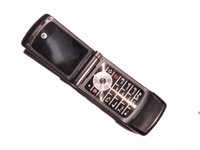
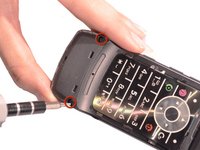
    • Turn over the phone to the front side and open up the phone, displaying the keypad.

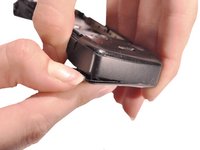
    • Use a plastic opening tool or your fingernail to make a gap between the front bottom cover and the phone.

    • Pull and set the glued plastic cover aside.

    • Be careful not to break the plastic cover when making a gap or pulling. The plastic cover is superglued to the phone.

  5. Motorola W490 Flex Cable Replacement: 5 단계, 이미지 2개 중 1개 Motorola W490 Flex Cable Replacement: 5 단계, 이미지 2개 중 2개
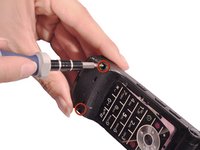
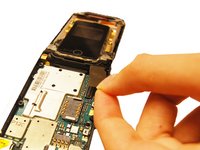
    • Under the plastic cover, locate two star-shaped T5 screws.

    • Use the Torx T5 Screwdriver to remove the two screws.

  6. Motorola W490 Flex Cable Replacement: 6 단계, 이미지 3개 중 1개 Motorola W490 Flex Cable Replacement: 6 단계, 이미지 3개 중 2개 Motorola W490 Flex Cable Replacement: 6 단계, 이미지 3개 중 3개
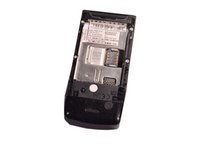
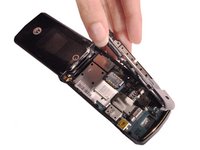
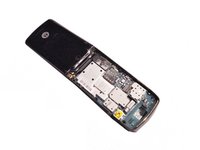
    • Turn over the phone to the back side of phone where the battery was removed.

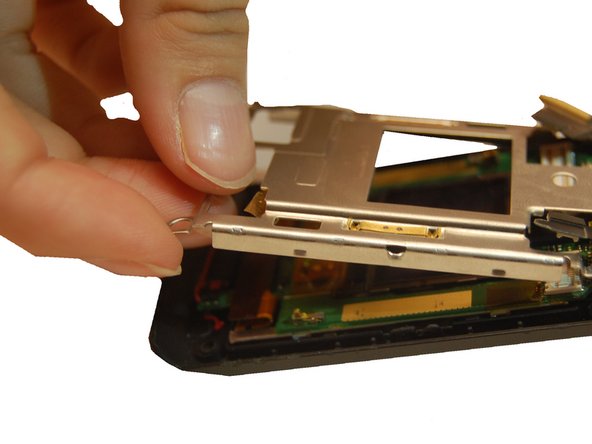
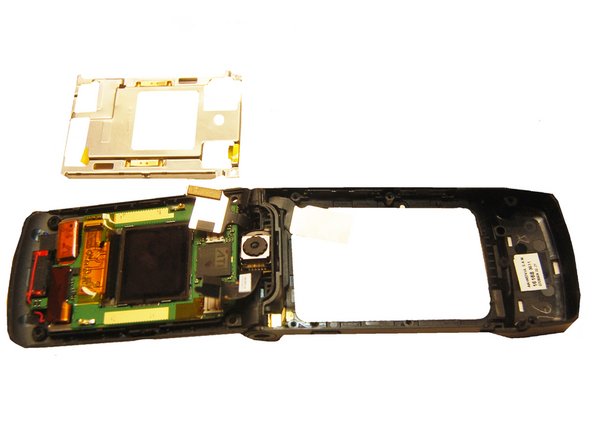
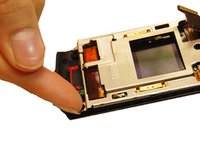
    • Use hands to remove the unscrewed rear frame of the phone.

    • Set aside the rear metal frame.

  7. Motorola W490 Flex Cable Replacement, Circuit Board: 7 단계, 이미지 3개 중 1개 Motorola W490 Flex Cable Replacement, Circuit Board: 7 단계, 이미지 3개 중 2개 Motorola W490 Flex Cable Replacement, Circuit Board: 7 단계, 이미지 3개 중 3개
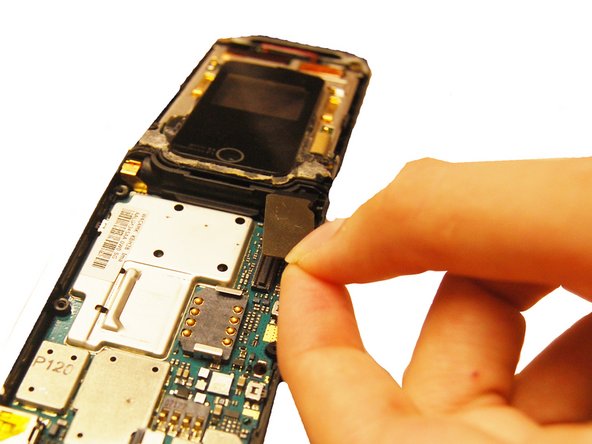
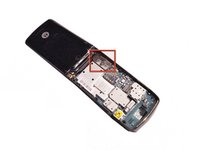
    • Identify the flex cable attachment. Indicated in a red square.

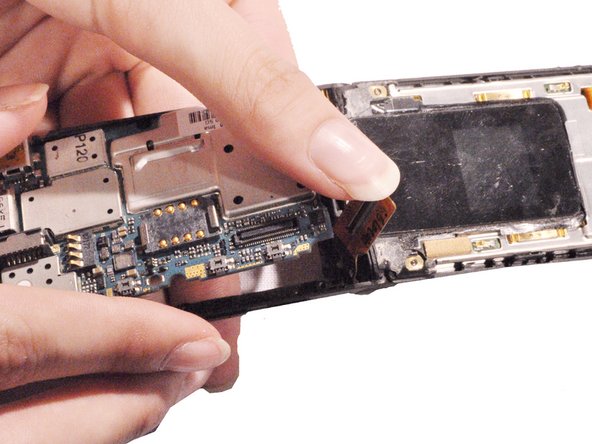
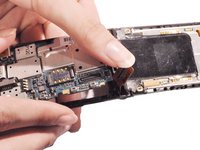
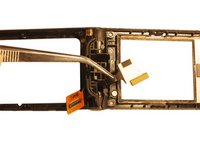
    • Detach the bottom half of the flex cable, pop it off of the circuit board.

    • Pick up the loosened circuit board from the phone and set aside.

  8. Motorola W490 Flex Cable Replacement, Upper Metal Frame: 8 단계, 이미지 2개 중 1개 Motorola W490 Flex Cable Replacement, Upper Metal Frame: 8 단계, 이미지 2개 중 2개
    • Use the blue plastic opening tool to pry off all four of the rubber stickers from the upper inside face.

    • Use the Torx T5 screwdriver to remove the four 5.4 mm screws from the upper inner face.

  9. Motorola W490 Flex Cable Replacement: 9 단계, 이미지 3개 중 1개 Motorola W490 Flex Cable Replacement: 9 단계, 이미지 3개 중 2개 Motorola W490 Flex Cable Replacement: 9 단계, 이미지 3개 중 3개
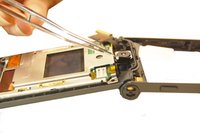
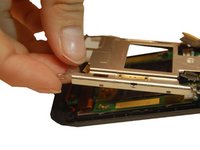
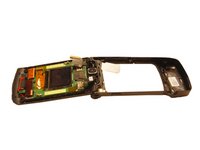
    • Use a flathead screwdriver or plastic opening tools to help pry the top cover away from the phone.

  10. Motorola W490 Flex Cable Replacement: 10 단계, 이미지 2개 중 1개 Motorola W490 Flex Cable Replacement: 10 단계, 이미지 2개 중 2개
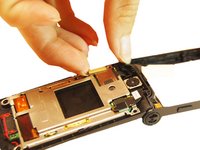
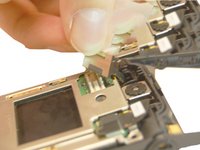
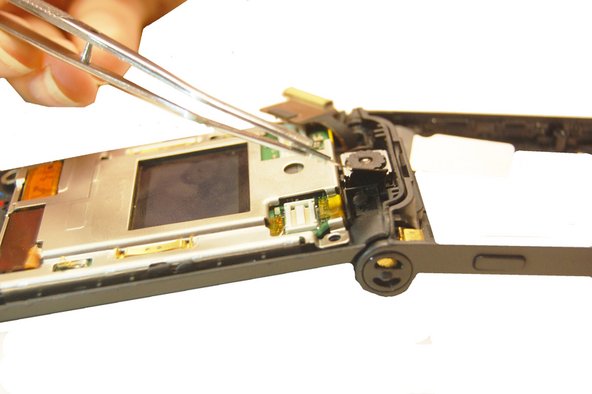
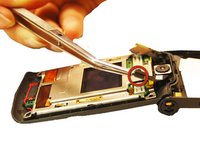
    • Pull the flex cable connection away from the top of the phone.

  11. Motorola W490 Flex Cable Replacement: 11 단계, 이미지 2개 중 1개 Motorola W490 Flex Cable Replacement: 11 단계, 이미지 2개 중 2개
    • Pull the camera connection away from the top of the phone.

  12. Motorola W490 Flex Cable Replacement: 12 단계, 이미지 3개 중 1개 Motorola W490 Flex Cable Replacement: 12 단계, 이미지 3개 중 2개 Motorola W490 Flex Cable Replacement: 12 단계, 이미지 3개 중 3개
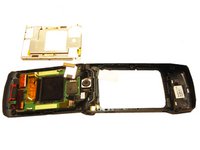
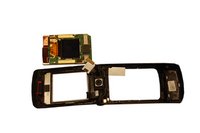
    • Pull the upper metal frame away from the phone.

  13. Motorola W490 Flex Cable Replacement, LCD Screen: 13 단계, 이미지 3개 중 1개 Motorola W490 Flex Cable Replacement, LCD Screen: 13 단계, 이미지 3개 중 2개 Motorola W490 Flex Cable Replacement, LCD Screen: 13 단계, 이미지 3개 중 3개
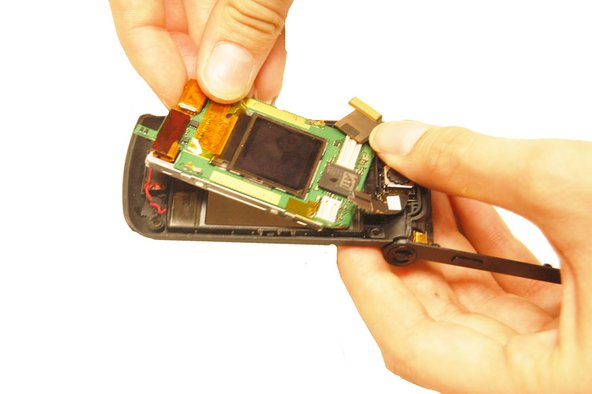
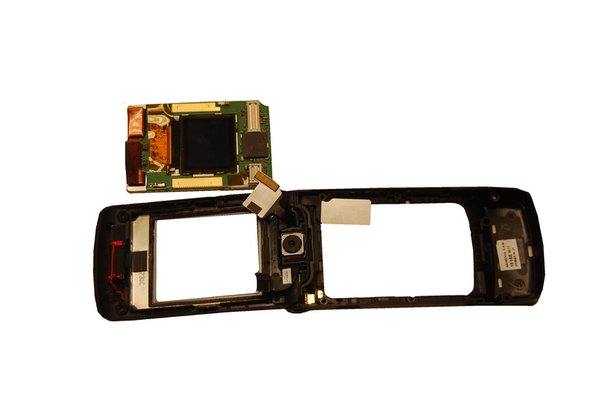
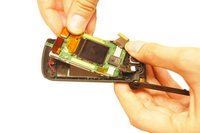
    • Hold the outer phone casing and pull the LCD screen out.

  14. Motorola W490 Flex Cable Replacement, Flex Cable: 14 단계, 이미지 2개 중 1개 Motorola W490 Flex Cable Replacement, Flex Cable: 14 단계, 이미지 2개 중 2개
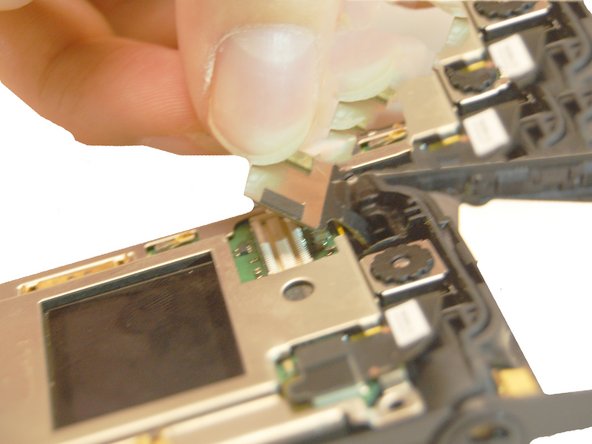
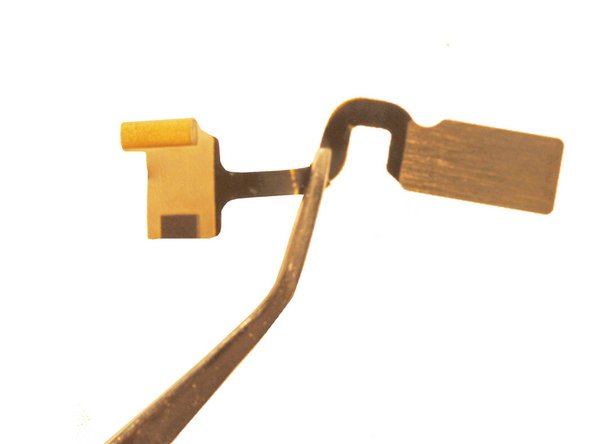
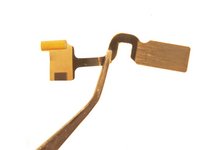
    • Remove the other end of the flex cable from the LCD board.

    • Pull the cable through the phone casing hinge and remove it.

결론

To reassemble your device, follow these instructions in reverse order.

작성자

5다른 기여자 명과 함께

Will Edwards

회원 가입일: 10/22/12

61 평판

안내서 9개를 작성함

Clemson, Team 14-1, Benson Fall 2012 Clemson, Team 14-1, Benson Fall 2012 회원

CLEM-BENSON-F12S14G1

4 회원들

안내서 23개를 작성함

2가이드 댓글

How the !@#$ do you get the new flex cable in??? Id about anybody else, but mine was snapped in half when I opened it, thus, I was unable to see the original assembly... HELP???? Please??

Angela WM - 답글 공유

댓글 쓰기

조회 통계:

지난 24시간: 2

지난 7일: 9

지난 30일: 38

전체 시간: 1,241