주요 콘텐츠로 건너뛰기
수리 커뮤니티 가입 - 계정 만들기

Motorola i90c speaker replacement

필요한 것

  1. Motorola i90c speaker replacement, Battery: 1 단계, 이미지 3개 중 1개 Motorola i90c speaker replacement, Battery: 1 단계, 이미지 3개 중 2개 Motorola i90c speaker replacement, Battery: 1 단계, 이미지 3개 중 3개
    • Slide the notch downward while pulling the back cover off to remove it.

  2. Motorola i90c speaker replacement: 2 단계, 이미지 3개 중 1개 Motorola i90c speaker replacement: 2 단계, 이미지 3개 중 2개 Motorola i90c speaker replacement: 2 단계, 이미지 3개 중 3개
    • Use your fingers to push the battery upward from the bottom.

    • Lift upwards to remove the battery.

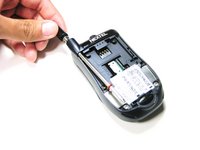
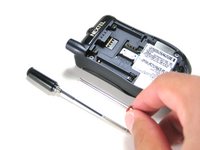
  3. Motorola i90c speaker replacement, Antenna: 3 단계, 이미지 2개 중 1개 Motorola i90c speaker replacement, Antenna: 3 단계, 이미지 2개 중 2개
    • Unscrew the antenna in a counter-clockwise fashion.

    • Remove the aluminum cover.

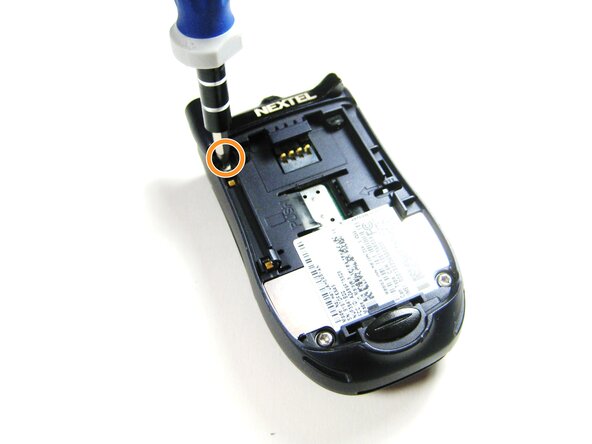
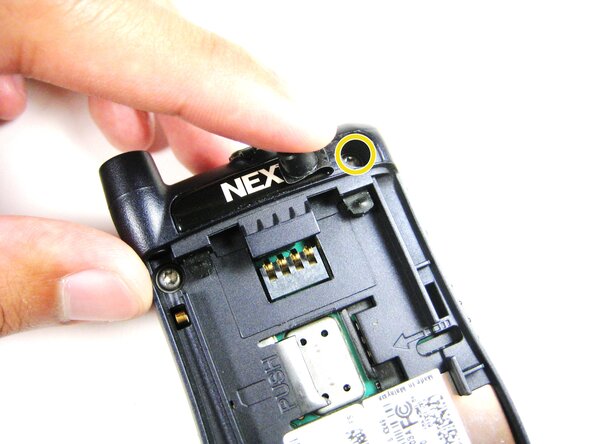
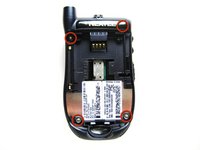
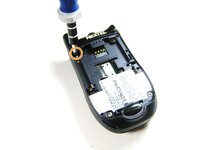
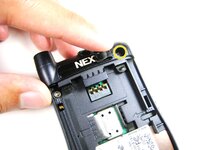
  4. Motorola i90c speaker replacement, Midframe: 4 단계, 이미지 3개 중 1개 Motorola i90c speaker replacement, Midframe: 4 단계, 이미지 3개 중 2개 Motorola i90c speaker replacement, Midframe: 4 단계, 이미지 3개 중 3개
    • Unscrew the 3 screws shown.

    • Lift the right part of the Nextel logo

    • Remove the screw underneath.

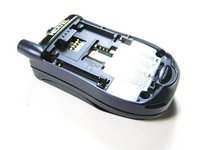
  5. Motorola i90c speaker replacement: 5 단계, 이미지 2개 중 1개 Motorola i90c speaker replacement: 5 단계, 이미지 2개 중 2개
    • Forcing the cover off could damage the ribbon cable, so be careful when doing so.

    • Gently lift the back cover off.

  6. Motorola i90c speaker replacement: 6 단계, 이미지 3개 중 1개 Motorola i90c speaker replacement: 6 단계, 이미지 3개 중 2개 Motorola i90c speaker replacement: 6 단계, 이미지 3개 중 3개
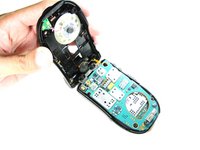
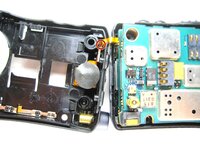
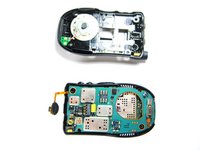
    • Find the connection between the headphone jack and logic board.

    • Begin separating the two pieces, slowly and carefully.

  7. Motorola i90c speaker replacement, Speaker System: 7 단계, 이미지 3개 중 1개 Motorola i90c speaker replacement, Speaker System: 7 단계, 이미지 3개 중 2개 Motorola i90c speaker replacement, Speaker System: 7 단계, 이미지 3개 중 3개
    이 단계에 사용된 도구:
    Tweezers
    $4.99
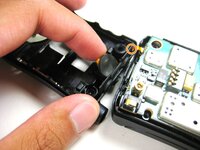
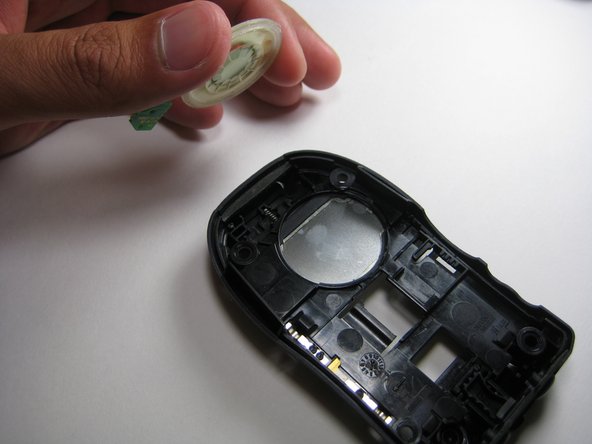
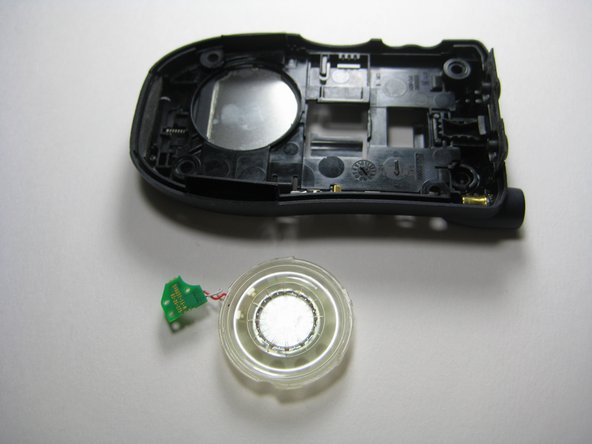
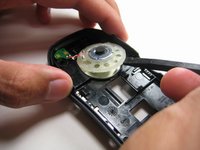
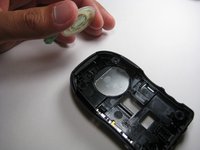
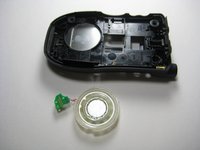
    • Use the prying tools to wedge out the circular part of the speaker system.

    • Carefully pull out the wiring and circuit board attached to the speaker system using a prying tool or tweezers.

결론

To reassemble your device, follow these instructions in reverse order.

작성자

5다른 기여자 명과 함께

Jorge

회원 가입일: 04/14/10

4 평판

안내서 4개를 작성함

Cal Poly, Team 29-61, Johann Spring 2010 Cal Poly, Team 29-61, Johann Spring 2010 회원

CPSU-JOHANN-S10S29G61

4 회원들

안내서 6개를 작성함

0가이드 댓글

댓글 쓰기

조회 통계:

지난 24시간: 0

지난 7일: 6

지난 30일: 21

전체 시간: 1,294