소개
Is the screen cracked or non responsive then replacing it will fix the NABI XD.
필요한 것
-
-
-
Use the plastic opening tool at the top left corner seam, then pry the corner apart.
 FixBot에 문의하기
-
-
-
Next slide the plastic opening tool across the sides of the Nabi. It will slowly open.
-
There are small plastic clips that need to be release. Gently apply outwards pressure until the clips give.
-
Go around the NABI XD and separate the rear panel from the device.
-
-
-
-
-
Place your fingernails on both sides of the connector and pull it straight back away from the holder.
-
-
-
-
이 단계에 사용된 도구:Tweezers$4.99
-
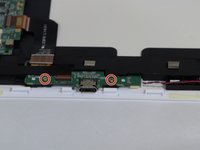
Remove the two 4mm Phillips screws with the PH#0 screwdriver.
-
Disconnect the left (L) speaker wire from the charging port by grabbing it on both sides with the tweezers and pulling straight back.
-
-
-
Use your fingernails or a spudger to flip up the small retaining flap, then pull the ribbon straight back to remove
-
Lift the charging port from the NABI XD.
-
-
-
-
-
이 단계에 사용된 도구:Tweezers$4.99
-
To remove the marked ribbons, use your fingernails or a spudger to lift up small tab
-
Use the Precision Tweezers to gently pull the ribbons straight out of the connectors.
-
-
-
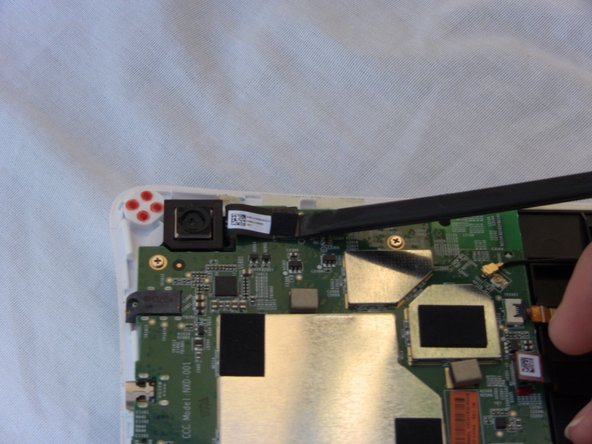
Disconnect the camera by lifting the ribbon straight up. Also disconnect the remaining ribbon by lifting up gently.
-
To disconnect antenna wire, use the tweezers to pry connector straight from the board.
-
-
-
Disconnect the Right speaker by grabbing the wire head by its sides and pulling it back from the connector.
-
-
-
-
-
Right (R) speaker removal:
-
Remove one 4mm Phillips screw.
-
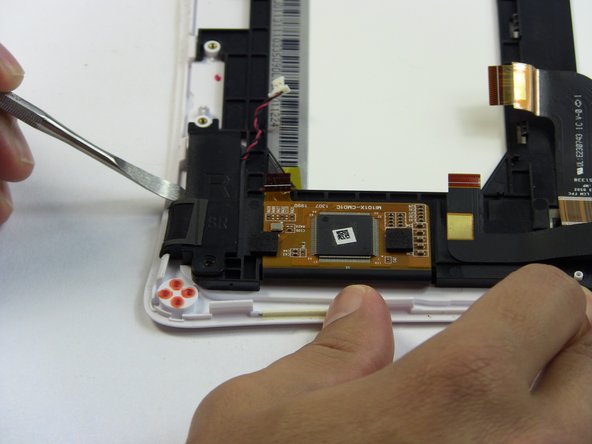
Use the metal spudger to separate the speaker from the frame.
-
-
-
Remove the left (L) speaker wire from the frame by pulling it to the side and up.
-
-
-
Left (L) speaker removal:
-
Remove two 4mm Phillips screws.
-
Use the metal spudger to separate the speaker from the frame.
-
-
-
-
-
The ribbons are glued to the frame so gently lift them up without ripping them.
-
Lightly lift the marked wires and ribbons from the frame by gently pulling them in the direction of the arrows and up.
-
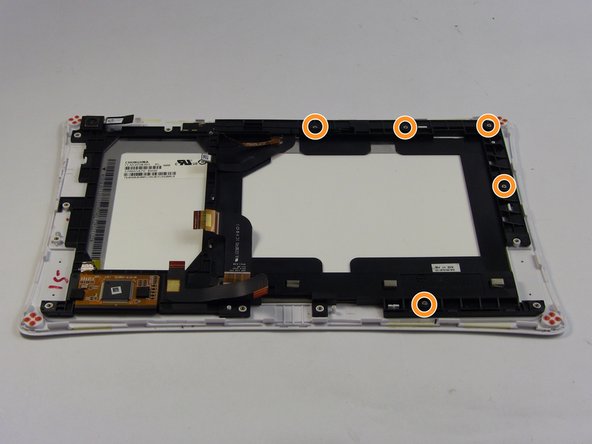
Remove five 4mm Phillips screws from the frame.
-
-
-
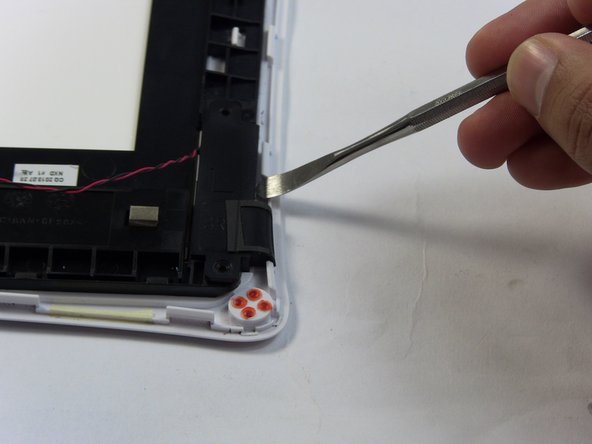
Use the Plastic Opening tools to lift the frame up.
-
The ribbons need to be detangled from the frame while you are lifting it up.
-
-
-
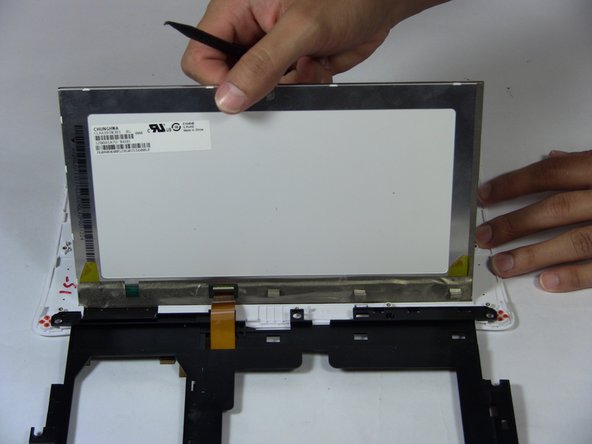
Lift the screen up with the black spudger.
-
Lift the frame up slowly and place it to the side.
-
-


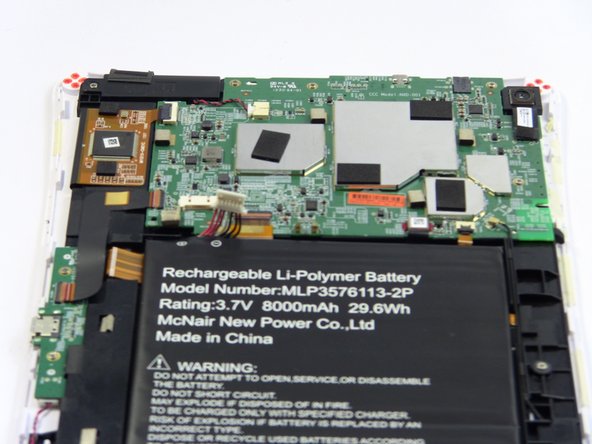














To reassemble your device, follow these instructions in reverse order.
다른 한 분이 해당 안내서를 완성하였습니다.

팀

USF Tampa, Team 17-2, Blackwell Fall 2016 USF Tampa, Team 17-2, Blackwell Fall 2016 회원
USFT-BLACKWELL-F16S17G2
3 회원들
안내서 18개를 작성함
