소개
If your Nikon D700 screen needs to be replaced because it is broken/faulty, use this guide to replace your Nikon D700 screen.
-
-
이 단계에 사용된 도구:iOpener$24.95
-
Use a spudger and your hands to remove the front grip cover, held together by an adhesive.
-
Under the rubber cover, use a screwdriver to remove one screw on the top right corner.
 FixBot에 문의하기
-
-
-
Use a Phillips #00 screwdriver to remove the five screws that hold the cover in place.
-
-
-
이 단계에 사용된 도구:Tweezers$4.99
-
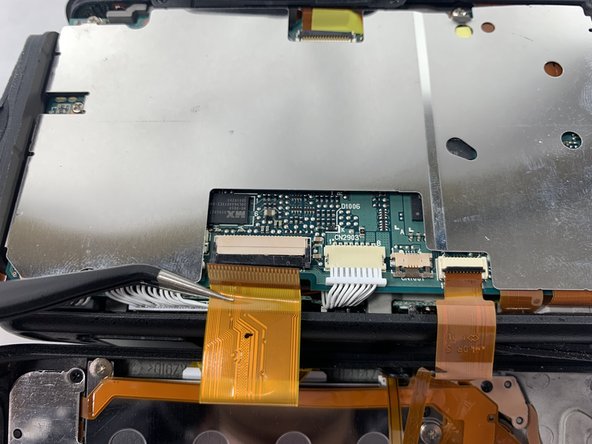
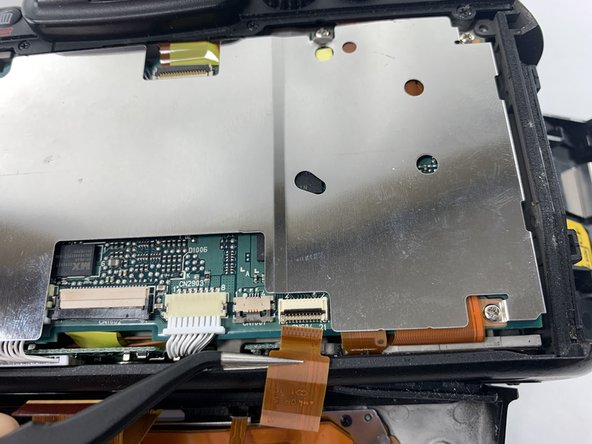
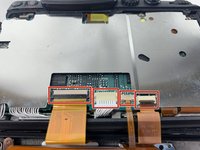
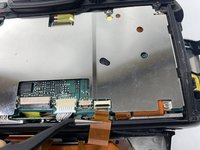
To remove the screen entirely, use a spudger to unlock the connectors.
-
Pull the cables out gently using tweezers or your spudger.
-
-
-
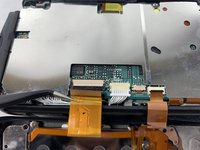
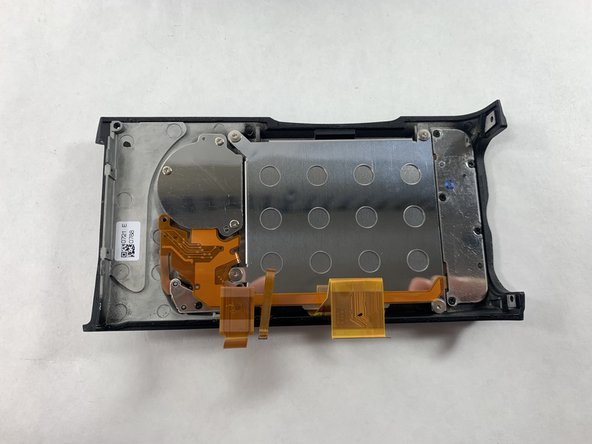
The screen should be completely detached from the camera and can now be replaced with a new screen.
-
-




To reassemble your device, follow these instructions in reverse order.

팀

UMass Dartmouth, Team 5-4, Ramos Spring 2023 UMass Dartmouth, Team 5-4, Ramos Spring 2023 회원
UMASSD-RAMOS-S23S5G4
4 회원들
안내서 4개를 작성함
