주요 콘텐츠로 건너뛰기
수리 커뮤니티 가입 - 계정 만들기

Nikon D90 Rear Display Buttons Replacement

필요한 것

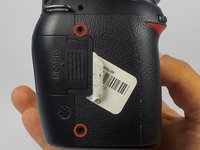
  1. Nikon D90 Rear Display Buttons Replacement, Removing Casing Screws: 1 단계, 이미지 2개 중 1개 Nikon D90 Rear Display Buttons Replacement, Removing Casing Screws: 1 단계, 이미지 2개 중 2개
    • Locate the screws on both sides of the camera.

    • Remove the four 6.3 mm Phillips screws using a PH00 screwdriver.

    • Be careful not to strip the screws.

    댓글 쓰기

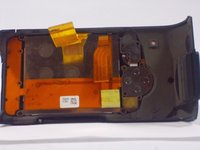
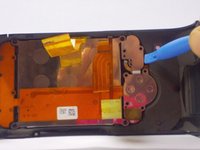
  2. Nikon D90 Rear Display Buttons Replacement, Removing the Rear Casing: 2 단계, 이미지 3개 중 1개 Nikon D90 Rear Display Buttons Replacement, Removing the Rear Casing: 2 단계, 이미지 3개 중 2개 Nikon D90 Rear Display Buttons Replacement, Removing the Rear Casing: 2 단계, 이미지 3개 중 3개
    • Use a plastic opening tool to separate the rear case from the camera.

    댓글 쓰기

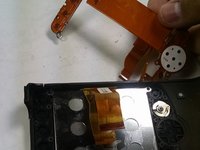
  3. Nikon D90 Rear Display Buttons Replacement, Disconnecting the Ribbon Cables: 3 단계, 이미지 2개 중 1개 Nikon D90 Rear Display Buttons Replacement, Disconnecting the Ribbon Cables: 3 단계, 이미지 2개 중 2개
    이 단계에 사용된 도구:
    Tweezers
    $4.99
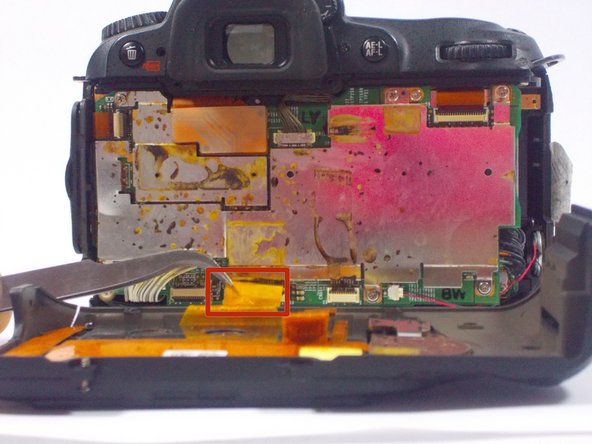
    • After, remove the two orange ribbon connectors attached to the interior of the camera with tweezers.

    • Make sure to remove the ribbon cables carefully from the connectors to avoid damaging the camera.

    댓글 쓰기

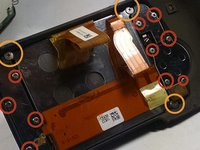
  4. Nikon D90 Rear Display Buttons Replacement, Removing the Screws from the Rear Casing: 4 단계, 이미지 2개 중 1개 Nikon D90 Rear Display Buttons Replacement, Removing the Screws from the Rear Casing: 4 단계, 이미지 2개 중 2개
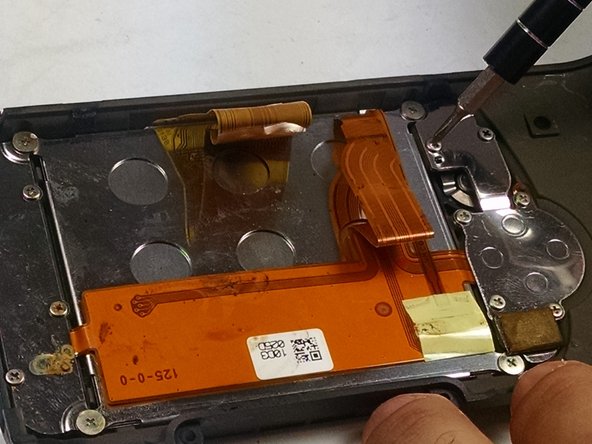
    • Remove the screws from the back assembly with a Phillips (PH00) head screwdriver.

    • Remove the ten 5.3 mm Phillips screws.

    • Remove the three 4.3 mm Phillips screws.

    댓글 쓰기

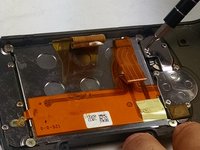
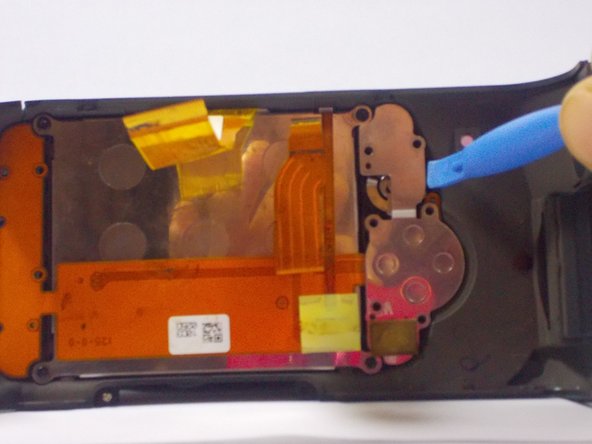
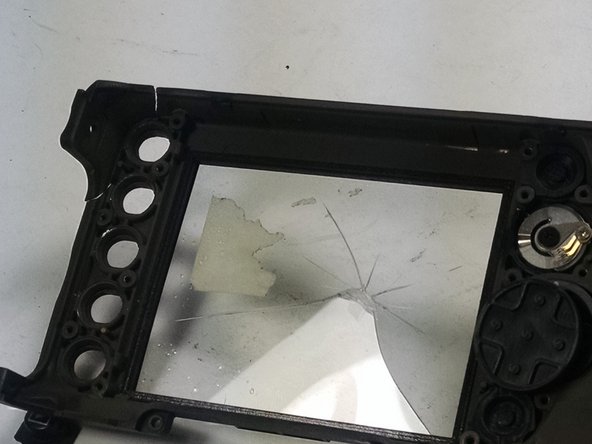
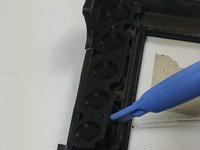
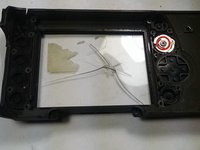
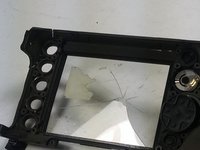
  5. Nikon D90 Rear Display Buttons Replacement, Removing the LCD and other components: 5 단계, 이미지 3개 중 1개 Nikon D90 Rear Display Buttons Replacement, Removing the LCD and other components: 5 단계, 이미지 3개 중 2개 Nikon D90 Rear Display Buttons Replacement, Removing the LCD and other components: 5 단계, 이미지 3개 중 3개
    • Use a plastic opening tool to separate the LCD and metal plates from the casing.

    댓글 쓰기

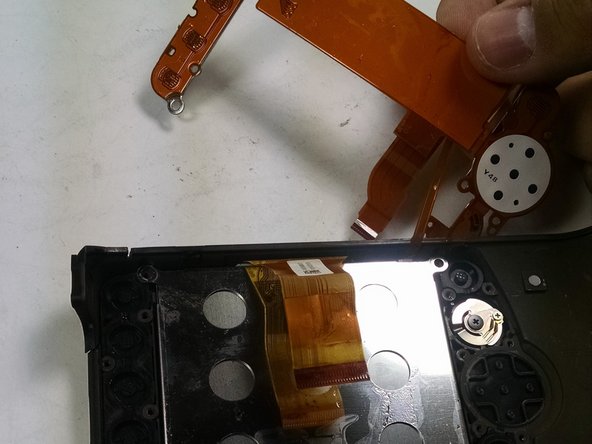
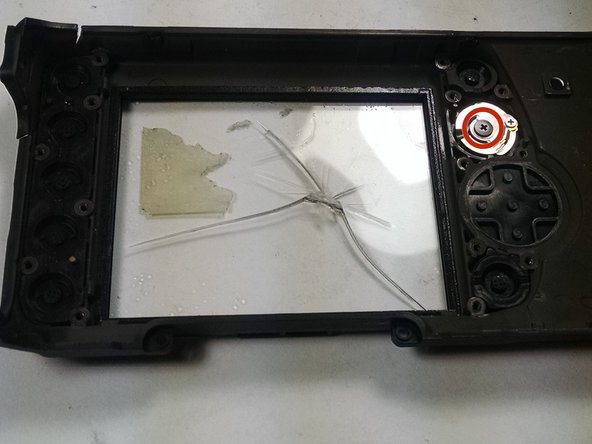
  6. Nikon D90 Rear Display Buttons Replacement, Removing the Display Buttons: 6 단계, 이미지 3개 중 1개 Nikon D90 Rear Display Buttons Replacement, Removing the Display Buttons: 6 단계, 이미지 3개 중 2개 Nikon D90 Rear Display Buttons Replacement, Removing the Display Buttons: 6 단계, 이미지 3개 중 3개
    • Use a plastic opening tool to separate the buttons from the casing.

    • Remove the 4.3 mm Phillips screw from the knob using a PH00 screwdriver.

    댓글 쓰기

결론

To reassemble your device, follow these instructions in reverse order.

취소: 해당 안내서를 완성하지 않았습니다.

다른 한 분이 해당 안내서를 완성하였습니다.

작성자

3다른 기여자 명과 함께

jonothon cawley

회원 가입일: 10/20/14

354 평판

안내서 2개를 작성함

UMass Dartmouth, Team 1-7, Duarte Fall 2014 UMass Dartmouth, Team 1-7, Duarte Fall 2014 회원

UMASSD-DUARTE-F14S1G7

3 회원들

안내서 6개를 작성함

0가이드 댓글

댓글 쓰기

조회 통계:

지난 24시간: 1

지난 7일: 10

지난 30일: 56

전체 시간: 3,194