주요 콘텐츠로 건너뛰기
수리 커뮤니티 가입 - 계정 만들기

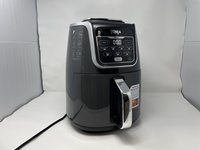
Ninja AF161 Max XL Fan Replacement

필요한 것

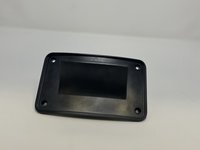
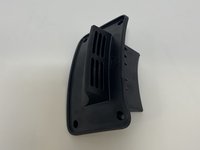
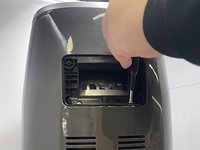
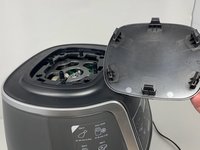
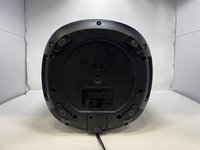
  1. Ninja AF161 Max XL Fan Replacement, Back Vent Cover: 1 단계, 이미지 1개 중 1개
    • The back vent cover is directly above where the power cord protrudes.

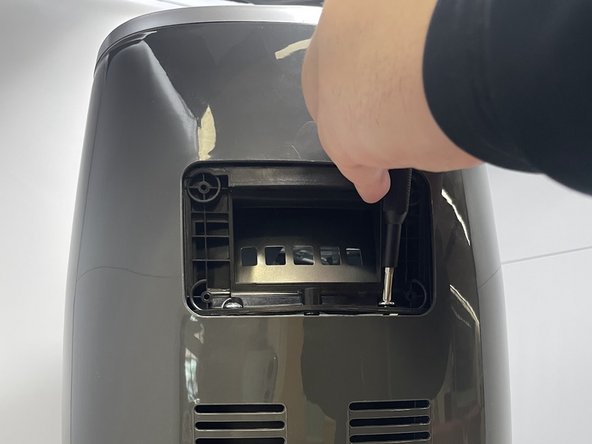
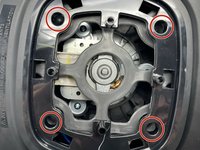
  2. Ninja AF161 Max XL Fan Replacement: 2 단계, 이미지 2개 중 1개 Ninja AF161 Max XL Fan Replacement: 2 단계, 이미지 2개 중 2개
    • Use a Phillips #2 screwdriver to unscrew and remove four 1 cm screws from the panel.

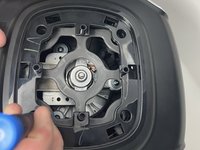
  3. Ninja AF161 Max XL Fan Replacement: 3 단계, 이미지 2개 중 1개 Ninja AF161 Max XL Fan Replacement: 3 단계, 이미지 2개 중 2개
    • Once unscrewed, remove all four screws in order to remove the back vent cover.

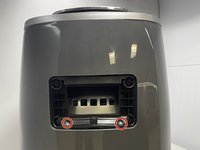
  4. Ninja AF161 Max XL Fan Replacement, Gray Frame: 4 단계, 이미지 2개 중 1개 Ninja AF161 Max XL Fan Replacement, Gray Frame: 4 단계, 이미지 2개 중 2개
    • After you have the vent removed, you will see two 2.2 cm screws holding the casing in. Use a Phillips #1 screwdriver to remove the two screws.

    • Be wary that the two screws are quite tight and will require a bit of torsion to get out.

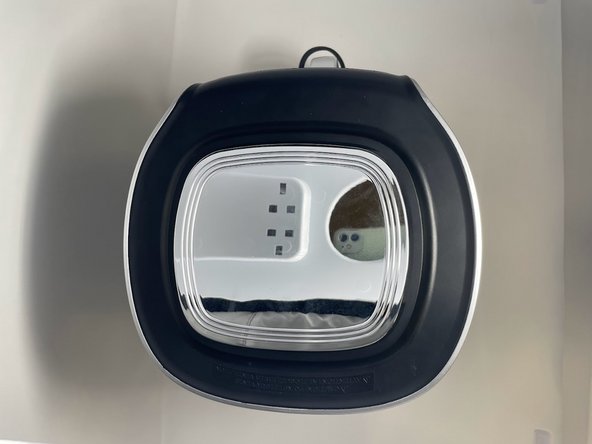
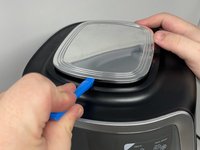
  5. Ninja AF161 Max XL Fan Replacement: 5 단계, 이미지 3개 중 1개 Ninja AF161 Max XL Fan Replacement: 5 단계, 이미지 3개 중 2개 Ninja AF161 Max XL Fan Replacement: 5 단계, 이미지 3개 중 3개
    • Use the a plastic opening tool or a similar object to wedge between the silver top and black rim.

    • Pry all four sides towards the middle with a plastic opening tool to release the tabs.

    • The tabs on the top will make sounds while being detached from the device.

  6. Ninja AF161 Max XL Fan Replacement: 6 단계, 이미지 2개 중 1개 Ninja AF161 Max XL Fan Replacement: 6 단계, 이미지 2개 중 2개
    • Unscrew the four 2.2 cm screws with a Phillips #1 screwdriver.

  7. Ninja AF161 Max XL Fan Replacement: 7 단계, 이미지 2개 중 1개 Ninja AF161 Max XL Fan Replacement: 7 단계, 이미지 2개 중 2개
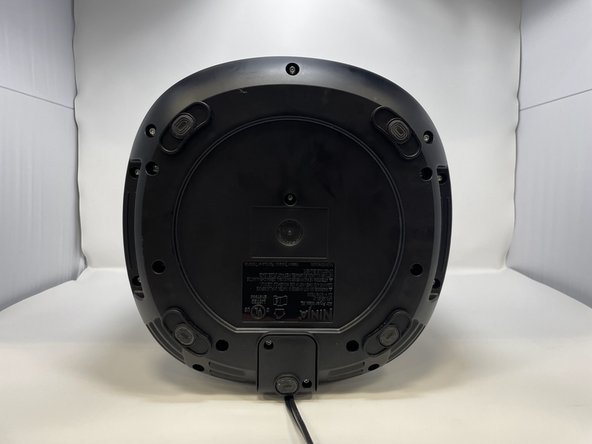
    • Lay the air fryer on its side.

  8. Ninja AF161 Max XL Fan Replacement: 8 단계, 이미지 2개 중 1개 Ninja AF161 Max XL Fan Replacement: 8 단계, 이미지 2개 중 2개
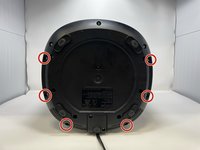
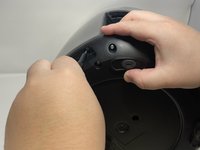
    • Remove six 1.4 cm screws with the TR15 Torx Security Screwdriver.

  9. Ninja AF161 Max XL Fan Replacement: 9 단계, 이미지 1개 중 1개
    • Keep the device on its side, and unscrew and remove two 1.4 cm screws with a Phillips #1 screwdriver.

  10. Ninja AF161 Max XL Fan Replacement: 10 단계, 이미지 1개 중 1개
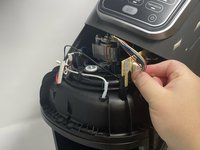
    • The lid can now be lifted off. Remove by prying the bottom apart and lifting.

    • After lifting the lid, you will see the white and yellow wire heads that connect the air fryer display screen to the motherboard.

  11. Ninja AF161 Max XL Fan Replacement: 11 단계, 이미지 3개 중 1개 Ninja AF161 Max XL Fan Replacement: 11 단계, 이미지 3개 중 2개 Ninja AF161 Max XL Fan Replacement: 11 단계, 이미지 3개 중 3개
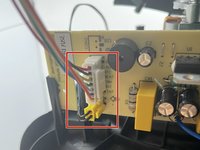
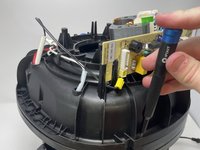
    • Pinch the white tab and wire head together and pull to release the connector.

    • Take care to not bend the circuit board while attempting removal of this connector. This will damage the circuit board.

  12. Ninja AF161 Max XL Fan Replacement, Fan Motor Assembly Bracket: 12 단계, 이미지 2개 중 1개 Ninja AF161 Max XL Fan Replacement, Fan Motor Assembly Bracket: 12 단계, 이미지 2개 중 2개
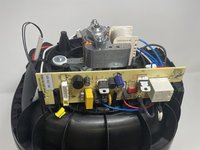
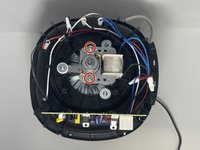
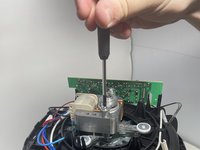
    • Remove the two 4.7 cm screws and washers using a Phillips #1 screwdriver, and then remove the silver piece on top of the motor.

    • Simply lift the motor up and gently place it to the side.

  13. Ninja AF161 Max XL Fan Replacement, Fan: 13 단계, 이미지 3개 중 1개 Ninja AF161 Max XL Fan Replacement, Fan: 13 단계, 이미지 3개 중 2개 Ninja AF161 Max XL Fan Replacement, Fan: 13 단계, 이미지 3개 중 3개
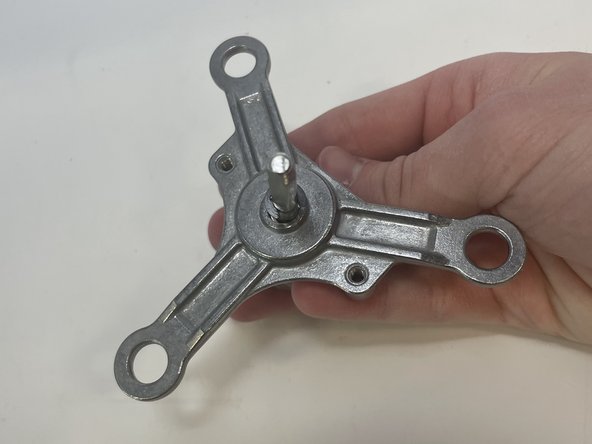
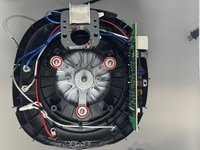
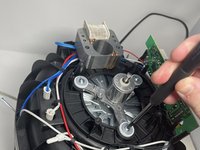
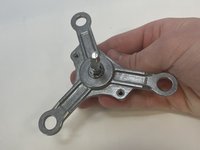
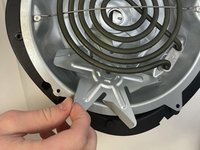
    • Remove the three 1.4 cm screws, washers, and rubber pieces from the triangular metal piece using a Phillips #1 screwdriver.

    • Remove the triangular metal piece from the device.

  14. Ninja AF161 Max XL Fan Replacement: 14 단계, 이미지 3개 중 1개 Ninja AF161 Max XL Fan Replacement: 14 단계, 이미지 3개 중 2개 Ninja AF161 Max XL Fan Replacement: 14 단계, 이미지 3개 중 3개
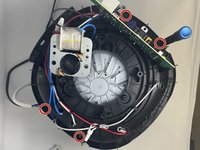
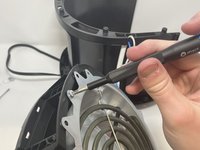
    • Use a Phillips #1 screwdriver to remove the four 2.2 cm screws that secure the top of the device to its base.

    • Once the screws have been removed, gently lift the top of the device off of its base.

    • Be mindful of the wires.

  15. Ninja AF161 Max XL Fan Replacement: 15 단계, 이미지 3개 중 1개 Ninja AF161 Max XL Fan Replacement: 15 단계, 이미지 3개 중 2개 Ninja AF161 Max XL Fan Replacement: 15 단계, 이미지 3개 중 3개
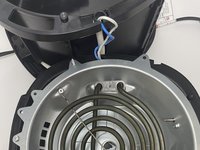
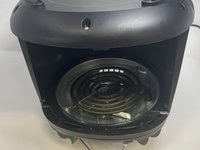
    • Flip the device upside down.

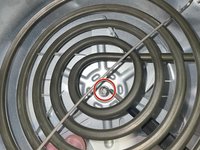
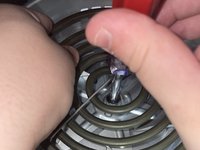
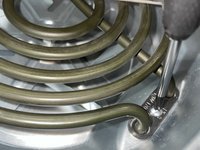
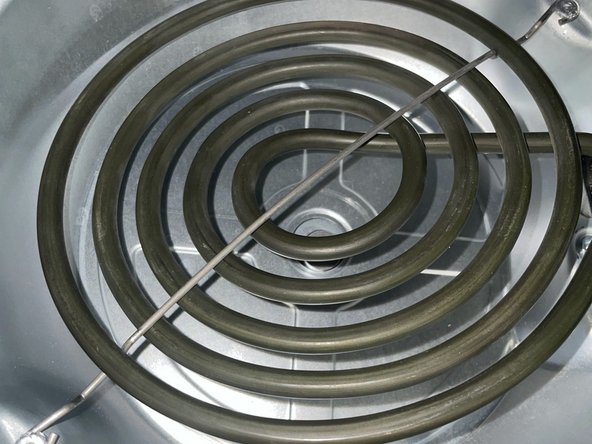
    • Use a 10 mm hex nut screwdriver to remove the 1.4 cm bolt behind the heating plate.

    • Turn the screwdriver to the right to loosen the bolt. Turning the screwdriver to the left will tighten the bolt.

  16. Ninja AF161 Max XL Fan Replacement: 16 단계, 이미지 2개 중 1개 Ninja AF161 Max XL Fan Replacement: 16 단계, 이미지 2개 중 2개
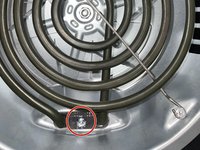
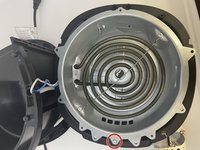
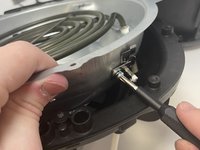
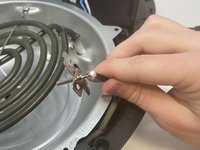
    • Use a Phillips #1 screwdriver to remove the 1.4 cm screw that secures the heating element.

  17. Ninja AF161 Max XL Fan Replacement: 17 단계, 이미지 3개 중 1개 Ninja AF161 Max XL Fan Replacement: 17 단계, 이미지 3개 중 2개 Ninja AF161 Max XL Fan Replacement: 17 단계, 이미지 3개 중 3개
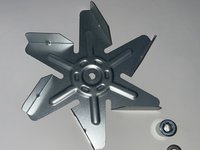
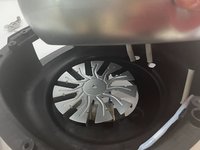
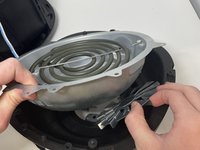
    • Carefully maneuver the fan from under the heating element to remove it from the device. Be cautious of the sharp edges of the fan.

    • Be mindful of the cylindrical piece and hex nut that sit on top of the fan when reassembling.

  18. Ninja AF161 Max XL Fan Replacement: 18 단계, 이미지 2개 중 1개 Ninja AF161 Max XL Fan Replacement: 18 단계, 이미지 2개 중 2개
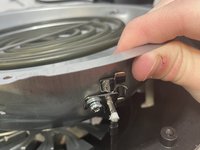
    • Use a Phillips #1 screwdriver to remove the 1.4 cm screw on the metal dome of the device.

  19. Ninja AF161 Max XL Fan Replacement: 19 단계, 이미지 3개 중 1개 Ninja AF161 Max XL Fan Replacement: 19 단계, 이미지 3개 중 2개 Ninja AF161 Max XL Fan Replacement: 19 단계, 이미지 3개 중 3개
    • Lift the metal dome piece up.

    • Use a Phillips #1 screwdriver to remove the mounting screw and piece.

  20. Ninja AF161 Max XL Fan Replacement: 20 단계, 이미지 2개 중 1개 Ninja AF161 Max XL Fan Replacement: 20 단계, 이미지 2개 중 2개
    • Lift the metal dome piece to remove the second fan.

    • Carefully remove the second fan from the device due to its sharp edges.

    • Be mindful of the two washers that sit on top of the fan when reassembling.

결론

To reassemble your device, follow these instructions in reverse order.

다른 2명이 해당 안내서를 완성하였습니다.

작성자

4다른 기여자 명과 함께

Jaxon Tueller

회원 가입일: 02/09/23

464 평판

안내서 3개를 작성함

0가이드 댓글

댓글 쓰기

조회 통계:

지난 24시간: 1

지난 7일: 25

지난 30일: 89

전체 시간: 3,990